

 English
 Lietuvių
 Latviešu
 Eesti
Eesti Русский
 Polski
 Українська
 Deutsch
 Italiano
 Español
 Français
 Português
 Čeština
 Magyar
 Română
 Ελληνικά
 Türkçe
 日本語
日本語 العربية
 हिन्दी
 Bahasa Indonesia
 Bahasa Melayu
 ไทย
ไทย Tiếng Việt
 বাংলা
বাংলাDomain Name Management: Renewals, Registrar Locks and Transfers
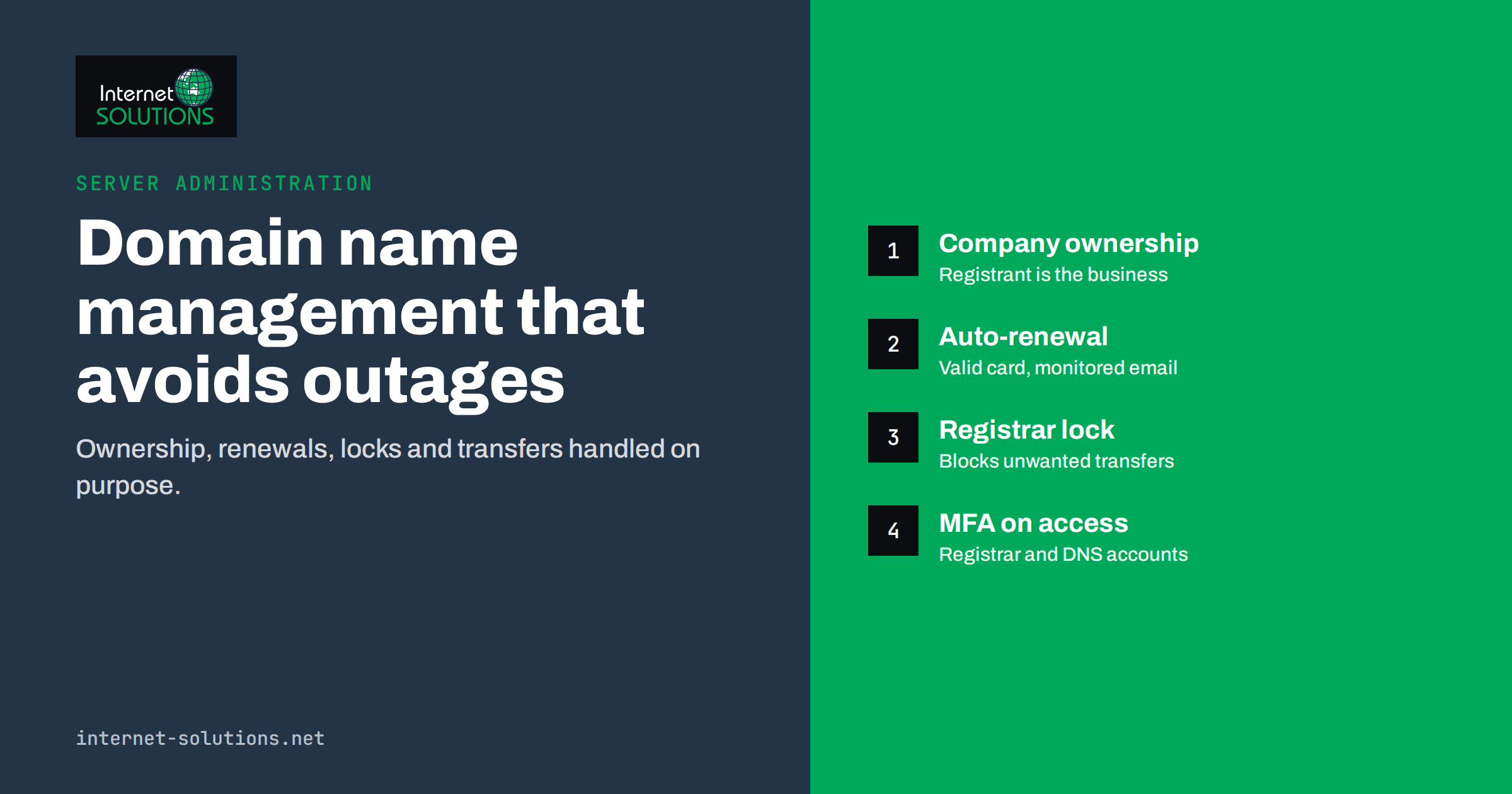
Domain name management is one of those responsibilities that nobody thinks about until something goes wrong. The domain was registered years ago by a former employee, a web agency or the founder’s personal account. Renewal notices go to an inbox nobody reads. One day the website and email stop working because the domain expired, or a transfer request arrives that nobody recognises. For a business whose website, email and online services all depend on one name, that is a serious single point of failure.
This guide explains how businesses should manage their domain names: who should own them, how renewals and expiry work, what registrar locks do, how to secure access to the registrar and DNS, how to transfer a domain safely and what to do if a domain has already expired. It is practical rather than legal, and it applies to both generic domains such as .com and country-code domains.
Why Domain Management Deserves Attention
Your domain is the foundation under almost everything online: the website, every email address, login pages for customer portals, verification records for cloud services and links in years of marketing material. If the domain stops resolving, all of these fail at once. If it is taken over, an attacker can redirect the website, receive your email and use password reset flows to take over other accounts.
Most incidents are not sophisticated attacks. They are administrative failures: expired payment cards, renewal emails sent to a former employee, a registrar account protected by a weak password or a domain registered in the name of someone who has left the company. All of them are preventable with a little structure.
Who Should Own the Domain
The registrant, meaning the person or organisation recorded as the domain holder, is the legal owner of the registration. It should be your company, not an individual employee, a freelancer or an agency.
- Register in the company’s legal name, with a role email address such as an IT or admin mailbox that several people can access.
- Use a company account at the registrar, not a personal account, and give access to at least two trusted people.
- If an agency manages domains for you, make sure the registrant is still your company and that you can obtain transfer codes on request.
- Check existing domains now. Look up each domain’s registrant details in the registrar account and correct any that are wrong.
Ownership also matters for brand protection. A domain registered in a former partner’s name can become the subject of a dispute exactly when you can least afford it. The same principle applies to social media handles and advertising accounts.
Renewals and Expiry
Domains are registered for periods of one to several years and must be renewed before they expire. Most registrars offer automatic renewal, which should be enabled for every domain you need. Automatic renewal only works if the payment method is valid and the account is in good standing, so two further habits matter:
- Keep payment details current. An expired card is the most common reason auto-renewal fails.
- Send notices to a monitored address. Renewal reminders and failure notices must reach someone who acts on them.
- Consider longer registration periods for core domains, which reduces the number of renewal events.
- Keep an independent calendar of expiry dates for important domains, so you are not relying only on registrar emails.
What Happens After Expiry
The exact process depends on the domain extension and registrar. For many generic top-level domains, ICANN describes a typical domain name life cycle in which an expired domain first enters a grace period during which the registrant can usually renew it, then a redemption period during which recovery is still possible but often at a higher fee, and finally deletion, after which anyone can register it.
During these stages the website and email may stop working, and some registrars park expired domains on their own pages. Country-code domains such as national extensions follow their own registry rules, which can be shorter or longer. Do not rely on grace periods; treat the expiry date as the deadline.
Registrar Locks and Registry Locks
A registrar lock, often shown as “transfer lock” or by the status code clientTransferProhibited, prevents a domain from being transferred to another registrar until the lock is removed. ICANN’s page about locked domains explains the status. For most domains, it should be on at all times except during a planned transfer.
| Protection | What it prevents | Who controls it | Best for |
|---|---|---|---|
| Registrar transfer lock | Unauthorised transfers to another registrar | You, in the registrar account | Every business domain |
| Update and delete locks | Changes to contacts or nameservers, or deletion | Registrar, sometimes on request | Important domains |
| Registry lock | Changes at the registry level, unlocked only by a verified manual process | Registry, via the registrar | High-value domains where hijacking would be very costly |
| Multi-factor authentication | Account takeover at the registrar | You | Every registrar and DNS account |
| DNSSEC | Forged DNS responses | You and your DNS provider | Domains where DNS integrity matters |
A registrar lock does not protect against someone who logs into your registrar account and removes it. That is why account security is the real foundation.
Securing Registrar and DNS Access
Whoever controls your registrar account controls your domain. Whoever controls your DNS controls where the website and email go. Protect both:
- Enable multi-factor authentication on the registrar and DNS hosting accounts, preferably with an authenticator app or security key rather than SMS.
- Use unique, strong passwords stored in the company password manager.
- Limit access to the people who need it, using individual user accounts where the provider supports them.
- Review access when people leave and at regular intervals.
- Protect the email address used for the registrar account, because password resets go there. If that address is on the same domain, consider using a separate, well-protected address for recovery.
- Turn on change notifications so any update to nameservers, contacts or DNS records triggers an alert.
Understanding the moving parts helps here. Our article on how DNS works for business owners explains nameservers, records and propagation in plain language.
Keeping a Domain Inventory
Many businesses own more domains than they realise: the main domain, country versions, old brand names, campaign domains, typo variants and domains registered by different departments. A simple inventory prevents surprises:
- Domain name and extension.
- Registrar and account owner.
- Registrant name, which should be the company.
- Expiry date and whether auto-renewal is on.
- Where DNS is hosted and what services depend on it, such as website, email, verification records.
- Lock status.
- Purpose and whether the domain is still needed.
Review the inventory once or twice a year. Consolidating domains at fewer registrars makes them easier to manage. Before letting an old domain expire, check whether it still receives traffic or email, or appears in old links, because a dropped domain can be registered by someone else and used to impersonate you.
Transferring a Domain Safely
Businesses transfer domains to consolidate registrars, move away from an agency or get better service. A transfer moves the registration to a new registrar; it should not change where the website or email points if DNS is handled correctly. ICANN’s information on domain name transfers describes the rules for generic domains.
A safe sequence:
- Check eligibility. Many generic domains cannot be transferred for a period after registration or a previous transfer, and some registrars restrict transfers after contact changes.
- Document current DNS. Export or screenshot all DNS records. If DNS is hosted by the old registrar, recreate the records at the new provider before switching nameservers.
- Confirm contact details so approval emails reach you.
- Remove the transfer lock and request the authorisation code, sometimes called the EPP or auth code.
- Start the transfer at the new registrar with the code and approve it when asked.
- Verify that the website, email and other services still work, then re-enable the lock and multi-factor authentication at the new registrar.
- Confirm auto-renewal and update your inventory.
For many generic domains, a transfer also adds a year to the registration. Country-code domains often follow different procedures, so check the registry’s rules first.
DNS Changes Without Downtime
Changing hosting providers or email services also means DNS changes. Lower the time-to-live of the records you will change a day or two in advance, prepare the new service fully, switch records during a quiet period, and keep the old service running until traffic has moved. Remember that email depends on MX, SPF, DKIM and DMARC records, and that SSL certificates on the new server must be ready; our guide to SSL certificate renewal and management covers that part.
Defensive Registrations and Brand Protection
Beyond the main domain, many businesses register a few related names to protect their brand and catch mistyped traffic. Common candidates are the brand in the country-code extensions of key markets, the most obvious typos and the old brand name after a rename. Be selective: every extra domain costs money and needs managing, so focus on names that would genuinely cause harm in someone else’s hands. Point defensive domains to your main site with a permanent redirect, keep them in the inventory with auto-renewal, and do not use them to publish duplicate copies of your website.
Watching for Impersonation
Attackers sometimes register look-alike domains, such as your name with a swapped letter or an added word, to send phishing emails that appear to come from you. Protect your own domain’s email with SPF, DKIM and DMARC, which makes direct spoofing much harder, and keep an eye on newly registered domains that resemble yours. If customers report suspicious emails using your name, warn them publicly, report the domain to the registrar’s abuse contact, and explain on your website how customers can recognise genuine messages from your company.
If a Domain Has Already Expired
- Act immediately. Log into the registrar and check the status. During the grace period, renewal is often straightforward.
- If you cannot access the account, contact the registrar’s support with proof that your company is the registrant.
- In redemption, recovery is usually still possible but more expensive. Pay it; the cost of losing the domain is far higher.
- Once services are back, fix the cause: payment method, notification address, auto-renewal and ownership details.
- If the domain was registered by someone else after deletion, options are limited and depend on the extension and circumstances, such as dispute procedures where trademark rights are involved.
Afterwards, write down what happened and what changed, and add the domain’s expiry date to the shared calendar. A short incident note makes sure the lesson survives staff changes.
Frequently Asked Questions
Who should be the registrant of a company domain?
The company itself, with a role email address that several people can access, not an individual employee or an agency.
Should the transfer lock always be on?
Yes, for nearly all business domains, except during a planned transfer to another registrar.
What is an authorisation code?
It is a code issued by the current registrar that proves the domain holder agrees to a transfer. Keep it private and request it only when you plan to transfer.
Will transferring a domain cause downtime?
It should not, if DNS records are preserved or recreated correctly before nameservers change. Plan carefully when DNS is hosted by the old registrar.
How long can I renew a domain after it expires?
It depends on the extension and registrar. Many generic domains have grace and redemption periods, but you should never rely on them.
Do I need DNSSEC?
DNSSEC protects against forged DNS responses. It is valuable for many businesses, but it must be configured carefully because mistakes can make a domain unreachable.
The Bottom Line
Domain name management is simple, but it must be deliberate. Register domains in the company’s name, enable auto-renewal with a valid payment method and monitored notifications, keep transfer locks on, and protect registrar and DNS accounts with strong passwords and multi-factor authentication. Keep an inventory, review it regularly, and plan transfers and DNS changes so services keep running. A few hours of setup protects the name that your website, email and reputation depend on. Our server administration service looks after business servers and email, and if you have questions about your domains, contact our team.