

 English
 Lietuvių
 Latviešu
 Eesti
Eesti Русский
 Polski
 Українська
 Deutsch
 Italiano
 Español
 Français
 Português
 Čeština
 Magyar
 Română
 Ελληνικά
 Türkçe
 日本語
日本語 العربية
 हिन्दी
 Bahasa Indonesia
 Bahasa Melayu
 ไทย
ไทย Tiếng Việt
 বাংলা
বাংলাBlack Friday Readiness: Servers, Ads, Chat and Email for Online Stores
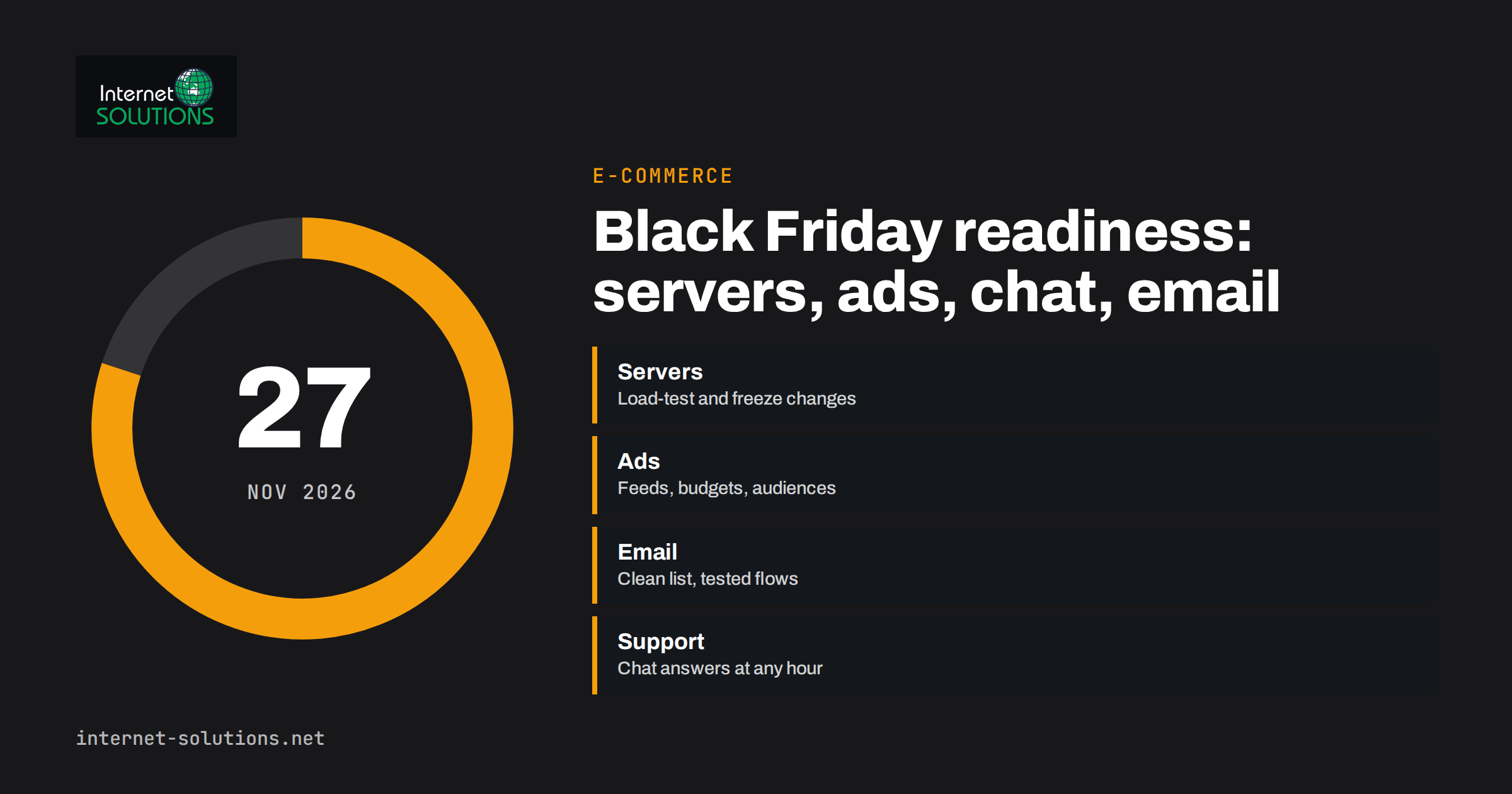
Black Friday readiness is mostly decided weeks before the sale starts. In 2026, Black Friday falls on 27 November and Cyber Monday on 30 November, which leaves online stores only a few weeks from now to prepare. The shops that cope well are rarely the ones with the biggest discounts. They are the ones whose website stays fast under load, whose ads and emails were set up early, whose stock figures are right and whose customers can get an answer at 9 p.m. on a Friday.
This guide gives a practical preparation plan for the four areas that usually decide the outcome: servers and website performance, advertising, email and social posting, and customer support. It ends with a week-by-week timeline and a checklist you can adapt to your own store. It draws on the work our teams do on server administration and online marketing for e-commerce clients.
Why the Preparation Starts Now
Peak sales days compress months of demand into a few days. Anything that is slightly weak in normal weeks, such as a slow checkout, a stretched server or an unclear delivery policy, becomes visible and expensive under pressure. Fixing problems during the sale is slow and risky, and changes made in a hurry cause new problems. Planning early also gives advertising platforms and search engines time to learn about your offers, and gives your team time to rehearse.
It helps to treat the sale as a project with an owner, a deadline for every task and a freeze date after which only urgent fixes are allowed.
Step 1: Decide the Offer and Check the Numbers
Every other task depends on the offer, so settle it first.
- Choose what you will discount. Pick products where margin allows a real discount and where stock is sufficient. Avoid deep discounts on low-margin items that will only generate work.
- Calculate the profit after discount, shipping, payment fees and returns. A sale that increases turnover but loses money per order is not a success.
- Check stock levels and suppliers. Ask suppliers about lead times and cut-off dates, since many are slower during the peak.
- Decide how long the offer runs. A single day, a weekend or a week all work; what matters is that the dates are clear and the same everywhere.
- Prepare consumer-law basics. In many markets, “was” prices, countdown claims and limited-stock claims are regulated. Check the rules that apply to you and make sure every price claim is true.
- Write down the delivery and returns promises that you can keep, including the last order date for delivery before Christmas.
Step 2: Prepare Your Servers and Website
Traffic during a sale may be several times higher than normal, and visitors are less patient. A page that takes a long time to load loses sales immediately.
Know your capacity
Find out what your current hosting can handle. Review the busiest hour in the last year, and estimate how much more you expect. If you use shared hosting, ask the provider about limits on CPU, memory and simultaneous connections. If you use a virtual or dedicated server, check CPU, memory, disk input and output and database load during a typical busy period. Our overview of server administration describes the monitoring and maintenance that makes this visible.
Load-test before the day
A load test simulates many visitors browsing, adding items to the cart and checking out. Run it against a staging copy or at a quiet time, and look for the first bottleneck: slow database queries, an overloaded PHP process pool, a payment plugin that times out. Fix one bottleneck at a time and test again.
Use caching and a CDN
Page caching, object caching and a content delivery network reduce the load on your server, because most visitors receive pre-built pages and static files. Make sure dynamic pages, such as the cart, checkout and account pages, are excluded from caching. A web application firewall can also absorb bad traffic, since sale periods attract bots and scrapers. Our article on CDN and web application firewall for small business websites explains the options.
Improve speed on the pages that matter
Compress images, remove unused plugins and scripts and check Core Web Vitals on landing pages, product pages and checkout. Google’s introduction to the Web Vitals metrics explains what to measure. Sale banners and countdown widgets often add heavy scripts, so test them.
Freeze changes
Set a date, for example one week before the sale, after which no plugin updates, theme changes or major configuration changes are made except for urgent fixes. Do the updates before the freeze, test them on a staging copy and keep a tested rollback.
Backups, monitoring and contacts
- Take a full backup immediately before the freeze and again before the sale, and verify that it can be restored.
- Set up uptime monitoring and alerts that reach a person at weekends.
- Check that domains, SSL certificates and payment-provider accounts are not close to expiry.
- Write down who to call at your hosting provider, your payment provider and your developer, and make sure they know the dates.
- Confirm that your payment provider has no limits or reviews that could delay payouts or block transactions at high volume.
Step 3: Get Search and Product Pages Ready
Search visibility builds slowly, so use the weeks you have wisely.
- Create the sale landing page early and keep a permanent URL, such as /black-friday/, that you can reuse each year. Reusing the same URL accumulates links and history. Link to it from the homepage and category pages once the offer is public.
- Keep product pages accurate. Prices, availability and delivery information must match the feed and the page. Add or check product structured data; Google’s product structured data documentation lists the properties.
- Refresh titles and descriptions on key category pages with the offer, and revert them after the sale.
- Do not create hundreds of thin pages. One strong landing page and clear category promotion beats many near-duplicates.
- Plan what happens to the page afterwards. Keep it live with a note about the next sale, or redirect it sensibly; do not return an error.
Step 4: Prepare Advertising Early
Paid traffic gets more competitive and more expensive in the sale season. The advantage goes to advertisers who have clean accounts, correct feeds and audiences built before the peak.
Google Ads
- Check that your product feed is accurate, approved and updated with sale prices and stock. Disapproved products cannot show.
- Review your conversion tracking, since automated bidding depends on correct data.
- Plan budgets in advance. Costs per click often rise, so decide the maximum you are prepared to spend per day and the return you need.
- If you use automated bidding, learn how seasonality adjustments work. Google’s help page on seasonality adjustments explains how to inform bidding about a short period when conversion rates will change.
- Prepare ad copy that states the offer and its end date, and use assets such as sitelinks and promotions where available.
Our article on structuring Shopping campaigns shows how to organise products so that the budget goes to the items that earn it.
Social ads and retargeting
Build retargeting audiences now. Visitors who viewed products or added items to the cart in October and November are your warmest audience during the sale. Make sure tracking is working and the audiences are large enough to be useful. Prepare creative variations, because ad fatigue sets in quickly when many shops are running similar offers.
Step 5: Email and Social Posting
Email remains one of the most profitable channels in peak season, and it depends on preparation more than on inspiration.
- Clean the list. Remove addresses that have bounced repeatedly and contacts that have not engaged for a long time. This protects your sender reputation.
- Check authentication. SPF, DKIM and DMARC should be set up correctly so that your messages reach the inbox rather than spam.
- Warm up gradually. If you rarely email your list, start sending regular messages now so that mailbox providers see consistent behaviour before the peak.
- Segment. Early access for loyal customers, reminders for those who viewed products and a general announcement for everyone else perform better than the same message to all.
- Plan the sequence: a teaser a week before, an announcement on the day, a reminder before the offer ends and a last-chance message.
- Prepare automations, such as abandoned cart reminders, so that they are tested and running before the sale.
- Schedule and proofread. Check links, prices and dates in every message, and test rendering in major email clients.
On social channels, queue announcements, countdown posts and reminders in advance. If your store publishes new products or offers through an RSS or product feed, you can automate posting and use posting windows and post limits to keep the channels steady. Use UTM parameters on every link so that you can see which channel and message produced the orders.
Step 6: Prepare Customer Support
Questions multiply during a sale: Is it in stock? When will it arrive? Can I return it? Can I change my address? If answers are slow, shoppers buy elsewhere.
- Update your FAQ and policy pages with the sale terms, delivery cut-off dates and returns period.
- Add live chat or extend its hours. A chat assistant that answers from your own content can handle repetitive questions at any hour and pass complex ones, such as specific orders, to your team. Our article on live chat for e-commerce describes how to use it for pre-sale questions and cart recovery.
- Update the assistant’s knowledge with the sale terms before the sale begins, and test the answers to the questions you expect.
- Staff the peak hours. Decide who is available, how handovers work and what the offline message says.
- Prepare template replies for common questions, delays and out-of-stock apologies.
- Define escalation: who decides on exceptions, refunds and complaints during the weekend.
Step 7: Rehearse the Order Journey
Before the sale, place several real test orders using different devices, browsers and payment methods. Apply the discount codes. Check the confirmation emails, the stock update, the invoice and the fulfilment notification. Test what happens when a product sells out while it is in a cart, and when a shopper uses a code that has expired. The small failures found here are the ones that would otherwise happen to customers.
A Week-by-Week Timeline
| Period | Focus | Key tasks |
|---|---|---|
| Now to end of October | Plan and audit | Decide offers and margins, audit hosting capacity, fix tracking, check feeds, review domains and certificates |
| First half of November | Build | Load-test, add caching and CDN, build the landing page, create audiences, prepare email and ad creative, update support content |
| Week before the freeze | Test | Run test orders, restore a backup on staging, finalise schedules, brief the team |
| Freeze to Black Friday | Stabilise | No changes except urgent fixes, take a backup, set up monitoring, send the teaser |
| Black Friday to Cyber Monday | Operate | Watch uptime, stock, ad spend and support; fix issues quickly; send reminders |
| Week after | Review | Measure results, handle returns and delays, thank customers, record lessons for next year |
During the Sale: What to Watch
- Uptime and response time, checked by monitoring and by hand every few hours.
- Orders per hour, checkout completion rate and payment failure rate.
- Stock for the top products, with a plan for when an item sells out, such as hiding the offer or showing a waiting list.
- Ad spend and return against your daily limits.
- Support queue length and response times.
- Email delivery and complaint signals.
Appoint one person as the incident lead for each shift, with the authority to pause an ad, disable a promotion or call the hosting provider.
After the Sale
Review quickly while memories are fresh. Compare results with the plan, list what went wrong and what almost did, and turn the lessons into next year’s checklist. Check returns, delivery issues and support messages, since they reveal weaknesses. Make sure the customers who bought can be welcomed into your regular communication with a helpful follow-up, not just another promotion. If you want help preparing your store, you can contact our team.
Frequently Asked Questions
When is Black Friday in 2026?
Black Friday is on 27 November 2026, the day after the US Thanksgiving holiday, and Cyber Monday follows on 30 November. Many shops start offers earlier in the week or run them for several days.
How early should I start preparing my online store?
Six weeks or more is comfortable. Server capacity, advertising feeds and email list quality take time to check and fix, and a change freeze about a week before the sale is safer than late changes.
How do I know whether my hosting can handle the traffic?
Look at your busiest hour in the past year, estimate the expected multiple and run a load test on a staging copy. Ask your provider about resource limits, and add caching and a CDN to reduce the load.
Should I increase my ad budget for Black Friday?
Possibly, but set it from your margins and expected return, not from enthusiasm. Costs per click often rise in peak periods, so decide a daily limit and the return you need, and review results during the sale.
What can I automate for the sale?
Email sequences, abandoned cart reminders, scheduled social posts, common chat answers and monitoring alerts can all be prepared and tested in advance, leaving your team free to handle exceptions.
What is the most common reason online stores lose sales on Black Friday?
Slow or failing websites, unclear delivery and stock information, and untested checkout or payment flows. All three can be found and fixed with early testing.
The Bottom Line
Black Friday readiness is a project, not a discount. Settle the offer and its margins, prepare servers, caching and monitoring, load-test, keep product pages and feeds accurate, set up ads and audiences early, clean and schedule your email, staff support and update chat answers, rehearse the full order journey and freeze changes before the sale. With about six weeks to go, there is enough time to do all of it calmly, and the stores that do are the ones that stay online and answer customers on the day.