

 English
 Lietuvių
 Latviešu
 Eesti
Eesti Русский
 Polski
 Українська
 Deutsch
 Italiano
 Español
 Français
 Português
 Čeština
 Magyar
 Română
 Ελληνικά
 Türkçe
 日本語
日本語 العربية
 हिन्दी
 Bahasa Indonesia
 Bahasa Melayu
 ไทย
ไทย Tiếng Việt
 বাংলা
বাংলাServer Monitoring Alerts: What to Page On and How to Cut Alert Noise
Server monitoring alerts are only useful if people act on them. Most small teams learn this the hard way: they install a monitoring tool, switch on every default check, and within a month the inbox is full of warnings nobody reads. Then a real outage arrives, buried between forty harmless messages, and the site is down for hours. The aim of good server monitoring alerts is the opposite of coverage for its own sake. You want a short list of signals that wake the right person for the right reason, and a larger set of quieter notices that can wait until morning. This guide shows how to decide what deserves an alert, how to set thresholds that do not cry wolf, how to route and document alerts, and how to review the whole system so it stays trustworthy.
The advice applies to a single virtual server running a company website and mail as well as to a small fleet. The tools differ, but the thinking is the same.
Monitoring, Alerting and Logging Are Different Jobs
It helps to separate three things that are often mixed together. Monitoring is the continuous collection of measurements: CPU load, memory, disk space, response times, queue lengths, certificate expiry dates. Logging is the record of events: requests, errors, logins, job runs. Alerting is the decision to interrupt a person because something needs attention. You can have plenty of monitoring and logging with very few alerts. In fact, that is usually the right shape.
The measurements are for diagnosis and trends, viewed on a dashboard when you want them. The alerts are only for situations where a human must do something. If nobody has to act, it is not an alert; it is a graph or a report. That single rule removes most noise.
Alert on Symptoms First, Causes Second
The most useful alerts describe what users or the business experience, not what the machine is doing internally. A website that does not load is a symptom. A CPU at ninety percent for a minute is a possible cause, and often it is perfectly fine, for example during a backup or a scheduled job. Google’s site reliability engineering book makes this point well in its chapter on monitoring distributed systems: page on symptoms, and use cause-based signals for diagnosis and warning.
For a typical business server, the symptom alerts are few:
- The website, or a key page such as the checkout, does not return a successful response, checked from outside your network.
- The mail server does not accept connections, or the mail queue is growing without clearing.
- The login or contact form fails an end-to-end test.
- The database is unreachable, or queries take far longer than normal.
- A scheduled backup did not complete.
Cause alerts then act as early warnings, usually at a lower urgency: disk filling up, memory exhaustion, certificate close to expiry, rising error rates, a failing disk reported by the hardware.
A Practical Set of Checks for a Small Business Server
| Check | What to measure | Urgency |
|---|---|---|
| Website availability | HTTP status and response time from an external location, every minute or two | Page immediately when it fails several checks in a row |
| Disk space | Percentage used and the projected time to full | Warn at a comfortable margin; page when it is critical or will fill within hours |
| Memory and swap | Available memory, swap use, out-of-memory kills in the log | Warn on sustained pressure; page on kills of key services |
| CPU and load | Load average relative to cores over a sustained period | Warn only; investigate if it affects response time |
| Certificates | Days until expiry of each public certificate | Notice well in advance; page in the last few days |
| Backups | Job finished, size in a normal range, age of the latest copy | Alert on failure or a missing run |
| Services | Web server, database, mail and queue workers running | Page if a key service stays down |
| Security signals | Failed login bursts, new administrator accounts, changed critical files | Notify promptly; page on confirmed compromise indicators |
| Domain and renewals | Days until the domain, hosting and licence renewals | Ticket or reminder, not a page |
If you only set up three checks, make them an external availability check of the main site, a disk space check and a backup check. These three catch the failures that most often hurt small businesses. For deeper planning of capacity limits, see our article on server capacity planning.
Thresholds That Do Not Cry Wolf
Most noisy alerts come from thresholds set without time or context. A few techniques make them calmer.
- Require persistence. Alert only when a condition holds for several minutes or several consecutive checks. A one-minute CPU spike is not an incident.
- Check from outside. An availability check that runs on the same server proves little; if the server dies, the check dies with it. Use at least one external location, and two if you want to rule out a local network problem.
- Use rates and forecasts for disk. A disk at eighty percent that is stable is fine. A disk at sixty percent that grows ten percent per day is urgent. Alert on the time to full, not only on the percentage.
- Know the normal. Look at a few weeks of data before you set a limit. Backups, log rotation, scheduled imports and traffic peaks all create regular patterns.
- Separate warning and critical levels. A warning goes to a channel that is read during working hours. A critical alert goes to a pager or a phone. Each level has a different expected response.
- Avoid duplicates. When the database is down, you do not need separate alerts for every website that depends on it. Group alerts or suppress dependent ones when the root cause is already known.
Prometheus’s documentation on alerting practices offers similar advice, including keeping alerts simple, avoiding paging on every possible cause and adding clear links to dashboards and runbooks.
Severity Levels and Routing
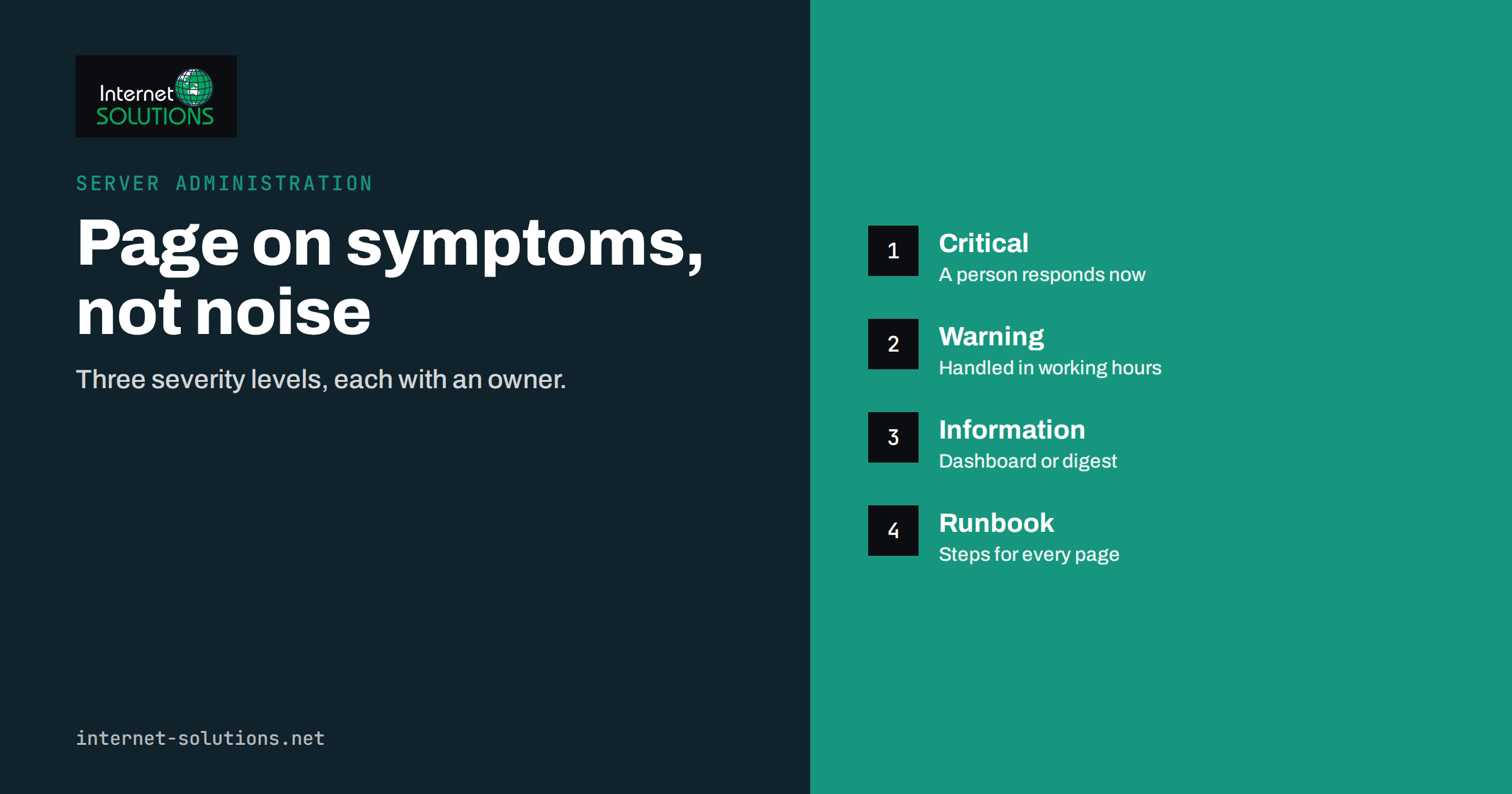
Define three severity levels, and make sure everyone on the team knows what they mean.
- Critical: customers are affected now, or will be very soon. A person is expected to respond at any hour within an agreed time, such as fifteen minutes.
- Warning: something needs attention soon but customers are not affected yet. It goes to a team channel or e-mail and is handled during working hours.
- Information: a trend or a notice, shown on a dashboard or in a weekly summary. No one is interrupted.
Route each level to a different place. Critical alerts should reach a phone through a push notification, an SMS or a call, with a backup contact if there is no acknowledgement. Warnings suit a chat channel or a ticket queue. Information suits a weekly digest. A small company can run this with a shared phone or a rota among two or three people. If your team is tiny, be honest about what you can cover. A critical alert that nobody will see overnight is not a critical alert; either arrange cover or define what happens in the morning.
The same thinking appears in a good helpdesk: priorities, response targets and ownership. Our guide to IT helpdesk for small teams applies it to user requests, and the logic carries over to alerts.
Every Alert Needs an Owner and a Runbook
An alert without instructions makes the person on call start from zero at three in the morning. For each critical alert, write a short runbook: what the alert means, how to confirm it, the first three things to check, who to contact if those fail, and how to tell that it is resolved. Keep the runbook where the responder will see it, ideally linked from the alert message itself.
A sample runbook entry for a disk space alert might read like this:
- Confirm the alert on the dashboard and check which filesystem is affected.
- Find the largest directories and the fastest growing ones in the last day.
- Check for runaway logs, failed log rotation, old backups kept locally or a stuck upload directory. Our article on log rotation and disk space shows the usual suspects.
- Free space safely, for example by compressing or moving old logs, and never delete database files by hand.
- Record the cause and add a permanent fix to the task list.
The owner of each alert should be a named role, not “the IT department”. When you add a new alert, assign the owner at the same time, and add it to the runbook before it goes live.
Monitor the Monitor
Monitoring systems fail too, and the worst failure is silent. If the monitoring server is down or the alert channel is broken, you hear nothing, which looks like good news. Protect against it in three ways.
- Heartbeat checks. Have the monitoring system send a regular “I am alive” signal to an independent service, and alert when it stops.
- Test the path. Once a month, send a test alert through the full route, to the phone, and confirm that it arrives and that the acknowledgement works.
- External view. Keep at least one simple external uptime check separate from your main monitoring, so that a total failure of your infrastructure is still noticed.
Avoiding Alert Fatigue Over Time
Even a well-designed system drifts. New services bring new checks, thresholds age, and someone mutes a noisy alert and forgets to restore it. Schedule a short review every month or quarter, and treat it as normal maintenance.
| Review question | Action if the answer is yes |
|---|---|
| Did an alert fire and need no action? | Raise the threshold, add persistence or turn it into a warning |
| Did the same alert fire repeatedly? | Fix the root cause rather than adjusting the alert |
| Did an incident happen with no alert beforehand? | Add a symptom check or an early warning |
| Is there an alert nobody can explain? | Document it or delete it |
| Were alerts muted for a long time? | Restore them or remove the check, with a written reason |
| Was the response slower than the target? | Review the routing, rota and runbook |
Count the alerts per person per week. If an on-call person is woken more than occasionally for issues that did not need immediate action, the system is training them to ignore it. After every real incident, hold a short, blameless review: what did we see, when, what did we do, and what small change would have made it easier? Over a few months, this habit shapes a monitoring setup that fits your business.
If you want help designing monitoring for your servers, or taking the on-call work off your team, see the server administration page. For an overview of how uptime, backups and monitoring fit together, read our guide to uptime, backups and monitoring.
Frequently Asked Questions
How many alerts should a small server have?
Fewer than you expect. A handful of paging alerts for symptoms, such as the site being down or backups failing, plus a modest number of warnings for disk, memory, certificates and services. If you cannot name what action each one triggers, remove it.
What is alert fatigue?
It is the habit of ignoring alerts because most of them are false or unimportant. It makes people slower to react to real incidents. The cure is fewer, better alerts with clear owners and thresholds based on how long a condition lasts.
Should I get a phone notification for disk space?
Only when the disk is critical or will fill within hours. A slow rise should produce a warning for working hours. Alerting on time to full is more useful than on a fixed percentage.
How often should the website be checked?
Every minute or two from outside your network is common for business sites. Require several failed checks in a row before paging, so a single network glitch does not wake anyone.
Do I need a dedicated monitoring tool?
For a single server, a hosted uptime service plus a lightweight agent on the server may be enough. Larger setups benefit from a tool that stores metrics and routes alerts, either self-hosted or from a provider. Choose by how well it supports persistence rules, escalation and runbook links.
Who should be on call in a small company?
Someone who can act, with a backup. If nobody can cover nights, decide in advance what is acceptable, for example a morning response, and design the alerts to match that reality.
The Bottom Line
Good server monitoring alerts interrupt a person only when action is needed. Page on symptoms such as the site, mail or backups failing, use cause-based checks as warnings, require conditions to persist, route by severity and give every alert an owner and a short runbook. Test the alert path, review the noise regularly and remove what nobody acts on. A quiet, trusted alert system is worth far more than a loud one.