

 English
 Lietuvių
 Latviešu
 Eesti
Eesti Русский
 Polski
 Українська
 Deutsch
 Italiano
 Español
 Français
 Português
 Čeština
 Magyar
 Română
 Ελληνικά
 Türkçe
 日本語
日本語 العربية
 हिन्दी
 Bahasa Indonesia
 Bahasa Melayu
 ไทย
ไทย Tiếng Việt
 বাংলা
বাংলাSeasonal SEO: Planning Content and Pages Before the Peak
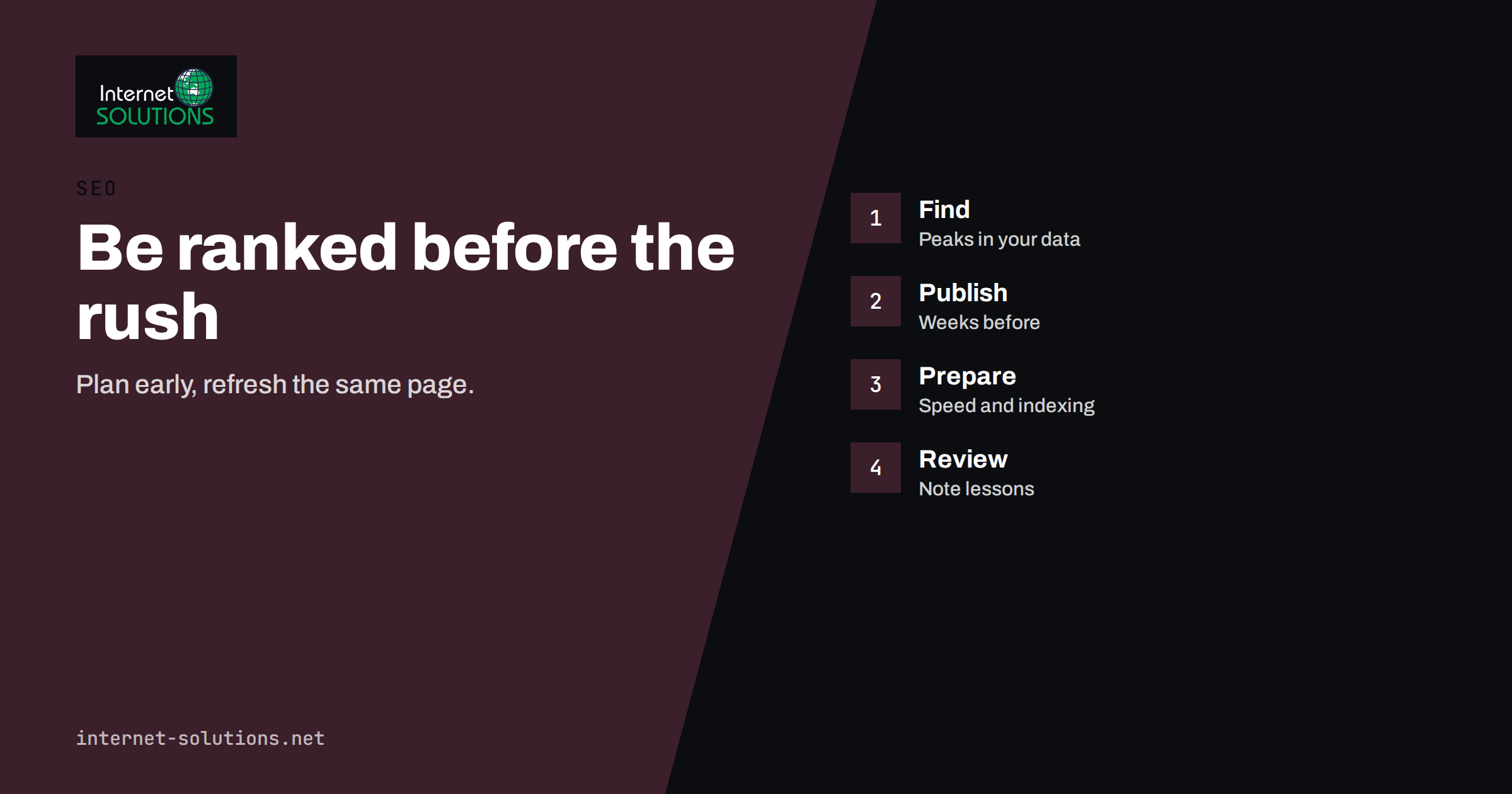
Seasonal SEO is the practice of preparing your website for the months when demand for your products or services rises, so that your pages already rank when searchers arrive instead of starting to climb after the peak has passed. A garden centre, a tax adviser, a ski hire shop, an online florist, a heating engineer and a B2B software company with a year-end budget cycle all face the same pattern: interest builds, peaks, and fades, and the businesses that appear first in results are the ones that began weeks or months earlier. This guide explains how to find your seasons in the data, when to publish and update, how to structure pages that can be reused year after year, and how to measure what worked.
Search engines need time. A new page can take days or weeks to be crawled and indexed, and longer to build the signals that lift it into the top results. Waiting until the season begins is therefore a common and costly mistake. The good news is that seasonal demand is among the most predictable in marketing, and you can plan for it with simple tools.
Why Timing Matters for Rankings
For most queries, ranking is not instant. A new article must be discovered, evaluated and linked to before it competes with established pages. In practice that means the weeks before a peak are the working period, and the peak itself is the harvest. If you publish a Black Friday guide on the Monday of Black Friday week, you are late. If you publish it in September, you have time to improve it as search interest grows.
Seasonality also affects what searchers want. People searching for “heating service” in September want a booking; the same people in January want an emergency repair. A “tax return” query is informational in January and urgent in the last week before a deadline. Matching your page to the stage of the cycle is part of seasonal SEO, and it links directly to what we discuss in search intent.
Find Your Seasons in the Data
You do not have to guess when your peak begins. Three free sources show it.
- Your own search console. Open the performance report, set the date range to sixteen months, compare year on year and filter by queries or pages that matter to you. Look for the week when impressions start to rise, not the week of the highest clicks. The rise is your signal to have everything ready. Our guide to finding quick wins in Search Console explains how to read these charts.
- Google Trends. Search for your main terms and set the range to five years. Google Trends shows relative interest by week and lets you compare terms and regions. It also shows related queries that are rising.
- Your sales and enquiry records. The numbers of orders, quotes and phone calls by week show when customers actually act, which often lags search interest by one or two weeks.
Build a simple calendar from the results. For each season, record the start of rising interest, the peak, the end, the main queries and the pages that currently answer them. If your business has several peaks, such as spring and autumn, give each its own row.
Types of Seasonal Demand
| Type | Examples | What to plan |
|---|---|---|
| Calendar events | Christmas, Valentine’s Day, Black Friday, Easter | Reusable landing pages and guides, updated each year |
| Weather and climate | Heating, air conditioning, gardening, winter tyres | Content and service pages ahead of the first cold or warm spell |
| Deadlines and cycles | Tax returns, school enrolment, annual reports, budget season | Checklists, guides and calculators before the deadline |
| Industry cycles | Trade fairs, tourism seasons, harvest, construction season | Event pages, price lists, availability information |
| Irregular spikes | News, regulation changes, viral trends | A fast-response routine and a flexible page structure |
A Timeline That Works
A workable schedule starts three to four months before the peak for the main pages and shortens for smaller ones. Adjust the dates to your own data.
- Twelve to sixteen weeks before: review last year’s results, choose the queries and pages, and decide which new pages are needed. Fix technical problems on the existing seasonal pages.
- Ten to twelve weeks before: publish or refresh the core pages: the main landing page, the buying guide or checklist and the key product or service pages.
- Six to eight weeks before: add supporting articles that link to the core page, build internal links from the homepage, menus and related content, and submit the new URLs for indexing.
- Four weeks before: promote through e-mail, social posts and partners; check that the pages load fast; confirm stock, prices and opening hours.
- During the peak: monitor impressions, clicks and conversions weekly; update availability, deadlines and offers; respond to questions.
- After the peak: do not delete the pages. Archive the offer, keep the URL, update the text to explain that the event has passed and prepare it for next year.
This structure fits well with a quarterly plan. If you already use a content plan, the method in our content calendar guide can include these dates as fixed milestones.
Use Permanent URLs, Not Yearly Ones
One of the most frequent seasonal SEO errors is creating a new page for every year: “black-friday-2025”, “black-friday-2026” and so on. Each new page starts with no links, no history and no authority, and the older pages are left to decay. A better practice is to keep one permanent address, such as /black-friday/, and update its content each year.
The permanent page accumulates links, mentions and ranking signals over time. After the event, change the content to show that the sale has ended, point to the next relevant offer and keep the URL live. Before the next season, refresh the text, the dates, the images and the offers, and update the title and description with the new year if it helps clicks. If the page needs a year in its title, change the title but not the address.
There are exceptions. A report that compares data from different years, such as “market review 2026”, is a different document each time and may deserve its own address. In that case, link the new edition to the previous ones and mark the older ones clearly.
What a Strong Seasonal Page Contains
A seasonal page should satisfy the searcher and be easy for search engines to understand. Include these elements.
- A clear title and heading with the main query and the season or event, written naturally.
- A summary at the top that answers the main question quickly: what is on offer, until when, for whom.
- Specifics: dates, deadlines, prices where you can state them, delivery cut-off times, opening hours and conditions.
- Helpful content: a buying guide, a checklist, comparisons, frequently asked questions and examples that reflect your expertise.
- Internal links to the products, services and articles that support the event, and links back from them.
- Structured data where it applies, such as product, event, offer or FAQ markup, which must match the visible content. Our guide to structured data shows what to add.
- A clear call to action that is easy to find on a phone.
Avoid thin pages that repeat the keyword and promise a “best offer” without detail. Searchers can tell, and search engines increasingly reward pages that show experience and usefulness. For general guidance on creating content for people, the Google SEO starter guide is worth a read.
Technical Preparation Before the Peak
Traffic spikes reveal weak spots. Set aside time for a technical check a few weeks before the season.
- Speed. Test the main pages on a phone. Compress images, check that scripts do not block the first view and confirm the hosting can handle higher traffic.
- Indexing. Make sure the seasonal pages are in the sitemap, are not blocked by robots rules or noindex tags and appear in the index when you search for their address.
- Canonical tags. Confirm that each page points to itself and that filtered or parameter versions do not compete.
- Links and redirects. If you retire last year’s yearly page, redirect it to the permanent one rather than leaving a broken address.
- Structured data. Validate it and make sure that prices and availability match the page.
- Forms and checkout. Test every step on desktop and mobile. A forgotten error message at the wrong moment wastes the whole campaign.
If your site is an online shop, also check stock feeds, shipping tables and the pages that will receive the most traffic, and have a plan for out-of-stock products so that pages do not disappear when items sell out.
Use Keywords That Match the Moment
Seasonal queries differ from evergreen ones. They include dates, events and modifiers such as “last-minute”, “near me”, “this weekend”, “deadline”, “checklist” or “gift for”. Collect them using the research methods in our keyword research guide and group them by stage. Early in the cycle, searchers look for ideas and comparisons. Closer to the peak, they search for specific products and prices. At the end, they search for availability, delivery and last chances. Create content for each stage, and link them so that a visitor can move from advice to action.
Also look at long-tail questions that appear every year, such as “when is the deadline for”, “how long does delivery take before” or “what to give”. These make good sections or FAQ entries on the main page and often earn featured snippets.
Measure and Learn
After the season, review the results while the memory is fresh. Compare the same weeks year on year and ask five questions.
- When did impressions start to rise, and were your pages indexed before that point?
- Which queries brought clicks, and which pages received them?
- How many visits became enquiries or sales, and from which pages?
- Which pages performed badly, and why: ranking, snippet, speed or content?
- What did competitors do earlier or better?
Write the answers in the seasonal calendar and set the dates for next year while you remember what went wrong. A page that did not rank this year has twelve months to improve, and a short note now can save weeks later. When a site accumulates many seasonal and evergreen pages, a periodic review such as the one in our content audit guide helps you see which ones deserve more investment. If you would like help with planning and technical preparation, our SEO team can assist.
Frequently Asked Questions
How early should I publish seasonal content?
For major events, two to four months before the peak is a good target, with updates as the date approaches. Smaller seasons may need six to eight weeks. Check your own data for when interest begins to rise.
Should I create a new page every year?
Usually not. A single permanent address that you update each year keeps its links and history. Create a separate page only when the content is a distinct document, such as an annual report.
What do I do with seasonal pages after the event?
Keep them online. Update the text to say that the event has ended, link to current alternatives and refresh the page before the next season.
Can seasonal SEO work for B2B companies?
Yes. B2B demand follows budget cycles, trade fairs, regulation deadlines and year-end planning. Search console data usually shows these patterns clearly.
How do I handle an unexpected spike in interest?
Have a fast routine: a template page, a quick approval path and a few people able to publish accurate content. Prioritise usefulness and accuracy over speed, and update the page as facts change.
Is paid advertising a substitute for seasonal SEO?
It complements it. Ads give immediate visibility during the peak, while organic pages that were prepared earlier keep bringing traffic at no cost per click and often build trust.
The Bottom Line
Seasonal SEO rewards the businesses that start early. Find your cycles in search console, trends and sales data, build a calendar with dates for planning, publishing, promotion and review, keep permanent addresses that you refresh each year, prepare the technical foundations before traffic arrives and record the lessons afterwards. A few weeks of preparation before each peak can decide whether you are visible when customers are looking.