

 English
 Lietuvių
 Latviešu
 Eesti
Eesti Русский
 Polski
 Українська
 Deutsch
 Italiano
 Español
 Français
 Português
 Čeština
 Magyar
 Română
 Ελληνικά
 Türkçe
 日本語
日本語 العربية
 हिन्दी
 Bahasa Indonesia
 Bahasa Melayu
 ไทย
ไทย Tiếng Việt
 বাংলা
বাংলাLink Reclamation: Turn Brand Mentions and Broken Links Into Links
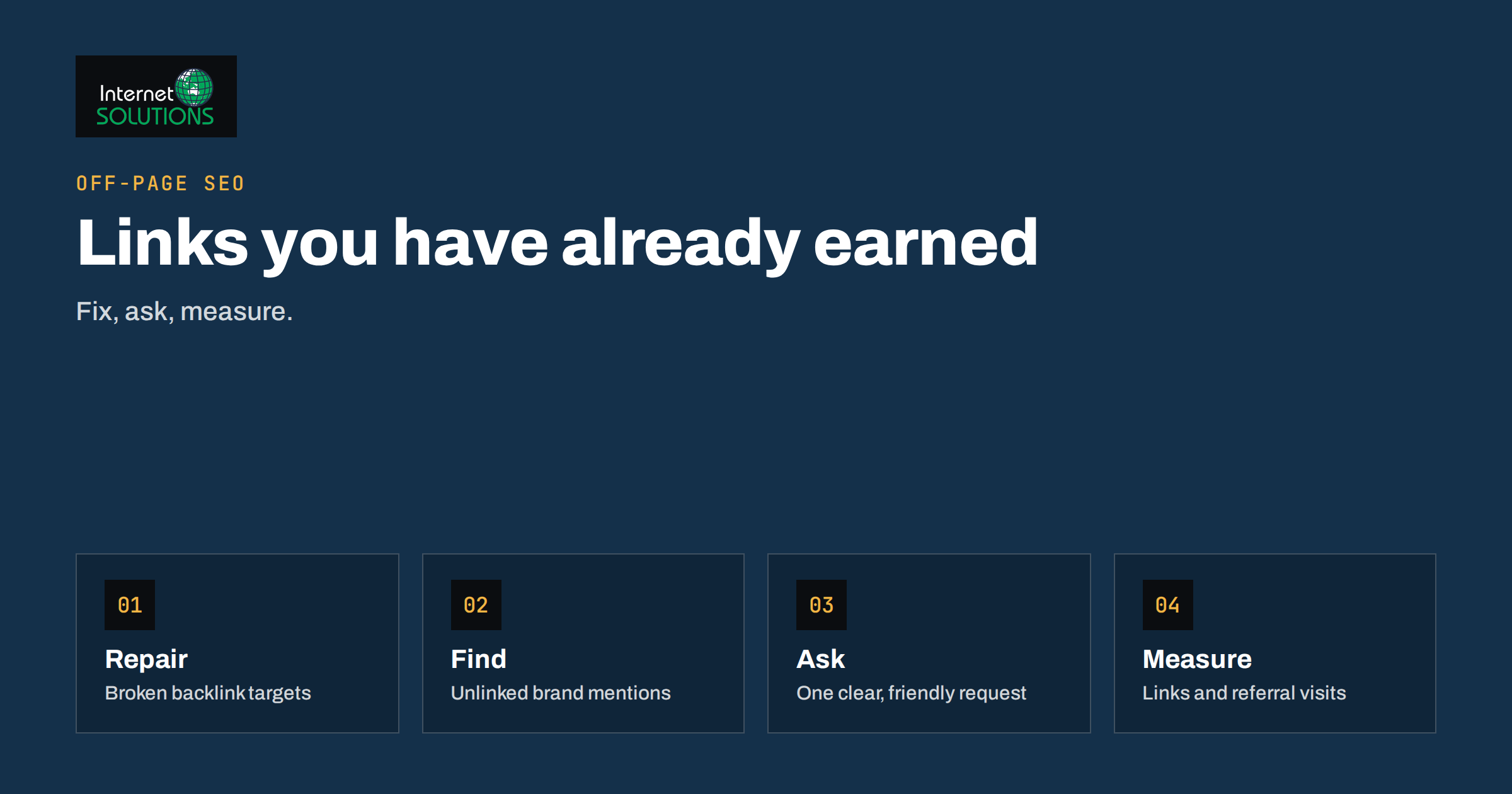
Link reclamation is the least glamorous and often the most profitable part of link building. Instead of asking strangers for new links, you recover value that already exists: a magazine that mentioned your company without linking to it, a directory that links to a page you deleted, a partner whose link points to an old address that now returns an error. Those links were earned once. Link reclamation simply makes sure they work for you.
This guide is for owners and marketers who already have a website with some history and want to find the quick wins hiding in it. It explains the three kinds of reclaimable links, where to find them with free tools, how to write the message that gets a mention turned into a link, and how to measure the result without fooling yourself. It also covers the technical side, because a surprising number of lost links can be fixed on your own server in an afternoon.
What Link Reclamation Actually Means
Search engines use links as one of several signals that other people consider a page worth visiting. A link from a relevant, trusted site is a vote of confidence; the same vote is worthless if it points nowhere or if the page that was meant to receive it has no link at all. Reclamation covers three situations:
- Unlinked brand mentions: a site writes your company, product or founder name in plain text but does not link to you.
- Broken backlinks: a site links to a URL on your domain that now returns a 404 or another error, so the visitor and the link value both hit a dead end.
- Misdirected or lost links: links that point to the wrong page, a redirected page that was removed in a redesign, or a link that was dropped when a site was updated.
All three share an advantage over cold outreach. The other party already knows you, already has a reason to mention you and usually needs very little effort to fix the problem. Conversion rates for a polite request to add a link to an existing mention are typically far higher than for a request to a stranger, though no tool or agency can promise a specific figure, and you should treat any promised percentage with suspicion.
Why It Works Better Than Starting From Scratch
New link building competes with every other marketer who sends emails. Reclamation works with relationships and history you already own. There are four practical reasons to start here before spending money on anything else.
- The value is proven. Someone already chose to write about you or link to you, which is exactly the signal a search engine wants.
- The effort is small. Fixing a redirect takes minutes, and a short email to an editor takes less time than writing a pitch.
- The risk is low. You are not buying links or swapping them in bulk, so you stay clear of the practices Google describes as link spam in its spam policies.
- It repairs mistakes you made. Every redesign, migration or product rename can leave links stranded. Reclamation is the clean-up that should follow each one.
If you have never audited your backlinks, our guide to backlink audits and the disavow tool explains how to separate links worth protecting from links worth ignoring. Reclamation is the positive side of the same exercise: protecting what is good.
Step One: Fix Broken Backlinks on Your Own Site
Start with the technical fixes because you control them completely and they pay off quickly. A broken backlink happens when another site links to a URL that no longer exists on yours. The cause is usually a changed slug, a deleted page, a moved section or a site migration where redirects were incomplete.
Find the dead targets
Three sources give you the data without cost:
- Google Search Console lists links to your site under Links, and the Pages report shows URLs that return not-found errors. Cross-check the two to see which missing pages still receive external links.
- Your server logs show requests for URLs that return 404, including requests that arrive from external referrers. Our article on server log analysis shows how to extract them.
- A backlink tool, free or paid, can export links by target URL and status code. Sort by the number of referring domains rather than by raw links, because ten links from one site count for less than ten links from ten sites.
Choose the right fix
For each dead URL that has links worth keeping, decide where it should lead. The destination must match the intent of the old page. Sending an old product page to the home page is treated by search engines as a soft error and wastes the link value, while sending it to the closest replacement preserves it.
- If an equivalent page exists, set up a permanent 301 redirect to it. Google explains how redirects behave in its documentation on redirects and Google Search.
- If the content was removed deliberately and nothing replaces it, the correct response may be to leave the 404 or 410, but consider whether a useful category or guide page could serve visitors better.
- If the page should never have been removed, restore it. A restored page is better than any redirect.
Avoid redirect chains, where an old URL redirects to a second old URL and then to a third. Each hop loses speed, and chains make later maintenance harder. Our guide to 301 redirects for SEO covers the common mistakes in more detail.
Step Two: Find Unlinked Brand Mentions
An unlinked mention is a page where your brand name appears but is not clickable. Finding them is a search problem, and you can solve it in several ways.
Search operators and alerts
Search for your brand name in quotes and exclude your own domain, for example the name followed by a minus sign and site: your domain. Add words that narrow the result, such as the name of a product, a founder or a city. Set up a free alert for the same terms so new mentions reach you without manual searching. Run the search in the languages and countries where you operate, because mentions in local publications are often the easiest to turn into links.
Specialist tools
Backlink and media-monitoring tools can list pages that mention a phrase but do not link to your domain. They are convenient at scale, though they miss pages that have not been indexed yet and sometimes confuse your brand with an unrelated one. For a small business, the manual search plus an alert catches most of what matters.
Qualify before you contact
Not every mention deserves an email. Work through a short filter:
- Is the site real, maintained and relevant to your business?
- Is the mention positive or neutral? Do not draw attention to criticism.
- Is it a page a human edits, such as an article or resource list, rather than a forum signature, scraped content or a comment section?
- Is there an obvious page on your site that the link should point to?
Record the answers in a simple spreadsheet with the mention URL, the contact, the target page and the date you wrote. That sheet becomes your pipeline and your memory, so you never email the same editor twice.
Step Three: Write the Request
The request is a short, friendly message. It succeeds when it is specific, easy to act on and honest about what you want. Compare the elements of a message that works with one that gets ignored.
| Element | What works | What gets ignored |
|---|---|---|
| Opening | Thanks for the specific article and the mention, with its title | A generic greeting with no reference to the page |
| Request | One clear ask: add a link on the brand name to a named URL | A vague hope that they might link sometime |
| Ease | The exact URL and the sentence where the link would sit | Making the editor search for the right page |
| Value | A short reason the link helps their readers | Talking only about your SEO |
| Length | Four to six sentences | Long explanations of link value |
| Follow-up | One polite reminder after about a week | Repeated daily messages |
A simple template: thank the writer for the article, quote the sentence that mentions you, say that readers who want more detail could go straight to a specific page, give the URL and thank them again. Never offer payment or a link swap in exchange. Paid links and large-scale exchanges are what the spam policies warn against, and the risk is not worth a single link.
Step Four: Reclaim Links From Changes You Made Yourself
Many lost links come from your own projects. Build reclamation into the checklist for each of these events:
- Migrations and redesigns: export the list of URLs with external links before the change and verify each one afterwards. Our advice on migrating a website without losing SEO rankings includes the redirect map that makes this possible.
- Product and brand renames: old names remain in articles for years. Search for the old name and ask for updates to the new one with a link.
- Domain changes: redirect every old URL, then contact the top referring sites and ask them to update their links to the new domain.
- Discontinued content: before deleting a page, check whether it has links. If it does, redirect or restore it.
Measuring the Results Honestly
Reclamation is easy to measure at the level of individual actions and hard to measure at the level of rankings. Keep the two separate.
- Actions: number of broken targets fixed, requests sent, links gained and the response rate.
- Link data: new referring domains and links pointing to the target pages in Search Console or your backlink tool.
- Traffic: referral visits from the reclaimed links, visible in your analytics.
- Search performance: clicks and average position for the target pages over several weeks, read as a trend rather than a single day.
Rankings depend on many factors, so one reclaimed link rarely explains a movement on its own. Judge the programme by whether the links exist, whether the pages receive referral visits and whether the target pages improve over a sensible period. Read position data as a trend over weeks and compare it with clicks, not with a single day.
Common Mistakes to Avoid
- Redirecting everything to the home page. It looks tidy and wastes the link value.
- Chasing low-quality mentions. A link from a scraper site adds nothing and can attract the wrong attention.
- Using the same anchor text everywhere. Ask for a natural link on the brand name and let the editor choose the wording.
- Treating it as a one-off project. New mentions and new broken links appear all the time, so schedule a monthly check.
- Forgetting the visitors. A fixed link is only useful if the page it lands on is relevant and loads properly.
If you would rather hand the job to specialists, our off-page SEO service includes backlink analysis and the clean-up that follows it.
A Simple Monthly Routine
- Export the not-found URLs from Search Console and your server logs and check which have external links.
- Add or correct redirects for the worthwhile targets, keeping each redirect to a single hop.
- Search for new unlinked mentions of your brand, products and key people, and add them to your sheet.
- Send a small number of personal requests, record the dates and follow up once.
- Review referral traffic and new referring domains, and note what worked.
An hour a month is enough for most small sites. The habit matters more than the intensity, because reclaimable links accumulate quietly in the background.
Frequently Asked Questions
Is link reclamation allowed by Google?
Yes. Asking a site to link to a page they already mention, or fixing a broken target on your own site, is ordinary maintenance. What Google warns against is buying links, exchanging them at scale or using automated schemes to create them.
How many unlinked mentions should I expect to find?
It depends on how well known your brand is. A small business may find a handful, while an established company may find hundreds. Start with the most relevant and recent mentions rather than trying to process everything.
Does a redirected link pass the same value as a direct link?
A permanent redirect to a closely matching page generally preserves the benefit of the link, but a direct link is simpler and avoids extra hops. Where possible, ask important sites to update the link to the final address as well.
What if the editor does not reply?
Send one polite follow-up after about a week and then move on. Persistent messaging damages the relationship and rarely changes the answer.
Should I reclaim links from forums and comment sections?
Usually not. Those links are often marked as user-generated or nofollow, and requests are rarely worth the time. Focus on articles, resource lists, partner pages and directories that a person curates.
Can I automate link reclamation?
You can automate the discovery with alerts and tools, and you can template the message, but each request should be reviewed and personalised. Sending identical bulk emails lowers your response rate and risks being treated as spam.
The Bottom Line
Link reclamation recovers value you have already earned: fix the dead URLs that still attract links, ask for links where your brand is already mentioned and make redirect checks part of every migration or rename. Keep the process small, personal and honest, measure the links and referral visits first and the rankings second, and repeat it monthly. It will not replace a content strategy, but it is the cheapest way to make sure your existing reputation is working as hard as it can.