

 English
 Lietuvių
 Latviešu
 Eesti
Eesti Русский
 Polski
 Українська
 Deutsch
 Italiano
 Español
 Français
 Português
 Čeština
 Magyar
 Română
 Ελληνικά
 Türkçe
 日本語
日本語 العربية
 हिन्दी
 Bahasa Indonesia
 Bahasa Melayu
 ไทย
ไทย Tiếng Việt
 বাংলা
বাংলাPage Builders, Block Editor or Custom Theme for WordPress?
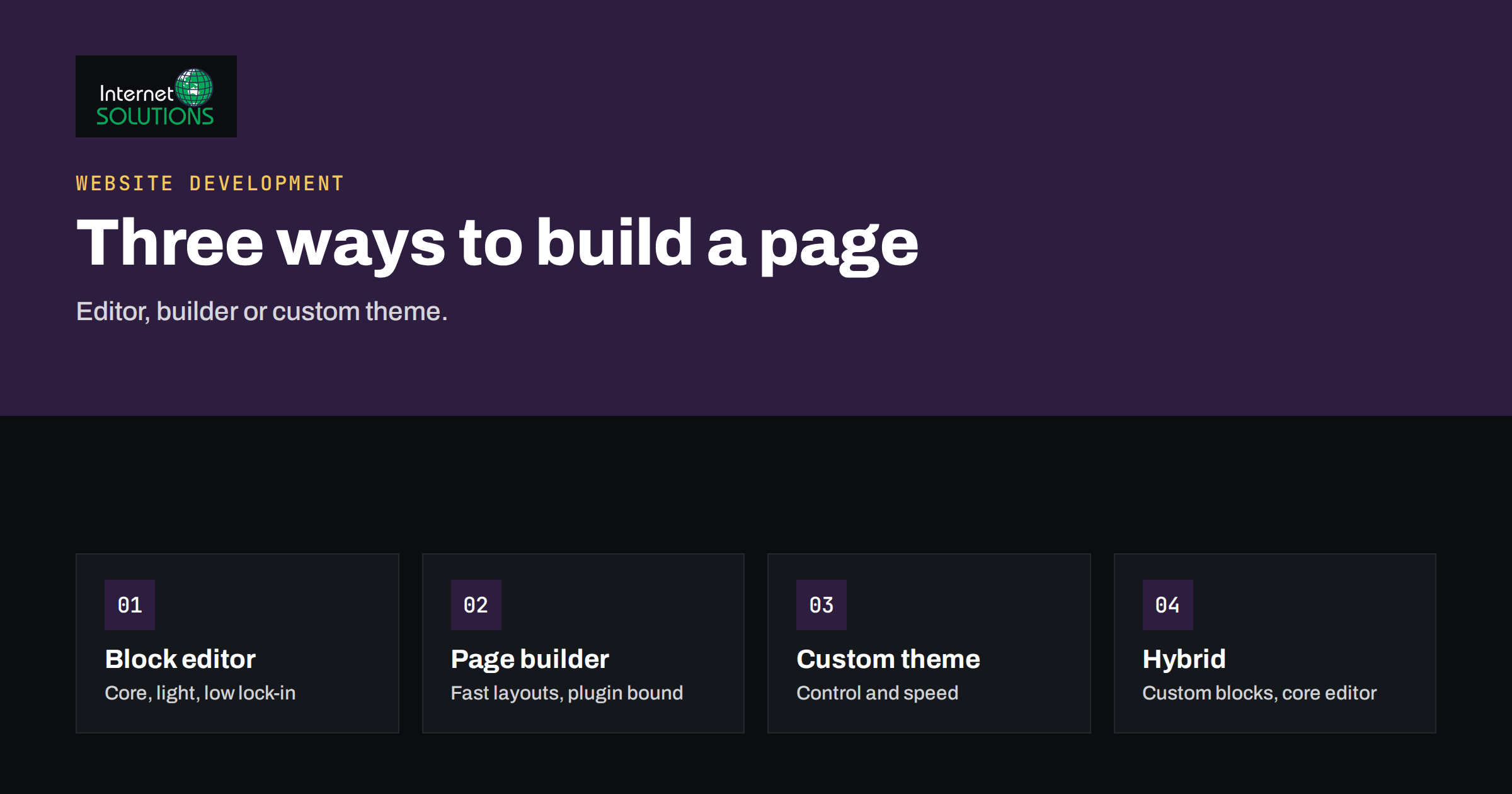
Page builders, the block editor and a custom theme are three different ways to build the pages of a WordPress site, and the choice you make on day one shapes your costs for years. It affects how fast pages load, how easily your team can edit them, how painful a redesign will be and how much you depend on a plugin vendor. Yet the decision is often made by habit, by a designer’s preference or by a demo that looked impressive.
This guide compares the three approaches in plain language for business owners and the people who manage their websites. It explains what each method really is, where each one shines, the hidden costs that appear later, how performance and accessibility are affected and how to choose for your situation. It also covers the practical question of migrating from one approach to another, which is where many projects get expensive.
The Three Approaches in Plain Terms
The block editor
The block editor, also called Gutenberg, is built into WordPress itself. Content is made of blocks such as paragraphs, images, columns, buttons and groups, and modern themes extend it with block patterns and full-site editing. Because it is part of the core software, it is documented in the official block editor handbook and receives updates together with WordPress.
A page builder plugin
A page builder is a plugin that replaces or sits on top of the editor with its own visual interface. You drag elements into rows and columns, adjust spacing and typography with panels and often use ready-made templates. Each builder stores its layout in its own format, which is the key fact to understand: the content depends on the plugin to display properly.
A custom theme
A custom theme is built by a developer to match your design. Templates, styles and behaviour are written as code, following the rules described in the theme developer handbook. Editors usually work with a limited set of well-designed blocks, fields or sections, and the design cannot be broken easily because the structure is controlled in code.
Side-by-Side Comparison
| Factor | Block editor with a block theme | Page builder plugin | Custom theme |
|---|---|---|---|
| Upfront cost | Low to moderate | Low to moderate | Highest |
| Design freedom | Good within the theme’s system | Very high, visually | Unlimited, but each change needs a developer |
| Editing by non-technical staff | Easy for content, limited for layout | Easy for layout, easy to overdo | Easiest if the developer built good editing tools |
| Page speed potential | Good, usually light output | Varies; often heavier markup and scripts | Best, because only needed code is loaded |
| Lock-in risk | Low, content stays as blocks | High, content depends on the plugin | Medium, depends on documentation and custom code |
| Long-term maintenance | Handled with core updates | Plugin and add-on updates to manage | Needs a developer for changes |
| Best for | Content-led sites and small businesses | Marketing sites with frequent layout changes | Distinct brands, complex features, performance-critical sites |
No column wins every row. The correct answer depends on which rows matter most for your business.
When the Block Editor Is the Right Choice
For many small business sites the built-in editor is enough, and it is the safest default. A modern block theme gives you control over colours, fonts, headers and footers with no extra plugin, and patterns let editors insert prepared layouts such as a pricing table or a team section.
- You publish regularly and the content matters more than unique layouts.
- You want the lowest possible dependency on third-party plugins.
- You value compatibility with future WordPress changes.
- Your team already knows how to edit pages and posts in WordPress.
The limits are real. Complex layouts may take effort, and some effects that a builder offers with one click require custom patterns or code. If your designers need pixel-level control over every section, you may find the system frustrating.
When a Page Builder Makes Sense
Page builders became popular for good reasons. They let marketing teams build and change landing pages without a developer, they provide large template libraries and they shorten the time from idea to published page. A builder can be a sensible choice when:
- Your marketing team changes layouts often and cannot wait for development time.
- You run many campaign landing pages that follow similar patterns.
- The budget is small and the site needs to look professional quickly.
- An agency maintains the builder and keeps it updated for you.
The trade-offs appear later. Content is stored in the builder’s format, so deactivating the plugin can leave a site full of shortcodes or empty pages. Output is often heavier, with extra wrapper elements, scripts and styles loaded on every page. Add-on packs multiply the number of plugins to update and to trust. Our guide to choosing WordPress plugins safely describes the checks to make before relying on any plugin for the structure of your whole site.
When a Custom Theme Pays Off
A custom theme is an investment, and it makes sense when the website is central to the business and the requirements are not ordinary. Typical reasons include a strong brand identity that templates cannot reproduce, complex structures such as multilingual catalogues, integrations with other systems and performance targets that leave little room for extra code.
- Performance: only the code the page needs is loaded, which helps the metrics described in the web.dev guide to Core Web Vitals.
- Consistency: editors choose from components that cannot break the design.
- Control: markup, accessibility and structured data are written deliberately.
- Ownership: the code belongs to you, provided the contract says so.
The costs are higher at the start and with every change that requires development. A custom theme also needs documentation and a maintainer, so that the site does not depend on one person’s memory. Our article on what a client should receive when the site goes live lists what to ask for.
Hybrid Approaches
The choice is not always exclusive. Many successful sites combine methods.
- Block theme plus custom blocks: a developer builds a small set of branded blocks for the things that matter, such as a hero, a feature grid and a testimonial, while editors use the core editor for the rest.
- Custom theme plus fields: pages are assembled from structured sections, with fields for text, images and links. This reduces freedom but protects the design.
- Builder for landing pages only: the main site uses a light theme and the builder is limited to campaign pages that can be replaced when they expire.
If you are weighing a different architecture altogether, our comparison of WordPress, headless or custom web stacks covers the larger decision.
Performance, Accessibility and SEO
Speed
Speed depends mostly on how the site is built rather than on the label of the approach. A poorly configured block theme with many plugins can be slow, and a carefully tuned builder site can be acceptable. As a general pattern, lighter output and fewer scripts help, and custom code gives the most control. Test real pages, on real phones, and compare the results before you commit. Fonts, images and caching often matter more than the editor.
Accessibility
Accessibility is the responsibility of the whole site, but the builder can help or hinder it. Check that headings follow a logical order, that buttons are real buttons, that colour contrast is sufficient and that the site works with a keyboard. Builders make it easy to pick headings for their size rather than their meaning, which hurts screen reader users and search engines alike.
SEO
Search engines care about clear content, a sound heading structure, fast pages and crawlable links, and none of the three methods guarantees it. The risks to watch for are content hidden in tabs or sliders that load late, duplicated headings used for design and markup so heavy that important text is buried. The website development work we do starts from these requirements rather than from the tool.
Hidden Costs to Compare
- Licences: many builders and add-ons are sold as yearly licences. Check what happens to the site if you stop paying.
- Training: a team that already knows the block editor needs less time than one learning a new builder.
- Update risk: more plugins and add-ons mean more updates and more chances of conflicts. Use a staging copy for testing.
- Redesign cost: content stored as builder layouts has to be rebuilt in a new system, and the same applies to design logic hardcoded in a custom theme.
- Developer dependency: a custom theme needs someone who understands it. Keep documentation and repositories in your own accounts.
How to Migrate Without Losing Content
- Inventory your pages. List every page type, its traffic and whether it uses special layouts or shortcodes.
- Decide what to rebuild and what to retire. Old pages with no traffic and no purpose do not need a perfect copy.
- Build the new templates first, then move content in batches, starting with the simplest pages.
- Keep the URLs unchanged. If URLs must change, set redirects for each page.
- Test on a staging copy, including forms, menus, mobile layouts and tracking.
- Compare before and after, including speed, indexed pages, conversions and errors reported in Search Console.
Questions to Ask Before You Sign Off on the Approach
Whether you hire an agency or a freelancer, a few direct questions reveal how well the proposed approach fits your situation. Put them in writing and keep the answers with the project documents.
- Who will edit the site, and how often? The answer decides how much layout freedom the editors need and how much they must be protected from breaking the design.
- What happens if a plugin is removed or stops being maintained? A good answer includes a way to keep the content readable.
- Which licences are required, and who pays for them? Ask for the renewal dates and the price after the first year.
- How will speed be measured before launch? Look for real page tests on mobile, not only a score from a demo.
- Who owns the code, the design files and the accounts? The answer should be you.
- How will updates be tested? A staging copy and a written routine are the minimum.
The answers matter more than the label on the technology. An agency that explains trade-offs, admits limits and documents its choices is more valuable than one that insists on a single tool for every project.
A Quick Decision Guide
- Choose the block editor if your site is mostly content and you want the simplest, most future-proof setup.
- Choose a page builder if non-developers must produce varied layouts quickly and you accept the dependency, with a plan for updates.
- Choose a custom theme if the site is a core business asset with unusual requirements, strict performance goals or a distinctive brand.
- Choose a hybrid if you need brand consistency and editor freedom together.
Whatever you pick, write the decision down along with the reasons and the plugins involved, so the next person understands why the site was built that way. If you want to compare quotes realistically, see our overview of what a website really costs.
Frequently Asked Questions
Is the block editor good enough for a business website?
For many business sites, yes. A well-chosen block theme with a few custom patterns covers most needs and reduces dependency on plugins. Consider alternatives when you need complex layouts that editors must change often.
Do page builders slow down a website?
They can, because they often add extra markup, scripts and styles. The effect varies by builder, configuration and how many add-ons you use. Measure your own pages rather than relying on general claims.
What happens if I deactivate a page builder?
Content created with the builder often depends on it to display. Without the plugin, pages may show raw shortcodes or lose their layout, so plan any removal as a migration project rather than a switch.
Is a custom theme always better for SEO?
No. SEO depends on content, structure, speed and links. A custom theme gives control over markup and performance, but a well-built block theme can perform just as well for most sites.
Can I switch from a page builder to the block editor later?
Yes, but it usually means rebuilding pages by hand or with conversion tools that need checking. The earlier you decide, the cheaper the change, and simple pages move more easily than complex designs.
Who should own the theme code?
You should. Make sure the contract states that the code and design files belong to your company, and keep a copy in a repository or storage account that you control.
The Bottom Line
There is no universally best way to build WordPress pages, only a best fit for your team, budget and goals. The block editor offers simplicity and low lock-in, page builders offer speed and freedom at the price of dependency and weight, and a custom theme offers control and performance at the price of cost and developer reliance. Decide by looking at who will edit the site, how often layouts change and how important speed and ownership are, test with real pages and document the choice.