

 English
 Lietuvių
 Latviešu
 Eesti
Eesti Русский
 Polski
 Українська
 Deutsch
 Italiano
 Español
 Français
 Português
 Čeština
 Magyar
 Română
 Ελληνικά
 Türkçe
 日本語
日本語 العربية
 हिन्दी
 Bahasa Indonesia
 Bahasa Melayu
 ไทย
ไทย Tiếng Việt
 বাংলা
বাংলাDocker for Small Business Websites: When Containers Help and When Not
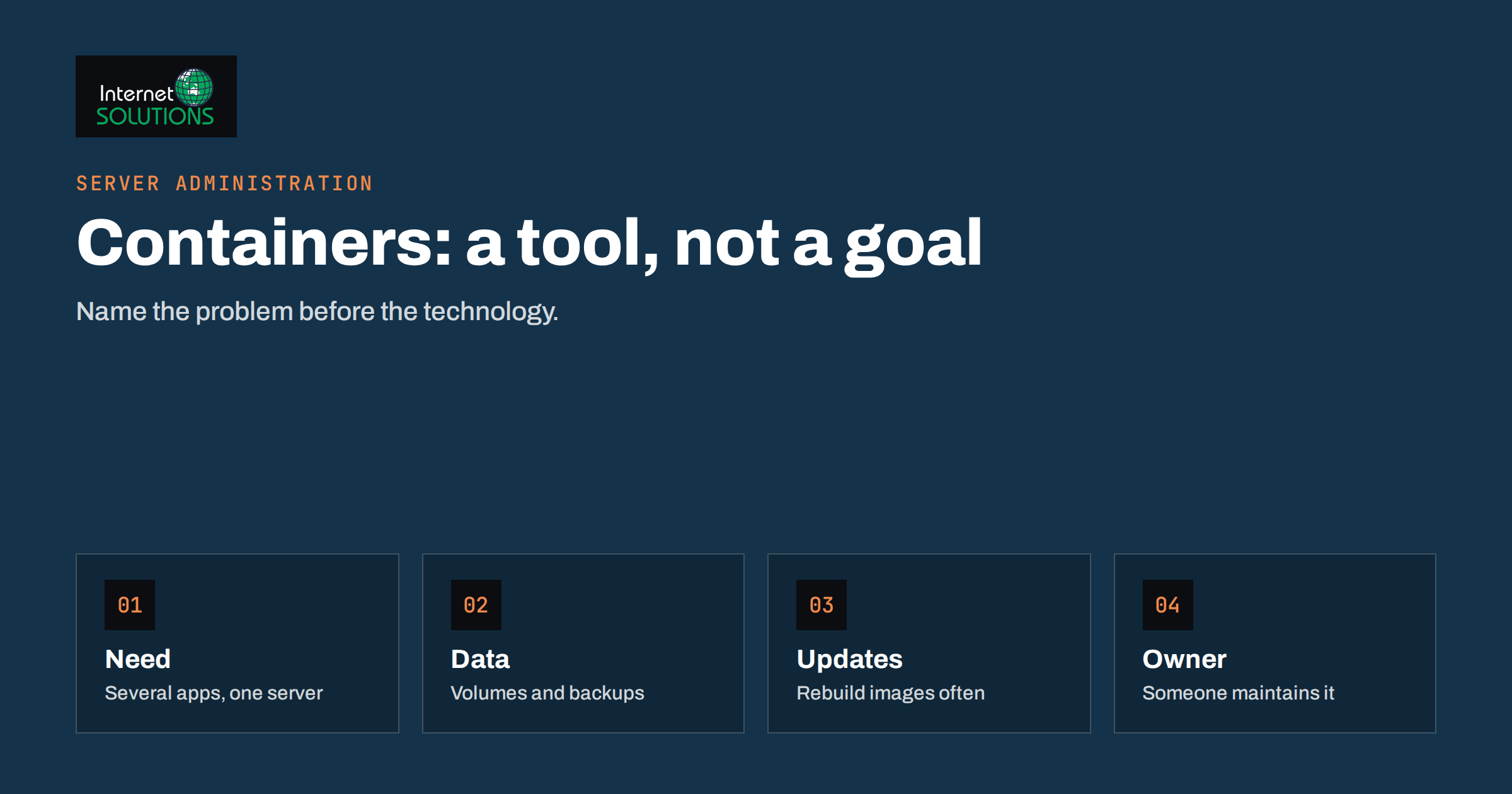
Docker for small business websites is a subject surrounded by enthusiasm and confusion. Developers praise containers because they make software run the same way on a laptop and on a server. Agencies sometimes sell them as a modern necessity. Business owners, meanwhile, just want a site that loads quickly, stays up and does not cost a fortune to maintain. This guide explains what Docker does in plain language, where it genuinely helps a small company, where it adds complexity without benefit, and how to decide.
It is written for owners, office managers and marketers who hear the word “containers” in a proposal or from a developer and need to judge whether it matters for their website. No prior knowledge is assumed. The goal is a decision you can defend, not a lecture on technology.
What Docker Is in Plain Language
Docker is a tool for packaging software together with everything it needs to run: the application code, the language runtime, libraries and settings. The package is called an image, and a running copy of it is a container. According to Docker’s own overview documentation, containers are isolated from one another and from the host, which makes it possible to run several applications on the same machine without them interfering.
A helpful comparison is a shipping container. Whatever is inside, the outside has a standard shape, so it can be moved between ships, trains and lorries. A Docker image is the same idea for software: the server only needs to know how to run containers, not how each application is installed.
Containers are not virtual machines. A virtual machine includes a whole operating system for each application. Containers share the host’s operating system kernel, which makes them lighter and faster to start, but also means isolation is less complete than with a virtual machine.
Where Containers Help
For a typical small business website, containers solve a handful of specific problems.
Consistent environments
The classic complaint is “it works on my machine”. If a developer builds a site with one version of PHP and the server runs another, features break after deployment. A container carries its own versions, so the test environment and the live environment match. This is valuable when several people work on the same site, or when an agency hands a project to another team.
Easy local development
A developer can start a full copy of your site, including web server and database, with one command, make changes safely and discard the copy afterwards. That makes experiments cheaper. It also pairs well with a staging site for testing changes before they reach the live website.
Running several applications on one server
If you host a website, a booking tool and an internal application on the same machine, containers keep their dependencies apart. One application can need an older version of a library without breaking the others.
Repeatable deployments and quick rebuilds
When the configuration is written down as files, rebuilding a server after a failure is faster and less error-prone than recreating it from memory. The setup becomes documentation as well as automation.
Trying new software safely
Want to test a monitoring tool, a wiki or a small analytics service? A container lets you try it, and remove it cleanly if it is not useful.
Where Containers Do Not Help
Containers are not a free upgrade. For many small sites they add moving parts without removing any problem.
- A simple WordPress site on managed hosting. If the host already handles the server, PHP versions and updates, there is nothing for you to containerise, and you probably cannot run Docker there anyway.
- Brochure sites with little change. A five-page site that changes twice a year does not need a deployment pipeline.
- No one to maintain it. Containers need updating just like any other software. Old images with known vulnerabilities are a real risk if nobody looks after them.
- Poorly understood data storage. By default, data inside a container disappears when the container is removed. Databases and uploads must be stored on persistent volumes and backed up deliberately.
- Performance myths. Containers do not make a slow application fast. Page speed depends on code, database, caching and hosting resources.
Containers and Security
Containers offer some isolation, but they are not a security guarantee. Docker publishes guidance on the security of the Docker engine, and the main points for a small business can be summarised in a few rules.
- Use trusted, maintained base images and keep them updated. A container built a year ago may contain a year of unpatched flaws.
- Do not run applications as the administrative user inside the container when a limited account will do.
- Keep secrets out of images. Passwords and keys belong in protected configuration, not in files committed to a repository.
- Expose only the ports you need, and place a reverse proxy and firewall in front of the containers.
- Restrict who can control Docker. Access to the Docker service is effectively administrative access to the server.
- Back up volumes and test restores. A tidy container setup does not protect you from data loss.
Updates are the most neglected part. Our guide to patch management applies fully: containerised software still needs a routine for rebuilding images and applying fixes.
Cost and Skills
The software itself is not the main cost; people are. Running containers well requires someone who understands images, networks, volumes, logs and updates. If you rely on an external provider, ask who will maintain the setup, how quickly security fixes will be applied and what happens if the developer who built it leaves. A container setup that only one person understands is a business risk. Compare the cost of that expertise with a simpler hosting arrangement before you commit. Our article on choosing between shared, VPS and dedicated hosting discusses the hosting side of the same decision.
Comparing Hosting and Deployment Options
| Option | Best for | You manage | Typical drawback |
|---|---|---|---|
| Managed WordPress hosting | Business sites that mainly need content updates | Content and plugins | Less control over the server |
| Shared hosting | Small, low-traffic sites | Content, some settings | Resources shared with other customers |
| VPS with a traditional setup | Sites needing custom configuration | Server, updates, security | Needs administration skills |
| VPS with Docker containers | Several applications, repeatable deployments | Server, containers, images, volumes | More layers to maintain and monitor |
| Managed container platform | Teams with developers and frequent releases | Application and images | Higher cost and a learning curve |
A Simple Decision Guide
Ask these questions in order. The first clear “yes” usually points to the answer.
- Is your site a standard WordPress or similar site on a host that manages the server? Then you do not need Docker.
- Do you run more than one application on the same server, with different requirements? Containers are worth considering.
- Do developers regularly build and release changes, or does an agency hand work between teams? Containers can reduce environment surprises.
- Do you have someone responsible for updates, backups and monitoring? If not, fix that first, whatever technology you choose.
- Is there a concrete problem containers would solve? If you cannot name it, wait.
Technology choices should follow needs. If an agency proposes containers, ask them to explain in your terms what problem they solve, what they will cost to maintain and how you could move away if the relationship ended. Documentation of the setup should belong to you.
Backup and Recovery With Containers
Containers make it tempting to believe that everything can be rebuilt from a file. The software can, but the data cannot. Identify exactly what is stored where: the database, uploaded media, configuration files and any generated documents. Back these up outside the server, at a frequency matching how often they change, and rehearse a restore on a spare machine at least twice a year. Write down the order of steps, the location of keys and the person responsible, so recovery does not depend on one memory. Combine this with monitoring and alerts so you learn about problems before customers do. Our server administration service covers these routines for clients who prefer not to build them in-house.
A Worked Example
Consider a small online training company. It has a WordPress marketing site, a custom booking application written by a freelancer and a lightweight internal tool that generates certificates. The three programs need different versions of PHP and different database settings. On a traditional server, upgrading PHP for one of them risks breaking another, so upgrades are postponed and the server slowly ages.
With containers, each application runs with its own PHP version and settings, behind one reverse proxy that handles the secure connection. A developer can upgrade the booking application in a copy, test it, and replace the running container in minutes, with the old version kept for a quick rollback. The configuration files are stored in a repository, so a replacement server can be prepared from them. In this case containers solve a real problem: conflicting requirements and fear of upgrades. The same company would not need them if all three tools lived on a managed hosting plan, which would handle the versions itself.
Questions to Ask a Developer or Agency
If containers are proposed for your project, these questions bring the answers you need in plain language.
- What problem does this solve for us that a simpler setup would not?
- Where will the data live, and how will it be backed up and restored?
- Who updates the images and the host, and how often?
- How will we know if a container stops or the disk fills up?
- What will it cost per month to run and maintain, including your time?
- Will we receive the configuration files and documentation, and can another team take over?
- How would we move the site elsewhere if we needed to?
A confident, honest answer to each of these is a better sign than any amount of technical vocabulary. Vague answers suggest the proposal serves the supplier’s convenience more than yours. For projects that combine development with hosting, see our website development page for how we describe such work.
Common Mistakes
- Adopting containers because they are fashionable, not because of a need.
- Storing databases and uploads inside the container without persistent volumes.
- Leaving images unpatched for months.
- Exposing the database port to the internet.
- Putting passwords in image files or public repositories.
- Having a setup only one person understands and no written documentation.
- Assuming containers will make the site faster.
Frequently Asked Questions
Do I need Docker for a WordPress website?
Usually not. A standard WordPress site on suitable hosting works well without it. Docker becomes useful for development workflows, multiple applications or custom server setups.
Is Docker more secure than a normal server?
Not automatically. Containers add isolation, but insecure images, exposed ports and weak access control can make a containerised server as vulnerable as any other.
Will Docker make my site faster?
No. Speed depends on your code, database, caching and the resources of the server. Containers change how software is packaged, not how efficient it is.
What happens to my data if a container is deleted?
Anything stored only inside the container is lost. Databases and uploads must be kept on persistent storage and backed up separately.
Can I move away from Docker later?
Yes, if the application and data are documented and portable. Ask your provider to give you the configuration files and instructions at the start.
Who should maintain a container setup?
Someone with the time and skill to apply updates, review logs and test restores. That may be an employee or an external partner, but it must be a named responsibility.
The Bottom Line
Docker is a useful tool when you run several applications, need repeatable deployments or want a consistent environment for developers. It is unnecessary for a simple site on managed hosting, and it adds work wherever nobody is responsible for updates and backups. Decide by naming the problem you want to solve, count the maintenance cost honestly, protect your data with tested backups and insist on documentation you own. If containers pass that test, they are a solid foundation. If not, simpler hosting will serve you better.