

 English
 Lietuvių
 Latviešu
 Eesti
Eesti Русский
 Polski
 Українська
 Deutsch
 Italiano
 Español
 Français
 Português
 Čeština
 Magyar
 Română
 Ελληνικά
 Türkçe
 日本語
日本語 العربية
 हिन्दी
 Bahasa Indonesia
 Bahasa Melayu
 ไทย
ไทย Tiếng Việt
 বাংলা
বাংলাSubdomain or Subfolder: Where Should Your Business Blog Live?
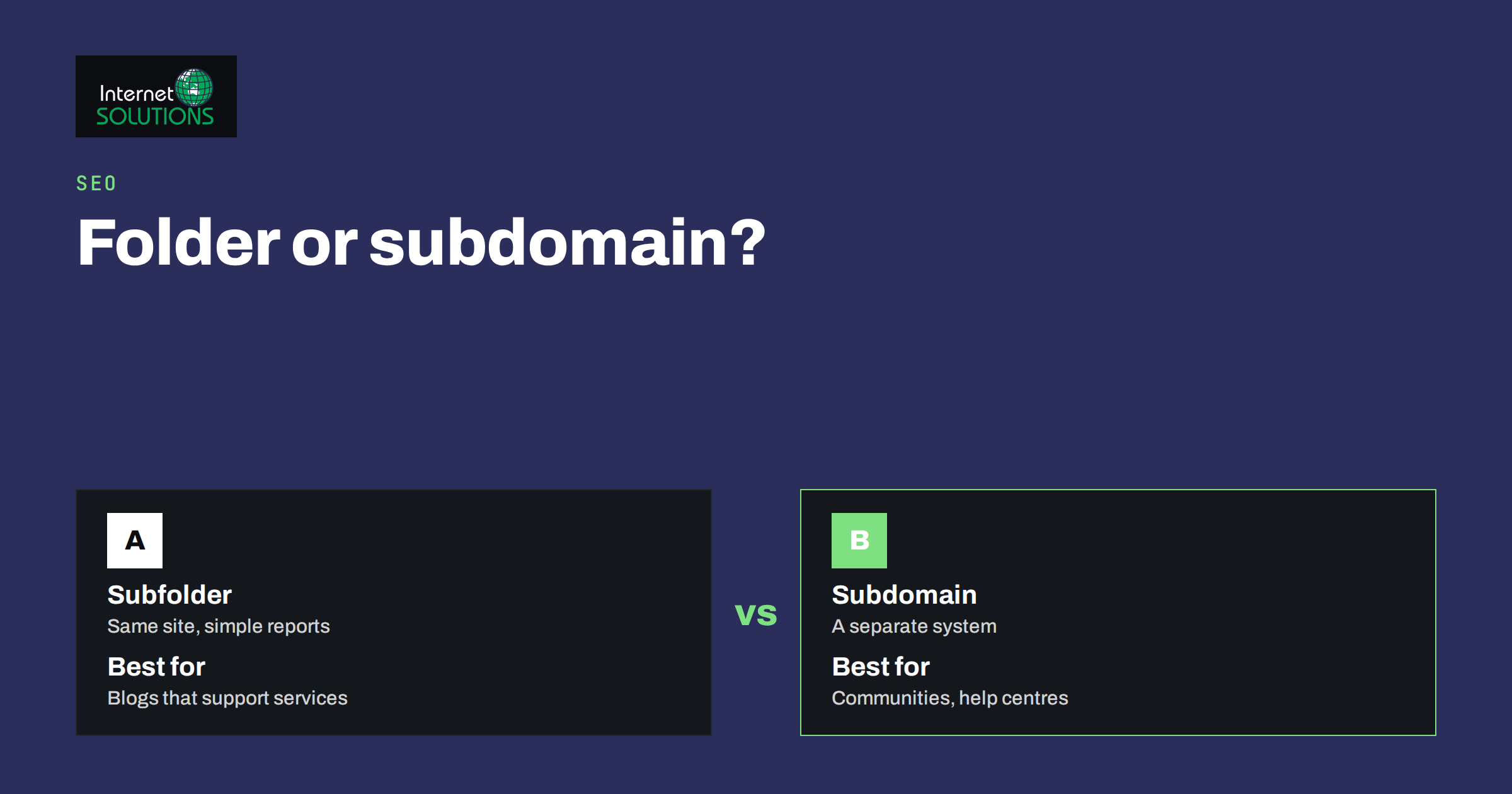
Subdomain or subfolder is one of the questions that comes up the moment a business decides to start a blog. Should the articles live at blog.example.com or at example.com/blog/? To most owners it looks like a technical detail that someone else should decide. In practice it affects how easily you can manage the site, how your analytics are set up, how links flow between your pages, and how much work you create for yourself if you ever change your mind. The good news is that for most small and medium businesses there is a sensible default, and the exceptions are easy to recognise.
This guide explains the difference between the two structures, what search engines say about them, which practical factors should drive the decision, how to set up either option, and how to move a blog safely if you chose the wrong one. It uses plain examples and avoids unproven claims, because this is a topic with a lot of folklore.
The Two Options in Plain Language
A subfolder (also called a subdirectory) sits inside your main domain: example.com/blog/. To a visitor and to a crawler it looks like one more section of the same website. A subdomain is a separate hostname that you create under your domain: blog.example.com. Technically it can be served from the same server or from a completely different system, and by default it is treated as a distinct site that happens to share the domain name.
You can have both in the same business. A company might keep its blog in a subfolder, its help centre on a subdomain provided by a support platform and its web shop on another subdomain. The question is which structure to choose for each part, and why.
What Search Engines Say
Google has stated repeatedly that either structure can work for search. Its documentation on URL structure focuses on clarity, consistency and crawlability, not on a preference between subdomains and subfolders. Crawlers can discover and index both, and neither is penalised. The practical difference is that a subdomain is often treated as a separate property for reporting and for some signals, which means you may need to build its reputation more independently, while a subfolder shares the domain’s overall reputation naturally and is simpler to analyse.
That is the reason for the common recommendation: unless a technical or organisational constraint forces you to use a subdomain, keep content that supports the main site in subfolders. It reduces the number of moving parts and makes it easier for articles and service pages to support each other through internal links. Be wary of articles that claim a dramatic ranking gain from moving between structures. Many reported effects come from other changes made at the same time, such as new content, redirects or a redesign.
Factors That Should Drive Your Decision
1. Who runs the blog technology
If the blog runs on the same CMS as the rest of the website, a subfolder is natural. If it runs on a different platform, for example a hosted blogging service or a separate application, a subdomain may be the only straightforward way to connect it. Some platforms can be placed in a subfolder through a reverse proxy on the main server, but that adds configuration and a point of failure.
2. How closely the content relates to the main site
An article that explains how to choose a service, with links to the service page, belongs near that page. A completely separate product, community forum or documentation portal with its own audience and its own team may justify a subdomain. Ask whether a visitor would consider it part of the same website.
3. Analytics and reporting
A subfolder appears in the same analytics property and the same Search Console property by default, which makes reports simple. A subdomain needs cross-domain handling in analytics, if you want sessions to continue from one to the other, and a separate or domain-level property in Search Console. Our guide to Google Search Console shows how properties work.
4. Security and isolation
Separate systems benefit from separate hostnames. If the blog runs on software with a different risk profile, a subdomain isolates cookies and, with the right setup, limits the damage from a compromise. This is a legitimate reason to use a subdomain for a user-generated forum or a third-party application.
5. Team and workflow
A marketing team that must publish daily without waiting for developers may prefer a self-contained blog platform on a subdomain. A team with a good CMS and editorial roles will find a subfolder easier to maintain.
Comparison at a Glance
| Question | Subfolder (example.com/blog/) | Subdomain (blog.example.com) |
|---|---|---|
| How it is seen by search engines | Part of the main site | Often evaluated as a separate site on the same domain |
| Internal linking | Natural, same navigation and templates | Works, but feels like a different website |
| Analytics and Search Console | One property, simple reports | Extra setup for cross-domain tracking and properties |
| Different technology | Needs reverse proxy or the same CMS | Easy to run on any platform |
| Security isolation | Shares cookies and server | Easier to separate |
| Cost and effort | Lower for most businesses | Higher if you manage two systems |
| Best for | Company blogs, guides and resources that support the site | Separate products, communities, help centres, third-party platforms |
Setting Up a Subfolder Blog
- Use the main CMS where possible, and choose a short, stable path such as /blog/ or /articles/.
- Plan the URL pattern for posts, categories and tags before publishing, because changing it later needs redirects.
- Link it from the main navigation and the footer, and link from articles to the relevant service or product pages.
- Add the blog to your XML sitemap and check that robots.txt does not block it.
- Test canonical tags so that each article points to its own address.
If the blog must run on a separate platform but you still want a subfolder, ask a developer about a reverse proxy, and test performance and caching carefully. Review our advice on internal linking and site architecture before you design the navigation.
Setting Up a Subdomain Blog
- Create a DNS record for the subdomain pointing to the platform that hosts the blog.
- Install a valid SSL certificate for the subdomain, or use a wildcard certificate, so that it loads over HTTPS without warnings.
- Verify it in Search Console, either as its own property or through a domain-level property, and submit its sitemap.
- Configure analytics so that visitors moving between the main site and the blog are not counted as new sessions.
- Match the design and navigation so visitors feel they are in one place, and link clearly between the two.
Both options need regular maintenance of the underlying systems. A forgotten subdomain that points at a service you no longer pay for can be hijacked, so remove DNS records you no longer use.
Moving From One Structure to the Other
If your blog already lives on a subdomain and you want it in a subfolder, or the other way round, treat it as a site move. The risk is not the structure itself but the transition. The steps are the same as for any migration:
- Map every old URL to its new URL. Keep the same slugs where you can.
- Implement permanent 301 redirects from each old address to its exact new equivalent, not to the home page. Our guide to 301 redirects explains chains and common errors.
- Update internal links, canonical tags, sitemaps and structured data to use the new addresses.
- Tell search engines. Google’s documentation on site moves with URL changes describes the process and the checks to make.
- Monitor crawl errors, indexing and traffic for several weeks, and keep the redirects in place for at least a year.
Expect some temporary fluctuation. Our checklist on migrating a website without losing SEO rankings covers the testing and monitoring in more detail, and it is worth following even for a single section of the site.
Three Worked Examples
A local service company runs its website on WordPress and wants a blog with advice articles that support its service pages. Everything lives on one system and one team writes the content. The blog goes in a subfolder, /blog/, linked from the main menu, with articles pointing to the relevant service pages and the service pages linking back to guides. Reporting is simple, and nothing needs to be explained to the visitor.
A software company has a marketing website built on one platform and a product help centre provided by a support vendor, which can only be served from a subdomain. The help centre goes on help.example.com with matching branding and clear links in both directions, while the company blog stays in a subfolder of the main site. Two structures coexist because each follows the technology that serves it, and the team has documented which section lives where.
A shop that started on a free blogging service published two hundred articles on a subdomain of the service’s own domain. It now wants them on its own site. The team maps every old address to a new one, moves the content to /blog/ on the shop’s domain, sets up 301 redirects, updates internal links and submits the new sitemap. Traffic dips for a few weeks and recovers, because the old addresses pass their signals to the new ones. The owner is relieved to be on a platform that belongs to the company.
The common thread in all three cases is that the decision followed practical constraints, was documented and was implemented with the same care as any other change to the website.
Decision Guide
- Choose a subfolder if the blog supports your main services, runs on your main CMS or can be placed there, and you want the simplest reporting.
- Choose a subdomain if the content is a separate product or community, the platform cannot live in a folder, you need technical isolation or a separate team runs it.
- Do not choose a subdomain only because it feels tidy, or a subfolder because of a rumour. Make the choice from your constraints.
- Do not split a small blog across several subdomains by topic or language unless there is a strong reason. It multiplies work.
Common Mistakes
- Starting the blog on a free hosted subdomain of a platform you do not control, and building months of content there.
- Moving structures without redirects, and losing every ranking the old pages had.
- Forgetting analytics and Search Console on the new address.
- Leaving the old subdomain live with duplicate content.
- Changing URL patterns inside the blog at the same time as moving it.
- Leaving unused subdomains in DNS pointing at cancelled services.
Frequently Asked Questions
Is a subfolder always better for SEO?
No. It is usually simpler and keeps everything under one roof, but Google says both can work. The deciding factors are technology, ownership and reporting needs, not a guaranteed ranking benefit.
Will a subdomain share my main site’s authority?
Search engines can connect them, but you should not assume that everything transfers automatically. Plan to build links and relevance for the subdomain as if it were a smaller site on its own.
Can I use a subdomain for a multilingual site?
Yes, subdomains, subfolders and separate domains can all work for languages. Whatever you pick, use hreflang annotations consistently, as described in our guide to international SEO.
How long should I keep redirects after a move?
At least a year, and longer if the old URLs still receive links or visits. Removing them early can cause lost rankings and broken links on other sites.
Does the blog need its own SSL certificate?
A subfolder is covered by the main site’s certificate. A subdomain needs a certificate that covers it, either its own or a wildcard certificate for the domain.
Should I move my existing blog now?
Only if the current setup causes real problems, such as poor reporting, difficult maintenance or a platform you do not control. A move is safe when planned, but it is work, so make sure the benefit is worth it.
The Bottom Line
For most businesses, put the blog in a subfolder of the main domain. It keeps the site simple, makes analytics straightforward and lets articles and service pages support one another. Choose a subdomain when the content is a separate product or community, or when the technology demands it, and set up DNS, certificates and tracking properly. If you must move, plan the URL map, use 301 redirects, update internal links and watch the results for weeks. If you would like a specialist to review your structure before you decide, see our SEO services.