

 English
 Lietuvių
 Latviešu
 Eesti
 Русский
 Polski
 Українська
 Deutsch
 Italiano
 Español
 Français
 Português
 Čeština
 Magyar
 Română
 Ελληνικά
 Türkçe
 日本語
 العربية
 हिन्दी
 Bahasa Indonesia
 Bahasa Melayu
 ไทย
 Tiếng Việt
 বাংলা
VoIP Phone Systems for Small Offices: Setup, Call Quality and Costs
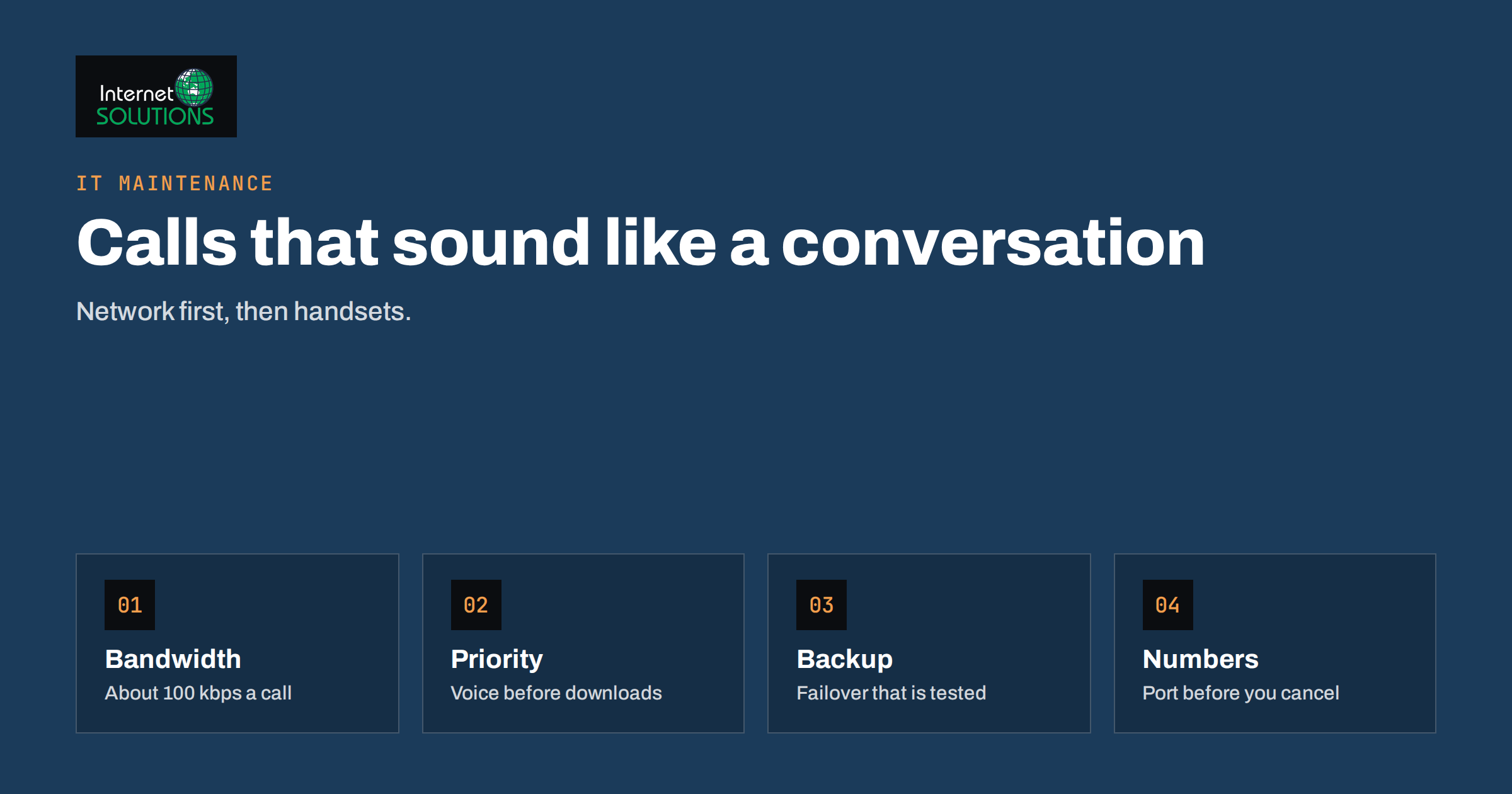
VoIP phone systems have replaced the traditional office telephone line in most small businesses, usually without much ceremony. A provider offers a monthly price per user, a box of desk phones or an app for staff phones arrives, and within a week the old line is gone. The switch works well when the network, the numbers and the call flows have been planned. It works badly when nobody checked whether the office internet connection could carry a conversation while someone uploads a large file, or when the old number was cancelled before the new service had taken it over.
This guide explains how VoIP works in plain language, which kinds of systems exist, what your network must provide, how to move your existing numbers, how to plan emergency calling and call recording, and how to compare costs honestly. It is written for owners and office managers who must choose and run a phone system without a telecom department.
How VoIP Works
VoIP stands for voice over internet protocol. Instead of a dedicated copper line, your calls travel as small packets of data across your internet connection, just like web pages or email, and are converted back into sound at the other end. Most systems use a signalling standard called SIP, described in the SIP specification, to set up and end calls, and a separate stream for the audio itself. Your provider connects those calls to the ordinary telephone network, so you can still call and receive calls from any landline or mobile phone.
The key difference from an old phone line is that voice now shares your network with everything else. Good quality depends on keeping delay, variation in delay and lost packets low. The general background is summarised in the article on voice over IP, but the practical points below matter more for day-to-day decisions.
Types of VoIP Systems
Hosted or cloud phone system
The provider runs the exchange, and you connect phones and apps to it over the internet. There is no equipment to maintain on site, features such as auto attendant and voicemail to email are included, and adding a user takes minutes. This is the right choice for most small offices.
SIP trunking with your own exchange
You keep an on-site system, either hardware or software, and the provider supplies the lines. It gives you more control and can reuse existing equipment, but you are responsible for updates, security and failures. It suits organisations with special integrations or existing investment.
Softphone or mobile-first
Staff use an app on a computer or phone instead of a desk phone. It suits hybrid and mobile teams. Provide headsets and set clear rules about using work numbers on personal devices.
Hybrid
Many offices combine desk phones for reception, apps for mobile staff and a cordless DECT handset for the warehouse or shop floor. Choose a provider that supports all three.
Is Your Network Ready?
Voice is more sensitive to network problems than almost any other service. A web page that loads in four seconds instead of two is a minor annoyance. A voice call with half a second of delay becomes impossible. These are the main factors to check.
- Bandwidth. A single call typically needs around 80 to 100 kilobits per second in each direction with the common G.711 codec, and less with compressed codecs. Multiply by the number of simultaneous calls you expect, and leave room for everything else.
- Latency. International guidance in ITU recommendation G.114 suggests keeping one-way delay under about 150 milliseconds for good conversational quality.
- Jitter. Variation in delay produces choppy audio. Wired connections and good switches keep it low.
- Packet loss. Even small amounts cause clipped words. Weak Wi-Fi is a frequent cause.
- Prioritisation. A router that supports quality of service can give voice traffic priority over downloads and backups.
- Power over Ethernet. Desk phones can be powered through the network cable, which needs a PoE-capable switch or injectors.
Before you buy, run a trial on your own connection at a busy time. Our guide to small business network setup explains the cabling, switches and Wi-Fi decisions that support voice, and office Wi-Fi troubleshooting helps when cordless or mobile calls break up.
Plan for Outages
When the internet goes down, so does the phone, unless you plan for it. Decide what must keep working and how. Typical measures include a backup connection that switches automatically, call forwarding to mobile numbers when the office is unreachable, a mobile app for key staff and a battery backup for the router, switch and phones. The ideas in our articles on internet outage plans and UPS and surge protection apply directly. Test the failover by unplugging the main connection at a quiet moment and calling the office number.
Moving Your Numbers
Keeping your existing phone numbers is called porting, and it is where many projects go wrong. Prepare carefully.
- Gather the details from your current provider: account holder name, address, account number, the list of numbers and any PIN or authorisation code.
- Ask the new provider for their porting process and typical timing, which varies by country and number type.
- Do not cancel the old service until the port is complete. Cancelling early can lose the numbers.
- Test the new system with temporary numbers while the port is pending.
- Schedule the cutover for a quiet time, tell customers and have a plan for incoming calls if something fails.
Include fax lines, alarm lines and any special numbers in the inventory. These are often forgotten, and some do not work well over VoIP.
Emergency Calls and Legal Points
Emergency calling over VoIP needs special attention. Unlike a fixed line, a VoIP number is not tied to a physical socket, so the emergency services need to learn your location another way. Providers usually ask you to register the address of each office, and softphones used from home or while travelling may need their own settings. Check how your provider handles emergency calls, how to keep addresses up to date and what happens during an outage, and tell staff clearly which phones to use in an emergency. Rules differ by country, so check your national regulator or provider documentation.
Call recording is another sensitive area. Many countries require notice or consent before recording, and data protection law applies to recordings that identify people. If you record calls, say so at the start of the call, limit access and set a retention period. Take the same care with voicemail transcripts and call logs.
Features Worth Asking For
- Auto attendant that offers a short menu and routes callers to the right team.
- Ring groups and queues so that calls reach whoever is available.
- Voicemail to email with a transcript, so that messages are not missed.
- Business-hours routing and holiday schedules.
- Mobile and desktop apps with the company number as caller ID.
- Call forwarding and hunt rules for outages.
- Reporting on missed calls and call volume, so you can staff correctly.
- Integration with your CRM or helpdesk if you handle many customer calls.
Comparing the Real Cost
| Cost item | Hosted system | Own exchange with SIP trunk | Often forgotten |
|---|---|---|---|
| Monthly per user | Included in the plan | Per channel or per number | Minimum user counts and contract length |
| Calling minutes | Bundles or unlimited within limits | Per minute or bundle | Mobile and international rates |
| Phones and headsets | Purchase or rental | Purchase | Headsets, replacements, DECT base stations |
| Network upgrades | Switches, PoE, router, backup line | Same, plus server | Cabling and Wi-Fi improvements |
| Setup and porting | Setup and port fees | Setup, integration and port fees | Staff time and temporary overlap of old and new service |
| Maintenance | Included | Your responsibility | Security updates and expertise |
Compare the total cost over three years, including equipment and the backup connection, not only the monthly price per user. Ask for the terms for adding and removing users, price increases and ending the contract.
Troubleshooting Poor Call Quality
Complaints about call quality usually fall into a few patterns, and each points to a different cause. Use a simple method: note the time, the phone or app, the network used and whether the problem affects one person or everyone.
- Robotic or choppy voice for everyone at once suggests congestion on the internet connection, often when a large upload or backup is running. Schedule heavy transfers outside working hours or enable prioritisation for voice.
- One-way audio or silence after the call connects often comes from firewall or router settings that interfere with the audio stream, or from a misconfigured device behind network address translation. Your provider’s support can usually identify it from a call trace.
- Echo is normally caused by a speakerphone, a poor headset or a mobile app set to use the loudspeaker. Switch to a headset first.
- Drops while walking around the building point to weak Wi-Fi coverage for softphones or cordless handsets. Review access point placement and roaming settings.
- Delay in conversation may come from a long network path, a VPN carrying voice traffic or a distant server. Ask the provider about the nearest connection point.
Keep a log of incidents for a few weeks. Patterns such as every Monday at nine o’clock, when everyone opens large files, are easy to fix once you see them, and the log gives your provider the information it needs to help.
Security
A phone system is an internet-facing service, and attackers target it for toll fraud, where criminals use your account to make expensive calls. Use strong passwords on every phone and portal, disable unused accounts, set call limits and international calling restrictions, keep firmware updated and ask your provider about fraud alerts. Do not expose an on-site exchange directly to the internet without proper protection. Our guide to server security hardening lists the basics that apply to any exposed system.
A Rollout Plan
- Count your needs: users, simultaneous calls, locations, special lines and call flows.
- Test your network and fix Wi-Fi, switches and the router before choosing.
- Shortlist two or three providers, check reviews, support hours and contract terms, and run a trial.
- Design the call flow on paper: who answers, what happens after hours, where voicemail goes.
- Train staff for an hour, with a one-page guide for transfers, voicemail and emergency calls.
- Port numbers and cut over, then watch call quality and missed calls for two weeks.
If you want help with the network side or with the cutover, our IT maintenance team can support the planning and testing.
Frequently Asked Questions
How much bandwidth do I need for VoIP?
Roughly 80 to 100 kilobits per second per call in each direction with the common G.711 codec, less with compressed codecs. Multiply by the number of simultaneous calls and keep spare capacity for other traffic.
Can I keep my existing phone number?
Usually yes, through number porting. Do not cancel the old service until the port completes, and gather your account details before you start.
What happens to calls if the internet fails?
Without a backup, calls fail. A backup connection, forwarding to mobile numbers and a mobile app can keep calls flowing. Test the failover before you rely on it.
Is VoIP less reliable than a landline?
It can be just as reliable if your network and provider are good, but it depends on your internet connection and power supply, which a traditional line did not. Planning for outages closes the gap.
Do I need new phones?
Not always. Some desk phones work with several providers, and apps can replace phones. Ask your provider which models they support and whether adapters work with old handsets.
Are VoIP calls secure?
They can be, with strong passwords, updated firmware, encrypted connections where supported and fraud limits. Choose a provider that documents its security measures.
The Bottom Line
A VoIP phone system saves money and adds flexibility when it is planned. Check that your network can carry voice, decide how calls should flow, port your numbers carefully, plan for outages and emergency calls, and compare total costs over several years. Set sensible security limits from the start and train staff briefly but clearly. Done well, the new system is quieter in the budget and more helpful to callers than the old one. For help with the network and rollout, see our IT maintenance page.