

 English
 Lietuvių
 Latviešu
 Eesti
 Русский
 Polski
 Українська
 Deutsch
 Italiano
 Español
 Français
 Português
 Čeština
 Magyar
 Română
 Ελληνικά
 Türkçe
 日本語
 العربية
 हिन्दी
 Bahasa Indonesia
 Bahasa Melayu
 ไทย
 Tiếng Việt
 বাংলা
PostRSS for Nonprofits and Associations: News, Events and Campaigns
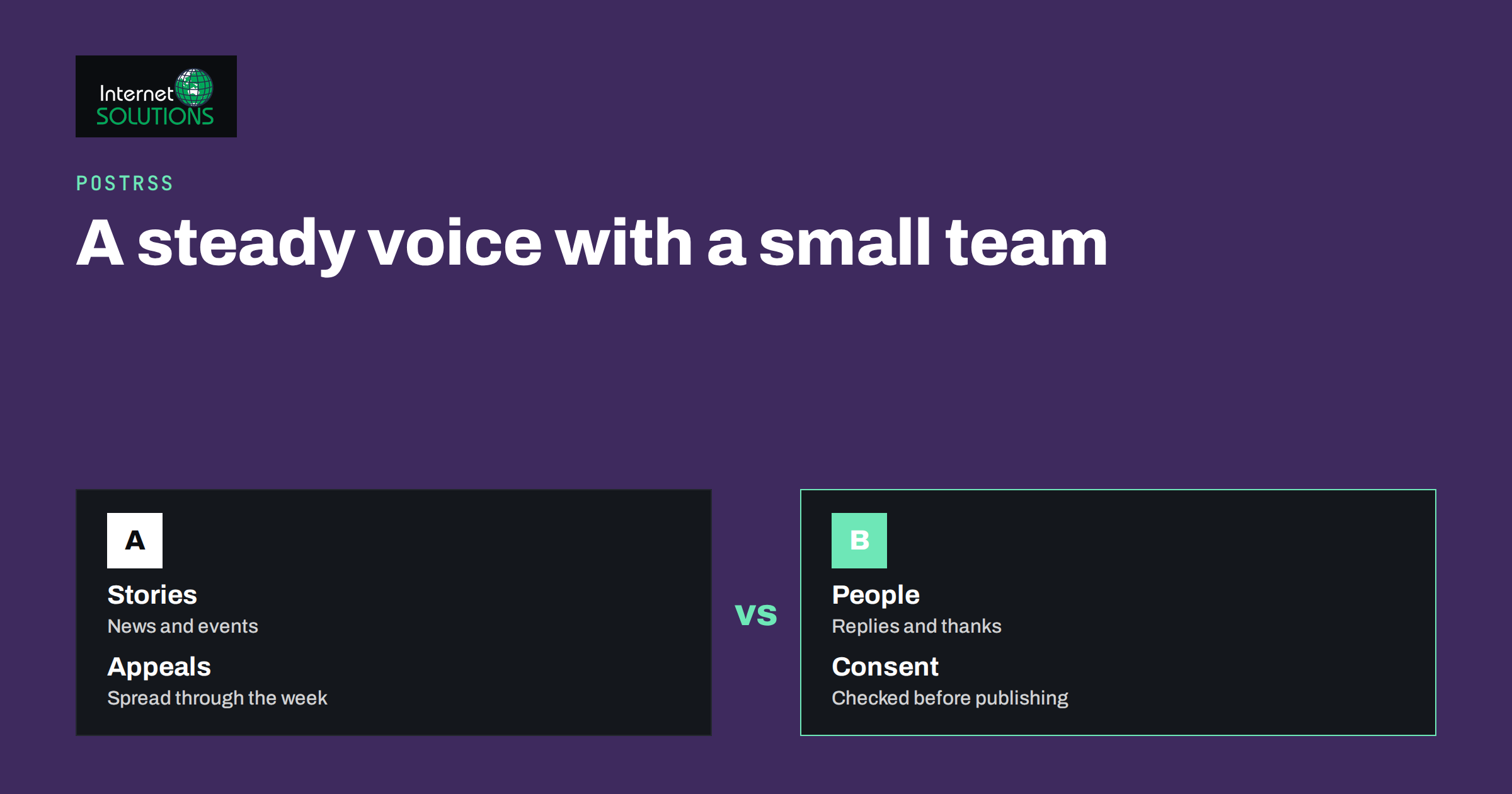
PostRSS for nonprofits and associations starts from an uncomfortable fact about small organisations: communication is rarely anyone’s full-time job. A charity coordinator, a club secretary or a volunteer who “looks after the website” is also running events, answering calls and writing grant reports. Social media gets attention in bursts, usually right before an event or during a campaign, and then goes quiet for weeks. Supporters notice. A page that posts regularly feels alive and trustworthy, and one that posts rarely feels abandoned, even when the organisation is working hard behind the scenes.
PostRSS offers a way to keep a steady voice with very little effort. It reads the feed that your website already produces and publishes each new item to your social networks, with the image, a text you choose and a link back to your site. This article explains how a nonprofit, a professional association, a club or a community group can use that approach: what to publish, how to set it up, how to keep the tone human, how to measure results and which privacy and consent points deserve care.
Why Automating the Basics Makes Sense
Most nonprofits already publish important information on their own website: news, event pages, campaign updates, reports, volunteer calls and thank-you notes. The website is the source of truth. Social posts are, in the end, announcements that point to it. If someone must retype each announcement for three networks, the task gets postponed, and the best content reaches fewer people. Automating that step removes a chore and keeps your website, not a social network, at the centre. It also means your content is on a platform you control, which matters when networks change their rules and reach.
Automation should never replace conversation. Supporters comment, ask questions and send messages, and those need a human reply. The efficient pattern is automation for the broadcast layer, and people for the relationships.
What to Feed Into PostRSS
PostRSS reads an RSS or Atom feed, or a CSV file, from outside your site, so you do not need to install anything. Most content management systems, including WordPress, produce feeds automatically. Decide which kinds of content should travel.
- News and stories. Impact stories, project updates and announcements are your most shareable content.
- Events. If events are published as posts or in a feed, each new event can generate an announcement. Pair it with a manual reminder closer to the date.
- Campaigns. Fundraising appeals, awareness weeks and petitions benefit from reaching several networks on the same day.
- Volunteer and job calls. A short post with a link to the application page reaches people who might not visit your site.
- Reports and resources. Annual reports, guides and policy papers can be announced when published.
Keep separate feeds or categories for each type if you can, so that you can use different templates and destinations. Our guide on PostRSS message formats explains how the text that accompanies each link is built from fields in your feed.
Choosing Networks for Your Audience
PostRSS supports a long list of networks, and which ones you can use depends on your plan, so check the current details on the PostRSS site. For a nonprofit, think about where your members, donors, volunteers and beneficiaries actually are. A Facebook page often suits local communities and older supporters, a LinkedIn page reaches professionals, partners and corporate donors, Telegram channels work for groups that want direct updates, and open networks such as Mastodon and Bluesky attract some civic, academic and technology-minded audiences. The free plan of PostRSS lists a small selection of networks, which can be enough to start, and some networks may carry a note that they are being tested or temporarily unavailable, so check before you plan around them.
Start with one or two networks and do them well. A page that posts reliably to two places beats five that are neglected. If you need ideas for a specific platform, see our guides to PostRSS and Facebook pages and Telegram channels from RSS.
Content Plan at a Glance
| Content type | Source on your website | Template idea | Suggested rhythm |
|---|---|---|---|
| Impact story | News post with photo | Headline, one line of thanks, link | One or two a month |
| Event announcement | Event page or post | Title, date, place, “Join us”, link | When published, plus a manual reminder |
| Fundraising appeal | Campaign page | Need, effect of a gift, link | A few per campaign, spread out |
| Volunteer call | Opportunity page | Role, time needed, link to apply | As needed |
| Report or resource | Download page | Title, one key finding, link | When released |
Writing Templates With a Human Voice
The template decides how each automatic post reads. Nonprofit audiences respond to purpose and people, so write templates that carry both. A few patterns work well:
- Story post: the headline, one sentence from the summary and a line such as “Read how your support made this possible”, followed by the link.
- Event post: the event title, the date and place, and “Join us”, with the link to registration.
- Appeal post: a short statement of need, what a contribution achieves and the link to the donation or sign-up page.
- Thank-you post: gratitude for a milestone, with the link to the report or story.
Write the fixed words in the voice your organisation uses in person, warm and plain, and avoid jargon. Use the feed’s image where it is strong, and make sure every story on your website has a good, honest photograph. Let a person post occasionally by hand, for example a short video from a volunteer, so that the automatic stream does not feel mechanical.
Scheduling and Frequency
PostRSS can post new items as they appear, at chosen hours or spread through the day. For small organisations that publish once or twice a week, immediate posting is usually fine. If you sometimes publish several items at once, for example after an event, spread them out so followers are not flooded. A rhythm of three to five posts a week across your networks, mixing automated posts with a few manual ones, is realistic for a volunteer-run page. Check the schedule options in our article on the auto-posting schedule.
Tracking What Brings Supporters
Charities and associations often struggle to show which activity brings donations, sign-ups and members. PostRSS can add campaign tags to the links it posts, so analytics on your website show which network sent each visitor. Use a consistent pattern, with the network as the source and the campaign name such as “spring-appeal”. Then compare visits, donations and registrations by source over a month or a quarter. These numbers help in volunteer meetings and grant reports, because they replace guesses with evidence. Our article on UTM parameters for auto-posted social traffic gives a naming scheme you can copy.
A Simple Setup in an Afternoon
- Find your feed. Open your site’s feed address in a browser and check that titles, summaries, links and images look right.
- Create a PostRSS account on the free plan and add the feed.
- Connect one or two networks, using accounts that belong to the organisation, not to a volunteer’s personal profile.
- Write the template in your voice and test with a few items.
- Add filters if needed, so internal notices or draft categories do not go public.
- Set the schedule and tracking tags.
- Write down who is responsible for checking the history and replying to comments.
The PostRSS page describes the product, the networks and the free plan in more detail.
Privacy, Consent and Care With Stories
Nonprofits often work with vulnerable people and sensitive causes, so their communications carry extra responsibility. Automation makes it easy to publish quickly, which means your website process must include the checks. Before a story goes live on the site, and therefore onto social media, confirm that you have consent from every person named or shown, that photographs of children and vulnerable adults meet your safeguarding policy, and that no location or detail identifies someone who should stay anonymous. Remove metadata such as GPS location from photographs before uploading them. Our article on photo privacy explains how.
Also keep in mind the rules for fundraising and political communications in your country, which can include requirements for disclosure and consent. Use official guidance from your regulator or umbrella body. If a post goes out that should not have, remove it quickly on the network and correct the source on your website, since the feed will keep carrying the item otherwise.
A Sample Month for a Small Charity
To make the idea concrete, imagine a local charity that supports families through a food and clothing programme. In week one it publishes a story on its website about a volunteer day, with two photographs and a short quote from a participant who agreed to be named. PostRSS picks up the new item and shares it to the charity’s Facebook page and Telegram channel with the story headline and a line of thanks. In week two it adds an event page for a coffee morning. The announcement goes out automatically, and the coordinator posts a short personal reminder by hand two days before the event.
In week three, a seasonal appeal is published with a clear description of what each donation makes possible. The appeal goes to all connected networks on the same day, tagged with a campaign name, and the coordinator replies to comments in the evening. In week four the charity publishes a short progress report and a thank-you note to donors. At the end of the month the treasurer opens the analytics, sees that most visits to the donation page came from the Facebook page and a smaller but more generous group from the Telegram channel, and decides to put more effort into the first and to share the second with the board as a success story. The whole routine takes a few hours of human time, most of it spent writing good content for the website and talking to supporters, and little of it on repeated copying and pasting.
Handing Over When Volunteers Change
Volunteer-run organisations lose people regularly, and social media accounts are a common casualty. Protect continuity by creating the PostRSS account and the network connections with an organisational email address that more than one person can access, by recording the setup in a short document and by naming a deputy who knows where the templates and tracking tags are explained. Review who has access once a year, remove people who have left and rotate passwords where appropriate. These small habits cost little and keep the stream running when the person who built it moves on.
Funding and Tools Around It
Social posting is one part of a communication toolkit. Many nonprofits also use free or discounted programmes from technology providers. For example, Google Ad Grants offers eligible nonprofits advertising credit for search campaigns, and organisations such as TechSoup help nonprofits find discounted software. Eligibility rules apply and change, so check them before you plan around them. Automation, free-tier tools and a good website together let a very small team cover a surprising amount of ground.
Common Mistakes
- Posting only appeals, and never thanks, stories or progress.
- Using a volunteer’s personal account to connect networks, then losing access when they leave.
- Forgetting to check consent before a story is published.
- Posting every internal notice because filters were not set.
- Ignoring comments and messages because the posts are automatic.
- Connecting many networks and neglecting all of them.
- Not tracking results, then being unable to show what works.
Frequently Asked Questions
Is there a free option for small organisations?
PostRSS has a free plan with a small monthly allowance of posts and a limited set of networks. Check the current limits on the PostRSS website to see whether it covers your needs.
Do we need a developer to set it up?
Usually not. If your website has a feed, you add its address to PostRSS, connect your networks and write a template. A WordPress plugin is also available if you prefer to publish from within your site.
Can we post different content to different networks?
Yes, by using separate feeds or categories and filters, and giving each destination its own template.
What if a post goes out that should not?
Delete it on the network, fix or unpublish the item on your website and check the PostRSS history to confirm what was posted and where.
Can we use it for event reminders?
The announcement can be automated when the event is published. For reminders closer to the date, schedule a manual post or add a second feed item for the reminder.
Will it make our page look robotic?
Not if you write good templates, use strong images and add a few personal posts and replies. Automation handles the routine, and people handle the personality.
The Bottom Line
For a nonprofit or association with a small team, PostRSS turns the content you already publish on your website into steady social media presence, with images, tracked links and templates in your own voice. Start with one feed and one or two networks, use organisational accounts, write templates that keep the human tone, check consent before publication and measure what brings supporters. Keep time for replies and personal posts, because trust is built in conversation. To see the product and the free plan, visit the PostRSS page.