

 English
 Lietuvių
 Latviešu
 Eesti
 Русский
 Polski
 Українська
 Deutsch
 Italiano
 Español
 Français
 Português
 Čeština
 Magyar
 Română
 Ελληνικά
 Türkçe
 日本語
 العربية
 हिन्दी
 Bahasa Indonesia
 Bahasa Melayu
 ไทย
 Tiếng Việt
 বাংলা
DNSSEC Explained: What It Protects and When to Enable It
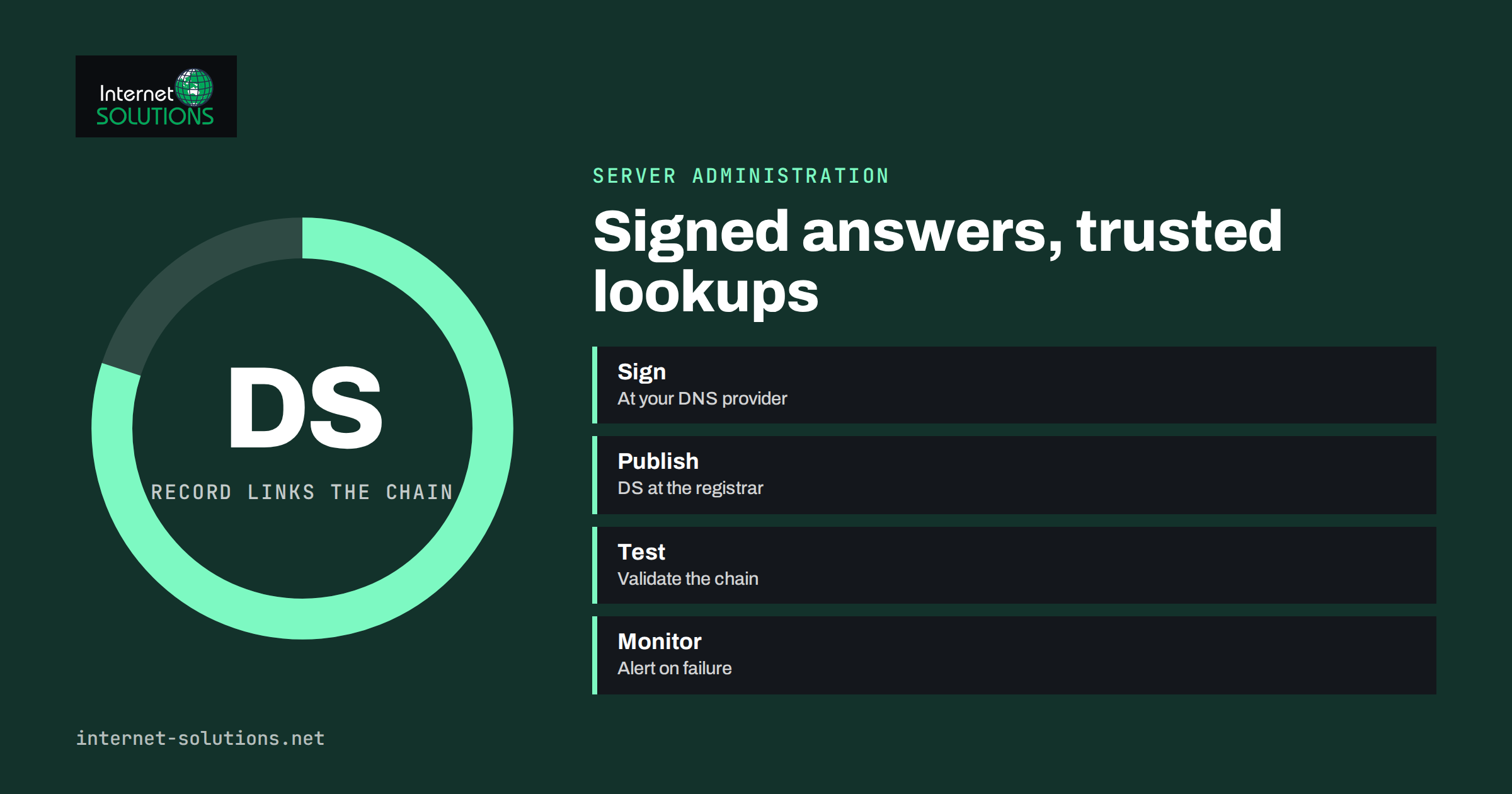
DNSSEC is a security extension for the domain name system that lets a resolver check that the answer it received really came from the owner of the domain and was not altered on the way. It is often described as a must-have, and just as often ignored, because the term sounds technical and the setup has a reputation for breaking things. The truth sits in between. DNSSEC closes one specific weakness in DNS, the ability to forge answers, and it does so at the cost of some operational care. For many business domains it is a sensible, low-effort improvement. For some, particularly those with complex setups or several DNS providers, it needs planning. In every case it is worth understanding before you click the “enable” button at your registrar.
This guide explains how DNSSEC works in plain language, what it protects and what it does not, when it makes sense to enable it, how to turn it on safely, how to test it and how to avoid the classic failure of taking your own domain offline. It is written for business owners and administrators who manage domains and want a clear picture without reading the standards.
The Problem DNSSEC Solves
The domain name system translates names such as example.com into the numeric addresses of servers. It was designed in an era when nobody expected attackers to interfere, so ordinary DNS answers carry no proof of origin. A resolver asks a question, receives an answer and trusts it. If an attacker can inject a false answer into a resolver’s cache, for example by guessing identifiers or exploiting a weakness, every user of that resolver is sent to the wrong address until the entry expires. That is called cache poisoning or DNS spoofing. The visitor types the right name, sees what looks like the right site, and ends up on a server controlled by the attacker, who may collect passwords, serve malware or show fake payment pages.
DNSSEC addresses that by adding digital signatures to DNS data. The owner of a zone signs its records with a private key, and publishes the matching public key in DNS. A validating resolver checks the signature on each answer. If the signature is missing where it should exist, or does not match, the resolver treats the answer as invalid and refuses to return it. The overview on the ICANN DNSSEC page gives a short introduction to the same idea.
How It Works in Simple Terms
DNSSEC builds a chain of trust from the root of DNS down to your domain. Each level vouches for the one below it.
- The root zone is signed, and its public key is built into validating resolvers as the starting point of trust.
- The top-level domain, such as .com or a country domain, is signed and its key is vouched for by the root.
- Your domain is signed by your DNS provider or your own name servers. The public key is published in a DNSKEY record.
- A DS record, short for delegation signer, is published in the parent zone, at the top-level domain registry, and contains a fingerprint of your key. You add it through your registrar. This is the link that connects your zone to the chain.
- A validating resolver follows the chain, checks signatures at each step and accepts the answer only if every link holds.
The signatures themselves appear as RRSIG records next to your normal records, and a special type of record proves that a name does not exist. You do not need to handle these records by hand. A good DNS provider signs the zone automatically and rotates keys on a schedule. What you must do is add the DS record at the registrar, and keep the whole chain consistent.
What DNSSEC Protects, and What It Does Not
| Threat or goal | Does DNSSEC help? | Explanation |
|---|---|---|
| Forged DNS answers and cache poisoning | Yes | Validating resolvers reject answers with bad or missing signatures |
| Man-in-the-middle changing DNS responses | Yes, for validating resolvers | Altered data fails validation |
| Privacy of DNS queries | No | DNSSEC signs data but does not encrypt it. Encrypted DNS transports address privacy. |
| Phishing with look-alike domains | No | A look-alike domain can be signed too |
| Compromised registrar or DNS account | No | An attacker with access can change records and keys, so account security matters |
| DDoS attacks on your servers | No | DNSSEC does not stop traffic floods |
| Website or server hacks | No | It protects the lookup, not the web server itself |
| Email spoofing of your domain | Indirectly | It protects DNS records used by email authentication, but SPF, DKIM and DMARC do the real work |
It is important to keep expectations realistic. DNSSEC protects the integrity of DNS answers for resolvers that validate them. Many large public resolvers do validate, and so do many internet providers, but not all, and end-user devices usually rely on whichever resolver they are given. A user behind a non-validating resolver gets no extra protection, though they also suffer no harm from your signing.
When It Makes Sense to Enable DNSSEC
DNSSEC is most valuable for domains whose DNS integrity matters a lot, such as banks, public bodies, shops, login portals and any business whose customers could lose money or data if they were redirected. It is also valuable where mail delivery depends on DNS data, because attackers who can alter MX or authentication records can intercept messages. Some top-level domains and some public-sector rules encourage or require it. For a small brochure site, the risk is lower, but the effort is also small if your provider supports one-click signing, so many small businesses enable it as a hygiene measure.
Think twice or plan carefully in these situations:
- You use several DNS providers at once. Multi-provider signing is possible but needs coordination of keys.
- Your DNS provider does not support DNSSEC properly. Do not publish a DS record unless the zone is already signed.
- You are about to move DNS hosting. The change of provider is the most dangerous moment for a signed domain.
- Nobody owns the domain’s administration. A signed zone needs somebody who knows where the DS record lives.
How to Enable It Safely
- Take stock. Identify where the domain is registered, who hosts its DNS, whether the two are the same company and whether the registry supports DNSSEC for your top-level domain.
- Secure the accounts first. Enable multi-factor authentication on the registrar and the DNS provider, and consider a registrar lock. Our guide to domain name management explains these protections.
- Record the current state. Export all DNS records and note the TTL values, so that you can restore them if something goes wrong.
- Enable signing at the DNS provider. The provider generates the keys, signs the zone and shows you the DS record data: key tag, algorithm, digest type and digest. Modern providers use elliptic-curve algorithms, which are compact and fast.
- Wait until the signed zone is published and consistent. Check that the DNSKEY records answer from every name server of the zone.
- Add the DS record at the registrar. If the registrar and DNS provider are the same company, there is often a single toggle that does both steps. Otherwise, copy the values exactly.
- Test. Use a validator such as DNSViz or the Verisign DNSSEC Debugger, and query through a validating public resolver. Test the website, email and any subdomains.
- Monitor. Set up a check that alerts you if validation fails, and add DNSSEC to your renewal and change checklist.
The order matters. Publishing a DS record for a zone that is not signed, or whose keys do not match, makes validating resolvers reject your domain entirely. To visitors on those resolvers, the website and the email will simply stop working, even though the servers are fine.
The Dangerous Moments
Changing DNS Providers
If you move a signed domain to a new DNS provider, the DS record at the registry still points to the old keys. The new provider’s zone is signed with different keys, or not signed at all, and validation fails. The safe procedure is to either remove the DS record well before the move, wait for the old DS to expire from caches, move the DNS, enable signing at the new provider, and then add the new DS record, or to use a documented key-handover method supported by both providers. Plan it with attention to TTLs, as described in our guide to moving to a new hosting provider.
Key Rollovers
Keys are replaced periodically. Managed providers do this for you, but if you run your own name servers, you must follow a documented rollover procedure and watch the timing of the DS update. A forgotten rollover is a common cause of outages.
Transfers Between Registrars
When you transfer the domain, make sure the DS record is handled according to the rules of both registrars. Some require that you remove it first.
Expired Signatures
Signatures have validity periods. If automatic re-signing stops, because a process fails or a server is stuck, the signatures expire and validating resolvers reject the zone. Monitoring catches this early.
DNSSEC and the Rest of Your Security
DNSSEC is one layer. It sits alongside certificates, email authentication and account protection. Certificates protect the connection to the site, and our article on SSL certificate renewal and management explains how to keep them valid. DNSSEC protects the lookup that comes first. Both rely on strong control of the domain account, since an attacker who controls it can change keys, delete the DS record or alter records and signatures alike. Choose unique passwords, enable multi-factor authentication, limit who can edit DNS and keep a record of changes. If you want help reviewing your domain, DNS and certificate setup, our server administration team can audit it and prepare a safe change plan.
A Worked Example
A small online shop has its domain registered with one company and its DNS hosted with a managed DNS provider that offers one-click DNSSEC. The administrator decides to enable it. She first enables multi-factor authentication at both accounts, exports the DNS zone and lowers the TTL of key records the day before. She enables signing at the DNS provider and waits until the provider shows the zone as signed. The provider displays the DS data, and she copies it into the registrar’s DNSSEC page.
Within an hour, she tests the domain with a validation tool and finds a clean chain from the root. She sends test mail, loads the shop from two networks and checks the subdomains. Everything works. She adds a monitoring check for DNSSEC validity, writes a note in the domain file about where the DS record lives and sets a reminder to review the setup before any provider change. Two years later, when the shop moves to another DNS provider, the note reminds the team to plan the DS handover instead of discovering the problem in the middle of an outage.
Common Mistakes
- Adding a DS record at the registrar before the zone is signed.
- Moving DNS hosting without handling the DS record.
- Assuming that DNSSEC encrypts DNS or protects against phishing.
- Skipping monitoring, so expired signatures go unnoticed.
- Leaving the registrar account without multi-factor authentication.
- Copying DS values with a typing error.
- Forgetting that email depends on the same zone, and testing only the website.
Frequently Asked Questions
Is DNSSEC required?
Not for most private businesses, although some registries, sectors and public bodies require or strongly encourage it. It is a recommended security measure, particularly where users could be harmed by redirection.
Will DNSSEC slow down my website?
The effect is tiny. Signed answers are larger, and validation takes a little time, but visitors do not notice it for normal sites.
Can DNSSEC break my email?
If misconfigured, yes, because email depends on DNS records in the same zone. Validating resolvers will reject an invalid zone, which can block mail delivery. That is why testing and monitoring are important.
Do I need DNSSEC if I use HTTPS?
They protect different things. HTTPS protects the connection to the site, and DNSSEC protects the lookup that sends users there. Using both gives a stronger result, but one does not replace the other.
How do I turn DNSSEC off if there is a problem?
Remove the DS record at the registrar first, and wait for caches to expire before you disable signing at the DNS provider. Removing the signatures while the DS record still exists will break validation.
How can I check whether my domain uses DNSSEC?
Use a validation tool such as DNSViz or the Verisign debugger, which show the chain of trust and highlight errors, or ask your DNS provider to confirm the status.
The Bottom Line
DNSSEC protects the integrity of DNS answers by signing them, so that validating resolvers can detect forgery. It does not encrypt queries, stop phishing or replace account security, and a mistake can make your domain unreachable for validating users. Enable it when your provider supports it properly, secure the registrar and DNS accounts first, add the DS record only after the zone is signed, test the website and email, monitor validity and plan carefully before any change of provider. For most business domains with a capable DNS host, it is a worthwhile and manageable improvement.