

 English
 Lietuvių
 Latviešu
 Eesti
 Русский
 Polski
 Українська
 Deutsch
 Italiano
 Español
 Français
 Português
 Čeština
 Magyar
 Română
 Ελληνικά
 Türkçe
 日本語
 العربية
 हिन्दी
 Bahasa Indonesia
 Bahasa Melayu
 ไทย
 Tiếng Việt
 বাংলা
Object Caching for WordPress: Redis, Memcached and When It Helps
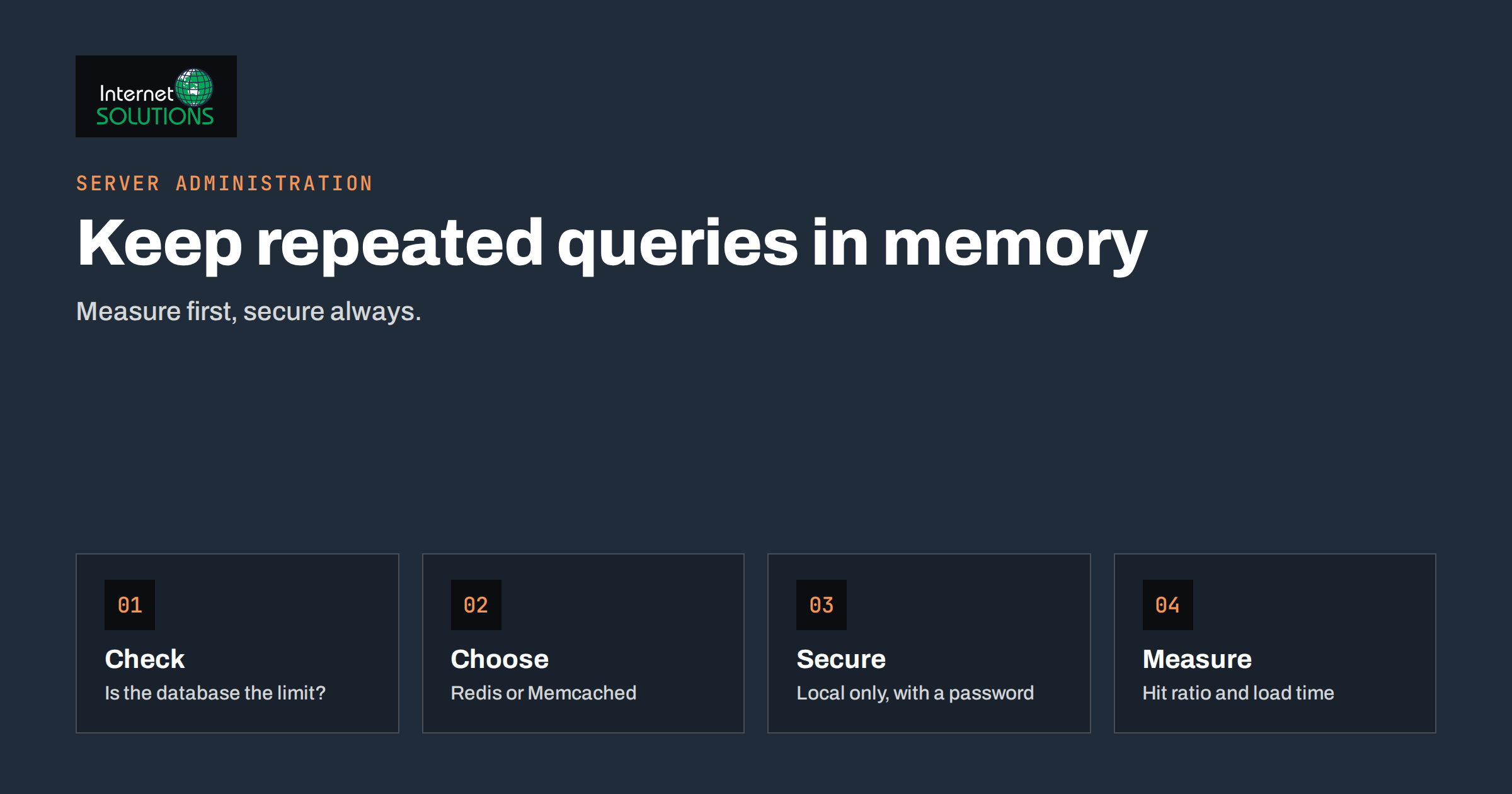
Object caching for WordPress is one of those performance topics that sounds like a magic switch and behaves like a precise tool. Install a plugin, connect Redis, and the site is supposedly twice as fast. Sometimes that is true: a busy WooCommerce shop or a membership site with thousands of logged-in users can see its database load fall sharply and its admin screens become pleasantly quick. Other times, nothing changes, because the site was already served from a full-page cache and rarely touched the database at all. And occasionally, a badly configured cache causes stale prices, strange login behaviour or a full memory that takes the server down. Understanding what an object cache stores, and which sites benefit, saves both time and trouble.
This guide explains how WordPress object caching works, how it differs from page caching, what Redis and Memcached are and how they compare, when a persistent object cache is worth installing, how to set it up and secure it on your own server, how to measure whether it helps and which problems to expect. It is written for site owners and administrators who manage their own hosting or work with a host that offers these services.
What an Object Cache Is
WordPress builds every page from many small pieces of data: options from the settings table, posts and their metadata, terms, users, menus and results of repeated queries. To avoid fetching the same piece twice during one request, WordPress includes an object cache in its core, documented in the WP_Object_Cache class. Code can store a value under a key and a group with functions such as wp_cache_set, and read it back later with wp_cache_get. By default, that cache lives in the memory of the single request and disappears when the page has been generated. It reduces duplicate queries inside one request, but nothing survives to the next visitor.
A persistent object cache keeps the stored values in an external memory service between requests. With it, the second visitor gets results that the first visitor’s request already computed, and the database is spared many repeated queries. A persistent cache is installed as a drop-in file called object-cache.php in the wp-content directory, which replaces the default behaviour with a connection to Redis or Memcached.
Object Cache Versus Page Cache
These two are often confused, and they solve different problems.
| Feature | Page cache | Persistent object cache |
|---|---|---|
| What is stored | The finished HTML of a page | Pieces of data and query results used to build pages |
| Who benefits | Anonymous visitors on public pages | Dynamic pages, logged-in users, the admin, carts, searches |
| Bypassed by | Logged-in users, carts, personalised content | Rarely bypassed; works under the page |
| Typical effect | Very large for static content | Moderate to large for dynamic sites, small for cached static sites |
| Risk | Stale pages if purging is wrong | Stale data or memory pressure if misconfigured |
The two work best together. A page cache serves most anonymous visits in a few milliseconds, and an object cache accelerates what the page cache cannot serve: the admin area, checkout, account pages, search and any request that still has to run PHP. Our guide to website caching explains the layers, from the browser to the CDN, and how they fit together.
Redis and Memcached
Both are in-memory key-value stores designed for speed, and both are widely supported by WordPress plugins and hosts. They differ in features and in the way they behave when things go wrong.
| Aspect | Redis | Memcached |
|---|---|---|
| Data types | Strings, hashes, lists, sets and more | Simple key-value strings |
| Persistence to disk | Optional, so data can survive a restart | None, data disappears on restart |
| Eviction when full | Configurable policies | Least recently used |
| Security options | Authentication, access control lists, TLS, local sockets | Basic, usually restricted by network binding |
| WordPress plugin ecosystem | Very broad | Good |
| Typical use | Object cache, sessions, queues, locks | Pure cache |
For most new installations, Redis is the common choice, thanks to its flexibility and the number of well-maintained plugins. Memcached remains a sound option if your host provides it and you only need a cache. For an object cache, persistence is not essential, because the data can always be rebuilt from the database. What matters is that the service is reliable, has enough memory and is not reachable from the internet.
Which Sites Benefit Most
- WooCommerce and other shops. Carts, checkout, account pages and product queries cannot be fully page-cached, so an object cache reduces database work on the pages that matter most.
- Membership, learning and community sites. Most visitors are logged in, so page caching helps little.
- Sites with heavy admin use. Editors working in the dashboard feel the difference, because admin screens run many queries.
- Sites with complex queries or many plugins. Plugins that store a lot of options and metadata benefit from caching the results.
- Multisite networks. Many sites share one database server, so reducing queries helps the whole network.
A small brochure site with a full-page cache and a handful of visits an hour gains little. Its bottleneck is more likely slow hosting, large images or heavy scripts. Before installing anything, look at where time is spent. A profiling plugin or the server’s slow query log tells you whether the database is the problem, and our article on WordPress database optimization shows how to find slow queries first.
Setting It Up
- Check what your host provides. Many managed WordPress hosts offer Redis or Memcached as a one-click feature. If you run your own server, you will install the service and the PHP extension yourself.
- Size the memory. Start with a modest limit, for example 64 to 256 megabytes for an average site, and increase if the hit rate or eviction counts show a need. Memory used by the cache is memory not available to PHP and the database, so consider it in your capacity plan, as described in our guide to server capacity planning.
- Secure the service first. Bind it to the local interface or a Unix socket, enable authentication where supported and block the port in the firewall. The Redis documentation on security is clear on this point: a cache service exposed to the internet is a serious risk.
- Install a well-maintained plugin that provides the drop-in, and enable it. Put the connection details in wp-config.php, including a unique key prefix.
- Set a unique prefix and salt. If several sites share one Redis instance, each must use its own prefix, or they will read each other’s data.
- Configure eviction. A policy that removes least-recently-used keys when the memory limit is reached is the usual choice. The Redis documentation on key eviction explains the options.
- Test on staging first. A staging copy lets you check checkout, logins and the admin before the change reaches customers. Our article on staging sites explains the process.
- Enable the cache and observe. Check that the status screen of the plugin shows a working connection, and watch for errors in the logs.
Measuring Whether It Helps
An object cache is useful only if it produces a measurable gain. Look at three kinds of evidence.
- Hit ratio. Redis reports keyspace hits and misses in its statistics. A healthy object cache for a busy site shows a high hit ratio after warm-up. A low ratio suggests that the cache is too small, keys are being flushed too often or the workload is not repetitive.
- Database load. Compare queries per second, slow queries and CPU use of the database before and after the change under similar traffic.
- Response times. Measure the time to generate uncached pages, such as the cart, the account page or the admin dashboard, not just the homepage. Use the same test pages and times of day, and repeat the measurement several times.
If the numbers show little difference, consider removing the cache again. Every extra moving part is a part that can fail, and a gain of two percent does not justify one.
Problems to Expect and How to Handle Them
Stale Data
If a plugin writes data directly to the database without clearing the related cache keys, visitors may see old values, such as an outdated price or stock level. Most well-written plugins follow the WordPress API and invalidate properly. When you find a plugin that does not, report it, exclude the relevant group from caching or flush the cache after changes.
Memory Exhaustion and Evictions
If the memory limit is too small, the service evicts keys constantly, hit rates fall and the benefit disappears. If it is too large, it starves the rest of the server. Watch memory use and evicted-key counts, and adjust.
Key Collisions on Shared Instances
Without unique prefixes, two sites can overwrite each other’s keys, leading to strange behaviour such as the wrong site settings or users appearing logged out. Always set a unique prefix.
Service Downtime
If Redis stops, a good drop-in falls back to the database, and the site slows but stays up. A poor one throws errors. Test by stopping the service on staging, and add the service to your monitoring so that you are alerted. Our article on server monitoring alerts describes what to watch.
Large Cached Objects and Autoloaded Options
Very large values, such as huge options loaded on every request, can make the cache slow rather than fast. Clean up bloated autoloaded options in the database, since they hurt performance with or without a cache.
Flushing the Cache Too Often
Some plugins flush the entire object cache each time something changes. On a busy site that defeats the purpose. Look for settings that limit flushes to relevant groups.
Security and Maintenance
Treat the cache service as part of the server’s attack surface. Keep it updated, restrict access to the local machine or a private network, use authentication and avoid storing sensitive data without encryption in places where others could read it. Include it in your patch routine, and include the plugin in your update checks. If you manage several sites on one server, consider separate instances or databases per site for better isolation. If you want a review of your caching, database and server setup, our server administration team can test the effect on a staging copy before anything changes in production.
A Worked Example
An online shop with eight thousand products runs on a single virtual server. Anonymous visitors are served by a page cache, but checkout, the account area and the admin are slow, and the database server shows high CPU during promotions. The administrator profiles the site and finds that a large share of queries on checkout and admin pages repeat product and option lookups. She sets up Redis bound to a local socket with authentication, assigns 128 megabytes, installs a maintained plugin on a staging copy and sets a unique prefix.
On staging, she tests logins, carts, coupons, stock changes and order emails, and she stops Redis briefly to confirm that the site falls back to the database gracefully. After switching on in production at a quiet hour, she measures that the hit ratio settles above ninety percent, database CPU during the next promotion falls markedly, and the checkout page responds noticeably faster. She adds Redis memory and eviction counts to monitoring, and writes the setup in the server notes. A month later, she finds one plugin that leaves stale stock numbers, so she excludes its cache group and reports the problem to the developer.
Common Mistakes
- Installing an object cache on a small, fully page-cached site and expecting a transformation.
- Exposing the cache service to the internet without authentication.
- Sharing one instance among several sites without unique prefixes.
- Giving the cache no memory limit, or too small a limit.
- Skipping staging tests of checkout and login.
- Never measuring the effect, so a useless cache stays in place.
- Forgetting to monitor the service.
Frequently Asked Questions
Do I need an object cache if I already have a page cache?
Not always. A page cache covers anonymous visitors. An object cache helps the requests that bypass it, so it is most valuable for shops, membership sites and busy admin areas.
Redis or Memcached: which should I choose?
Choose the one your host supports well and your plugin works with. Redis is more flexible and widely used, and Memcached is simpler. For a pure object cache, either can work.
Can an object cache break my site?
It can cause stale data or errors if misconfigured, which is why testing on staging, unique prefixes and a graceful fallback matter. With sound setup, the risk is low.
How much memory does it need?
Start with something modest, such as 64 to 256 megabytes, and adjust according to the hit ratio and evictions. Bigger sites with many products or users may need more.
Will it speed up my homepage?
If the homepage is served from a page cache, probably not. The object cache speeds up the work done when a page has to be generated.
Is it safe on shared hosting?
Only if the host provides an isolated instance for your account. Do not share a cache instance with other sites without unique prefixes and access controls.
The Bottom Line
A persistent object cache stores database results in memory so that WordPress can skip repeated queries, and it helps most on dynamic sites such as shops, membership platforms and busy admin areas. Check that the database is really the bottleneck, choose Redis or Memcached according to your host, secure the service, set unique prefixes and sensible memory limits, test on staging, then measure the hit ratio and the response times of uncached pages. If the numbers do not improve, remove it. When the setup is right, it is one of the most effective ways to relieve a loaded database.