

 English
 Lietuvių
 Latviešu
 Eesti
 Русский
 Polski
 Українська
 Deutsch
 Italiano
 Español
 Français
 Português
 Čeština
 Magyar
 Română
 Ελληνικά
 Türkçe
 日本語
 العربية
 हिन्दी
 Bahasa Indonesia
 Bahasa Melayu
 ไทย
 Tiếng Việt
 বাংলা
Google Business Profile: Categories, Photos, Posts and Reviews
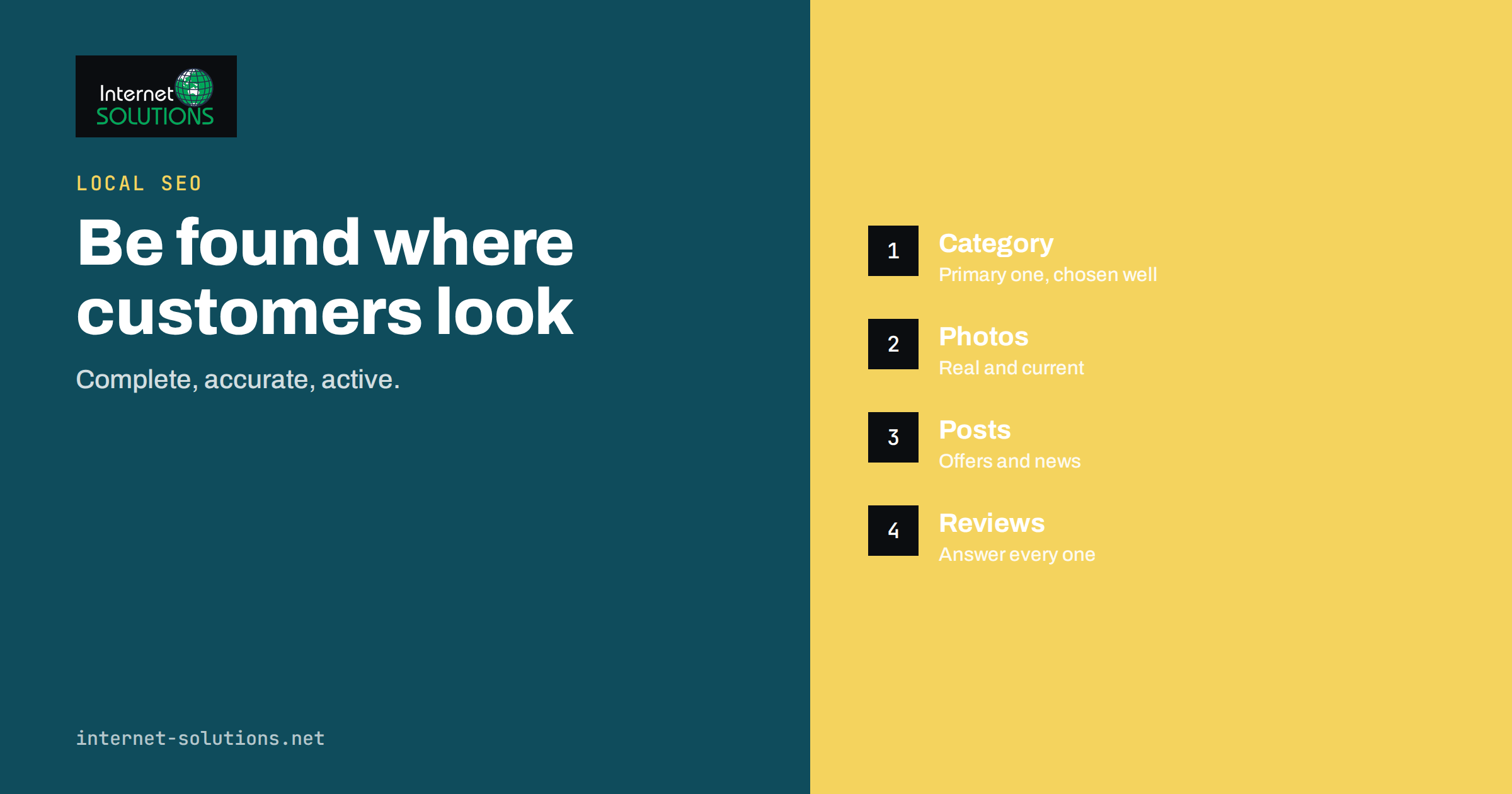
A Google Business Profile is often the first thing a local customer sees, before your website, your prices or your opening hours. When someone searches for a plumber, a dentist, a bakery or an accountant near them, Google shows a map and a short list of businesses, each with a name, a rating, a few photos and a button to call or get directions. If your Google Business Profile is complete, accurate and active, you are in that list with a good chance of being chosen. If it is neglected, half empty or wrong, you lose enquiries to a competitor who took an hour to fill in the details. For a small business with a physical location or a service area, few marketing tasks pay back as quickly as looking after this profile.
This guide explains how a Google Business Profile works, how to choose categories and write the description, which photos and updates earn attention, how to handle reviews, how to connect the profile to your website and how to keep it correct over time. It is general guidance based on Google’s published help pages, and the exact features and wording in your country can change, so check the current help centre when you set things up. If you want help turning this into a routine, our SEO services include local visibility work.
What a Google Business Profile Is and Why It Matters
A Google Business Profile is a free listing that describes a business to people using Google Search and Google Maps. It holds your name, address or service area, phone number, website link, opening hours, categories, photos, reviews and some optional extras such as services, products, appointment links and updates. You manage it from your Google account, and the information is shown directly in search results and maps without anyone needing to visit your website.
Google has said that local results are based mainly on three things: relevance, distance and prominence. Relevance is how well your profile matches what the person searched for. Distance is how far you are from the searcher or from the location they named. Prominence is how well known you seem, based on information such as reviews, links and mentions across the web. You cannot change the distance, but you can influence the other two. A complete profile with the right categories improves relevance, and reviews, citations and a good website improve prominence.
Because the profile appears before the website, it also changes what your website needs to do. Many visitors will already have seen your rating, your photos and your opening hours. They arrive with a specific intention, such as calling, booking or finding the door. Your profile and your website should therefore tell the same story and make the next step obvious.
Claiming, Verifying and Eligibility
Start by searching for your business name in Google Maps. Your profile may already exist, created by Google or by a customer, and you can claim it instead of creating a duplicate. Duplicates split reviews and confuse customers, so avoid them. If nothing exists, create the profile and follow the verification steps. Google can ask you to verify by postcard, phone, email, video or another method, depending on your business and country. Verification proves that you are entitled to manage the listing.
Eligibility matters. Google’s guidelines say a business should have a physical location or serve customers in person in a defined area, and the profile should represent the real business. A virtual office, a mailbox or a co-working desk that customers cannot visit is usually not allowed to show as a storefront. Service-area businesses, such as electricians or mobile mechanics, can hide their address and list the areas they serve. Read the guidelines for representing your business on Google before you start, because breaking them can lead to suspension, and a suspended profile can take weeks to restore.
The Business Name, Address and Phone Number
Three details form the base of every local listing: the name, the address and the phone number. They should match your website, your invoices and other directories exactly. Differences such as “Street” and “St”, or two different phone numbers, make it harder for Google to trust that the sources describe the same business.
- Name. Use the real name that customers see on your sign, your website and your stationery. Adding keywords or a slogan, such as “Best Cheap Plumber Vilnius”, is against the guidelines and can lead to the listing being edited or suspended.
- Address. Enter the full address as a postal service would. If you serve customers at their location and do not welcome visitors, set the profile as a service-area business and hide the address.
- Phone. Use a number that you answer. A local or national number is better than a long-chain call centre. If you use a call tracking number, keep your main number as the primary number, so that the information is consistent.
- Website. Link to the most relevant page, which is often the homepage for a single location, or a location page for a multi-site business.
Choosing Categories
Categories tell Google what your business is, and they influence which searches you can appear for. You choose one primary category and can add secondary categories. The primary category matters most, so select the one that describes your core business. A restaurant that also does catering should still use a restaurant category as the primary one and add catering as a secondary category.
Choose from Google’s list rather than inventing your own, and be specific. “Family law attorney” tells Google more than a general lawyer category, if family law is your main work. Look at the profiles of competitors that rank well and note which categories they use. Do not add many unrelated categories hoping for more reach, because that dilutes the signal and can cause irrelevant listings. As a rule, a handful of accurate categories is better than a long list.
| Profile element | What to enter | Common mistake |
|---|---|---|
| Business name | The real, public trading name | Adding keywords or locations |
| Primary category | The most specific category for your core service | Choosing a broad category |
| Hours | Regular and special hours, kept current | Forgetting holidays and changes |
| Description | Plain facts about what you offer and for whom | Stuffing keywords or adding links |
| Photos | Real pictures of the place, team and work | Stock images and old pictures |
| Reviews | Polite, specific replies to all of them | Ignoring negative reviews |
| Website link | The page that best matches the profile | Linking to a page that redirects |
Opening Hours, Attributes and Services
Accurate opening hours are one of the most useful details on the profile, and one of the most commonly wrong. Set the regular hours, then add special hours for public holidays, events and temporary closures. A customer who drives to a closed shop will remember the experience and may write about it. If you work by appointment, say so in the description and use an appointment link where available.
Attributes are short facts such as wheelchair access, free Wi-Fi, outdoor seating or languages spoken. Choose those that are true and relevant. Many businesses can also list services, with a short description and an optional price. A clear services list helps searchers understand what you do and gives Google more detail to match to searches. Keep the names of services close to how customers describe them, not to internal jargon. Where you list products, give each a clear photo and a short, honest description.
Writing the Description
The business description is a short text in which you explain what you do, who you serve and what makes you different. It is not a place for slogans, special offers, phone numbers or links, and Google’s rules discourage them. Write in plain language and put the most important information first, because only the first lines may be visible before a reader chooses to expand.
A good description answers four questions: what is the business, who is it for, where does it work and why would someone choose it. For example, a dental clinic could say that it provides general and family dentistry in a named district, that it offers evening appointments and that the team speaks several languages. Avoid claims you cannot prove, such as “the best” or “number one”. They add nothing and may break advertising rules in some countries. Your website’s About page can supply the facts, and our guide on showing experience and trust on a business website explains how to present them.
Photos and Video
Photos are among the most viewed elements of a profile. They show people what to expect before they walk in, and they are one of the clearest signals that a business is real and active. Upload clear, recent pictures of the exterior, the entrance, the interior, the team, your products or your work. Add a logo and a cover photo that represent the brand.
- Use real photographs rather than stock images or heavily edited graphics.
- Show the entrance and the street view, so that customers can find you.
- Include people at work, with their permission.
- Add new pictures regularly, for example after a renovation or a seasonal change.
- Check that the picture files are sharp and not oversized, and remove location data you do not want to publish. See our note on photo privacy.
Customers can also upload photos, and you cannot always control them. Check what appears under your listing, and report images that break Google’s policies.
Updates, Offers and Events
Depending on your category and country, a profile may let you publish short updates, such as news, offers or events. These can appear on your profile and give visitors a reason to trust that the business is active. Use them for real information: a new service, a seasonal opening time, a workshop or a promotion with a clear end date. Keep each update short, add a good photograph and, where useful, a button that leads to a relevant page on your website.
Do not expect updates to work as a ranking trick. Their value is practical: people who look at your profile can see that something is happening. A steady rhythm, such as one update every week or two, is enough for most small businesses. If you already publish news on your blog, you can reuse the headline and the picture, with a link to the full article, which saves time. Tools such as PostRSS can distribute website articles to many networks, and its list of networks changes over time, so check the current list on the PostRSS site before you plan to rely on a specific channel.
Handling Reviews
Reviews influence both visibility and decisions. A profile with many recent, genuine reviews and a good rating attracts more clicks than one with a few old comments. Google asks businesses not to offer incentives for reviews and not to selectively ask only happy customers, so follow the policy on reading and replying to reviews.
- Ask at the right moment. After a job is done or a visit is complete, send a short, polite request with the direct link to your review form. Ask everyone, not just those who seemed satisfied.
- Reply to every review. Thank people for positive comments and mention a specific detail. A reply is public and shows future customers how you treat people.
- Respond to negative reviews calmly. Acknowledge the problem, apologise where it is warranted, offer a way to resolve it offline and keep the tone factual. Never argue or reveal personal details.
- Report fake or abusive reviews. If a review breaks the policies, for example because it is spam or unrelated to a real experience, flag it for removal. Reviews you simply dislike will usually stay.
For a wider plan on this topic, read our guide to online reviews and reputation management for local businesses.
Connecting the Profile to Your Website
The profile and the website should support each other. Make sure the name, address and phone number on your contact page and in the footer match the profile exactly. For a business with a physical location, add structured data of the LocalBusiness type to your website, which gives search engines the same facts in a machine-readable form. Google’s local business structured data guide shows the supported properties. Structured data helps with understanding, but it does not replace the profile.
Embed a map on the contact page, publish opening hours as text and make the phone number a tap-to-call link on mobile. If you have several locations, give each its own page with unique content, and link each profile to its own page. For tips on building those pages without thin duplicates, see our guide to location pages for local SEO.
Measuring Results
The profile provides performance information, such as how many people viewed it, how they found it and which actions they took, for example website visits, calls and direction requests. Use these figures to see trends rather than exact counts. Compare one month with the previous month, and note changes after you add photos, correct categories or run a review campaign.
Add campaign tags to the website link, such as a source and medium in the address, so that your analytics can separate visits from the profile from other traffic. Track phone calls and form enquiries as conversions on your website. If the profile gets views but few actions, check that the information is complete, the photos are appealing and the reviews are recent. If it gets few views, review the categories, the service area and the consistency of your details across the web.
Keeping the Profile Healthy
A profile is not a one-off task. Set a monthly reminder to check the hours, add a photo, read new reviews and look for unexpected edits. Google and the public can suggest changes to your listing, and a wrong phone number or a moved pin can appear without your knowledge. Watch for notifications and keep at least two trusted people with access, so that the account does not depend on one employee. Remove access for people who leave the business.
When you move, rebrand or close temporarily, update the profile first. Mark a business as temporarily closed rather than deleting it, and keep the history. If the profile is suspended, read the message, correct the issue and submit the appeal with supporting documents, such as a business licence or a photo of the storefront with signage.
Common Mistakes
- Creating a second profile instead of claiming the existing one.
- Adding keywords or locations to the business name.
- Choosing too many or irrelevant categories.
- Letting opening hours become out of date.
- Using stock photos or never adding new pictures.
- Leaving reviews unanswered, especially the negative ones.
- Offering discounts or gifts in exchange for reviews.
- Using different names, addresses or phone numbers on the website and in directories.
- Giving account access to a single person or an outside provider without a record.
Frequently Asked Questions
Is a Google Business Profile free?
Yes. Creating and managing the profile costs nothing. You can pay for advertising in Google Ads, but the organic listing is free.
Can I have a profile without a shop?
If you serve customers at their location, such as a mobile repair service, you can usually create a service-area profile and hide your address. A business that has no physical presence and no in-person contact with customers generally does not qualify.
How long does verification take?
It depends on the method and on your country. Some methods are immediate, while a postcard can take days. Follow the instructions Google shows in your account and do not create a second profile while you wait.
How many categories should I choose?
Choose one accurate primary category and add only the secondary categories that describe real services you offer. A short, accurate list is better than a long one.
Should I reply to every review?
Yes, where you can. A short, specific, polite reply shows that you read feedback, and future customers often read the replies to bad reviews before they decide.
Why did my profile change without my action?
Google and users can suggest edits to listings. Check your profile regularly, correct wrong details and keep a record of the right information so that you can restore it quickly.
The Bottom Line
Your Google Business Profile is a free, powerful shop window. Claim it, keep the name, address and phone number consistent with your website, choose accurate categories, write a plain description, show real photographs, reply to every review and update the hours whenever they change. Review the profile once a month and connect it to a website that continues the same story. If you would like help with local search, from profile setup to location pages, read about our SEO services or get in touch through the contact page.