

 English
 Lietuvių
 Latviešu
 Eesti
 Русский
 Polski
 Українська
 Deutsch
 Italiano
 Español
 Français
 Português
 Čeština
 Magyar
 Română
 Ελληνικά
 Türkçe
 日本語
 العربية
 हिन्दी
 Bahasa Indonesia
 Bahasa Melayu
 ไทย
 Tiếng Việt
 বাংলা
Knowledge Panels and Brand Entities: How Google Knows Your Business
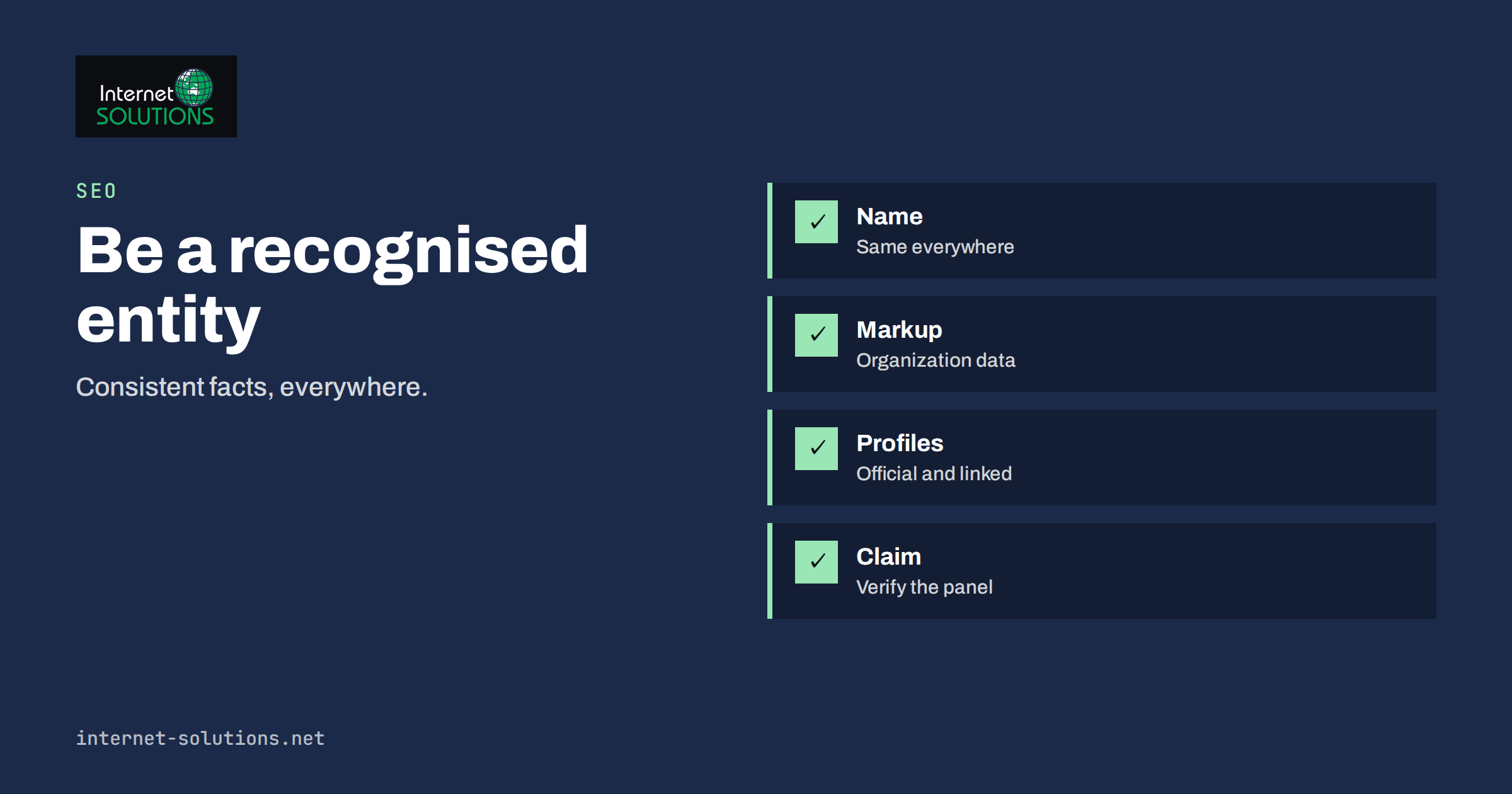
A knowledge panel is the information box that Google sometimes shows beside or above the results when someone searches for a company, a person, a place or a product. It carries a logo, a short description, key facts, links to official profiles and often a map or a set of reviews. For a business, appearing in a knowledge panel is a sign that Google has recognised it as a distinct thing, an entity, and not just as a string of words that happens to appear on web pages. That recognition does not come from one setting or one tag. It builds slowly, from consistent facts on your own website, matching facts on trusted third-party sources and a clear history of people searching for your name and finding you.
This article explains what a knowledge panel is, how Google decides whether a business deserves one, what you can control and what you cannot, and how to prepare your website and profiles so that Google understands who you are. It is practical guidance for owners and marketers, not a promise of a result: Google decides what to show, and nobody can buy or force a knowledge panel.
What a Knowledge Panel Is and What It Is Not
Search engines used to match keywords. Modern search also uses a large body of structured knowledge about real-world entities: companies, people, brands, products, places and events, and the relationships between them. A knowledge panel is the visible face of that knowledge for one entity. When your brand is recognised, searches for your name are more likely to return a panel with your logo, a description, your official website, social profiles, contact details and sometimes your address and opening hours.
It helps to separate it from three things that look similar:
- The business profile for local results. For a business with a physical location or service area, Google often shows a panel built from the Google Business Profile. That panel is managed by the owner through the profile, and our guide to local SEO for service businesses covers how to look after it.
- Rich results and snippets. Star ratings, FAQs and product details beneath a normal search result come from structured data on a page. They describe one page, while a panel describes the whole entity.
- Featured snippets. These are answers lifted from a page. Our article on featured snippets and People Also Ask explains how they work.
A knowledge panel is generated automatically. Google states that you cannot pay for one and cannot directly edit what it shows. What you can do is make accurate information easy to find, confirm that you are the official owner once a panel exists, and suggest corrections through the process Google provides.
How Google Decides Who Is an Entity
Google does not publish a checklist, so everything here is an informed description of the signals that reasonable practice supports, not a guarantee. In practice the system looks for agreement. If many independent sources describe the same organisation with the same name, the same website, the same address or country, the same field of work and the same people, the entity becomes easy to identify. If sources disagree, or if your name is shared with several other things, Google has less confidence and may show nothing.
- A distinctive name. A name that is also a common word or a famous person is harder to resolve. Adding a qualifier in your own copy, such as the legal form, the town or the field, helps people and machines tell you apart.
- Consistent facts across sources. Your website, your business profile, social profiles, industry directories, chamber of commerce listings and press mentions should show the same name, address, contact data and description.
- A clear home on the web. One official website that states plainly who you are, with an about page, a contact page and the legal details your country requires.
- Trusted third-party references. Mentions on reputable sites, directory entries, registers and sometimes encyclopedic databases show that others treat you as a real organisation. These cannot be manufactured quickly, and attempts to do so with fake or paid profiles tend to backfire.
- Search demand for the name. When people search for your brand and click your site, that behaviour helps Google connect the name with the website.
The same signals feed what is often called brand or entity SEO: working so that a search for your name returns your assets and not a confusing mix. It also overlaps with the ideas in our article on E-E-A-T for business websites, because evidence of real experience, real people and real contact details is what separates an established organisation from an anonymous site.
Prepare Your Own Website First
Your website is the one source you fully control, so make it the clearest statement of who you are.
- Write an About page that names the organisation. State the full legal name, what you do, where you operate, when you were founded and who runs the company. Use the same wording elsewhere.
- Publish a Contact page with real details. Address, telephone, email and registration information where the law requires it. Use the same format as in your profiles.
- Use a consistent logo and name. A square, high-resolution logo on a plain background, used identically in the header, the profiles and the structured data.
- Link to your official profiles. The footer or the About page should link to the social profiles and listings you maintain, because that tells visitors and crawlers which profiles are yours.
- Keep the homepage title and description clear. They should state the brand name and a short descriptor, as covered in our guide to title tags and meta descriptions.
- Make the site indexable. Blocked or broken pages cannot support recognition, and our article on why Google is not indexing your pages lists the usual causes.
Add Organization Structured Data
Structured data lets you state the facts in a machine-readable form. Google documents the Organization structured data that can help it understand the administrative details of a business, such as the name, the logo, the contact points and the official profiles. The vocabulary comes from schema.org. For most business sites a small block on the homepage or the About page is enough.
| Property | What to put there | Common mistake |
|---|---|---|
| name | The brand name as you want it shown, matching the logo and the profiles | Using a different spelling on every page |
| url | The canonical homepage address | Mixing http, https and www variants |
| logo | A stable address of a clear, square or near-square logo file | A tiny file or a logo with a transparent background that vanishes on dark panels |
| sameAs | Addresses of your official profiles and listings | Listing profiles you do not control or that are abandoned |
| contactPoint | Telephone and email for customer service, with languages if relevant | Publishing a number that nobody answers |
| address | The registered or main address, in the same format as on the contact page | Different formats on different pages |
| foundingDate | The year or date of founding, if you want it stated | Guessing the date |
Treat the markup as a statement of facts that must also be visible to people on the page. Validate it with Google’s Rich Results Test, and read our overview of structured data for business websites to decide what else to add. Structured data helps understanding, but it does not by itself produce a panel.
Build Consistent Profiles and References
Outside the website, concentrate on a short list of sources that Google and people both trust.
- Google Business Profile if you serve customers at a location or in a defined area. Fill in every field accurately and keep it current.
- Official registers. Your company registry entry, tax or trade registration and chamber of commerce listing show that the organisation exists. Make sure the name matches your website.
- Social profiles on the networks where your customers are. Use the same name, logo and description, link back to the website and keep them active.
- Industry directories and associations that are real and relevant to your field. A handful of accurate listings is worth more than hundreds of low-quality ones, and our guide to off-page SEO without spammy links explains how to tell them apart.
- Press and partner mentions. Genuine coverage, case studies with named partners, speaker listings and awards. Ask partners to link to the correct address and use your exact name.
- Reviews on platforms relevant to your sector. Our article on online reviews and reputation management describes a sustainable routine.
Whenever your name, address or logo changes, update every one of these sources in the same week. Inconsistency is the most common reason that Google shows outdated information.
When a Panel Appears: Claim, Verify and Suggest
If Google already shows a panel for your brand, you may be able to claim it and then suggest changes. Google explains the process in its help page on how to claim your knowledge panel. Typically you search for your name while signed in to the account that should own it, look for a verification option on the panel and follow the steps to prove that you represent the entity. After verification you can suggest changes to facts and images, and Google reviews them. Suggestions are not guaranteed, and some fields come from public sources that you must correct at the source.
Keep these points in mind:
- Use an account that belongs to the organisation, not a personal account of a single employee who may leave.
- Suggest corrections that you can document, such as a logo from your website or a registration extract.
- Do not try to edit through unofficial intermediaries or pay for placement. Offers to guarantee a panel are a warning sign.
- Record who has access, in the same way that you record access to other business accounts, as described in our article on employee onboarding and offboarding.
Measure Progress Without Chasing the Panel
A panel is a by-product, so measure the underlying health of your brand search instead.
- Brand queries in Search Console. Filter queries that contain your name and watch impressions, clicks and average position. The method is covered in our Search Console guide.
- What the first page shows. Search for your name in a private window from different locations. Note which results you own and which belong to others.
- Accuracy of what appears. Check the description, address, hours, logo and links in every place they show, and keep a log of corrections.
- Branded traffic and direct visits. Growth here usually follows real-world visibility such as campaigns, events and word of mouth.
A Worked Example
A small engineering consultancy has a generic name that is also the name of a software library, and a search for it shows mostly the library. The company decides to make its identity unmistakable. It rewrites the About page with the full name, the field, the town and the founding year, aligns the registry entry and the social profiles to the same wording, adds Organization markup with the logo and profile links, and asks three partners to correct their mentions to use the full name and the website address. It also publishes two case studies with named clients and their permission.
Over the next months, brand searches that include the field word begin to show the company website first, followed by its profiles. The company claims a business panel once it appears, suggests a corrected logo and description, and sets a quarterly reminder to check every profile. It never gets a large panel for the short generic name, which is a limit it accepts, but customers who search with the town or the field find it immediately.
Common Mistakes
- Trying to buy or force a knowledge panel, or using fake profiles to look established.
- Using different business names, spellings or logos on different platforms.
- Adding structured data that contradicts the visible page.
- Leaving abandoned profiles that show old addresses or closed services.
- Claiming the panel with a personal account and then losing access.
- Ignoring a name collision with a larger entity instead of qualifying the name in your copy.
- Expecting results within days, when recognition usually builds over months.
Frequently Asked Questions
Can I request a knowledge panel for my business?
No. Panels are generated automatically when Google has enough reliable information about an entity. You can make the information easier to find and, once a panel exists, claim it and suggest changes.
Does structured data guarantee a panel?
No. Organization markup helps Google understand your details, but it is one signal among several. It works best alongside consistent profiles, third-party references and real search demand for your name.
Why does my competitor have a panel and I do not?
The competitor may have a longer history, more independent references, a more distinctive name or a stronger local profile. Compare the sources that describe each of you, and improve consistency and references, without copying anything that is not true for your business.
How long does it take?
There is no fixed timeline. Changes to your site can be seen within days, while recognition across sources can take months, and some businesses never receive a large panel. Focus on accuracy and reputation, which have value anyway.
What if the panel shows wrong information?
Claim and verify the panel if the option is available, then suggest a correction with evidence. If the wrong fact comes from another source, such as an old directory listing, correct it there as well.
Is a Wikipedia page necessary?
No. Many businesses with panels have no encyclopedia page. Such pages require independent notability and neutral sourcing, and creating one for promotion usually fails. Concentrate on your own site and reputable references.
The Bottom Line
A knowledge panel is Google’s way of saying that it knows who you are, and you earn it by being clear, consistent and credible: one accurate website, matching profiles, structured data that states the same facts, genuine references from others and steady demand for your name. Do the groundwork, claim the panel when it appears and check the facts regularly. If you would like help with brand search, structured data and the technical side of visibility, see our SEO services.