

 English
 Lietuvių
 Latviešu
 Eesti
 Русский
 Polski
 Українська
 Deutsch
 Italiano
 Español
 Français
 Português
 Čeština
 Magyar
 Română
 Ελληνικά
 Türkçe
 日本語
 العربية
 हिन्दी
 Bahasa Indonesia
 Bahasa Melayu
 ไทย
 Tiếng Việt
 বাংলা
FAQ Pages That Rank: Writing the Questions Customers Actually Ask
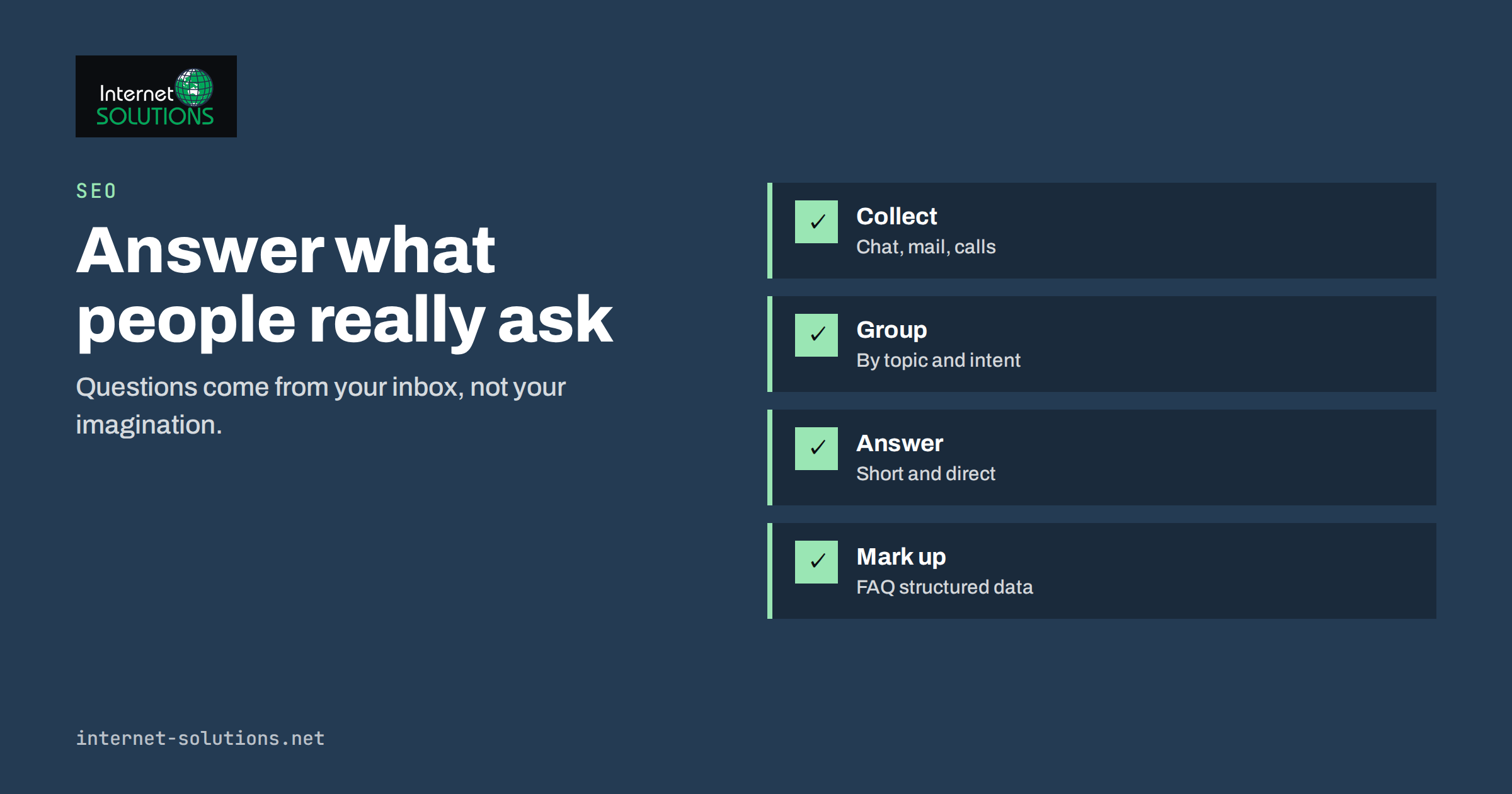
FAQ pages are among the most useful and most neglected pages on a business website. Done well, they answer the exact questions that stop a visitor from buying or calling, they bring in search traffic for long, specific queries and they save your team from answering the same message repeatedly. Done badly, they are a dumping ground of marketing slogans phrased as questions, such as “Why is our service the best?”, that nobody asked and nobody reads.
This guide shows how to find the questions customers actually ask, how to write short answers that help, how to structure one page or many, and how to use FAQ structured data honestly. It also explains a change many site owners missed: FAQ markup no longer produces expandable results for most websites, but it still has value for clarity and machine understanding.
What an FAQ Page Is For
A good FAQ page has three jobs. The first is to remove doubt at the moment of decision. People hesitate about price, delivery time, cancellation, compatibility, safety and who does what, and an answer in the right place keeps them moving. The second is to capture search demand. Many searches are written as questions, and a page that answers them directly can match those queries. The third is to reduce support cost: every question answered on the page is one fewer email.
It is not a place to hide important terms, to pad the site with keywords or to repeat the home page. If a question matters to most visitors, answer it on the relevant page as well, and use the FAQ as the complete reference.
Where the Questions Come From
Real questions are in your own records. Before you write a word, collect them from sources like these.
- Email and contact forms. Search sent and received messages for “how”, “can”, “do you”, “how much”, “when”.
- Phone calls and meetings. Ask the team to note repeated questions for two weeks.
- Live chat transcripts. If you run chat, the transcripts are a ready list; see what chat transcripts reveal about your website.
- Search Console queries. Look for queries phrased as questions that already show your pages.
- Search suggestions and “People also ask”. Useful for wording and for related questions you missed.
- Reviews and social comments. Complaints often hide a missing answer.
Group the list by theme, remove duplicates and count how often each question appears. The most frequent ones go first.
Choose a Structure
The structure depends on how much you have to say. A small service business may need one page with eight to twelve answers. A larger business can group questions by topic, such as ordering, delivery, payment, technical help and account questions. A shop often benefits from short FAQ blocks on product and category pages, plus a central help page for shared topics.
| Situation | Best structure | Notes |
|---|---|---|
| Under 15 questions | One page, one list | Group by theme with short headings |
| 15 to 50 questions | One page with topic sections and a contents list | Add anchor links to each section |
| Many products or services | FAQ block on each product page plus a central page | Avoid repeating the same text everywhere |
| Complex topic | A full guide article, with a short FAQ at the end | Link from the central FAQ |
| Support heavy business | Help centre with search | Needs ownership and regular review |
Write Answers People Will Read
Lead with the answer, then add detail. If the question is “Do you offer refunds?”, begin with “Yes, within 14 days of delivery for unused items” and explain the conditions afterwards. A reader should be able to stop after the first sentence and still be right.
- Use the customer’s words. Write “How long does delivery take?” instead of “Delivery timeframes”.
- Answer in two to five sentences. Link to a longer page when the topic needs depth.
- Be specific. Include numbers, days, prices or limits where you can, and say when something depends on circumstances.
- Be honest about limits. “We do not offer weekend installation” builds more trust than silence.
- Add a next step. A link to the contact page, the price list or the order form helps people who still need more.
- Avoid promotion. An FAQ that sells aggressively is ignored and may feel dishonest.
Keep each answer consistent with the rest of the site. If delivery time on the FAQ says three days and the product page says five, you will lose trust and probably also create a support problem.
Match the Search Intent
Different questions need different treatment. A question like “How much does X cost?” has a commercial intent; the answer should give a range or starting price and link to the price page. A question like “What is X?” is informational and may be better served by a full article with the FAQ linking to it. A question like “How do I cancel?” is a service request; the answer must be clear and easy to find, since hiding it damages trust and may break consumer rules in some countries.
When you plan topics, use keyword research to confirm the wording people use, but do not stuff phrases into answers. A natural, clear sentence usually matches the query better than an engineered one.
FAQ Structured Data: What Is True Today
FAQ markup lets you describe questions and answers in a machine-readable format, usually JSON-LD using the FAQPage type from schema.org. For some years, Google showed expandable question and answer lists under results for many sites. Since 2023, those rich results are shown only for a small set of well-known government and health websites, so most business sites should not expect them. The markup is still valid and can help search engines and other systems understand the page, but it is not a shortcut to a larger search listing.
- Mark up only visible content. The questions and answers in the code must appear on the page.
- Do not use it for ads or promotion. Marking up sales copy as questions can violate guidelines.
- Keep it accurate. If you change an answer on the page, change the markup too.
- Validate it. Use a structured data testing tool to catch syntax errors.
For a broader view of what to mark up on a business website, read our guide to structured data and schema markup. The official FAQPage type documents the required properties.
Link FAQ Pages Into the Site
The format itself is old and well understood; the FAQ overview traces it back to early online communities. An FAQ page that nobody can find does little. Link it from the main menu or footer, from the contact page and from pages where related questions arise, such as pricing or delivery. Inside answers, link to detailed pages so that readers can go deeper. In the other direction, link from each product or service page to the specific answer using an anchor link, so that visitors do not have to scan the whole list.
If you have an AI assistant on your site, the FAQ is also the best source to teach it. A well-written list of answers makes a knowledge base that is easy to maintain; our article about what to teach a chat assistant and how to test answers uses the same principle.
Keep It Current
Prices, policies, opening hours and delivery times change. Put a review date in your calendar every quarter, and assign an owner. Check the oldest answers first, remove those that no longer apply and add new ones from recent questions. A page with outdated terms is worse than no page, because customers may rely on it. During a content review, such as the process in our guide to content audits, include the FAQ and compare its answers with the live site.
A Worked Example
A company that installs home solar panels receives the same questions through its contact form. The marketing manager collects sixty messages and finds fifteen distinct questions. Five appear in more than half of the messages: cost, subsidies, installation time, roof suitability and warranty. She writes answers of three to four sentences, begins each with a direct statement and links to the detailed price guide and the contact form. For cost, she gives a typical range and says what changes it, instead of avoiding the topic.
She groups the answers under four headings, adds a contents list, puts the page in the footer and links to the most relevant answers from each service page. She marks up the visible questions with FAQ structured data and sets a quarterly review. Within two months, the number of repeated questions in the inbox falls, and the page begins to appear for long searches such as “how long does solar panel installation take”.
A Starter Set of Questions for Common Businesses
If you are staring at a blank page, these starter prompts help you write the first draft from your own knowledge. Treat them as prompts to answer in your own words, not as text to copy, and replace the generic wording with your real numbers and policies.
- Money: How much does it cost? What affects the price? Do you offer payment plans? What happens if the price changes after we start?
- Time: How long does it take? When can you start? What do you need from me, and when?
- Process: What happens after I contact you? Who will I work with? How do we communicate?
- Results and risk: What if I am not satisfied? Is there a guarantee? What do you not do?
- Practical: Where do you work? What are your opening hours? How can I pay? What documents do you need?
- Trust: How long have you been in business? Do you have insurance or certifications? Can I speak to a past client?
Choose the questions that match the most frequent messages you receive and answer them in two to five sentences. Then read the page aloud, as if you were speaking to a customer at the counter. Wherever the answer sounds evasive or too sales-like, rewrite it. Ask a colleague who did not write the page to check whether anything is missing, and put the finished page in front of one or two real customers to see whether they find their own question.
Common Mistakes
- Inventing questions that nobody asks to fit keywords or slogans.
- Writing long answers that bury the point.
- Dodging price, cancellation or limits, which are the questions people care about most.
- Expecting expandable search results from FAQ markup.
- Marking up content that is not visible on the page.
- Leaving outdated answers online for years.
- Repeating identical FAQ blocks on dozens of pages.
Frequently Asked Questions
How many questions should an FAQ page have?
As many as customers genuinely ask. For most small businesses, ten to twenty well-chosen questions are enough. Add more only when they come from real enquiries.
Will FAQ markup give me rich results in Google?
For most websites, no. Since 2023, expandable FAQ results are shown mainly for well-known government and health sites. The markup is still valid, and it can help machines understand the page, but do not count on a bigger listing.
Should every product page have its own FAQ?
Only if there are product-specific questions. Put shared topics, such as delivery and returns, on a central page and link to them rather than repeating the same text.
How long should an answer be?
Usually two to five sentences, starting with the direct answer. If the topic needs more, link to a longer page.
Can I use an AI tool to write the answers?
You can use it to draft and tidy wording, but the facts must come from your own policies and prices, and a person should check each answer before it goes live.
How often should I update the page?
Review it at least quarterly and whenever prices, policies or services change. Outdated answers cause both lost trust and extra support work.
The Bottom Line
An FAQ page works when it is built from real customer questions, answered directly and kept current. Collect questions from email, chat, calls and search data, group them by theme, write short answers that begin with the point and link to deeper pages. Add FAQ structured data only for visible content and only as a clarity measure, not as a promise of rich results. Review the page every quarter, and you will turn a neglected corner of the website into one of its most useful pages.