

 English
 Lietuvių
 Latviešu
 Eesti
 Русский
 Polski
 Українська
 Deutsch
 Italiano
 Español
 Français
 Português
 Čeština
 Magyar
 Română
 Ελληνικά
 Türkçe
 日本語
 العربية
 हिन्दी
 Bahasa Indonesia
 Bahasa Melayu
 ไทย
 Tiếng Việt
 বাংলা
Software Subscriptions and Licenses: Track Renewals, Cut Waste
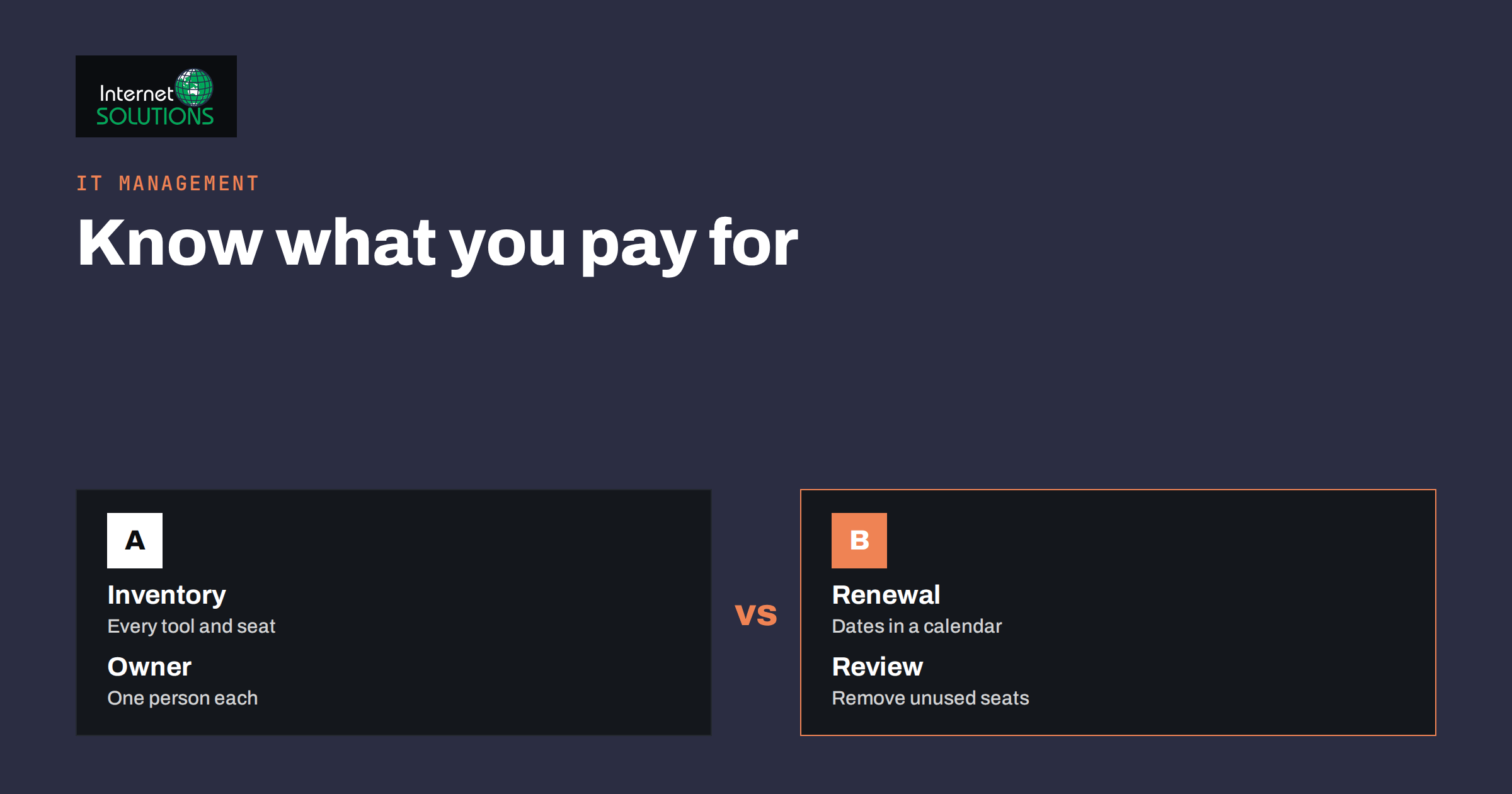
Software subscriptions are the most common source of quiet waste in a small company. Each one looks cheap when it is bought: a design tool for one person, a project board for a trial, an extra seat for a freelancer who left last spring. Then the card is charged every month, the renewal date passes without anyone noticing and the business ends up paying for tools that nobody uses, or worse, for tools that nobody remembers owning. The same blind spot creates security risks, because forgotten accounts keep access to company data.
This guide shows how to build a simple inventory of subscriptions and licenses, assign owners, track renewal dates, find waste, handle licensing rules and offboard people cleanly. A spreadsheet and one meeting are enough to start, and the first review usually pays for itself.
Why Subscriptions Get Out of Control
Several habits combine to create the problem. Tools are bought on a personal or company card by whoever needs them, with no central record. Free trials convert to paid plans automatically. Annual plans renew without a reminder. Teams grow, and seats are added but never removed. Vendors change plans and prices, and the notice goes to an inbox that no one reads.
- Shadow purchases. Staff buy tools themselves because the process to request them is slow.
- Overlap. Two or three tools do the same job because different teams chose differently.
- Unused seats. Licenses stay assigned to people who changed roles or left.
- Auto-renewal. Annual contracts renew at a higher price without a decision.
- Forgotten access. Old accounts hold customer data and remain unprotected.
Build One Inventory
Start with the money trail. Go through company card statements, bank payments, expense claims and accounting records for the last twelve months and list every recurring software charge. Then ask each team what else they use, including free tools that hold business data. Put everything in one table.
| Column | What to record | Why it matters |
|---|---|---|
| Tool and vendor | Name, plan level, website | Identifies overlaps |
| Purpose | What job it does | Shows whether it is still needed |
| Owner | One named person | Someone decides on renewals |
| Users and seats | Who has access, how many seats | Finds unused licenses |
| Cost and billing | Price, monthly or annual, payment method | Budget and cash planning |
| Renewal date and notice period | Date and the last day to cancel | Prevents surprise renewals |
| Data held | Customer, financial, personal or none | Security and privacy review |
| Contract location | Where invoices and terms are saved | Proof of purchase and audits |
Give Every Tool an Owner
A tool without an owner is a tool nobody will cancel. Name one person responsible for each: the one who uses it most or the manager of the team it serves. The owner answers three questions each year: do we still need it, do we have the right number of seats and is there a cheaper or better option? The finance contact, usually the owner of the business or the office manager, keeps the master list and the calendar.
Also decide how new tools are approved. A light process is enough: a short message explaining the need, the cost, the data involved and who will own it. The aim is not to block teams, but to prevent surprises.
Put Renewals in a Calendar
For every paid tool, add two calendar entries: one at least 60 days before renewal, to review the need, and one at the cancellation deadline. Many annual contracts require notice weeks or months in advance, and missing the window means paying for another year. Add the notice period to the table, and set reminders for the owner and the finance contact.
- Sort the table by renewal date.
- For each tool in the next 90 days, ask the owner whether to keep, reduce, replace or cancel.
- Record the decision and the date in the table.
- Negotiate when you keep: ask for a better annual price, fewer seats or a different plan.
- Update the table with the new renewal date.
Find and Remove Waste
Look for waste in five places and act on each.
- Unused seats. Check last-login data in the admin panel. Remove seats unused for 60 or 90 days, after asking the user.
- Duplicate tools. If two tools do the same job, choose one and migrate carefully.
- Oversized plans. If you pay for a top tier but use only basic features, move down a tier.
- Trials that converted. Cancel anything nobody can justify.
- Annual versus monthly. Annual plans often cost less, but only for tools you will certainly keep.
Be careful not to cut tools that look idle but are critical once a year, such as tax or reporting software. The owner’s input matters here. Where a tool replaces a manual job, compare the full cost of both; our article on build or buy automation offers a way to weigh them.
Understand What You Are Licensed To Do
Subscription terms differ in ways that matter. Some licenses are per user and named, so they cannot be shared between people. Some are per device. Some allow commercial use only on higher plans. Some restrict use by contractors, or have limits on the number of projects, contacts or storage. Open-source software carries its own conditions, which may require attribution or sharing changes. Read the licensing terms of tools that you use for client work or resell, and keep the contract with your records.
Audits happen. Software vendors can ask for proof of licensing, and a messy inventory turns a routine request into a stressful project. Keeping invoices, seat counts and assigned users together makes the answer simple.
Security and Offboarding
Every subscription is also an account that can be breached. Reduce risk with a few rules: use single sign-on where the tool supports it, require multi-factor authentication, give users only the role they need and remove access on the day someone leaves. Our guides on single sign-on for small teams and on multi-factor authentication and password managers describe practical steps.
Create an offboarding checklist that begins with the inventory: for each departing person, list the tools they use, transfer ownership of shared data, remove their seat and revoke any API keys or connected apps. For devices that connect to those tools, see the advice on remote device management.
Keep It Alive
An inventory decays unless it is maintained. Schedule a short review each quarter: check the card statements for new recurring charges, compare them with the table, review the next 90 days of renewals and remove departed users. Once a year, run a longer review of the entire list. The time cost is small, usually an hour a quarter, compared with the savings from avoiding one unnecessary annual renewal.
For background on the concepts, the articles on software licenses and software as a service explain the main models.
A Worked Example
A fifteen-person marketing agency has grown quickly, and the owner suspects it pays for too many tools. The office manager exports twelve months of card payments and finds fifty-three recurring charges. After talking to the team, she builds a table with owners, seats, renewal dates and notice periods. The review reveals three project management tools, eleven unused design seats and two annual renewals due in the next month.
The team agrees to standardise on one project tool, moves its tasks over two weeks and cancels the others before their notice deadlines. Unused seats are removed after confirming with the users. One annual plan is renegotiated for a smaller seat count. In total, the agency cuts about a fifth of its software spend, closes four forgotten accounts that held client data and adds a quarterly review to the office calendar. A short approval note for new tools keeps the list from growing back.
Questions to Ask Before You Renew
When a renewal comes up, a short set of questions guides the decision and creates a record of why you chose it. Ask the tool owner to answer them in writing.
- What problem does this tool solve, and who depends on it?
- How many people used it in the last 90 days?
- Which features do we really use, and which plan do they require?
- What would happen if we cancelled today? What would we lose, and what would we have to replace?
- Is there a cheaper or simpler option that does 80 percent of the job?
- Can we negotiate on price, term or seat count?
- Where does the tool store our data, and can we export it easily?
Keep the answers in the inventory next to the renewal date. Over time you build a history that shows how needs change, helps new managers understand past choices and makes audits calmer. Where the tool is cheap, do not spend more time deciding than the tool costs; reserve the full review for the ten largest items and for any tool that holds sensitive data.
Common Mistakes
- Buying tools on personal cards with no central record.
- Letting trials convert without a decision.
- Missing cancellation notice periods.
- Paying for seats of people who left.
- Keeping several tools for the same job.
- Ignoring licensing terms for commercial or client work.
- Reviewing once and never again.
Special Cases Worth Handling Separately
Some subscriptions deserve extra attention because the consequences of a mistake are larger.
- Tools that hold customer data. Accounting, email marketing, customer systems and chat tools are covered by your privacy duties. Confirm that you have a data processing agreement, know where the data is stored and can export or delete it when you leave.
- Domain, hosting and certificate services. These are not ordinary subscriptions. If one lapses, your website and email can stop. Register them in the company name, use a shared mailbox for notices and set renewal reminders well in advance.
- Tools used by contractors. Freelancers and agencies often work in your accounts. Give them named, limited access, and remove it when the work ends.
- Personal accounts used for work. If a tool is registered with an employee’s personal email, ownership is unclear. Move it to a company account before the person leaves.
- Free plans with business data. Free does not mean harmless. Add them to the inventory, because data and access exist even when no invoice arrives.
Treat these categories as a short priority list in your first review. Fixing ownership and access for them removes the biggest risks, and it takes far less time than a full cost-cutting exercise.
Finish the first review by sharing the results with the whole team: the total spend, the savings found and the new rule for approving tools. People cooperate more willingly when they see that the exercise is about removing waste and risk, not about blaming anyone for past purchases.
Frequently Asked Questions
How do I find all the subscriptions we pay for?
Review twelve months of card statements, bank payments, expense claims and accounting entries for recurring charges, then ask each team what else they use, including tools with free plans that hold business data.
Who should own the inventory?
One person in finance or operations should keep the master list, while each tool has its own owner who decides on renewals and seat counts.
How often should we review subscriptions?
Do a short check every quarter and a deeper review once a year. Always review a tool at least 60 days before its renewal date.
Are annual plans better than monthly plans?
They are often cheaper per month, but they lock you in. Choose annual for tools you will certainly keep and monthly for anything uncertain.
What is a license audit?
A vendor request to show that your use of its software matches what you paid for. A clean inventory with invoices and assigned users makes the response straightforward.
How do I handle subscriptions when someone leaves?
Use an offboarding checklist: remove their seat, transfer ownership of shared data, revoke connected apps and keys, and update the inventory.
The Bottom Line
Software subscriptions stay under control when you can see them. Build one inventory from your payment records, give every tool an owner, calendar the renewal and cancellation dates, remove unused seats and duplicate tools and keep licensing and security in view. A quarterly review of about an hour keeps the list accurate, cuts waste and closes forgotten accounts before they become a problem.