

 English
 Lietuvių
 Latviešu
 Eesti
 Русский
 Polski
 Українська
 Deutsch
 Italiano
 Español
 Français
 Português
 Čeština
 Magyar
 Română
 Ελληνικά
 Türkçe
 日本語
 العربية
 हिन्दी
 Bahasa Indonesia
 Bahasa Melayu
 ไทย
 Tiếng Việt
 বাংলা
Zero-Click Searches: Measuring SEO Success When Clicks Fall
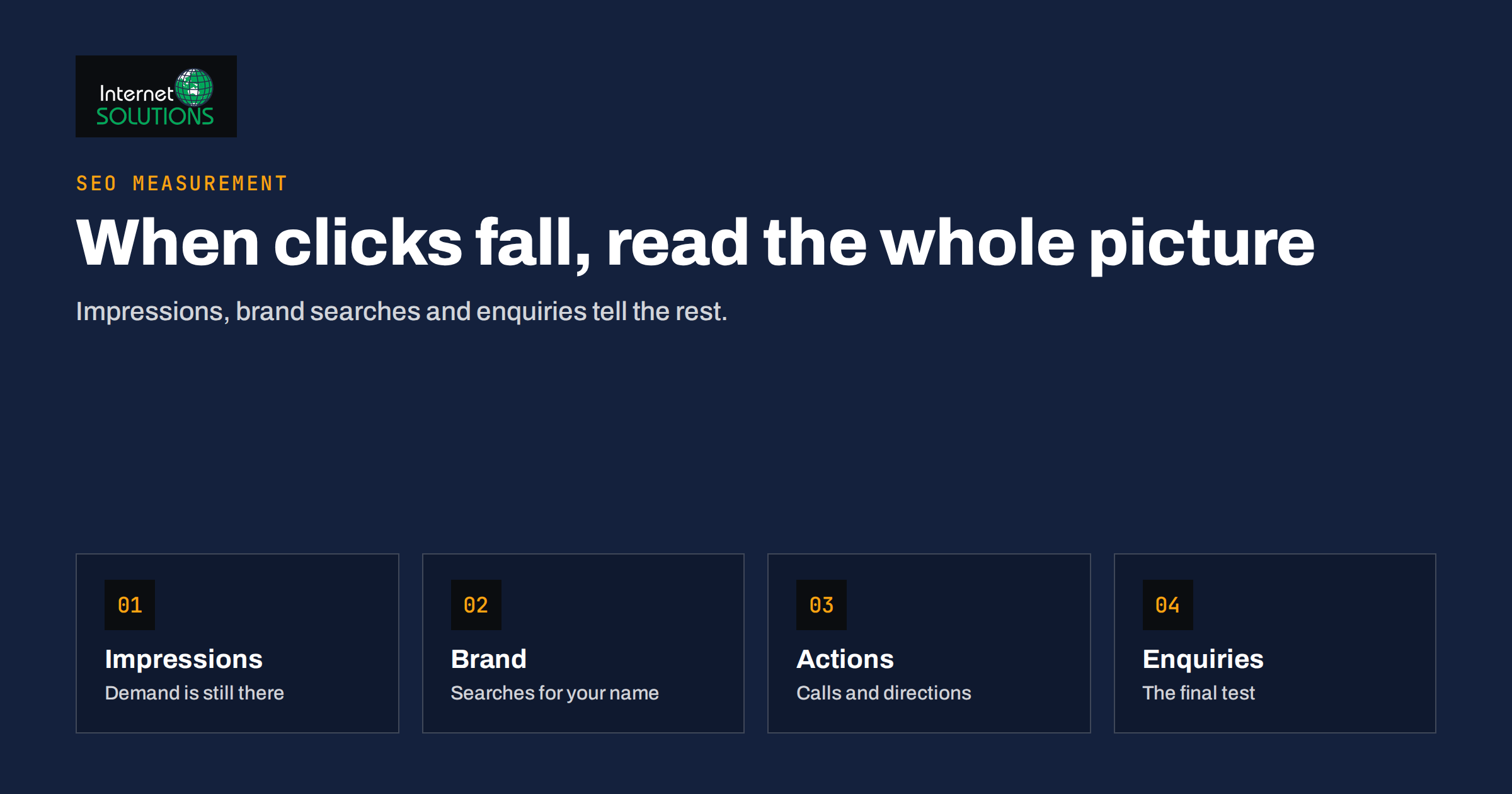
Zero-click searches are searches that end on the results page without a visit to any website. The searcher reads a snippet, a map listing, a knowledge panel or an AI-generated summary, gets what they needed and leaves. For a business that has measured SEO success by organic clicks for years, this is uncomfortable: impressions grow, positions look stable, and yet the sessions report slowly declines.
This guide explains what zero-click searches are, why click numbers alone can now mislead, and which measures give a fairer picture of whether your search work still pays. It also covers how to turn a zero-click result into a brand moment, and which pages deserve protection because the visit really matters. Everything here is practical and uses data you already have in Search Console, analytics and your enquiry records.
What Counts as a Zero-Click Search
A zero-click search is any query where the result page itself satisfies the need. It is not a new phenomenon: weather, currency conversion, opening hours, sports scores and simple definitions have been answered directly on the results page for many years. What changed is the range of questions that can be answered without a click, helped by richer result features and by summaries that combine information from several sources.
It helps to separate three situations, because they call for different responses. In the first, the searcher has a question with a short factual answer, and nothing you publish will earn a click. In the second, the searcher is researching and sees your brand quoted or listed but does not visit yet. In the third, the searcher wants to act, for example to call or get directions, and the action happens directly from the result. Only the first is truly lost traffic; the other two are still valuable contacts that your analytics may not record as visits.
- Answer features. Short answers, definitions, lists and tables shown above the usual links.
- Local results. Map listings with opening hours, phone buttons, reviews and directions.
- Knowledge panels. Fact boxes about companies, people and places.
- Summaries generated by AI. Combined answers that cite a handful of sources.
- Shopping and product units. Prices, availability and ratings shown inline.
Why Clicks Alone Are a Weaker Measure Now
A click is a visit, and a visit is only one of the ways search can help your business. When the results page shows your phone number, your rating or your brand name beside a useful answer, you may win a call, a walk-in or a later direct visit that no click report attributes to search. If you judge SEO only by clicks, you will undervalue that work and may even cut the content that builds recognition.
Clicks can also fall for reasons that have nothing to do with your quality. Average position may hold while a new feature pushes the first organic link further down the screen. Seasonal demand may fade. A competitor may gain a feature you do not have. Without other measures you cannot tell which of these is happening, and you may respond to the wrong problem. The remedy is to read several signals together instead of trusting one.
Google itself explains how its newer result features select and show sources, and recommends the same foundations as before: helpful content, clear structure and technical accessibility. You can read the current guidance in Google’s documentation on AI features in Search. It does not promise traffic, but it clarifies what is within your control.
Signals to Track Instead of Clicks Alone
Build a small scorecard that combines search data with business results. The table below lists measures worth checking monthly, where to find each one and what a change usually means. None of them is perfect on its own; the value comes from reading the set together over several months.
| Signal | Where to find it | What a change may mean |
|---|---|---|
| Impressions for priority queries | Search Console performance report | Rising impressions with falling clicks suggest an answer feature is taking the click |
| Click-through rate by page type | Search Console, grouped by page | A drop on informational pages is expected; a drop on service pages deserves a closer look |
| Branded search volume | Search Console queries containing your name | Growth shows that people remember you after seeing you in results |
| Direct and referral visits | Analytics acquisition report | An increase can reflect brand recall that began on a results page |
| Calls, directions and messages | Business profile insights and call tracking | Actions taken without visiting the site still count as leads |
| Enquiries and sales by source | CRM or order records | The final test of whether search still pays |
Set the scorecard up once, record the numbers on the same day each month and keep a short note about anything that changed on your site or in the results page. After a quarter you will have enough history to separate noise from trend, and you will be able to explain a decline in clicks to a manager or client with evidence instead of worry.
Find the Queries Where Clicks Are Really Gone
Start with the performance report in Search Console. Filter to a stable period of at least three months and compare it with the same length of time a year earlier, because seasonal demand affects both periods equally. Export the queries and pages, then sort by impressions. Look for rows where impressions are high or growing and click-through rate has fallen sharply.
For each of these rows, search the query yourself in a private window and look at the full results page. Note which features appear, where your result sits and what the page offers without a click. Then classify the query: purely informational and easily answered, researching a decision, or ready to act. This simple manual review is the most useful hour in a zero-click audit, because it replaces guesses with a picture of what the searcher actually sees.
- Informational and easily answered. Accept that clicks will be low. Decide whether the page still serves a purpose, such as building recognition or supporting other pages.
- Researching. Make sure the page offers something a summary cannot: original data, a worked example, a template, a calculator or a clear comparison.
- Ready to act. Protect these pages. Check titles, snippets, speed and the path to contact, because each visit here is worth the most.
Be careful with queries that show few impressions. Small numbers fluctuate widely, and a handful of clicks lost on a rarely searched phrase does not need a strategy. Focus on the dozens of queries that carry most of your impressions and most of your enquiries.
Turn Visibility Without a Click Into Brand Value
If a searcher sees your name beside a useful answer, you have been introduced, even if they did not visit. You can improve what that introduction looks like. Keep your business name, address and phone number identical everywhere, complete your business profile, and keep the titles and descriptions on your pages accurate, so the text shown beside your name reads well. Our guide to knowledge panels and brand entities explains how search systems connect your site, profiles and mentions into one recognisable business.
Consistency matters more than volume. A searcher who sees the same name, logo and description on the results page, on a map listing and on a social profile is more likely to recognise you later and to search for you by name. That brand search is one of the clearest zero-click wins, and it is visible in your Search Console data as growth in queries containing your business name.
It also helps to write answers that carry your name naturally. A short, accurate answer at the top of a page, followed by deeper detail, gives search systems something they can quote while giving readers a reason to continue. Our article on featured snippets and People Also Ask shows how to structure such answers without turning every page into a list of fragments.
Content That Still Earns the Visit
Pages survive the zero-click era when they offer what a summary cannot. A summary can state a definition, but it cannot let someone try a calculator, download a template, compare their own numbers with a benchmark or see a photograph of your finished work. It can mention a price range, but it cannot show a transparent breakdown of what drives the price. It can describe a process, but it cannot walk a visitor through a checklist they can save.
Review your most important pages with a simple question: after reading the likely summary of this topic, what reason is left to visit? If the honest answer is none, improve the page by adding something concrete. Original numbers from your own work are especially valuable, as are photographs, case notes and checklists tested with real customers. Our content audit guide describes how to review pages systematically and decide what to improve, merge or remove.
Do not abandon informational content just because it earns fewer clicks. Such pages support your wider topic authority, feed internal links to service pages and give search systems evidence that you know the subject. The goal is to be selective: invest most in pages that lead to enquiries, keep supporting pages accurate and short, and retire pages that no longer serve either purpose.
Protect the Pages Closest to Revenue
Not all traffic is equal. A visitor reading a definition rarely buys, while a visitor on a service page comparing providers may be a few minutes from an enquiry. When clicks fall, protect the second group first. Check that your service pages load quickly, show a clear offer near the top and make contact easy. Review their titles and descriptions as if they were advertisements, because on a crowded results page that is what they are.
Use the same scorecard to see whether protection works. If impressions and positions hold on service queries while enquiries stay flat or grow, your commercial pages are doing their job even if the blog traffic is lower. If enquiries fall, investigate in this order: rankings for commercial queries, click-through rate, page speed and usability, and finally the contact path. Our SEO service page describes how we approach this kind of review for clients, starting from the pages that matter most to the business.
For the measurement side, Google explains what the performance report in Search Console shows, and how impressions and clicks are counted, in its Search Console help. Read the definitions before comparing periods, because they affect how you interpret a change in click-through rate.
Report the Change Honestly
When you report SEO results to a manager, a client or yourself, explain the context of the numbers. A statement such as “organic clicks are down 12 percent” invites panic. A fuller statement such as “organic clicks are down 12 percent, driven by informational queries that now show a direct answer, while branded searches are up 18 percent and enquiries from search are stable” tells a more accurate story and points to sensible action.
Avoid the opposite mistake of explaining every decline as zero-click. Sometimes clicks fall because rankings fell, because a competitor improved or because your pages became slower. The review described above lets you check which explanation fits instead of assuming. Keep your notes dated and share them, so that decisions about budget are based on evidence rather than on the most recent anxious chart.
Frequently Asked Questions
Are zero-click searches bad for small businesses?
Not necessarily. They reduce visits for simple questions, but they can also bring calls, directions and brand recognition. Small businesses with strong local profiles often gain from them, provided they measure actions as well as clicks.
How can I see how many searches are zero-click?
You cannot see an exact figure for your own site. Search Console shows impressions and clicks, so a high-impression, low-click pattern is a useful indicator, and a manual check of the results page shows which features appear for each query.
Should I stop writing informational articles?
No, but be selective. Informational articles still build topic authority and feed internal links. Write them to add something a short answer cannot, and judge them by contribution to enquiries, not by clicks alone.
Does structured data help with zero-click results?
It can help search systems understand your pages and may make some result features available, but it does not guarantee any feature. Use markup that matches visible content and treat any result feature as a bonus.
Which metric matters most when clicks fall?
Enquiries and sales from search. Impressions, branded queries and profile actions explain why they change, but the business result is the final test of whether the work pays.
How often should I review this scorecard?
Monthly is enough for most small businesses. Compare each month with the same month a year earlier where possible, and keep brief notes about site changes so that you can explain movements later.
The Bottom Line
Zero-click searches change what a good result looks like, but they do not make SEO pointless. Measure impressions, branded searches, profile actions and enquiries along with clicks. Classify your queries, protect the pages closest to revenue, give informational pages something a summary cannot supply, and keep your business details consistent so that every appearance builds recognition. Reported honestly, a quiet clicks chart can sit beside a healthy pipeline.