

 English
 Lietuvių
 Latviešu
 Eesti
 Русский
 Polski
 Українська
 Deutsch
 Italiano
 Español
 Français
 Português
 Čeština
 Magyar
 Română
 Ελληνικά
 Türkçe
 日本語
 العربية
 हिन्दी
 Bahasa Indonesia
 Bahasa Melayu
 ไทย
 Tiếng Việt
 বাংলা
Website Monitoring with Site AI Audit: SSL Expiry and Broken Pages
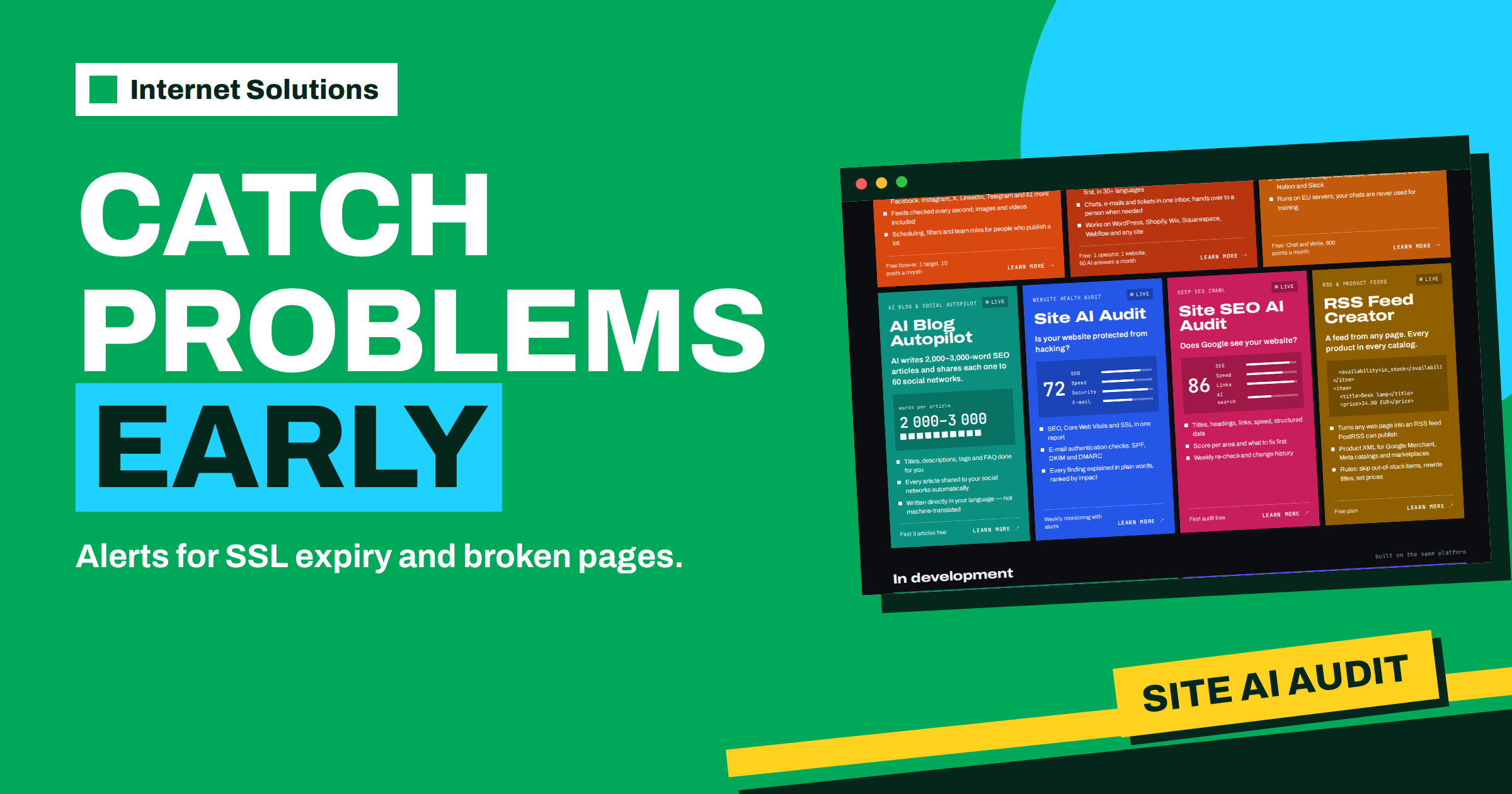
The most expensive website problems are the ones nobody noticed. A certificate quietly reaches its expiry date and every visitor sees a full-page warning. A page that used to work starts returning an error after a plugin update. A change to the mail settings sends your invoices to spam for a week. None of these is dramatic when it begins, and all of them are cheap to fix if you hear about them early. That is the purpose of website monitoring: checking your site regularly and telling you when something has changed for the worse. Site AI Audit, a product of the Internet Solutions team, combines audits with alerts, so that a certificate about to expire or a page that breaks reaches you before it reaches your customers. This guide explains what to monitor, what the paid plans of Site AI Audit offer for it, how to set up a response routine, and where an audit stops and a dedicated uptime monitor begins.
The information comes from the Site AI Audit website. We describe the plan features as they are listed there at the time of writing and recommend that you check the current pricing before you decide.
What can silently go wrong
A website is made of many parts that age at different speeds, and each part has its own way of failing without noise.
| Part | How it fails | What the visitor experiences |
|---|---|---|
| SSL certificate | Expires, or does not renew automatically | A full-page browser warning, and most visitors leave |
| HTTP to HTTPS redirect | Stops working after a server change | Insecure versions of pages, mixed signals for search engines |
| Individual pages | Return errors after an update or deletion | Error pages and lost enquiries |
| Security headers and exposed versions | Disappear after a configuration change | Weaker protection, which the visitor does not see but attackers may |
| Email records (SPF, DKIM, DMARC, MX) | Are changed or deleted in the domain settings | Messages land in spam, or anyone can send mail in your name |
| Speed | Gets worse after a heavy plugin, script or image is added | Slow pages and lost visitors |
| Indexing rules | A noindex or robots.txt rule is added by mistake | Pages disappear from search results over time |
A single audit gives you a snapshot of all these at one moment. Monitoring turns the snapshot into a series, so that a change from good to bad is visible and dated.
What Site AI Audit checks
Site AI Audit looks at four vital signs of a website: SEO, speed, security and email. About fifty checks run in one pass, and the report gives a score out of 100 with findings ranked by impact. The parts most relevant to monitoring are these.
- Security: the SSL certificate and its expiry, the redirect from HTTP to HTTPS, security headers and exposed software versions.
- Email: SPF and its lookup limit, DKIM signatures, the DMARC policy and MX records.
- SEO: titles, descriptions, headings, broken links and redirects, the sitemap, robots.txt and noindex rules.
- Speed: the Google PageSpeed score, Core Web Vitals, server response time, compression and page weight.
The sample report on the product page shows how a monitoring-relevant finding reads: an SSL certificate that expires in six days. The explanation is plain: when it expires, browsers show a full-page warning and most visitors leave. The suggested fix is to turn on automatic renewal with your host, or to renew the certificate now. To see how a whole report is organised, read our guide to reading the score, findings and fix list.
What the plans offer for monitoring
The product page lists monitoring and alerts as a feature of paid plans. A free account runs one check and shows the report locked, so it is a way to see the first picture, not a monitoring tool.
| Plan | Price at the time of writing | Checks per month | Monitoring and alerts |
|---|---|---|---|
| Free | 0 euros | 1 | Not included |
| Monitor | 9 euros per month | 5 | After each check, with alerts when SSL is about to expire or a page breaks |
| Business | 29 euros per month | 20 | Daily SSL and email monitoring |
| Agency | 79 euros per month | 100 | Daily monitoring, plus agency features such as a lead-generation form |
All plans check up to 10,000 pages per check, and paid plans include re-checks, the full report and a PDF. The Monitor plan is described as a plan for websites that must keep working, with alerts when SSL is about to expire or a page breaks, and with report history.
Audit monitoring versus uptime monitoring
It is important to understand what kind of monitoring this is. An audit-based monitor examines the health of your site: its certificate, its pages, its settings and its records. It tells you that something has degraded or is about to fail. A dedicated uptime monitor does something different: it asks every minute or so whether the site answers at all, and it calls someone when the answer is no.
| Question | Audit-based monitoring | Uptime monitoring |
|---|---|---|
| Is my certificate about to expire? | Yes, this is a core strength | Sometimes, depending on the tool |
| Did a page start returning errors? | Yes, at the next check or daily, depending on the plan | Only for the pages it is configured to watch |
| Did the server go down five minutes ago? | Not designed for this | Yes, within minutes |
| Did my email authentication change? | Yes | No |
| Is my site getting slower over time? | Yes, with the speed checks | Partly, as response time |
For most small businesses the audit-based monitor covers the quiet, slow failures that cause the most avoidable damage, and a simple uptime monitor covers sudden outages. Businesses that depend on their server around the clock combine both with proper server monitoring. Our guide to server monitoring alerts explains what deserves a call in the middle of the night and what can wait until morning.
Building a response routine
An alert is useful only if someone acts on it. A short routine, agreed in advance, turns each alert into a quick fix.
- Decide who receives alerts. Use a role address that several people read, not one person’s inbox, so that holidays and illness do not silence the warnings.
- Classify by urgency. A certificate that expires in a week is important and can be fixed today. A page that returns errors right now is urgent.
- Write a one-line action for each type. For example: certificate, contact the host or renew; broken page, check the last change and restore it; email record changed, compare with the saved correct values.
- Keep the correct values somewhere safe. Store your intended email records and redirect rules in your documentation, so that you can compare and restore them.
- Re-check after the fix. Confirm that the alert has cleared.
- Record what happened. A line in a log per incident reveals patterns, such as a certificate that fails to renew every ninety days for the same reason.
The three alerts that save the most
SSL certificate about to expire
Certificates are issued for a limited time and renewed by a process that is often automatic. Automatic renewal fails quietly when a configuration changes, when the host moves the site or when a validation step no longer works. A warning a few days before the end gives you time to fix it calmly. Our guide to SSL certificate renewal without downtime describes the process, and the documentation of Let’s Encrypt explains how automatic issuance and renewal work for the many sites that use it.
A page that breaks
Pages break after updates, deletions and changes of address formats. A key page, such as a contact form page or a product page, that returns an error is a leak in the funnel. An alert that names the page lets you restore it before the next campaign sends visitors there.
Email records that change
The records that authenticate your mail, SPF, DKIM and DMARC, live in the settings of your domain, not on your website. They are changed when someone adds a new mailing service or moves the domain, and a mistake can send your messages to spam. The DMARC standard is described in RFC 7489, and our article on SPF, DKIM and DMARC explains the practical side. Regular checks catch a broken record before customers stop receiving your invoices.
Getting the most from a monitoring plan
- Run a check after every significant change. A new theme, a plugin update, a change of host or a change of domain settings deserves an immediate check.
- Keep the report history. Comparing reports shows trends, such as speed slowly worsening, that a single report hides.
- Use the PDF for decisions. A dated report is useful evidence for managers, clients and providers.
- Act on the top of the list. Findings are ranked by impact, so monitoring does not turn into a pile of minor notices.
- Ask for help when needed. The report has a “Fix it for me” option, and our team can send an estimate for the work.
A monthly monitoring checklist
Alerts catch events; a regular review catches drift. Once a month, spend twenty minutes with the latest report and your notes. The list below works for most small business websites.
| Item | Question to ask | Action if the answer is no |
|---|---|---|
| Certificate | Does it have comfortable time left, and is renewal automatic? | Fix renewal now, not on the last day |
| Key pages | Do the home, contact, product and checkout pages respond correctly? | Restore the page, or redirect it to the closest alternative |
| Score trend | Is the overall score stable or rising compared with last month? | Find what changed and fix the largest new finding |
| Email records | Do SPF, DKIM, DMARC and MX match your documentation? | Correct the records and send a test message |
| Speed | Has the mobile score or the main loading time worsened? | Review recent plugins, scripts and images |
| Indexing | Are important pages still allowed into search? | Check robots.txt, noindex settings and the sitemap |
| Ownership | Does someone know that these alerts are theirs to handle? | Name an owner and a deputy |
Keep the filled-in checklist with your reports. After a few months it forms a small history of your site’s health, which is useful when you change provider, redesign the site or explain to a client why a problem occurred. It is also the best argument for continuing to monitor: the history shows how many small failures never turned into big ones.
Who benefits most from monitoring
Every website benefits, but some benefit more. Online shops lose money for every hour that checkout does not work. Service companies that receive enquiries by form or email lose leads when a form breaks or messages land in spam. Agencies that look after many client sites need a quick way to see which of them needs attention first. Companies that moved their site or changed provider recently should monitor closely for the first weeks, because settings that were forgotten in the move tend to fail then. A personal site that is rarely visited can monitor less often, but the certificate still expires on its date.
Frequently Asked Questions
Does the free account monitor my site?
No. The free account runs one check and shows the report locked. Monitoring and alerts belong to paid plans.
What alerts does the Monitor plan include?
It is listed with alerts when SSL is about to expire or a page breaks, five checks per month, re-checks and report history with a PDF.
Is Site AI Audit an uptime monitor?
No. It checks the health of your site, such as certificates, pages, security settings, email records and speed. For second-by-second outage detection, use a dedicated uptime monitor alongside it.
Will the checks slow down my website?
No. The crawler makes about three requests per second at most and follows your robots.txt rules, so it behaves like a polite visitor.
Can you fix the problems the monitor finds?
Yes. Internet Solutions has built and maintained websites, servers and email since 2011. Press the “Fix it for me” option in your report and we will send you an estimate.
How many pages are checked?
Up to 10,000 pages per check on every plan.
The Bottom Line
Monitoring is the habit of finding out early. A certificate that is about to expire, a page that breaks or an email record that changes can each cost customers, and each is cheap to fix when it is caught in time. Site AI Audit’s paid plans add re-checks, report history and alerts for exactly these cases, and an uptime monitor can cover sudden outages. Agree who receives alerts, write one line of action for each type, and re-check after every change. If you would like help keeping your server and website under watch, our server administration team looks after servers, security and backups.