

 English
 Lietuvių
 Latviešu
 Eesti
Eesti Русский
 Polski
 Українська
 Deutsch
 Italiano
 Español
 Français
 Português
 Čeština
 Magyar
 Română
 Ελληνικά
 Türkçe
 日本語
日本語 العربية
 हिन्दी
 Bahasa Indonesia
 Bahasa Melayu
 ไทย
ไทย Tiếng Việt
 বাংলা
বাংলাEmployee Onboarding and Offboarding: An IT Checklist for Small Teams
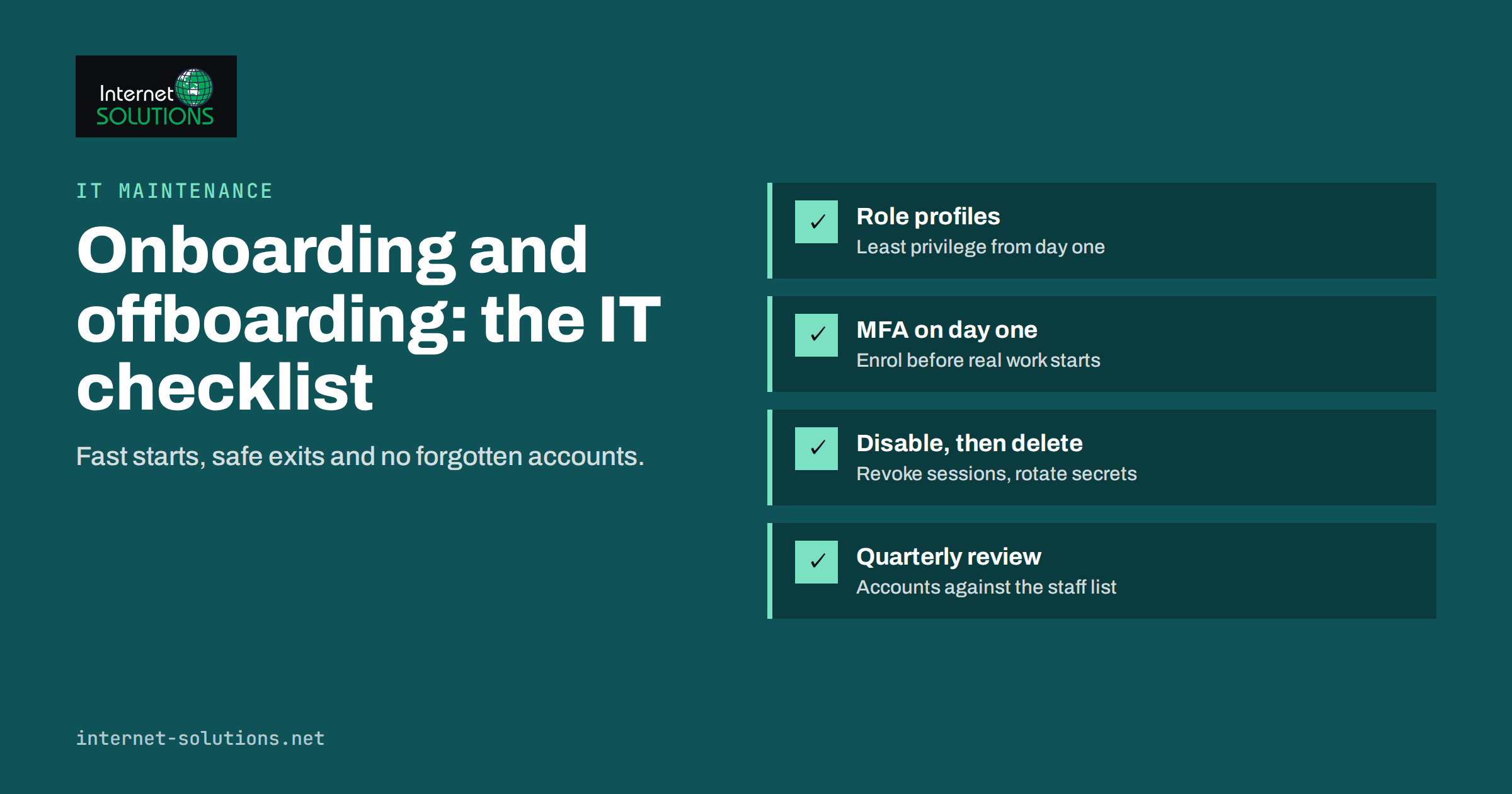
Employee onboarding and offboarding are two moments when small companies are most exposed, and both are usually handled in a hurry. A new hire waits two days for a laptop and an email account, then receives access to everything because nobody had time to decide what they actually need. A departing employee hands in their keys, but their accounts stay active for weeks, their files sit in a personal cloud folder and a shared password keeps working long after they have gone. None of this is malicious. It simply happens when there is no checklist.
This article gives small teams a practical IT checklist for both ends of the employee lifecycle. It covers accounts, devices, access rights, data handover and the records you should keep, and it explains how to turn the checklist into a routine that takes minutes rather than days.
Why a Written Process Matters for Small Teams
Larger companies have identity management systems and HR integrations that create and remove accounts automatically. Small companies typically have a mix of cloud services, a few shared logins and one person who “knows how things work”. That works until that person is on holiday, or until the company grows past ten or fifteen people and the number of tools grows with it.
A written process brings three concrete benefits:
- Speed. New employees are productive on their first day because accounts, devices and permissions are ready before they arrive.
- Security. Access is granted deliberately and removed completely. Former employees’ accounts are a common entry point for attackers, because nobody notices unusual activity on an account nobody uses.
- Continuity. Company data stays in company systems. When someone leaves, their emails, files and client conversations remain available to the team.
The UK National Cyber Security Centre’s small business guide highlights account control and access management as one of the basic measures that prevents the most common incidents. A joiner and leaver process is where those measures become daily practice.
Before Day One: Preparing for a New Employee
Good onboarding starts a week before the new person arrives. The manager and whoever handles IT agree on the role, the tools and the access level. A short request form, even a shared document, captures the decisions.
Decide the Access Profile
Instead of deciding permissions from scratch every time, define a few role profiles: for example “sales”, “support”, “developer” and “finance”. Each profile lists the systems and permission levels that role needs. A new support agent gets the help desk, the shared support mailbox and read access to the knowledge base, not administrator rights to the accounting system.
This follows the principle of least privilege: everyone gets the access they need for their work and nothing more. It limits the damage if an account is compromised and makes offboarding easier, because you already know what to remove.
Prepare Accounts
- Create the main company identity, usually the email account in your workspace or office suite, using your standard naming convention.
- Add the person to the correct groups and shared mailboxes rather than granting rights one by one.
- Create accounts in other tools through single sign-on where possible, so one identity controls access everywhere.
- Set a temporary password or invitation link that forces a change at first sign-in.
- Prepare multi-factor authentication enrolment for the first day. Our guide to multi-factor authentication and password managers explains which methods to prefer.
Prepare the Device
- Assign a laptop from stock or order it early enough for delivery.
- Install the standard operating system image, updates, security software and the applications the role needs.
- Enable full-disk encryption and automatic screen lock.
- Enrol the device in your device management tool if you use one, so policies and updates are applied centrally.
- Record the serial number, the assigned person and the date in your asset list.
Day One and the First Week
On the first day, the goal is that the new employee can sign in, understands the basic rules and knows whom to ask. A 30-minute IT introduction is usually enough:
- Sign in together, change the temporary password and enrol multi-factor authentication on the phone.
- Install and set up the password manager, and show where shared team credentials live.
- Explain where files belong: the shared drive or document system, not the desktop or a personal cloud account.
- Show how to report a suspicious email or a lost device, and make clear that reporting quickly is never punished.
- Walk through the acceptable use policy and have it acknowledged.
At the end of the first week, the manager confirms that the access granted matches what the person actually uses. Missing permissions are added through the same request process, and anything granted “just in case” is removed.
The Offboarding Checklist
Offboarding is where small companies most often leave gaps. The departure may be friendly and planned, or sudden and uncomfortable. In both cases, the same checklist applies; only the timing changes.
| Area | Planned departure | Sudden or difficult departure |
|---|---|---|
| Main account | Disable at the end of the last working day | Disable immediately, before or during the conversation |
| Active sessions | Sign out all sessions and revoke tokens on the last day | Revoke immediately, including mobile apps |
| Shared passwords | Rotate passwords the person knew after departure | Rotate the most critical ones the same day |
| Set up forwarding or delegate access to the manager | Delegate access, add an auto-reply with a new contact | |
| Files and data | Hand over ownership during the notice period | Transfer ownership administratively |
| Devices | Collect, back up if needed, wipe and reissue | Lock or wipe remotely if not returned |
| Physical access | Collect keys and cards on the last day | Deactivate cards immediately |
Accounts and Access
- Disable, do not delete straight away. Disabling stops sign-in while keeping the mailbox and files available. Delete the account later, after data has been transferred and any retention period has passed.
- Revoke sessions and app passwords. A disabled password does not always end an existing session on a phone. Use the admin console to sign the user out everywhere.
- Remove the person from groups, shared mailboxes and distribution lists.
- Check every system on the role profile, plus any tools the person signed up for on their own. Ask them during the notice period which services they use for work.
- Transfer ownership of shared assets: domain registrations, social media pages, advertising accounts, app store accounts and vendor contracts that were registered in the person’s name.
- Rotate shared credentials stored in the password manager that the person could see, starting with administrator accounts, Wi-Fi passwords and alarm codes.
Data Handover
Ask the departing employee to move work files into shared folders and to document ongoing tasks, client contacts and passwords for systems that are not in the password manager. Afterwards, the manager receives delegated access to the mailbox for a defined period, and file ownership is transferred to a colleague or a team account. If your business email is hosted with a workspace provider, the admin console usually has tools for exactly this; our comparison of business email hosting options describes how the main platforms differ.
Devices
Collect laptops, phones, security keys and accessories. Check for local files that should be kept, then wipe the device securely before reissuing it. For company phones, remove the device from management and reset it to factory settings. If a device is not returned, use remote lock or wipe if it is enrolled in device management. The NCSC’s device security guidance covers how to handle devices securely through their whole lifecycle.
Role Changes: The Forgotten Middle of the Lifecycle
Between joining and leaving, many employees change roles. A support agent moves into sales, a developer becomes a team lead, an office manager takes over part of the bookkeeping. Each move usually adds new permissions, and almost nobody removes the old ones. After a few years, long-serving employees often have more access than anyone else in the company, simply because nothing was ever taken away. Security specialists call this privilege creep.
Treat a role change as a small offboarding followed by a small onboarding:
- Remove the person from the groups and shared mailboxes of the old role.
- Add the access profile of the new role through the usual request process.
- Hand over files, open tickets and client relationships from the old role to a named colleague.
- Check administrator rights in particular, because they are the most valuable to an attacker and the most likely to be kept “just in case”.
Recording role changes in the same per-person record as joining and leaving gives you a complete history, which makes the quarterly access review much faster.
Contractors, Freelancers and Agencies
External people often get access informally: an agency receives an administrator login to the website, a freelancer is added to the shared drive. These accounts are rarely removed when projects end. Treat external people exactly like employees:
- Give them named accounts, never shared logins.
- Set an end date when you create the access, and review it when the contract ends.
- Use guest access or limited roles where your tools support them.
- Include external accounts in your quarterly access review.
Keeping Records and Reviewing Access
A simple record for each person, listing accounts created, devices issued and dates, makes offboarding fast and gives you evidence if a customer or auditor asks how access is controlled. A spreadsheet is enough for a small team. Larger teams usually move this into their help desk or HR system.
Once a quarter, review active accounts in your main systems against your staff list. Look for accounts belonging to former employees, shared accounts nobody owns and people whose access grew over time as they changed roles. This review takes less than an hour for most small companies and often finds at least one forgotten account.
Turning the Checklist Into a Routine
The checklist only works if it is used every time. A few habits help:
- Trigger it from HR. When a contract is signed or notice is given, the same message that informs payroll also starts the IT process.
- Use templates. A help desk ticket template or a shared checklist document with tick boxes keeps every step visible.
- Assign one owner. Even in a team of five, one person is responsible for completing and closing the checklist.
- Automate what you can. Group-based access, single sign-on and device management reduce dozens of manual steps to a few clicks.
- Improve it after each use. If something was forgotten, add it to the template.
If your team does not have the time or the expertise to set this up, an outsourced IT maintenance service can install and maintain computers and software and advise on the process.
Frequently Asked Questions
When should a leaver’s account be disabled?
For planned departures, at the end of the last working day. For sudden or difficult departures, immediately, ideally before or during the conversation in which the person is informed.
Should we delete a former employee’s email account?
Not straight away. Disable it, delegate access to a manager and transfer important data first. Delete it later, in line with your data retention rules.
What is the most commonly forgotten offboarding step?
Rotating shared passwords and transferring ownership of accounts registered in the person’s name, such as domains, social media pages and advertising accounts.
Do we need special software for onboarding and offboarding?
No. A written checklist and a simple record per person are enough for most small teams. Single sign-on and device management make the process faster as the team grows.
How should we handle personal devices used for work?
Keep company data in managed apps or work profiles, so it can be removed when the person leaves without touching their personal data.
How often should access be reviewed?
Once a quarter is a good rhythm for small companies, plus a review whenever someone changes role.
The Bottom Line
Employee onboarding and offboarding do not need expensive systems, but they do need a written process that is followed every time. Prepare accounts and devices before day one using role-based access profiles, enrol multi-factor authentication on the first day, and keep company data in shared systems. When someone leaves, disable accounts promptly, revoke sessions, rotate shared passwords, transfer ownership of data and assets, and wipe returned devices. Review access every quarter. The result is faster starts, safer exits and far fewer surprises. If you would like help building the process or running it for you, contact our team.