

 English
 Lietuvių
 Latviešu
 Eesti
Eesti Русский
 Polski
 Українська
 Deutsch
 Italiano
 Español
 Français
 Português
 Čeština
 Magyar
 Română
 Ελληνικά
 Türkçe
 日本語
日本語 العربية
 हिन्दी
 Bahasa Indonesia
 Bahasa Melayu
 ไทย
ไทย Tiếng Việt
 বাংলা
বাংলাFacebook Ads Targeting: Broad, Interest and Custom Audiences Compared
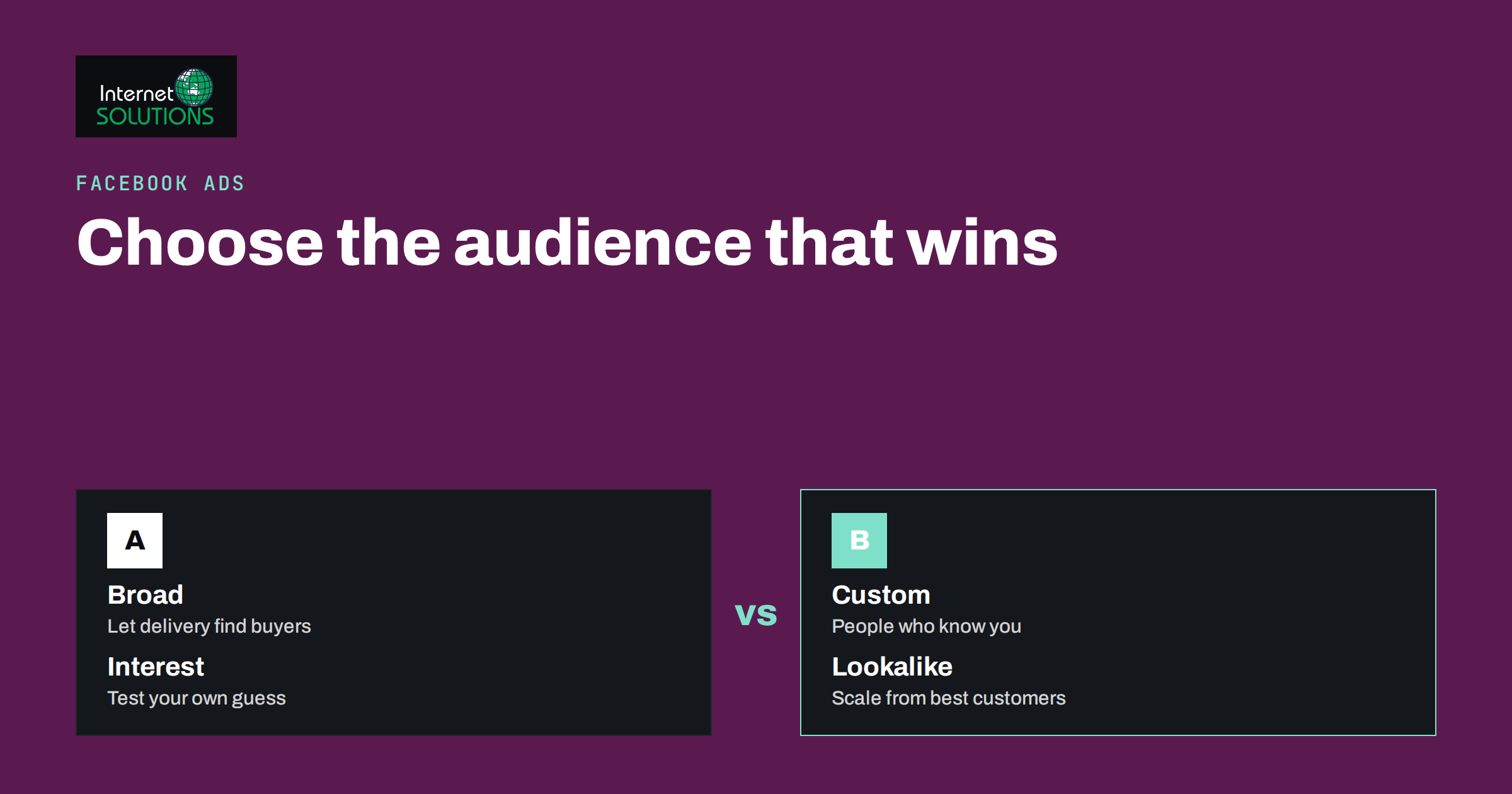
Facebook ads targeting decides who sees your message, and for many advertisers it has more influence on results than the wording or the image. The same ad can look like a failure when it reaches people with no interest in the offer, and like a success when it reaches the right group at the right moment. The difficulty is that the choices have changed a lot in recent years. Detailed interest options have been reduced, automated audience tools have grown, and privacy rules limit what advertisers can know about individual people.
This guide compares the main ways to define an audience on Facebook and Instagram: broad targeting, interest-based targeting and custom audiences, plus the automated options that sit between them. It explains when each one fits, how to combine them and what to measure. It builds on our earlier articles about retargeting funnels and the learning phase, so read those if the terms are new.
The Audience Choices at a Glance
Meta groups audience options into three families: core audiences defined by location, age and interests; custom audiences built from people who already know you; and lookalike or automated audiences that find similar people. Option names and menus move around, so treat the labels below as descriptions of the idea rather than exact button names.
| Audience type | How it works | Best for | Main risk |
|---|---|---|---|
| Broad | Only basics such as location, age range and language, and the system finds likely buyers | Accounts with enough conversion data, large markets, simple offers | Wasted spend if tracking is weak or the offer is unclear |
| Interest and behaviour | You choose topics, pages or behaviours that match your customers | New accounts, niche products, local services | Audiences that are too narrow or based on weak guesses |
| Custom audience | People from your website, customer list, app, video views or page engagement | Retargeting, upselling, win-back campaigns | Small audience size, privacy and consent requirements |
| Lookalike | People similar to a source group of your best customers | Scaling after you have quality source data | A poor source list produces a poor lookalike |
| Automated audience suggestions | You give hints and the system may go beyond them | Advertisers who prefer to let delivery find buyers | Less control over who is reached |
Broad Targeting: Let the System Find Buyers
Broad targeting means giving the delivery system a large audience, often defined only by country or region, an age range that matches your customers and the language they speak. It looks careless, yet it works when the algorithm has good information about what a conversion looks like. The system studies who clicks, buys or fills in a form, and then moves delivery towards people who resemble them.
The conditions matter. Broad targeting needs a steady flow of conversion events, so that the system can learn from actual results. It also needs creative that signals who the ad is for: the words in the headline, the people in the image and the product shown all help the system understand the target. If your tracking is broken, or you optimise for clicks instead of valuable actions, a broad audience will simply find people who click.
- Use it when you sell to a large part of the population, you have at least some purchases or leads tracked reliably, and your budget is enough to leave the learning phase.
- Avoid it when your product is highly specialised, your market is tiny or you have no conversion data yet and a very small budget.
- Help it by making the creative specific. A generic image and a vague headline give the system nothing to work with.
Interest and Behaviour Targeting: Add Your Own Hypothesis
Interest targeting lets you tell Meta what your customers care about, such as a hobby, a type of software or a category of shopping. It is the traditional way to start, and it can still help a new advertiser focus a limited budget. The best use is as a hypothesis rather than a fence: you suggest where buyers might be, then test whether the results beat a broader approach.
How to build interest audiences sensibly
- Start from your customers. List what your best customers read, which tools they use and which problems they mention. Use that to pick interests, instead of guessing.
- Group related interests. One ad set with a cluster of connected interests is easier to read than a long list of unrelated ones.
- Check the size. An audience that is too small raises costs and tires out quickly; one that is huge behaves like broad targeting. The estimated reach in the ad tool is a rough guide, not a promise.
- Exclude people you do not want. Remove existing customers from acquisition campaigns, and exclude employees or irrelevant groups where it helps.
- Test one change at a time. If you change the interest, the creative and the budget together, you will not know what made the difference.
Be aware that Meta has removed some detailed targeting options over time, particularly sensitive categories, and changes the list periodically. An interest that existed last year may be gone. Plan for audiences to need maintenance.
Custom Audiences: People Who Already Know You
Custom audiences are usually the most valuable, because the people in them have already shown interest. You can build them from several sources:
- Website visitors, using the Meta pixel and the Conversions API. You can define them by pages viewed, time spent or actions taken, such as visiting a pricing page but not buying.
- Customer lists, uploaded as hashed email addresses or phone numbers. These are suited to existing customers and newsletter subscribers who consented to receive marketing.
- Engagement on Facebook and Instagram, such as people who watched your videos, opened an instant form or interacted with your page.
- App activity, if you have a mobile app.
Reliable measurement is the foundation. If your pixel does not fire correctly, your custom audiences will be empty or wrong. Our guide to conversion tracking that holds up shows how to set up the pixel, tag manager and analytics so that these audiences are trustworthy.
Privacy rules apply. In many countries you need consent to use visitor data for advertising, and you must have a lawful basis to upload a customer list. A cookie banner that blocks the pixel until consent is given will reduce audience size, which is the correct behaviour even if it makes reporting less comfortable. Check your own legal requirements before you upload lists or run retargeting.
Lookalike Audiences: Scaling From a Good Source
A lookalike audience is built from a source, such as past purchasers, high-value customers or people who completed a form, and the system finds people in the chosen country who resemble them. Meta explains how they work in its help centre page about lookalike audiences.
The source decides the quality. A list of ten thousand low-value buyers produces a lookalike of low-value buyers. A smaller list of your best customers, selected by repeat purchases or revenue, often gives a better result. Keep the list recent, remove duplicates and refresh it so that it reflects who buys today.
Start with a close match to the source and widen only if the results hold. A narrower lookalike is more similar to your customers but smaller, and a wider one is bigger but less precise. Test, instead of assuming that the most similar group is always the most profitable.
Automated Audience Options
Meta increasingly offers automated audience settings, in which you describe the people you want to reach as suggestions and the system may serve ads to others if it expects better results. This can reduce the effort of building audiences, and it can find buyers you would not have thought of.
The trade-off is control. You see results by age, region and placement, but you do not choose who the system picks. If you operate under restrictions, such as selling only in certain regions, regulated products or age-limited items, set the hard limits that must never be exceeded, such as location and minimum age. Treat suggestions as soft guidance and limits as rules.
For many small advertisers, a reasonable compromise is to run one automated or broad campaign next to one built on custom audiences, give both enough budget to learn and compare cost per result after a fair period.
Match the Audience to the Funnel Stage
Different audiences belong at different points of the customer journey. A simple structure uses three layers.
- Prospecting (cold): broad, interest or lookalike audiences, with creative that introduces the problem and your solution. Judge them on cost per lead or first purchase, not on immediate profit.
- Re-engagement (warm): people who visited, watched or engaged but did not convert. Use creative that answers objections, shows proof or offers a next step.
- Retention and upsell (customers): existing customers, with offers for related products, renewals or referrals.
Exclude each layer from the one above it, so that people do not receive overlapping ads from several campaigns. Overlap raises costs because your own ad sets compete in the same auctions. The ad tool can show audience overlap, and a quick check every month prevents waste.
Budget, Size and the Learning Phase
Audience choice interacts with budget. An ad set needs enough conversions to leave the learning phase, and splitting a small budget across many narrow audiences means none of them gets enough data. If you have a limited budget, run fewer ad sets with broader or combined audiences rather than many tiny ones. The way campaign-level and ad set budgets behave is covered in our explanation of campaign budget versus ad set budget.
Frequency is the other warning sign. If the same people see your ad many times a week, the audience may be too small for your budget. Widen it, refresh the creative or lower the spend on that ad set.
How to Test Audiences Fairly
An audience test only means something if the conditions are comparable.
- Use the same creative, offer and landing page in each ad set, so that audience is the only variable.
- Give each ad set a similar budget and run them at the same time, not one after the other, which would mix in seasonality.
- Wait for enough results. A few clicks tell you nothing. Judge by cost per qualified lead or purchase after each ad set has gathered meaningful data.
- Look beyond the platform. Compare leads by quality in your own CRM, since cheap leads that never reply are not cheap.
- Record what you learn. A shared sheet of audience tests prevents the team from repeating them next quarter.
Meta’s help centre has a useful overview of ways to reach new audiences, which is a good companion when you decide which options to try. For wider planning of paid channels, see our overview of online advertising services.
Common Targeting Mistakes
- Layering too many conditions, so that the audience becomes tiny and expensive.
- Using the same audience for everything, which causes overlap and fatigue.
- Ignoring exclusions, so that existing customers keep seeing acquisition offers.
- Judging by clicks, not by the business result behind them.
- Letting audiences go stale, such as customer lists that are a year old.
- Forgetting consent, which creates legal risk and unreliable data.
Frequently Asked Questions
Is broad targeting better than interest targeting?
Neither is always better. Broad targeting tends to work when you have strong conversion tracking, a large market and clear creative. Interest targeting can help when you are new, your budget is small or your product is niche. Test both against the same offer.
How big should a Facebook audience be?
There is no single number. The audience must be large enough to avoid heavy repetition and to let the system learn, yet focused enough to be relevant. Watch frequency and cost per result, and widen the audience if the same people see your ads too often.
Do I need the pixel to use custom audiences?
For website audiences, yes, a working pixel or the Conversions API is required. For customer lists and engagement audiences you do not need a pixel, but you do need a lawful basis for the data.
What is the best source for a lookalike audience?
A recent list of your highest-value customers, selected by revenue or repeat purchases, is usually stronger than a long list of everyone who ever bought. Quality and recency matter more than size.
Why does my audience size estimate keep changing?
The estimate is approximate and depends on available data, privacy settings and changes by the platform. Use it to compare options roughly, not as an exact figure.
Can I target by income or sensitive characteristics?
Meta limits targeting based on sensitive topics and has removed many detailed options. Some categories are restricted further for housing, employment and credit ads. Check the current policy for your category before you plan the campaign.
The Bottom Line
Facebook ads targeting is a trade-off between control and automation. Broad audiences work when your tracking and creative are strong, interest audiences give a new account a focused start, custom audiences capture people who already know you, and lookalikes scale from your best customers. Match each type to the funnel stage, exclude overlap, give every ad set enough budget to learn and test one variable at a time. Keep measurement and consent in order, and review audiences regularly, because the platform and your customers both keep changing.