

 English
 Lietuvių
 Latviešu
 Eesti
Eesti Русский
 Polski
 Українська
 Deutsch
 Italiano
 Español
 Français
 Português
 Čeština
 Magyar
 Română
 Ελληνικά
 Türkçe
 日本語
日本語 العربية
 हिन्दी
 Bahasa Indonesia
 Bahasa Melayu
 ไทย
ไทย Tiếng Việt
 বাংলা
বাংলাFinding Your RSS Feed URL: Shopify, Wix, Squarespace, Ghost and More
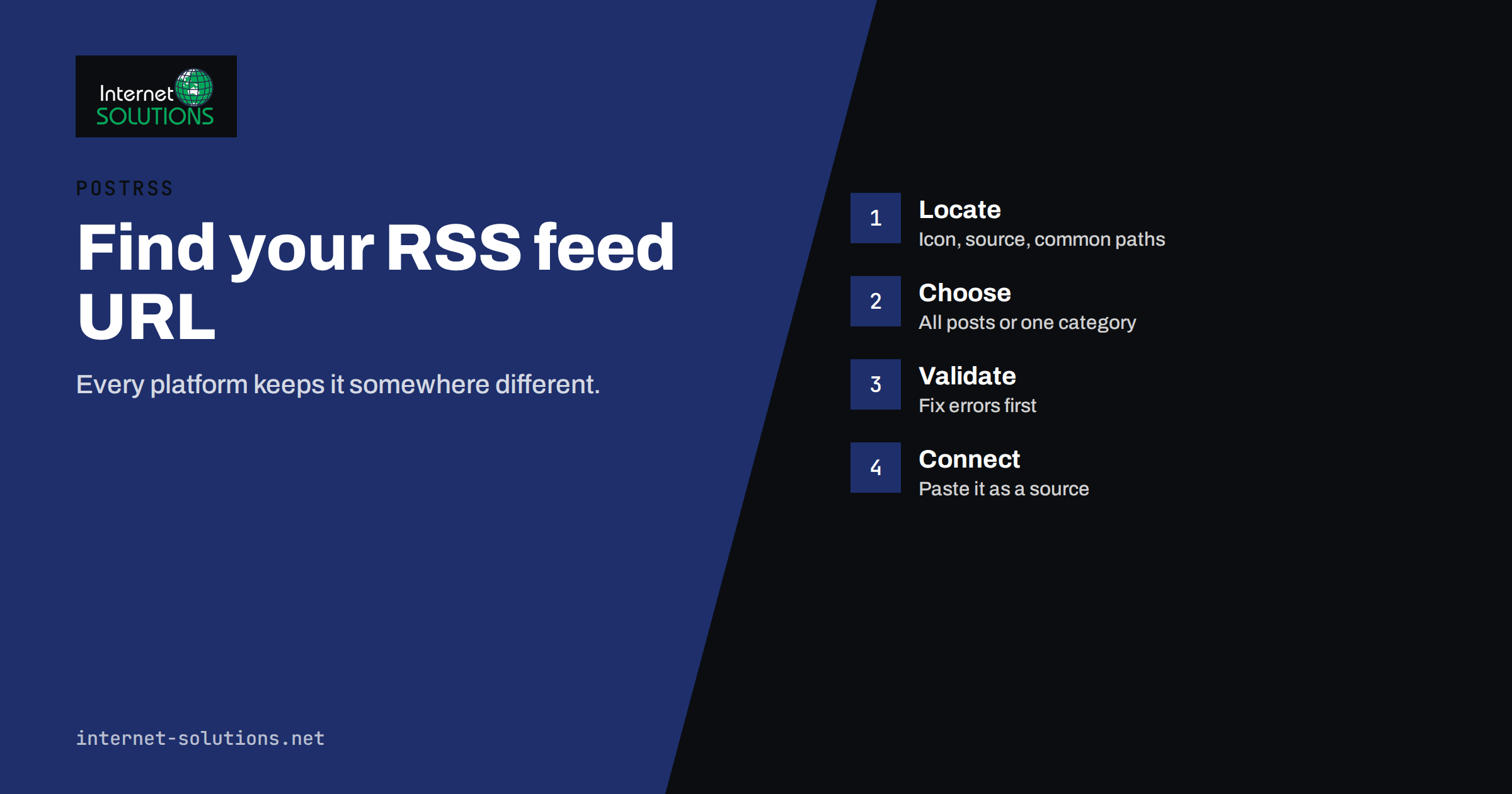
Every tool that reads a feed, from a newsletter service to an auto-posting platform, starts with the same question: what is your RSS feed URL? Most websites already publish a feed, but the address is rarely shown on the page, and it differs from one platform to the next. A store on Shopify, a blog on Ghost, a site on Squarespace and a WordPress installation each expose their feeds in a different place, and some give you several feeds: one for everything, one per category, one per author.
This guide lists where the feed lives on the most common platforms, shows how to find it on any site, explains how to check that it is valid and describes what to look for before you connect it to PostRSS or any other service. The platform paths below follow the integrations page published by PostRSS, so they match what the service documents for its sources.
What an RSS Feed URL Is
An RSS feed is an XML file that lists the latest items on a site: a title, a link, a date, usually a summary or full text, and often an image. Atom is a closely related format with the same purpose. Both are standard formats, described in the RSS 2.0 specification and in RFC 4287 for Atom. Reading services do not care which one you use, as long as the file is valid.
The feed URL is simply the address of that file. When you paste it into a reader or an automation service, the service downloads the file at regular intervals, compares it with the previous version and acts on new items. That means the address has to be stable, public and fast. A feed behind a login, or one that changes its address with every redesign, will create trouble later.
It also helps to know that a site can publish many feeds. A blog might have a main feed, a feed for each category, a comments feed and a feed for search results. Choosing the right one matters more than finding any one of them, because the feed you pick decides exactly which items will reach your audience.
Three Ways to Find a Feed on Any Site
If the platform is not in the list below, try these methods in order. They take a few minutes and work on most sites.
- Look for the feed icon or link. Many themes still show an RSS icon in the footer or sidebar. Right-click it and copy the link address.
- View the page source. Open the site, view the page source and search for
application/rss+xmlorapplication/atom+xml. Sites that support feed discovery add a line in the head of the page that contains the exact address. - Try common paths. Add
/feed/,/rss/,/rss.xml,/feed.xmlor/atom.xmlto the site address and see whether an XML page opens.
When a feed opens in a browser, it may look like plain text or like a formatted page, depending on the browser and the site. Either way is fine. What matters is that the content is XML and that it lists recent items.
Feed Locations on Common Platforms
The table gives the typical address for the main feed on popular platforms. Replace the example domain with your own, and check the result in a browser before you use it.
| Platform | Where the feed is | Notes |
|---|---|---|
| WordPress | https://your-site.com/feed/ | Category and tag feeds add /feed/ to their archive addresses; the PostRSS plugin can build the feed and the targets for you |
| Shopify | https://your-store.com/collections/all.atom or /collections/<handle>.atom | Every collection has an Atom feed; the blog feed is /blogs/news.atom |
| Wix | https://your-site.com/blog-feed.xml | Wix Blog publishes this address |
| Squarespace | Add ?format=rss to a blog page address | For example https://your-site.com/blog?format=rss |
| Webflow | /collection/rss.xml style address | Enable the feed in Collection settings, then copy the URL |
| Ghost | https://your-site.com/rss/ | Tags use /tag/<slug>/rss/ and authors /author/<slug>/rss/ |
| Joomla | Add ?format=feed&type=rss to a category blog or list view address | Example: /index.php/blog?format=feed&type=rss |
| Drupal | /rss.xml for the front page | Taxonomy terms use /taxonomy/term/<id>/feed; Views can expose other lists |
| Blogger | https://your-blog.blogspot.com/feeds/posts/default?alt=rss | Insert /-/Label before ?alt=rss to follow a single label |
| Medium | https://medium.com/feed/@username | Publications use https://medium.com/feed/<publication> |
| YouTube | https://www.youtube.com/feeds/videos.xml?channel_id=UC… | Each new video appears with its thumbnail and link |
| Etsy | https://www.etsy.com/shop/<shopname>/rss | New listings appear in the feed |
Magento 2 needs one extra step: enable RSS feeds under Stores, Configuration, Catalog, RSS Feeds. After that, new products are at /rss/catalog/new/, special offers at /rss/catalog/special/ and category feeds at /rss/catalog/category/cid/<id>/. PrestaShop and OpenCart have official PostRSS modules that provide a products feed, so you do not need to hunt for an address at all.
Choosing the Right Feed for the Job
Before you copy any address, decide what should be shared. If a company blog covers several audiences, a single main feed may push everything to every channel. A category or tag feed lets you send product news to one audience and company news to another. Most platforms in the table support this through category, tag or label addresses.
For online stores, think about the difference between a new products feed and a full catalogue feed. A catalogue feed lists everything and may repeat items, while a new products feed focuses on recent additions and fits automatic posting better. If you sell on Etsy or Shopify, the shop and collection feeds give you a convenient, narrow slice.
For video and podcast channels, use the feed provided by the platform. A YouTube channel feed brings thumbnails and links without any plugin, and many podcast hosts publish a feed that works for the same purpose. Always use the platform’s own address rather than a copy generated by a third party, because the original is more reliable.
Check That the Feed Is Valid
A feed that opens in the browser is not necessarily valid. Run it through a validator before connecting it to an automation service. The W3C Feed Validation Service reports errors and warnings in plain language. Fix errors first. Warnings are often cosmetic, but read them, because some, such as missing dates or duplicate identifiers, affect how services treat new items.
Things to check in the file itself:
- Each item has a unique link and, ideally, a unique identifier, so that a service can tell new items from old ones.
- Each item has a publication date in a valid format, so that order and timing make sense.
- Item text is encoded properly, with no broken characters in titles and summaries.
- Images are available, either as enclosures, as media content or as the first image in the item. PostRSS takes pictures from enclosures, media content or the first image in the item, and can also use Open Graph tags from the page.
- The feed is not restricted by a password, firewall rule or country block that would stop an outside service from reading it.
Open the feed in a private browser window as well. If it loads there, an outside service can probably read it too. If you see a login page or a security challenge, the service will see the same.
Common Problems and Quick Fixes
The feed shows old items only. Caching is the usual cause. A page cache or CDN may keep serving an old version of the feed file. Exclude the feed paths from page caching, or reduce their cache time to a few minutes. Our overview of website caching explains the layers involved.
The feed has only summaries. Many platforms let you choose between full text and excerpts. For automatic posting, summaries are usually enough, because the post links back to the full article. For services that build a message from the description, check that the description is not empty and does not contain unwanted markup.
New items appear late. Some platforms update the feed on a schedule, and some wait until a draft is published. Compare the time you publish with the time the item appears in the feed. If the delay is long, look at caching and scheduled publishing settings before you blame the service that reads the feed.
Duplicate posts appear after a redesign. If item links or identifiers change, a reader may treat old items as new. Keep permalinks stable. When you must change them, redirect old addresses and plan the switch carefully, as explained in our article on troubleshooting RSS feeds.
The feed is correct, but the service reports an error. Check the exact address for typos, trailing characters and mixed secure and non-secure versions. Use the HTTPS address, and make sure the certificate is valid, since some services refuse feeds with certificate errors.
Connecting the Feed to PostRSS
Once the address works, adding it as a source is quick. PostRSS reads any valid RSS 2.0 or Atom feed, so there is nothing to install on your site. You paste the address as a source, connect the accounts you want to post to and choose the message format. The step-by-step flow is covered in our PostRSS setup guide.
On WordPress, PrestaShop and OpenCart you can skip the address entirely: the official plugins build the feed and create the targets for you. For other platforms, copy the address you found above. PostRSS can also read a CSV file as a source on the Professional plan and above, which is useful when no feed exists.
When you test, publish a short, harmless item first, and watch how it appears on the first connected network. Check the title, the link and the image. If something looks wrong, fix the feed or the message format before turning on more targets. Only new items are posted unless you choose to publish older ones, so a test item will not trigger a flood of old posts.
Keep the Feed Healthy
Treat the feed as part of your site, not as a hidden file. Add it to your monthly checks: open the address, confirm the newest item is there, and run the validator after any theme, plugin or platform change. Note the address somewhere that your team can find, together with the list of services that depend on it.
If you operate several sites, keep a simple register with the site, the feed address, the purpose, the owner and the services that read it. When a site is rebuilt, the register tells you which feeds must keep working. For agencies, this kind of record saves hours when a client changes platforms. If you would like help planning or rebuilding a site with working feeds from the start, see our website development service.
Frequently Asked Questions
Do all websites have an RSS feed?
Most do, but not all. WordPress, Shopify, Ghost, Blogger, Squarespace and several other platforms publish feeds by default or with one setting. Some custom sites have none, and a few turn feeds off on purpose.
What is the difference between RSS and Atom?
They are two XML formats for the same job. Both list recent items with titles, links, dates and summaries. Most reading and automation services accept either, so use whichever your platform provides.
Can I use a feed for only one category?
Yes, on most platforms. WordPress, Ghost, Drupal, Blogger and others provide feeds for categories, tags or labels. This lets you send different topics to different channels.
My feed shows an error in the browser. What should I do?
Run it through a validator, read the first error and fix it at the source. Common causes are stray characters, broken encoding, a plugin printing text before the XML and a firewall blocking the file.
Does my site need a plugin to work with PostRSS?
No. PostRSS reads the feed from outside, so any valid feed works. Official plugins exist for WordPress, PrestaShop and OpenCart, and they save you from copying addresses by hand.
How often should the feed update?
It should update as soon as you publish. The feed itself has no schedule, but caching can delay it. The reading service decides how often it checks the feed, and PostRSS can check as often as every minute.
The Bottom Line
An RSS feed URL is the starting point for automatic publishing, and finding the right one takes a few minutes if you know the pattern for your platform. Choose the feed that matches the audience you want to reach, validate it, keep it out of page caches and write the address down together with the services that use it. Once the feed is clean, connecting it to PostRSS is a short job, and a healthy feed keeps working quietly in the background for years.