

 English
 Lietuvių
 Latviešu
 Eesti
Eesti Русский
 Polski
 Українська
 Deutsch
 Italiano
 Español
 Français
 Português
 Čeština
 Magyar
 Română
 Ελληνικά
 Türkçe
 日本語
日本語 العربية
 हिन्दी
 Bahasa Indonesia
 Bahasa Melayu
 ไทย
ไทย Tiếng Việt
 বাংলা
বাংলাIT Budget Planning for Small Businesses: What to Spend and Why
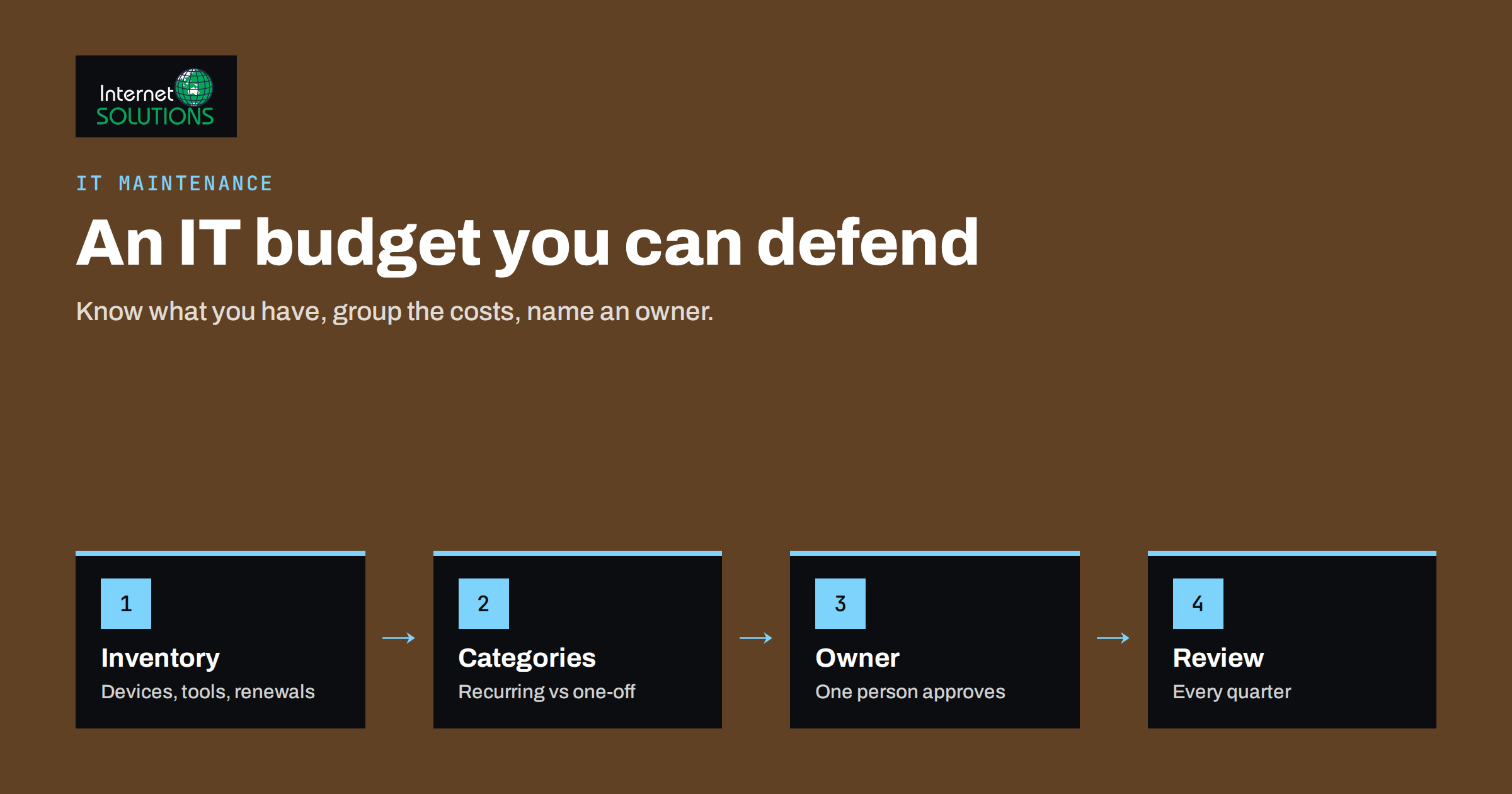
An IT budget is one of the hardest numbers for a small business to set. Spend too little and you pay later, through outages, security incidents and staff who waste hours on slow equipment. Spend too much, or spend without a plan, and you end up with subscriptions nobody uses and hardware that was bought for a need that has changed. Because IT touches everything from email to invoicing, it is easy to treat it as a series of surprises instead of a line that can be planned.
This guide explains how to build an IT budget for a small business that is realistic and easy to defend. It covers what to include, how to separate fixed from variable costs, how to decide where to spend more and where to save, and how to review the plan during the year. It does not give a magic percentage, because none is reliable across industries. Instead it gives a method you can apply to your own numbers.
Why There Is No Universal Percentage
You will find rules of thumb that say a company should spend a certain share of revenue on IT. These figures vary widely by industry and by how much the business depends on technology. A design studio, a law office and a small workshop with a website have very different needs. Use any published figure only as a loose comparison, never as a target.
A better starting point is your own situation: how many people use computers, which systems the business cannot work without, how long an hour of downtime costs you and how much risk you are willing to carry. Budgeting from these facts leads to numbers you can explain to a partner or an owner.
Start With an Inventory
You cannot budget for what you have not listed. Spend an hour building a simple inventory, and update it every quarter.
- People: who uses which devices and accounts, and in which roles.
- Hardware: computers, phones, printers, network equipment, servers and storage, with purchase dates and warranty end dates.
- Software and subscriptions: every paid tool, its cost, renewal date, number of licences and owner.
- Services: internet, phone, email, website hosting, domain names, backups and support contracts.
- Critical systems: the few things that stop the business when they stop.
The inventory often reveals waste straight away: duplicate tools, licences for people who left and renewals that nobody remembers. It also shows which items are old enough to fail soon, which feeds directly into your replacement plan, as explained in our guide to the computer replacement cycle.
The Main Budget Categories
Grouping costs makes the budget easier to read and compare year on year. The table shows a layout that works for most small businesses.
| Category | What it includes | Cost pattern |
|---|---|---|
| Hardware | Laptops, desktops, phones, monitors, network gear, servers | Irregular, planned by replacement cycle |
| Software and subscriptions | Office suite, accounting, CRM, design, security tools, licences | Recurring, monthly or yearly |
| Connectivity and hosting | Internet lines, mobile plans, website hosting, domains, email | Recurring |
| Support and maintenance | IT provider contract, repairs, patching, monitoring | Recurring plus occasional extras |
| Security and backup | Endpoint protection, backup storage, password manager, awareness training | Recurring |
| Projects | Website redesign, migration, new system, office move | One-off |
| Training | Learning new tools, security awareness | Regular, small |
| Contingency | Unplanned failures, urgent purchases, price changes | Reserve |
Separate recurring costs from one-off ones. Recurring costs set your baseline each month, and you can only lower them by changing a contract or a habit. One-off costs are decisions that can be moved, shared across years or financed.
Build the Budget Step by Step
- Add up what you spend now. Use the last twelve months of invoices and card statements. Include small recurring items, since they add up quickly.
- Mark each item as essential, useful or unknown. Essential items keep the business running, useful items improve work, and unknown items need an owner to explain them.
- Add planned changes. New hires, expected price increases, hardware reaching the end of its life, planned projects and compliance needs.
- Add a contingency. Many businesses hold a reserve for unplanned failures; a modest percentage of the total is common, but the right level depends on how fragile your systems are and how quickly you can recover.
- Compare with risk. For each critical system, ask what an outage would cost per hour or per day, and whether your spending on protection matches that exposure.
- Agree the budget with an owner. A budget nobody owns will drift. Name one person who approves purchases and reviews the numbers each quarter.
Spread Hardware Costs With a Replacement Plan
Hardware spending is lumpy when you wait for devices to fail. Buying six laptops in one month because they all reached the end of their life together hurts cash flow. A replacement plan evens it out: decide the typical life of each device type, record purchase dates and replace a share each year.
Aim for a mix. Replace devices that are slow, out of warranty or no longer receiving security updates, but do not replace working equipment simply because it is a few years old. Keep a small stock of spare chargers, cables and a standby laptop, which costs little and prevents a day of lost work when something breaks. Consider whether buying, leasing or a device-as-a-service arrangement suits your cash flow, and compare total cost over the full period, not only the monthly figure.
Control Software and Subscription Costs
Subscriptions are the quiet part of the budget, and they grow without anyone deciding to grow them. Treat them with a regular review.
- Assign an owner to each tool, who confirms that it is still needed.
- Check licence counts against active users every quarter, and remove people who left.
- Look for overlap, such as two tools that both handle project tracking or two storage services.
- Compare monthly and annual billing. Annual plans are often cheaper, but only commit when you are sure that you will keep the tool.
- Put renewal dates in a shared calendar, at least a month ahead, so that cancellations or renegotiations happen in time.
- Use free tiers wisely, but beware of limits that cause problems at a critical moment.
When you evaluate a new tool, consider the cost of your time as well. A cheaper tool that needs hours of manual work each week may cost more than a paid one that automates the task. Our article on build versus buy for automation offers a way to compare the options.
Decide Between In-House Help and an External Provider
Support is a major line in any IT budget. Options include relying on a technically minded employee, hiring an IT person, using an external provider on a contract or calling someone when something breaks. Each has a cost profile.
- Informal help from an employee looks free but takes time from their main work and creates a single point of failure.
- Pay-as-you-go support is flexible, but costs are unpredictable and response times may be slow when you need help most.
- A managed contract gives predictable monthly costs, defined response times and proactive work such as updates and monitoring.
- A full-time hire suits larger teams with enough work and varied needs.
Our guide on managed IT support versus an in-house IT person helps you compare, and the IT maintenance page describes the kind of ongoing service that many small teams choose. Whichever route you pick, make sure the contract states what is covered, how quickly you will receive a response and what costs extra.
Do Not Skimp on Security and Backups
Security and backup spending is where cutting costs is most likely to backfire. You do not need an enterprise toolset, but a small set of basics gives disproportionate protection: automatic updates, endpoint protection, multi-factor authentication, a password manager, tested backups with an offline or immutable copy and regular awareness training for staff.
Frame the cost against the potential loss. A day without systems, a leaked customer database or a ransomware demand can cost far more than a year of protective measures. National agencies publish practical guidance for small organisations; the UK NCSC’s small organisations guide to cyber security and the US NIST Small Business Cybersecurity Corner are good places to prioritise what to buy first.
Plan Projects and Growth Separately
Projects such as a website rebuild, an e-commerce launch or a move to a new email platform should have their own budget lines, with a clear business reason and expected benefit. Keep them separate from running costs so that the baseline stays visible. For each project, estimate the one-off cost, the extra recurring cost afterwards and the time needed from your team, which is often forgotten.
When you add staff, include their IT costs in the hiring budget: a device, software licences, accounts and security tools. Many businesses are surprised by how much each new person adds. Estimate a per-employee cost from your inventory and apply it whenever the team grows.
Review During the Year
A budget is a plan, and plans change. Review it every quarter in a short meeting, comparing actual spending with the budget, noting overruns and their cause, and updating forecasts for the rest of the year. Ask three questions each time: What did we spend that we did not expect? What are we paying for that we no longer use? What risks have changed since we set the budget?
Keep a simple log of IT incidents and their cost in time and money. Over a year, it shows where spending would have prevented the largest losses, and helps you argue for the right investments next time.
Common Budgeting Mistakes
- Budgeting only for purchases, and forgetting renewals, support, training and staff time.
- Waiting for failure, then buying in a panic at higher prices and with fewer options.
- Cutting security first, because the benefits are invisible until something goes wrong.
- Letting subscriptions renew unchecked, so that unused tools keep charging.
- No owner for the budget, so decisions are made by whoever needs something that day.
- Ignoring the cost of downtime, which makes cheap options look better than they are.
- No contingency, which turns every surprise into a crisis.
Frequently Asked Questions
How much should a small business spend on IT?
There is no reliable universal figure. Build the budget from your inventory, the number of users, your critical systems and the cost of downtime, then compare with similar businesses only as a rough check.
What should be in an IT budget?
Hardware, software and subscriptions, connectivity and hosting, support and maintenance, security and backup, projects, training and a contingency reserve. Separate recurring costs from one-off ones.
How often should I replace computers?
It depends on the use and the quality of the device, but many businesses plan a replacement cycle of several years and replace a share of devices each year. Replace earlier if a device is slow, out of warranty or no longer receives security updates.
Is managed IT support worth the cost?
For many small teams, yes, because it brings predictable costs, defined response times and preventive work. Compare it with the real cost of downtime, the hours your staff spend fixing problems and the risk of relying on one person.
How do I reduce IT costs without increasing risk?
Remove unused licences and duplicate tools, review contracts before renewal, extend the life of devices that still perform well and negotiate annual terms where appropriate. Keep spending on security, updates and backups.
How much contingency should I hold?
The right amount depends on how old your equipment is and how quickly you could replace it. A modest reserve, adjusted to your risks, is better than none, and you should review it after any incident.
The Bottom Line
A good IT budget starts with an honest inventory and ends with a plan that someone owns. Group costs into clear categories, separate recurring from one-off spending, spread hardware over a replacement cycle, review subscriptions regularly and protect the basics of security and backup. Keep a contingency, compare the cost of protection with the cost of downtime and review the numbers every quarter. The aim is not the lowest spend but spending that matches what the business depends on.