

 English
 Lietuvių
 Latviešu
 Eesti
Eesti Русский
 Polski
 Українська
 Deutsch
 Italiano
 Español
 Français
 Português
 Čeština
 Magyar
 Română
 Ελληνικά
 Türkçe
 日本語
日本語 العربية
 हिन्दी
 Bahasa Indonesia
 Bahasa Melayu
 ไทย
ไทย Tiếng Việt
 বাংলা
বাংলাKeyword Cannibalization: How to Find and Fix Pages That Compete
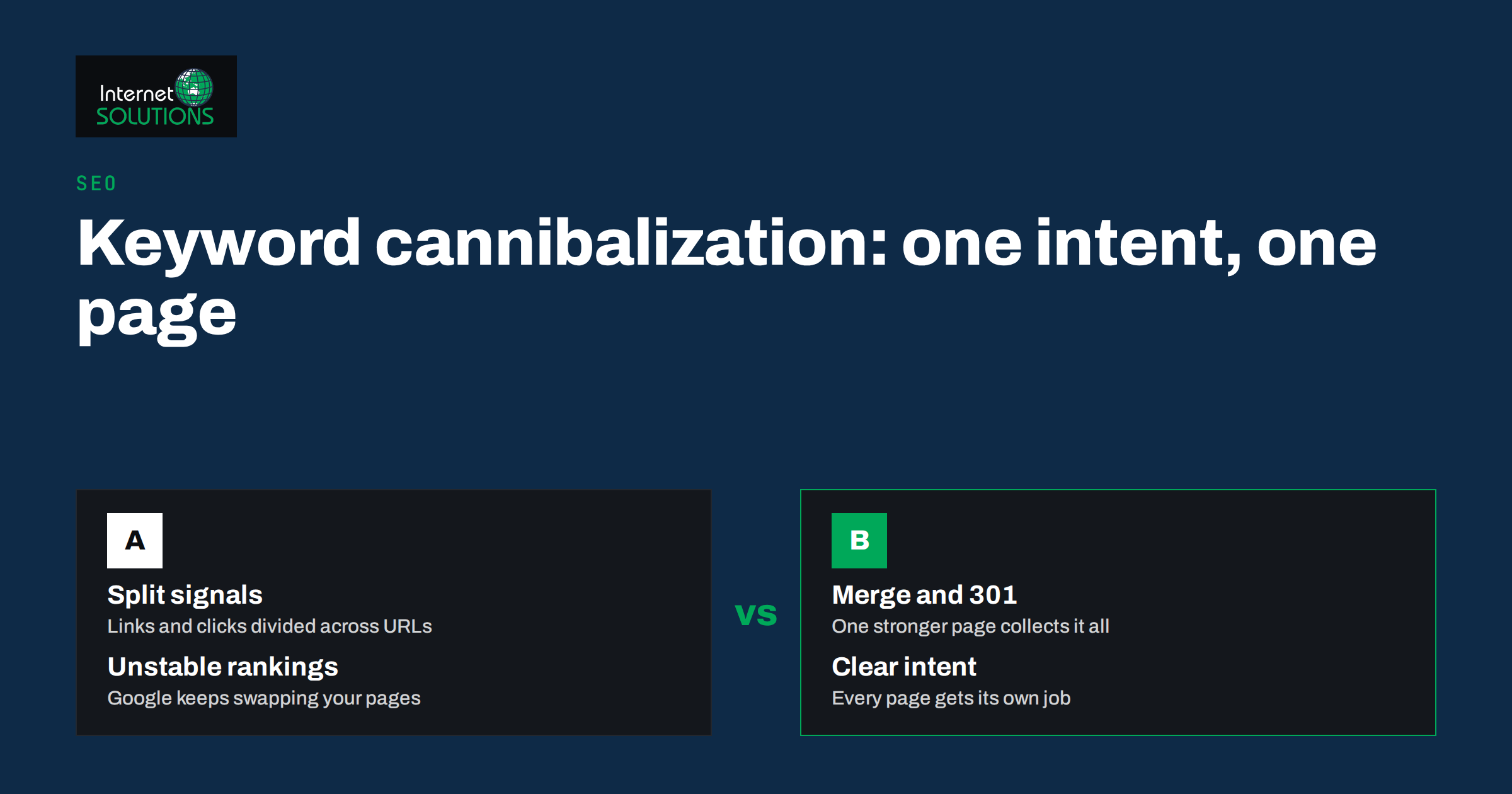
Keyword cannibalization happens when two or more pages on the same website target the same search intent, so they end up competing with each other instead of with your real competitors. Google has to choose which of your pages to show, it often switches between them, and none of them collects all the links, clicks and relevance signals that a single strong page would. The result is familiar to anyone who has looked closely at a growing blog: plenty of articles about a topic, yet rankings stuck on page two or three.
The problem is common precisely because it grows out of good habits. A business publishes regularly, covers its main services from several angles and adds a new article whenever a customer asks a question. After a few years, five posts answer roughly the same query. This guide explains how to tell real keyword cannibalization from harmless overlap, how to find it in your own data, and which fix to choose for each case: merge, redirect, differentiate, canonicalise or simply relink.
What Keyword Cannibalization Really Is (and Is Not)
Not every pair of pages that share a keyword is a problem. A service page about technical SEO and a blog post about fixing crawl errors will both mention “technical SEO”, but they answer different questions. One is for someone choosing a provider, the other for someone trying to solve a specific issue. Search engines are good at separating these intents, and both pages can rank for their own queries.
Cannibalization is about intent, not words. It exists when two pages try to satisfy the same searcher with the same type of content. Typical patterns include:
- Repeated guides: “How to choose a web host”, “Choosing the right hosting” and “Hosting buyer’s guide” published in different years.
- Blog posts competing with service pages: an article titled “Google Ads management services” that targets the same commercial query as the actual service page.
- Category and tag archives that compete with a hand-written guide on the same subject.
- Near-duplicate location or product pages with only a word or two changed between them.
- Old and new versions of the same article, where the update was published as a new URL instead of replacing the original.
A useful test is to imagine the person searching. If you would happily send them to either page and they would be equally satisfied, the pages are competing. If one page would clearly be the wrong answer, they are not.
Why It Hurts Rankings and Conversions
When several pages compete for one query, the damage shows up in three ways.
Diluted signals
External links, internal links and engagement are split across several URLs. Instead of one page with twenty referring domains, you have four pages with five each. Each is weaker than the combined page would be, so each ranks lower than it could.
Unstable rankings
Google may rotate between your competing URLs for the same query. In Search Console this appears as a query where the ranking page changes every few days and the average position wobbles. Each swap resets some of the momentum, and the page that wins is not always the one you would choose.
The wrong page wins
Perhaps the most expensive effect: an informational blog post outranks the service page that actually converts. Visitors arrive, read a general article and leave without seeing your offer. Traffic looks healthy, but enquiries do not follow. For a business website, this is often the real cost of keyword cannibalization.
How to Find Keyword Cannibalization in Your Own Data
You do not need expensive tools to find most cases. Your own data, a spreadsheet and an hour of focused work are enough for a site with a few hundred pages.
1. Search Console: one query, several pages
In Google Search Console, open the Performance report, filter by a query you care about and switch to the Pages tab. If several URLs receive impressions for the same query, note them. Repeat this for your twenty or thirty most important queries. A query where three pages share impressions, and none ranks well, is a strong candidate. Exporting the query and page data and sorting by query makes the pattern visible across the whole site.
2. A site search for your main topics
Searching Google for site:yourdomain.com topic shows which of your pages Google associates with a topic. It is not a ranking report, but it quickly reveals forgotten articles that you did not know were still indexed.
3. A content inventory by intent
List every indexable URL with its title, main keyword and intent (informational, commercial, navigational, transactional). Sort by keyword and read the rows that cluster together. This is the slowest method, but it also catches pages that compete without much traffic yet, before the problem grows. If you have already run a content audit, you can add an intent column to that inventory instead of starting from scratch.
4. Rank tracking history
If you track rankings, look for keywords where the ranking URL changes over time. Most tracking tools show this as a “URL changed” flag. Frequent changes are one of the clearest signs of internal competition.
Choosing the Right Fix
Once you have a list of competing groups, decide what to do with each one. There is no single correct fix; the right choice depends on whether the pages have unique value, how much traffic and how many links each has, and which page should ultimately rank.
| Situation | Best fix | What happens to the weaker page | Risk if done badly |
|---|---|---|---|
| Two or more articles cover the same intent, each partly useful | Merge into one stronger page | Content folded in, URL 301-redirected | Losing useful sections or redirect chains |
| Old article fully replaced by a newer one | 301 redirect old to new | Removed from the index over time | Redirecting to an irrelevant page |
| Pages overlap but serve different audiences | Differentiate titles, headings and focus | Stays live with a clearer intent | Half-measures that leave overlap |
| Near-identical pages needed for users (filters, print versions) | Canonical tag to the main version | Stays accessible, signals consolidated | Canonical ignored if pages differ too much |
| Blog post outranks the service page | Refocus the post and relink to the service page | Becomes supporting content | Deleting traffic you could have redirected |
| Thin page with no traffic, links or unique value | Remove or noindex | Returns 410/404 or drops from the index | Removing a page that still has backlinks |
Merging and Redirecting Without Losing Traffic
Merging is the most effective fix for genuine duplicates and also the one that most often goes wrong. A careful process looks like this:
- Choose the surviving URL. Usually the page with the most backlinks and the best historical rankings, provided its URL is clean and relevant. Do not create a brand-new URL unless all existing ones are poor.
- Combine the content. Take the best sections from each page, remove repetition and update outdated details. The merged page should be clearly better than any of the originals, not just longer.
- Redirect every retired URL with a 301 directly to the surviving page. Google’s documentation on redirects and Google Search explains why a permanent server-side redirect is the right signal when content has moved for good.
- Update internal links so that menus, related-post blocks and in-text links point to the surviving URL directly, not through the redirect.
- Update the sitemap so that it lists only the surviving page.
- Watch Search Console for four to eight weeks. Rankings may wobble briefly while Google processes the change; they usually settle higher than before.
Avoid redirect chains, where URL A redirects to B, which redirects to C. Every retired URL should point straight to its final destination. Also avoid redirecting everything to the homepage: Google tends to treat irrelevant redirects like missing pages, and you lose the value you were trying to keep.
Differentiating Pages That Should Both Stay
Sometimes both pages deserve to exist because they serve different people. A guide to choosing an e-commerce platform and a case study about migrating a specific shop overlap in vocabulary, but not in purpose. In that case, make the difference unmistakable:
- Rewrite titles and H1s so each names its own intent. “How to choose” is different from “How we migrated”.
- Adjust the main keyword of the weaker page towards a more specific long-tail query it can genuinely own.
- Remove duplicated sections. If both pages contain the same 500-word explanation, keep it in one and link to it from the other.
- Change the anchor text of internal links so that each page receives links that describe its own topic.
The goal is that a reader, and a search engine, could describe each page’s purpose in a single, different sentence.
Canonical Tags: Useful, but Not a Cure-All
A canonical tag tells search engines which version of similar pages you prefer. It is the right tool when near-duplicate pages must stay accessible to users, for example product variants, sorted listings or campaign landing pages that differ only in tracking. Google describes it as a strong hint rather than a directive in its guide to consolidating duplicate URLs.
Canonical tags do not fix cannibalization between genuinely different articles. If two posts have different content, Google may ignore the canonical and keep ranking whichever page it considers more relevant. For overlapping articles, merging or differentiating is the more reliable fix.
Internal Linking as a Ranking Signal
Internal links tell search engines which page you consider most important for a topic. In many cannibalization cases, the site itself is part of the cause: the blog links to its own articles with the exact commercial keyword, while the service page receives only a menu link.
Review the anchors pointing to each page in a competing group. The page you want to rank should receive the most links with descriptive anchors that match its main keyword. Supporting articles should link up to it, and it should link down to them with more specific anchors. A clear internal linking structure is often enough to settle a minor overlap without touching the content at all.
Preventing Cannibalization Before It Starts
Fixing competing pages takes effort; preventing them is cheap. A few habits make a big difference:
- Keep a keyword map. One row per indexable page with its main keyword and intent. Before writing anything new, check the map.
- Update instead of republishing. When an article is outdated, improve it at the same URL and change the “updated” date, rather than publishing a new version alongside it.
- Plan topic clusters. One pillar page for the broad topic, with supporting articles that each target a narrower question and link back to the pillar.
- Separate commercial and informational intent. Service pages target “service + buyer” queries; blog posts target questions and problems.
- Review quarterly. A short check of the main queries in Search Console catches new overlaps while they are still small.
When we plan content for clients as part of our SEO services, the keyword map is the first document we build, because it keeps every new article from undermining an existing one.
Measuring the Result
After fixing a group of competing pages, measure the outcome on the queries involved rather than on site-wide traffic. In Search Console, compare a period of four to eight weeks before and after the change for those queries. Look for:
- a single URL receiving most of the impressions for the query;
- a better and more stable average position;
- higher clicks, not only impressions;
- more conversions from the surviving page, if it is a commercial page.
It is normal for total impressions to dip briefly after a merge, because retired URLs drop out of the data. The important figure is clicks to the surviving page. If nothing improves after two months, the pages may not have been competing in the first place, and the cause of weak rankings lies elsewhere: content quality, links, technical issues or a strong competitor.
Frequently Asked Questions
Is keyword cannibalization a Google penalty?
No. It is not a penalty but a self-inflicted weakness. Google simply has to choose between your pages, and the signals that would make one page strong are split across several.
How many pages competing for one keyword is too many?
If two pages target the same intent and neither ranks as well as you expect, that is already worth fixing. Pages that target different intents can share keywords without any problem.
Should I delete the weaker page?
Rarely. If the page has backlinks, traffic or useful content, merge it and 301-redirect it to the stronger page. Delete only thin pages with no links, traffic or unique value.
Can a canonical tag fix keyword cannibalization?
Only for near-duplicate pages that must stay accessible. For different articles on the same topic, Google may ignore the canonical, so merging or differentiating is more reliable.
How long does it take to see results after merging pages?
Usually four to eight weeks. Rankings may fluctuate while Google recrawls the redirected URLs, then typically settle on the surviving page.
Do category and tag pages cause cannibalization?
They can, when an archive competes with a hand-written guide on the same subject. Give archives a distinct description or keep thin archives out of the index.
The Bottom Line
Keyword cannibalization is rarely dramatic, but it quietly caps what your content can achieve. Find it by looking for queries where several of your pages share impressions, decide on a fix for each group, merge and redirect real duplicates, differentiate pages that serve different people, and point your internal links at the page you want to win. Then keep a keyword map so that every new article strengthens the site instead of competing with it. If you would like a second opinion on which of your pages are competing and how to consolidate them safely, contact our team.