

 English
 Lietuvių
 Latviešu
 Eesti
 Русский
 Polski
 Українська
 Deutsch
 Italiano
 Español
 Français
 Português
 Čeština
 Magyar
 Română
 Ελληνικά
 Türkçe
 日本語
 العربية
 हिन्दी
 Bahasa Indonesia
 Bahasa Melayu
 ไทย
 Tiếng Việt
 বাংলা
LinkedIn Lead Gen Forms: Cost, Quality and Follow-Up for B2B Ads
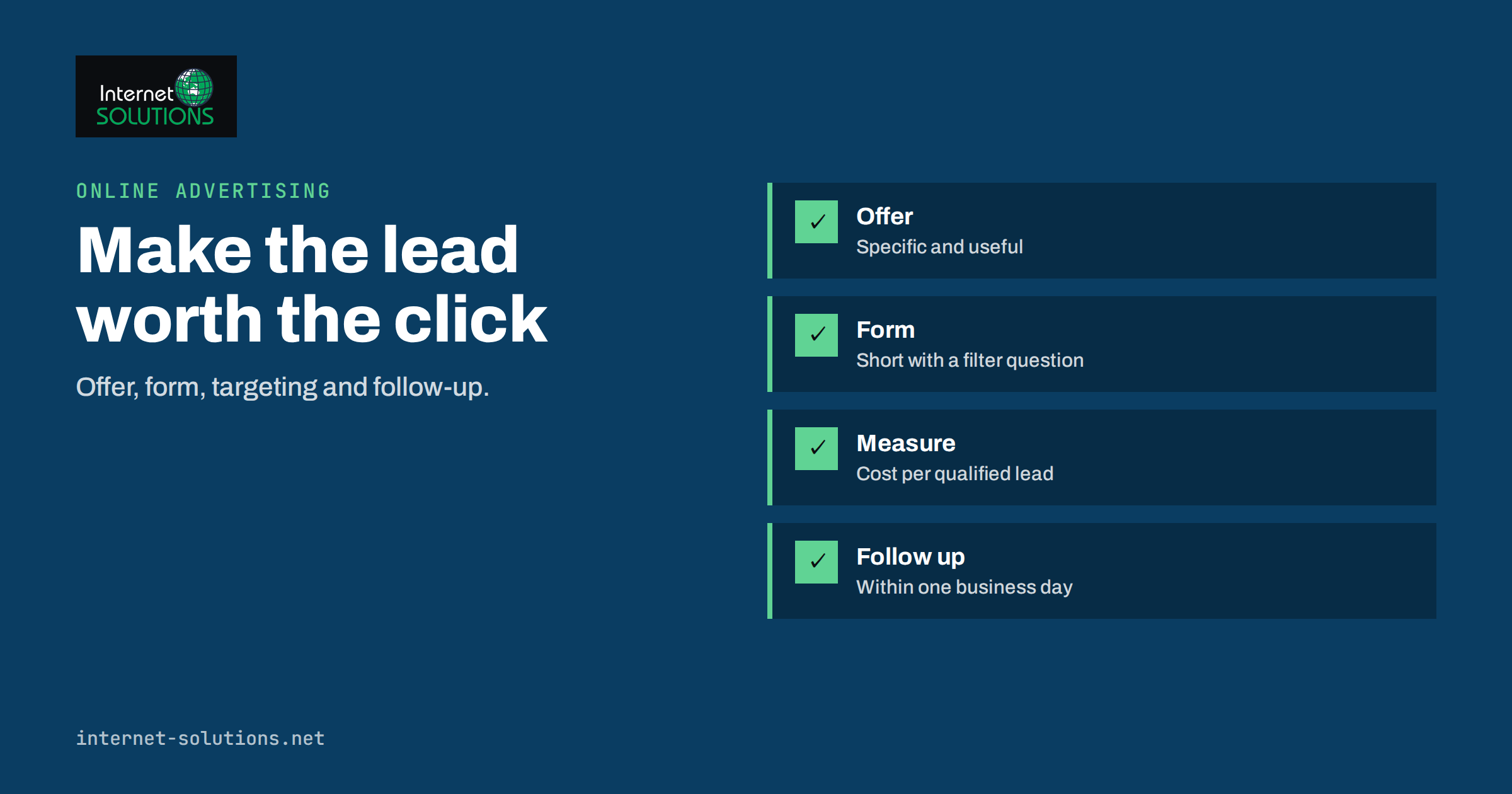
LinkedIn Lead Gen Forms let a business collect enquiries inside a LinkedIn ad: the person clicks, a form opens already filled with details from their profile, and one more click sends it to you. There is no landing page to build and no typing on a small phone keyboard. For B2B companies chasing decision makers, that convenience is attractive, but it also changes how leads behave. Easy submissions are cheaper to win and often easier to ignore.
This guide covers where Lead Gen Forms fit among other B2B ad options, how to design a form that keeps quality high, what the costs usually look like and how to measure them, and how to follow up so that the leads you pay for turn into conversations. It is written for small and mid-sized companies that run ads themselves or brief an agency. Platform menus and features change from time to time, so check the current options in your own account before you build.
What a Lead Gen Form Is and When It Fits
A Lead Gen Form is a form attached to an ad. When someone clicks the call to action, LinkedIn opens a panel with fields pre-populated from the member’s profile, such as name, job title, company and work email, depending on what you request and what the member has shared. The person reviews it and submits. You receive the details in the platform, by download or through a connection to your marketing or sales system.
These forms work best when the offer is light and the decision to enquire is quick: a guide, a checklist, a webinar seat, a price list, a demo request or a callback. They are less suitable when you need a lot of information to qualify the request, such as a technical specification for a custom quote, or when the buyer needs to read a lot before deciding. In those cases, a landing page that presents the case, answers objections and then asks for details usually produces fewer but better leads.
Think of the choice as a trade-off between volume and intent. A form inside the ad removes friction, so more people complete it, including some who would not have bothered on a landing page. A landing page adds friction, so those who complete it have shown more commitment. Neither is better in every case; test both when budget allows. Our article on LinkedIn for B2B explains where paid and organic activity each earn their place.
Design the Offer Before the Form
The form is only the last step. What people respond to is the offer. A B2B buyer is busy, and a vague “contact us” rarely earns a click. Make the value specific and quick to consume.
- A useful document. A buyer’s checklist, a benchmark report, a template or a short guide that solves a real problem.
- A small commitment. A fifteen-minute call or a short assessment is easier to say yes to than a long demonstration.
- An event. A webinar or workshop with a clear topic and date.
- A quote or price range. Useful when buyers want a number before talking.
State plainly in the ad what the person gets and what happens next. “Download the 12-point server migration checklist” sets clear expectations. “Learn more” does not. The same clarity belongs on the form’s introduction, which should repeat the offer in a sentence or two and explain what you will do with the data.
Form Design That Protects Lead Quality
A form with only prefilled fields can generate many submissions from people who tapped by accident or who were curious without any intent. Adding a small amount of friction, in the right places, improves quality without scaring off real buyers.
| Design choice | Effect on volume | Effect on quality | When to use it |
|---|---|---|---|
| Prefilled fields only | Highest | Lowest | Awareness offers such as guides |
| Add a custom question about the problem | Medium | Higher | Service enquiries and demos |
| Add a multiple-choice question about timing or size | Medium | Higher, easier to sort | When sales needs to prioritise |
| Request a phone number | Lower | Higher, if the offer is a call | Callback and demo offers |
| Add a consent checkbox | Slightly lower | Cleaner data and compliance | Whenever you will send marketing |
Keep the form short. Each added question lowers completions, so ask only what you will use. Good candidates are the problem they want to solve, the approximate size of the company or project, and the time frame. Avoid questions you cannot act on, and avoid anything sensitive that you do not need.
Write a short thank-you message that confirms what happens next and when. If the offer was a document, give the download link there and in the confirmation email. If it was a callback, say how soon the person can expect to hear from you, and then keep that promise.
Understand and Track the Costs
Lead costs on professional networks are usually higher than on consumer platforms, because audiences are narrower and more valuable. Rather than quoting figures that change, build your own model. Record the amount spent, the number of form submissions, the number you consider qualified, and the number that reach each later stage: meeting, proposal and sale.
- Cost per submission. Spend divided by form completions. This is the number platforms show first, and it flatters ads with weak leads.
- Cost per qualified lead. Spend divided by leads that match your criteria. This is the number that matters.
- Cost per meeting or proposal. Spend divided by leads that moved to a real conversation.
- Cost per customer. Spend divided by new customers, compared with their lifetime value.
Be patient with B2B timing. Sales cycles can last weeks or months, so judge the campaign over a period at least as long as your typical cycle, and keep the lead source recorded in your CRM so that later sales can be traced back. Our guide to routing every lead into one pipeline explains how to keep sources attached to leads. For benchmarks, remember that your own numbers matter more than averages from other industries; see how to judge advertising benchmarks fairly.
Targeting That Supports Quality
Form quality depends on who sees the ad. Professional networks let you target by job function, seniority, industry, company size and sometimes by a list of named companies. Start with a narrow audience that matches your best customers, and avoid mixing very different buyers in one campaign, because the message cannot fit them all. Exclude your own employees, existing customers and competitors if the platform allows it.
Audience size matters. A very small audience gets worn out quickly, and the same people see the ad repeatedly, which raises costs. A very large audience dilutes relevance. Aim for a size large enough to run for several weeks without excessive repetition, and watch the frequency figure. If you upload a list of contacts for targeting, make sure you have a lawful basis to use their data that way; the European Commission explains the basic data protection rules on its data protection page.
Follow Up Quickly and Respectfully
Much of the money wasted on lead forms is lost after the click. A person who requested a callback and hears nothing for three days has probably moved on. Decide in advance who handles leads, how quickly they respond and what they say. Aim to contact new leads within a business day, and sooner for requests that clearly ask for contact.
Start with a message that references what the person asked for, so the contact feels relevant: “You downloaded our server migration checklist; I wanted to check whether you have a move planned.” Offer help, not a sales pitch. If the person is not ready, add them to a nurture sequence that provides useful content over time rather than pressure. Our article on lead nurturing for B2B services describes sequences that respect the buyer. Record each contact in the CRM, and mark leads as qualified or not, so that you can feed this back into reporting.
Respect consent. People who submit a form agree to the use of their data in the way you described. Do not add them to unrelated newsletters or sell their details. Give a clear way to opt out, honour requests to delete data promptly and keep a note of what each person agreed to. Guidance from European data protection authorities is collected by the European Data Protection Board.
Test, Learn and Scale
Begin with a modest budget and one clear question per test. Compare two offers, two headlines or two form lengths, changing one thing at a time. Run each test long enough to collect a meaningful number of submissions, and judge it on qualified leads rather than raw submissions. Pause what does not work, and increase spending on what does, in steps, to avoid destabilising performance.
Review the leads themselves each week. Read the answers to custom questions and the job titles of those who submitted. You will quickly see whether the ad attracts the right people. If you notice many students, job seekers or competitors, adjust the targeting or add a qualifying question. Running paid campaigns is part of our online advertising service, where we set up tracking so that each lead can be followed to the result.
Common Mistakes to Avoid
Several mistakes appear again and again in B2B lead campaigns. The first is optimising for the cheapest submission. Algorithms and dashboards reward volume, and the cheapest leads are often the least interested. Judge the campaign by what happens after the form. The second is a mismatch between the ad and the follow-up: the ad promises a guide, but the first email is a sales pitch. Keep the sequence consistent with the promise.
The third is leaving leads in the platform. If submissions sit in a download area that nobody checks, response times stretch to days. Connect the leads to a system that notifies the responsible person at once, and agree who covers holidays. The fourth is forgetting data hygiene: duplicates, fake addresses and typos pile up, so validate emails, merge duplicates and remove unreachable contacts regularly. The fifth is stopping too early. A campaign needs enough time and budget to learn, and enough sales follow-up to show its real value. A small, steady test with honest measurement beats a large launch that nobody has time to manage.
Frequently Asked Questions
Are Lead Gen Forms better than sending people to a landing page?
Not always. Forms usually produce more submissions at a lower cost per submission, while landing pages often produce fewer but better-informed leads. Test both and compare cost per qualified lead.
How many fields should the form have?
As few as you can use. Prefilled fields plus one or two qualifying questions is a common balance. Add a phone number only when the offer is a call.
How fast should I respond to a new lead?
Within one business day at most, and faster for requests that ask for contact. Speed shows the buyer that you are organised and keeps your offer fresh in their mind.
Can I use the leads for newsletters?
Only if the form told people that you would send them and, where required, they agreed. Otherwise limit your contact to the request they made.
How do I connect the leads to my CRM?
Many CRM and marketing systems offer a direct connection, or you can use an automation tool or regular downloads. Whichever you choose, keep the campaign and source attached to each lead.
How long should I run a test before judging it?
Long enough to gather a meaningful number of leads and, for B2B, long enough to see whether they progress. A few days of data rarely tells you about lead quality.
The Bottom Line
LinkedIn Lead Gen Forms make enquiring easy, which is both their strength and their risk. Build a clear, valuable offer, add a small amount of friction with qualifying questions, target a focused audience and track cost per qualified lead rather than cost per submission. Follow up within a day, respect consent and feed outcomes back into your reporting. Done this way, the forms become a steady source of conversations with the people you most want to reach.