

 English
 Lietuvių
 Latviešu
 Eesti
Eesti Русский
 Polski
 Українська
 Deutsch
 Italiano
 Español
 Français
 Português
 Čeština
 Magyar
 Română
 Ελληνικά
 Türkçe
 日本語
日本語 العربية
 हिन्दी
 Bahasa Indonesia
 Bahasa Melayu
 ไทย
ไทย Tiếng Việt
 বাংলা
বাংলাLoad Balancing and High Availability for Growing Websites
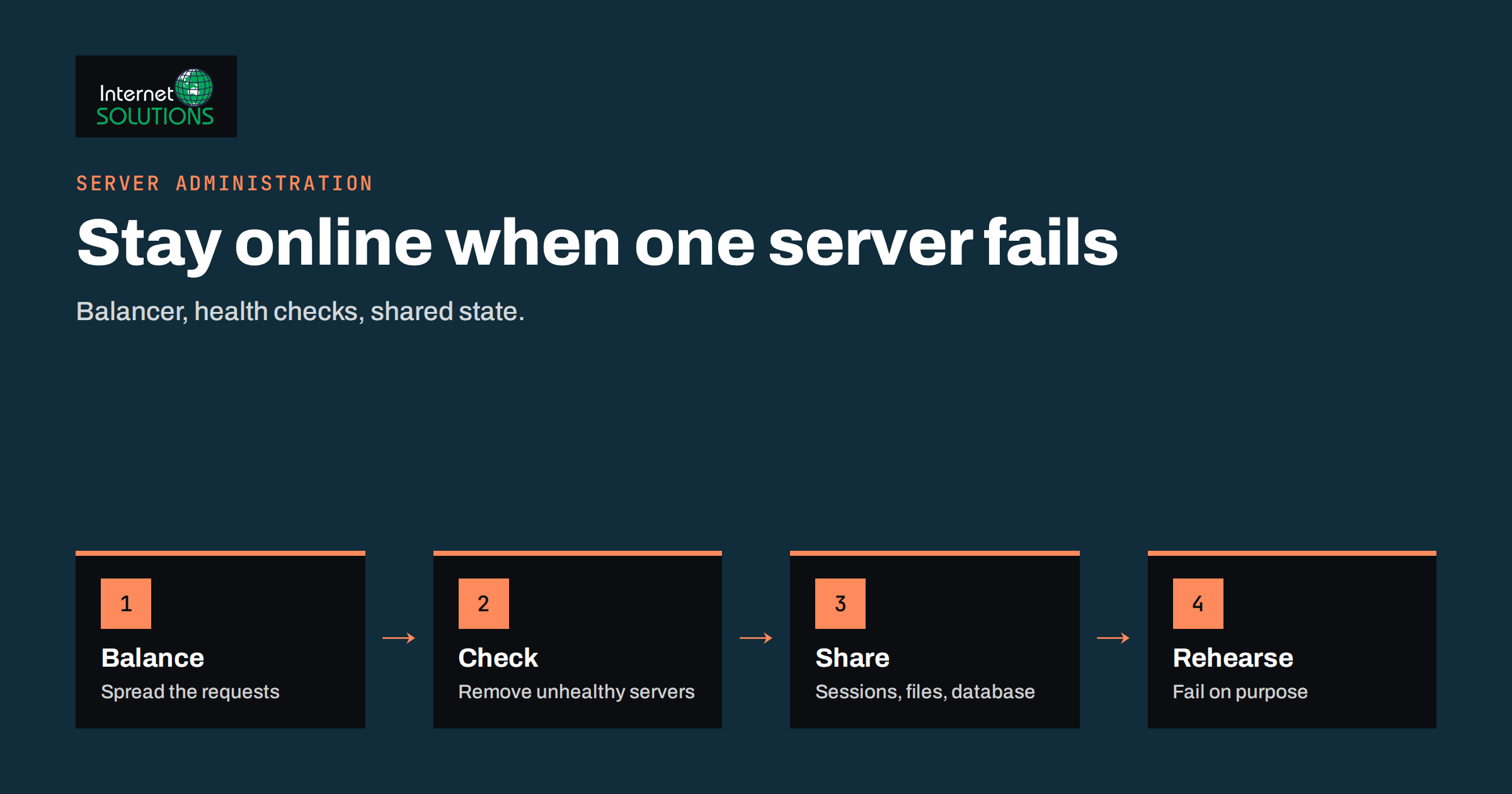
Load balancing and high availability sound like topics for large companies, yet they matter to any website that has started to earn money. A single server is simple and cheap, but it is also a single point of failure: when it is overloaded, being updated or broken, your website is gone. Load balancing spreads requests across several servers so that no single machine carries everything, and high availability is the broader goal of keeping the service running when parts of it fail.
This primer is written for owners and technical managers of growing sites, shops and web applications. It explains what a load balancer does, when you really need one and when you do not, the main architectures and algorithms, the hard problems of sessions, databases and file storage, how health checks and failover work, and how to test the design before an outage tests it for you. It avoids product recommendations and focuses on principles you can apply with most software and hosting providers.
Two Related Ideas: Scaling and Availability
People often use the two terms as if they meant the same thing, but they answer different questions.
- Scaling is about capacity. Can the site handle ten times more visitors on a campaign day? You can scale up by buying a bigger server or scale out by adding more servers.
- High availability is about continuity. Can the site stay online when a server, a disk, a network link or a data centre fails? The usual method is redundancy, meaning there is always a second component ready to take over.
A load balancer helps with both. It sits in front of two or more application servers, receives every request and forwards it to a healthy one. If one server fails, traffic continues to the others. If traffic grows, you add another server behind the same address. Wikipedia gives a concise overview of the general idea in its article on high availability.
Do You Actually Need a Load Balancer?
Complexity has a cost, so start by asking honestly whether a simpler step solves the problem. Many sites that think they need a cluster actually need one of the following first.
- Fix the slow code or database queries. A page that takes two seconds of CPU on every request will overload any number of servers. Profile before you scale.
- Add caching. Page, object and CDN caches can reduce load on the origin server dramatically. Our guide to website caching explains the layers.
- Use a CDN and firewall. Static files and bot traffic do not need to reach your server at all, as described in our article on CDN and web application firewalls.
- Move to a bigger server. Scaling up is simple, and for many sites it is the cheapest solution for a long time.
- Plan capacity honestly. Measure CPU, memory, disk and bandwidth first, using the method in our guide to server capacity planning.
You probably need load balancing when one of these is true: the site cannot afford downtime for maintenance, a single server is already near its limits after optimisation, traffic spikes are predictable and large, or the cost of an hour offline is greater than the cost of a second server. If none applies, a well-maintained single server with tested backups is a legitimate and cheaper choice.
What a Load Balancer Does
A load balancer is software or a managed service that accepts incoming connections and distributes them. Common features include:
- Distribution: choosing which backend server receives each request.
- Health checks: testing the backends regularly and removing unhealthy ones from rotation.
- TLS termination: handling encryption in one place so that backends do not each need certificates.
- Connection management: keeping connections to clients open and reusing connections to backends.
- Rules: routing by hostname, path or header, for example sending the shop to one pool and the blog to another.
Widely used open-source options include nginx, documented in its guide to using nginx as an HTTP load balancer, and HAProxy. Cloud providers offer managed balancers that remove the need to run one yourself, at the price of vendor-specific configuration.
Layers and Algorithms
Layer 4 and layer 7
A layer 4 balancer works with network connections and forwards them without reading the content. It is fast and simple. A layer 7 balancer understands HTTP, so it can make decisions based on the URL, headers or cookies, and it can add features such as compression and redirects. Most websites benefit from layer 7 because routing by path and hostname is useful.
Choosing a distribution method
| Method | How it works | Best for | Watch out for |
|---|---|---|---|
| Round robin | Sends requests to each server in turn | Similar servers and similar requests | Uneven load when requests vary in cost |
| Weighted round robin | Gives stronger servers a larger share | Mixed hardware or gradual rollouts | Weights need review when hardware changes |
| Least connections | Sends to the server with the fewest active connections | Long-running or uneven requests | Counts connections, not actual load |
| IP hash | Maps a client address to the same server | Simple stickiness without cookies | Office networks and proxies share addresses |
| Cookie stickiness | Keeps a visitor on the same server | Applications that hold sessions locally | Hides state problems and weakens failover |
For most sites, round robin or least connections with health checks is enough. Resist the urge to tune the algorithm before you have measured a real imbalance.
The Hard Part: State
Adding servers is easy when each request is independent. Real applications are not. Three kinds of state cause nearly all the problems in a first load-balanced deployment.
User sessions
If the application stores a login session in the memory or files of one server, a visitor who lands on another server appears logged out. There are two clean solutions: store sessions in a shared service such as a database or an in-memory store, or use signed tokens that carry the session data in the cookie. Sticky sessions can work as a short-term fix, but they make failover worse because the visitor loses the session when their server fails.
Uploaded files and generated content
If a customer uploads an image to server A, server B cannot see it. Use shared storage such as a network file system or an object store, or push uploads to a storage service and serve them from a CDN. For WordPress and shop platforms, check where the media library and caches write their files, and make sure all servers use the same location.
The database
Two web servers sharing one database server only move the single point of failure. For real high availability the database needs its own redundancy, usually a primary with one or more replicas and a tested process to promote a replica. Replication helps with failures and with read-heavy loads, but it does not replace backups, as we explain in our article on uptime, backups and monitoring. A corrupted or deleted table is copied to every replica instantly.
Health Checks and Failover
A load balancer is only as good as its ability to notice failure. A weak health check, such as testing whether the port accepts connections, will happily keep sending visitors to a server whose application has crashed. Aim for checks that reflect real readiness.
- Use an application-level check. Request a small URL that exercises the application and, where sensible, the database connection, and expect a specific response.
- Keep the check cheap. It runs every few seconds on every server, so it must not create load.
- Require several failures before removal and several successes before return. This prevents a server from flapping in and out of rotation.
- Drain before maintenance. Remove a server from rotation, let current requests finish, patch it and add it back.
The load balancer itself must not become the single point of failure. Run two, with a floating address or DNS-based failover, or use a managed service that provides redundancy. Plan for what happens if the primary balancer fails, and test it. Alerts should tell a person when a backend is removed, so that failures do not stay hidden behind a working site. Our guide to server monitoring alerts shows how to decide what deserves a notification.
Deployment Patterns That Work for Small Teams
Two web servers behind one balancer
The simplest useful design: two identical application servers, a load balancer in front, a shared session store and shared file storage, and a database with a replica. It allows you to patch one server at a time with no downtime.
Active-passive failover
One server handles all traffic and a second stands by, taking over when health checks fail. It is simpler than active-active because there is no need for sessions to work across two live servers, although the standby must be kept in sync and tested regularly.
Managed platform
Many hosting platforms provide balancing, scaling and failover as a service. This reduces your operations work, though you must understand the limits and costs. Ask what happens during a platform incident and how you would export your data.
Rolling and blue-green deployments
With two or more servers, you can deploy new code to one server, test it and then roll it out gradually. Blue-green deployment keeps two complete environments and switches traffic between them, which makes rollback nearly instant. Both techniques reduce the risk of updates, which are a more common cause of outages than hardware failure.
Testing the Design Before an Outage Does
- Remove a server on purpose and confirm that visitors notice nothing and that an alert is sent.
- Stop the application, not just the server, to prove the health check catches a failed process.
- Test a login and a checkout across several requests to expose session problems.
- Upload a file, then request it many times to confirm every server can serve it.
- Fail over the database in a rehearsal and measure how long the application takes to recover.
- Run a load test against a copy of the environment and note which resource runs out first.
- Write the runbook that describes how to add, remove and replace servers, and keep it with your other documentation.
If you would rather have the architecture designed, built and monitored by specialists, our server administration service covers exactly this kind of work.
Common Mistakes
- Adding servers to hide slow code. It delays the problem and multiplies the bill.
- Forgetting the database. Redundant web servers in front of one database are only partly available.
- Relying on sticky sessions forever. They make failover lossy and uneven.
- Letting servers drift apart. Different PHP versions, packages or configuration files produce bugs that appear on one server only. Use configuration management or images.
- Skipping the rehearsal. A failover that has never been tested usually fails when needed.
- No monitoring of the balancer. You need to see traffic, errors and backend status in one place.
Frequently Asked Questions
What is the difference between load balancing and high availability?
Load balancing distributes traffic across servers, which improves capacity. High availability keeps the service running when components fail. A load balancer contributes to both, but real availability also needs redundant databases, storage and the balancer itself.
Do I need a load balancer for a WordPress site?
Often not. Caching, a CDN and a properly sized server handle most WordPress sites. You need balancing when downtime is costly, traffic is very high or you must update without interruption.
Is DNS round robin a substitute for a load balancer?
It can spread traffic, but it has no health checks, and clients and resolvers cache the answers, so failover is slow and uneven. It is better used together with other mechanisms than as the only one.
How many servers do I need?
For availability, two is the minimum. For capacity, measure how much load one server handles and plan enough servers that the remaining ones can carry the peak if one fails.
Does a load balancer protect against attacks?
It can absorb some load and hide the origin servers, but it is not a complete defence. Combine it with a firewall, rate limits and, where appropriate, a CDN or protection service.
How do I update servers without downtime?
Remove one server from rotation, wait for connections to drain, apply the update, run a health check and return it. Then repeat with the next server.
The Bottom Line
Load balancing and high availability are tools for specific problems, not badges of maturity. Fix slow code and add caching first, then add a second server when downtime or capacity justifies it. Make the application stateless by moving sessions, files and the database to shared, redundant services, use application-level health checks and rehearse failure before it happens. A modest design that you have tested and documented is worth more than a sophisticated one nobody understands.