

 English
 Lietuvių
 Latviešu
 Eesti
Eesti Русский
 Polski
 Українська
 Deutsch
 Italiano
 Español
 Français
 Português
 Čeština
 Magyar
 Română
 Ελληνικά
 Türkçe
 日本語
日本語 العربية
 हिन्दी
 Bahasa Indonesia
 Bahasa Melayu
 ไทย
ไทย Tiếng Việt
 বাংলা
বাংলাRansomware Protection for Small Businesses: A Practical Plan
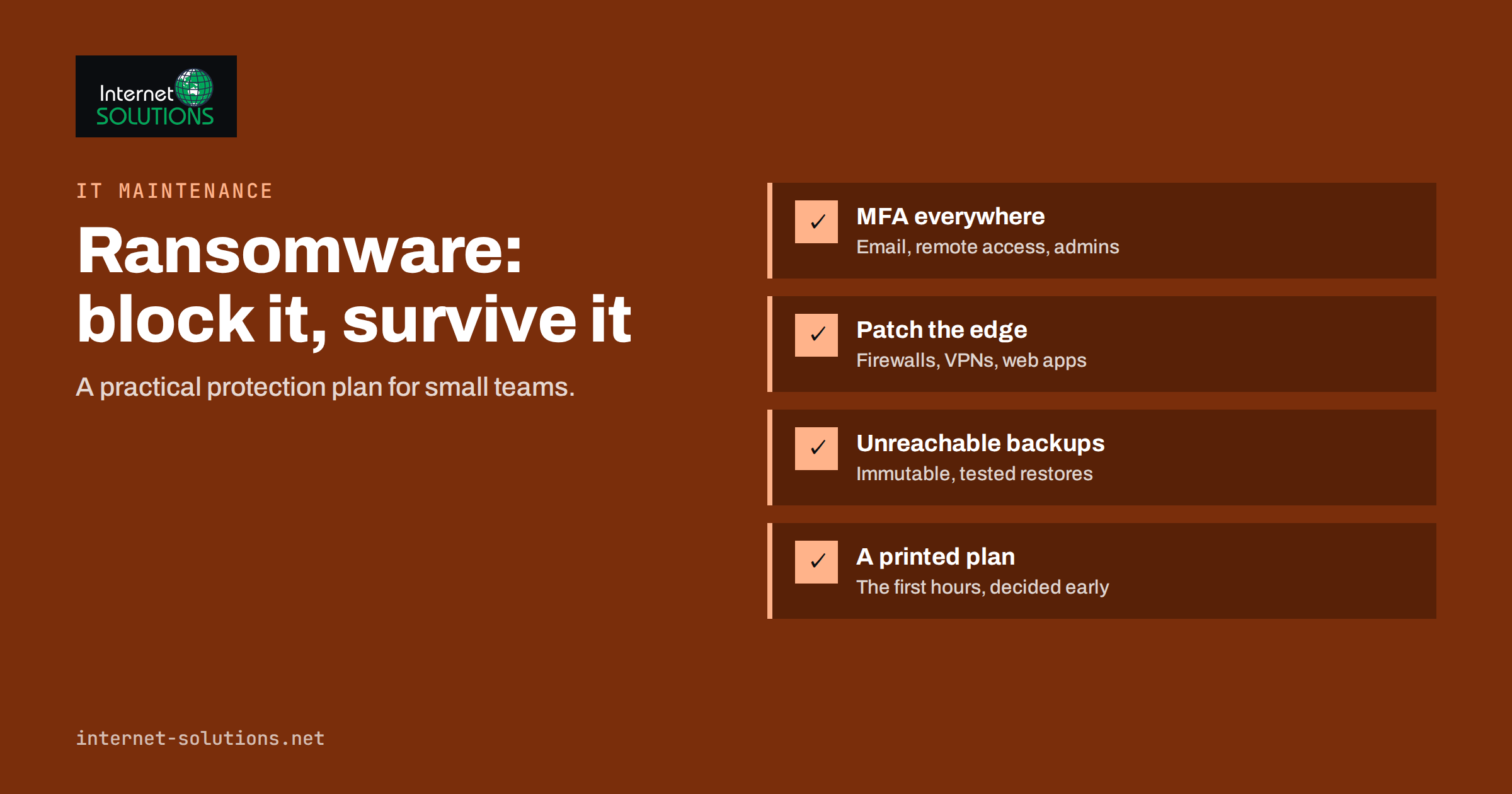
Ransomware is no longer a problem only for hospitals and large corporations. Small businesses are attractive targets precisely because they tend to have fewer defences, flatter networks and backups nobody has tested. An attack typically encrypts files and servers, and increasingly also steals data first and threatens to publish it. For a company of ten or fifty people, a week without its systems can be more damaging than the ransom itself. The good news is that effective ransomware protection for small businesses does not require an enterprise budget. It requires a handful of well-chosen controls, applied consistently, and a plan for the day something goes wrong.
This guide sets out that plan in practical terms: how attacks usually start, the controls that block most of them, how to build backups that survive an attack, what to do in the first hours of an incident, and how to keep the whole thing maintained without a dedicated security team.
How Ransomware Attacks Usually Start
Understanding the entry points tells you where protection pays off. In small business incidents, the same few routes appear again and again:
- Stolen or guessed passwords for remote access, email or cloud accounts, especially where multi-factor authentication is not enabled.
- Exposed remote access services, such as Remote Desktop opened directly to the internet, or outdated VPN appliances with known vulnerabilities.
- Phishing emails with malicious attachments or links that install a first piece of malware, which later downloads the ransomware.
- Unpatched software on internet-facing systems: firewalls, VPN gateways, file-sharing tools, web applications.
- Compromised suppliers, such as an IT provider’s remote management tool or a shared account used by an outside contractor.
Attackers often spend days or weeks inside a network before encrypting anything. They look for backups to delete, administrator accounts to take over and data worth stealing. That delay is an opportunity: good monitoring and limited privileges can stop an attack before the damaging stage.
The Controls That Stop Most Attacks
Security frameworks list hundreds of measures. For a small business, a short list does most of the work. Government guidance such as the UK National Cyber Security Centre’s ransomware guidance and its Small Business Guide points to broadly the same priorities.
| Control | What it prevents | Effort for a small business |
|---|---|---|
| Multi-factor authentication on email, remote access and admin accounts | Logins with stolen passwords | Low: mostly configuration |
| No remote desktop exposed to the internet | Direct break-ins and password guessing | Low to medium: use a VPN or gateway with MFA |
| Prompt patching of internet-facing systems | Exploitation of known vulnerabilities | Medium: needs a routine |
| Separate admin accounts, no daily work as admin | Fast spread after one infected laptop | Low |
| Endpoint protection with central alerts | Known malware and suspicious behaviour | Low: a subscription and someone reading alerts |
| Email filtering and macro restrictions | Phishing attachments | Low |
| Offline or immutable backups, tested | Paying a ransom to get data back | Medium |
| Network segmentation | Spread from office PCs to servers | Medium |
Accounts and authentication
Turn on multi-factor authentication everywhere it is offered, starting with email, cloud storage, remote access and any administrator account. Use a password manager so that every account has a unique password. Our guide to MFA and password managers for small teams walks through a realistic rollout.
Remote access
Never publish Remote Desktop or file shares directly to the internet. Put remote access behind a VPN or a gateway that requires MFA, keep that device patched, and remove access for people who have left.
Patching
Prioritise anything reachable from the internet: firewalls, VPNs, email servers, web applications. Critical updates for those systems should be applied within days, not at the next quarterly maintenance window. Office PCs and laptops should update automatically.
Least privilege
Staff should work with ordinary user accounts. Administrator rights belong to separate accounts used only for administration. Shared folders should be accessible only to the people who need them, which limits what one compromised account can encrypt.
Backups That Survive a Ransomware Attack
Backups are the difference between a bad week and a business-ending event. But ransomware operators know this, and they look for backups first. A backup that sits on a network share, reachable with the same administrator password as everything else, will be encrypted or deleted along with the originals.
A resilient backup setup follows a few rules:
- 3-2-1 or better: at least three copies of important data, on two different types of storage, with one copy off-site.
- At least one copy that cannot be changed: offline media, or cloud storage with immutability or object lock enabled for a defined retention period.
- Separate credentials: the backup system should not be administered with the same accounts as the rest of the network, and should have MFA of its own.
- Enough history: attackers may be inside for weeks. Keep restore points long enough to go back to a clean state.
- Include cloud services: Microsoft 365, Google Workspace and similar services have their own retention, but they are not a complete backup of your mailboxes and files.
- Test restores: restore a file, a mailbox and a whole server regularly, and measure how long it takes.
Restore time matters as much as the backup itself. If restoring your main server takes three days, that is three days of downtime, and you should know it before an incident, not during one. Our article on uptime, backups and monitoring covers how to set realistic recovery targets.
Detecting an Attack Early
Because attackers usually prepare before they encrypt, early warning signs are often visible to someone who is looking:
- alerts from endpoint protection about blocked tools or suspicious scripts;
- successful logins at unusual hours or from unusual countries;
- new administrator accounts or changes to group memberships nobody requested;
- backup jobs failing or being disabled;
- large volumes of data leaving the network;
- security software being switched off on several computers.
The weak point in many small businesses is not the tooling but the attention. Alerts arrive in a mailbox nobody reads. Whether it is an internal person or an outside provider, someone must be responsible for reviewing alerts and acting on them, including outside office hours.
Your First Hours After an Attack
When ransomware strikes, decisions made in panic cause extra damage. A short written plan, agreed in advance and printed out, keeps people focused.
- Isolate affected systems. Disconnect infected computers and servers from the network, and disable Wi-Fi. Do not power off servers unless advised; memory can contain evidence and sometimes keys.
- Call your IT provider or incident responder using contact details stored outside the affected systems.
- Protect the backups. Disconnect backup systems from the network until you know the extent of the attack.
- Preserve evidence. Take photos of ransom notes, keep logs, and note times of events.
- Change credentials for administrator, email and remote access accounts, from a clean device.
- Notify where required. If personal data may have been accessed, GDPR generally requires notifying the supervisory authority within 72 hours of becoming aware of a breach. Contact your insurer if you have cyber cover, and report the crime to the police.
- Restore from clean backups only after the entry point is understood and closed; otherwise the attackers may simply return.
Before considering any payment, check the No More Ransom project, which publishes free decryption tools for some ransomware families. Paying does not guarantee working decryption, does not undo data theft, and may mark the business as a willing payer for future attacks.
Do Not Forget Websites and Servers
Ransomware discussions usually focus on office computers, but business websites, hosting accounts and servers are part of the same picture. A compromised web server can be encrypted, used to host malware, or serve as a stepping stone into other systems that share credentials with it.
- Protect hosting and control panel logins with MFA and unique passwords; these accounts often control websites, email and DNS at once.
- Keep CMS, plugins and server software updated, and remove plugins and themes that are no longer used.
- Use key-based SSH access and disable password logins for administrators where possible.
- Back up websites and databases separately from the server itself, with retention and credentials the web server cannot touch.
- Do not reuse credentials between servers, websites and office systems, so one breach does not open everything.
A server that is hardened, monitored and backed up independently is far less useful to an attacker, and far quicker to bring back if something does go wrong. Our server administration service covers exactly these routines, from patching and access control to independent backups and restore tests.
People, Policies and Suppliers
Technology covers much of the risk, but people remain both the target and the first line of defence.
- Short, regular awareness training works better than an annual lecture. Focus on realistic examples: fake invoice emails, shared document links, password reset requests.
- Make reporting easy and blame-free. A staff member who clicks a bad link and reports it within five minutes is an asset; one who hides it out of fear is a risk.
- Verify payment changes by phone. Many attacks start with a compromised mailbox, and a simple call-back rule stops related invoice fraud as well.
- Review supplier access. Know which outside companies can reach your systems, make sure they use MFA, and remove access that is no longer needed.
- Keep an asset list. You cannot protect devices and accounts you do not know exist.
Keeping Protection Maintained
Most ransomware protection fails not because it was never set up, but because it quietly stopped working: a backup job failing for months, an exception added to MFA for one person and never removed, a firewall that missed several updates. A simple recurring routine prevents that drift:
- Weekly: check backup job results and security alerts.
- Monthly: apply updates, review admin accounts and remote access users, test a small file restore.
- Quarterly: test a full system restore, review supplier access, run a short phishing awareness session.
- Yearly: walk through the incident plan as a tabletop exercise and update contacts.
This is the core of what a good IT maintenance arrangement should deliver: not just fixing problems, but checking every month that the protections are still in place.
Frequently Asked Questions
Are small businesses really targeted by ransomware?
Yes. Many attacks are automated and opportunistic: criminals scan for exposed services and weak passwords regardless of company size. Smaller businesses are often hit because their defences are thinner, not because they were chosen specifically.
Is antivirus enough to stop ransomware?
No. Endpoint protection is useful, but most attacks start with stolen credentials or unpatched systems. Multi-factor authentication, patching, limited admin rights and protected backups do more of the work.
Will cloud storage protect my files from ransomware?
Partly. Synchronised folders can sync encrypted files to the cloud. Version history helps, but it is not a full backup. Keep an independent backup with its own retention and credentials.
Should we pay the ransom?
Paying is a last resort and does not guarantee recovery or prevent stolen data from being published. Check for free decryptors, rely on tested backups, and take advice from incident responders, your insurer and the police.
How often should we test our backups?
Test a file restore monthly and a full system restore at least quarterly. Measure how long a full restore takes, so you know your real recovery time.
Do we need to report a ransomware attack?
If personal data may have been accessed or made unavailable, GDPR generally requires notifying the supervisory authority within 72 hours, and sometimes the affected people. Reporting to the police is also recommended.
The Bottom Line
Ransomware protection for a small business comes down to a few things done well: multi-factor authentication everywhere, no exposed remote access, prompt patching, limited admin rights, backups that attackers cannot reach, someone watching the alerts, and a printed plan for the first hours of an incident. None of these is expensive on its own; the risk lies in leaving gaps or letting them drift. If you would like an outside review of your current setup, or a maintenance routine that keeps these protections checked every month, contact our team.