

 English
 Lietuvių
 Latviešu
 Eesti
Eesti Русский
 Polski
 Українська
 Deutsch
 Italiano
 Español
 Français
 Português
 Čeština
 Magyar
 Română
 Ελληνικά
 Türkçe
 日本語
日本語 العربية
 हिन्दी
 Bahasa Indonesia
 Bahasa Melayu
 ไทย
ไทย Tiếng Việt
 বাংলা
বাংলাTopic Clusters and Pillar Pages: Planning Content That Ranks
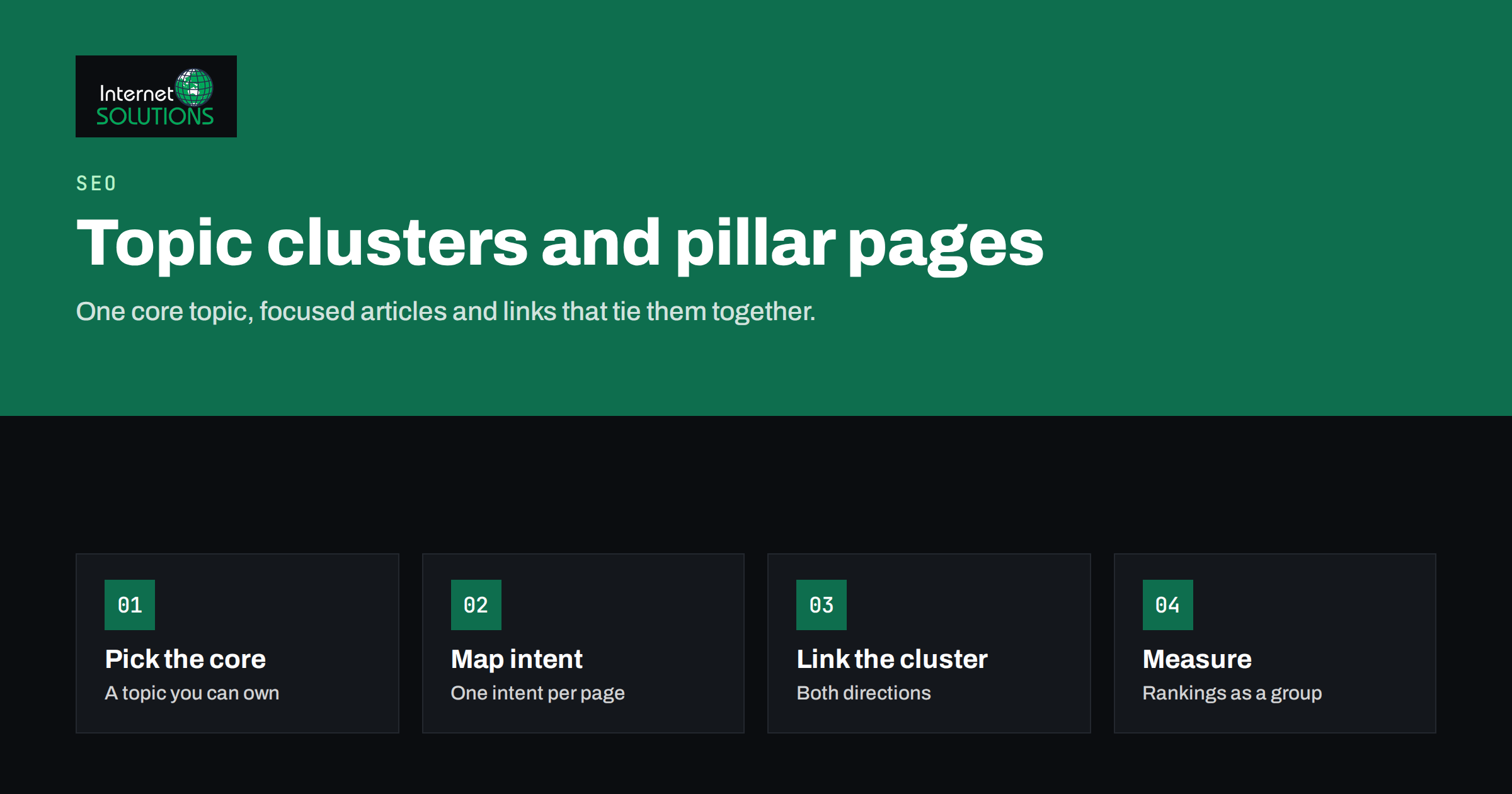
Topic clusters are a way of organising website content so that related pages support each other instead of competing. A cluster consists of one broad pillar page that covers a core topic and a group of focused articles that each go deep on one part of it, all linked together. The idea is simple, but it changes how a business plans content. Instead of publishing whatever comes to mind each week, you decide which subjects you want to be known for and build complete, connected coverage of them.
This guide explains how topic clusters and pillar pages work, why they help both search engines and readers, and how to plan a cluster step by step: choosing the core topic, mapping search intent to individual pages, linking the cluster properly, and measuring whether it works. It also covers the most common mistakes, including the one that causes the most damage: several pages chasing the same query.
What Topic Clusters Are and Why They Work
Search engines no longer evaluate pages only on individual keywords. They try to understand topics, the relationships between them and which sites cover a subject thoroughly and reliably. A website with one isolated article about email deliverability competes poorly against a site that covers authentication, list hygiene, segmentation, design and automation in a connected set of pages.
Topic clusters help in three ways:
- Clear structure for search engines. Internal links between the pillar and its cluster articles show which pages belong together and which page is the main entry point for the topic.
- Better experience for readers. Someone who lands on a detailed article can move to the overview or to related questions in one click, which keeps them on your site and builds trust.
- Disciplined planning. Mapping a cluster in advance shows gaps in your coverage and prevents duplicate articles that split your traffic.
Google’s SEO starter guide repeatedly emphasises organising a site logically and linking related content in ways that help people find what they need. Topic clusters are a practical method for doing exactly that.
Pillar Pages and Cluster Articles
The Pillar Page
A pillar page covers a broad topic at a level that answers the main questions and points to deeper resources. For a company website, the pillar is often a service page or a comprehensive guide. For example, a page about “email marketing for small businesses” could explain what email marketing involves, the main types of campaigns, the tools and the metrics, linking to separate articles for each area.
A good pillar page:
- Targets a broad query with substantial search demand.
- Gives a complete overview without trying to cover every detail.
- Links clearly to every cluster article, usually from the relevant section.
- Is kept up to date as the cluster grows.
Cluster Articles
Each cluster article covers one subtopic in depth and targets a more specific query: “how to warm up a new sending domain”, “welcome email sequence examples”, “what is a good email open rate”. Each answers its question thoroughly, links back to the pillar and links to closely related articles in the same cluster where that helps the reader.
The essential rule is one search intent per page. Two articles answering the same question with slightly different wording do not double your chances; they compete with each other.
Step One: Choose the Core Topic
Start with business value, not search volume. The best core topics sit at the intersection of three things:
- What you sell. A cluster around a topic unrelated to your services may attract traffic but rarely customers.
- What your audience searches for. There must be enough real demand across the subtopics to justify the effort.
- What you can genuinely cover with authority. Clusters work best where your team has first-hand experience to share.
For most businesses, the first clusters should map directly to the main service or product categories. An IT services company might plan clusters around server administration, IT maintenance and cybersecurity; an online shop around its main product categories and the problems they solve.
Step Two: Research and Map Subtopics
Once the core topic is set, collect the questions people ask about it. Useful sources include keyword research tools, the “People also ask” boxes in search results, your own Search Console queries, questions from sales and support teams and chat transcripts. Our guide to keyword research fundamentals explains how to gather and evaluate this list.
Then group the queries by search intent. Queries that would be satisfied by the same page belong together; queries that need different answers get separate pages. A practical test: search each query and look at the results. If the same pages rank for two queries, they probably share an intent and should be answered by one article.
The result is a content map. A simple spreadsheet works well:
| Page | Role | Main query | Intent | Status |
|---|---|---|---|---|
| Email marketing for small businesses | Pillar | email marketing small business | Overview, considering a service | Exists, update |
| SPF, DKIM and DMARC explained | Cluster | spf dkim dmarc | Technical how-to | Published |
| Email list hygiene | Cluster | email list hygiene | Practical guide | Planned |
| Welcome email sequence | Cluster | welcome email sequence | Examples and templates | Planned |
| Email A/B testing | Cluster | email ab testing | How-to and interpretation | Published |
Before adding any planned page, check whether an existing article already covers the intent. If it does, improve that article instead of writing a new one.
Step Three: Write for Depth, Not Volume
A cluster is only as strong as its pages. Ten thin articles add less than five thorough ones. For each article:
- Answer the main question early and clearly, then cover the related questions a reader will have next.
- Use your own experience: examples, mistakes you see, numbers from real work where you can share them.
- Avoid repeating the pillar’s overview in every article. Summarise in a sentence and link to the pillar.
- Keep the scope tight. If a section grows into its own topic, it may deserve a separate cluster article.
Google’s guidance on helpful, people-first content is a good checklist for each page in the cluster.
Step Four: Link the Cluster Properly
Linking is what turns a set of articles into a cluster. Follow a consistent pattern:
- Pillar to cluster: the pillar links to every cluster article, ideally from the section that introduces that subtopic, with descriptive anchor text.
- Cluster to pillar: every cluster article links back to the pillar, usually early in the text where the broader context is mentioned.
- Cluster to cluster: articles link to siblings where a reader would naturally want to continue, not to every sibling by default.
- Navigation: make the pillar reachable from the main menu or category navigation, so it receives internal authority from across the site.
Use anchor text that describes the destination, such as “email list hygiene guide”, rather than “click here”. Our article on internal linking for SEO covers anchor text and site architecture in more detail.
Step Five: Measure the Cluster as a Group
Clusters should be evaluated together, because their value comes from the combination. Useful measurements:
- Visibility for the topic: the total number of queries for which any cluster page ranks, and how many are in the top ten.
- Pillar performance: rankings and traffic for the broad query, which often improve as the cluster grows.
- Engagement across the cluster: how often readers move from one cluster page to another.
- Conversions: enquiries, sign-ups or sales that start on cluster pages.
- Overlap warnings: queries where two cluster pages alternate in rankings, which signals that their intents are too close.
Search Console lets you filter performance by page, so you can build a simple report for each cluster by listing its URLs. Review it monthly and use the findings to decide whether to add, merge or update pages.
Common Mistakes
Several Pages for the Same Intent
The most damaging mistake is writing a new article for every keyword variation. “How to improve email deliverability”, “email deliverability tips” and “why emails go to spam” may look like three topics, but they often share one intent. Publishing three similar articles splits links, clicks and relevance signals, and none of them ranks as well as one strong page would. When you find overlaps, merge the content into the best page and redirect the others.
Pillars That Are Just Link Lists
A pillar page with a short introduction and a list of links does not satisfy readers or rank well. It must be a useful page in its own right.
Clusters Without Business Purpose
Traffic from topics unrelated to your services rarely converts. Keep clusters close to what you offer.
Never Updating
Clusters age. Statistics change, tools change and new questions appear. A periodic content audit keeps the cluster accurate and finds pages to improve or merge.
A Worked Example: An IT Services Company
To make the process concrete, imagine an IT services company that wants more enquiries for server administration. A cluster plan might look like this:
- Pillar: the server administration service page, explaining what is managed, for whom, how support works and what a typical engagement includes.
- Cluster articles on setup: choosing between shared, VPS and dedicated hosting; Linux or Windows for business servers; planning a migration to a new server.
- Cluster articles on operations: patch management without downtime; backup strategies and restore testing; monitoring and alerting; reading server logs.
- Cluster articles on security: server hardening basics; SSL certificate management; protecting email servers from spam and abuse.
- Cluster articles on problems: common causes of downtime; diagnosing a slow server; what to do after a security incident.
Each article answers one distinct question that prospective clients actually ask, links back to the service page where the reader may want professional help, and links to one or two siblings that naturally follow. Over time, the cluster tells both readers and search engines that this company understands server administration in depth, and the service page benefits from the authority the articles collect.
The same exercise works for any business: list the questions your customers ask before, during and after buying, group them by intent, and you have the outline of your first clusters.
Keeping Clusters Healthy
Once a cluster is published, assign an owner who reviews it a few times a year. The review checks that every page still answers its question well, that facts and screenshots are current, that new articles have been linked from the pillar and that no two pages have drifted into the same intent. Small, regular updates keep a cluster strong far longer than occasional large rewrites.
Turning an Existing Blog Into Clusters
Most businesses already have a blog that grew without a plan. You do not need to start over:
- Export all existing articles with their main queries and traffic.
- Group them by topic and identify natural clusters.
- Choose or create a pillar for each cluster.
- Merge articles that overlap in intent and redirect the weaker URLs.
- Add the missing links between pillar and cluster pages.
- Fill the most important gaps with new articles.
This restructuring often produces results faster than writing new content, because it strengthens pages that already have some authority. Our SEO services start with goals, competitors and a keyword strategy, which is the natural foundation for planning clusters.
Frequently Asked Questions
How many articles should a topic cluster have?
As many as there are distinct search intents worth answering. Some clusters need five articles, others twenty. Quality and distinct intent matter more than the count.
Can a service page be a pillar page?
Yes, and for business websites it often should be. The service page covers the topic broadly and links to articles that answer specific questions.
Should every cluster article link to every other one?
No. Link to the pillar and to the siblings a reader would naturally want next. Linking everything to everything dilutes the signal.
How long do topic clusters take to show results?
Usually several months, as pages are crawled, linked and gain authority. Restructuring existing content can show improvements sooner.
What should I do with old articles that overlap?
Merge the useful content into the strongest page, redirect the others to it and update internal links.
Do topic clusters still matter with AI search?
Yes. Clear, well-structured coverage of a topic makes it easier for any search system to understand and cite your content.
The Bottom Line
Topic clusters bring order to content planning. Choose core topics that match what you sell, map subtopics by search intent, give each intent one strong page, and connect them through a useful pillar page with consistent internal links. Measure the cluster as a group, merge pages that compete and keep everything current. The result is a website that covers its subjects completely, guides readers naturally from question to question and gives search engines a clear picture of what you are an authority on. If you want help planning your first clusters, contact our team.