

 English
 Lietuvių
 Latviešu
 Eesti
Eesti Русский
 Polski
 Українська
 Deutsch
 Italiano
 Español
 Français
 Português
 Čeština
 Magyar
 Română
 Ελληνικά
 Türkçe
 日本語
日本語 العربية
 हिन्दी
 Bahasa Indonesia
 Bahasa Melayu
 ไทย
ไทย Tiếng Việt
 বাংলা
বাংলাVideo SEO: Getting Your Videos Indexed and Shown in Google Search
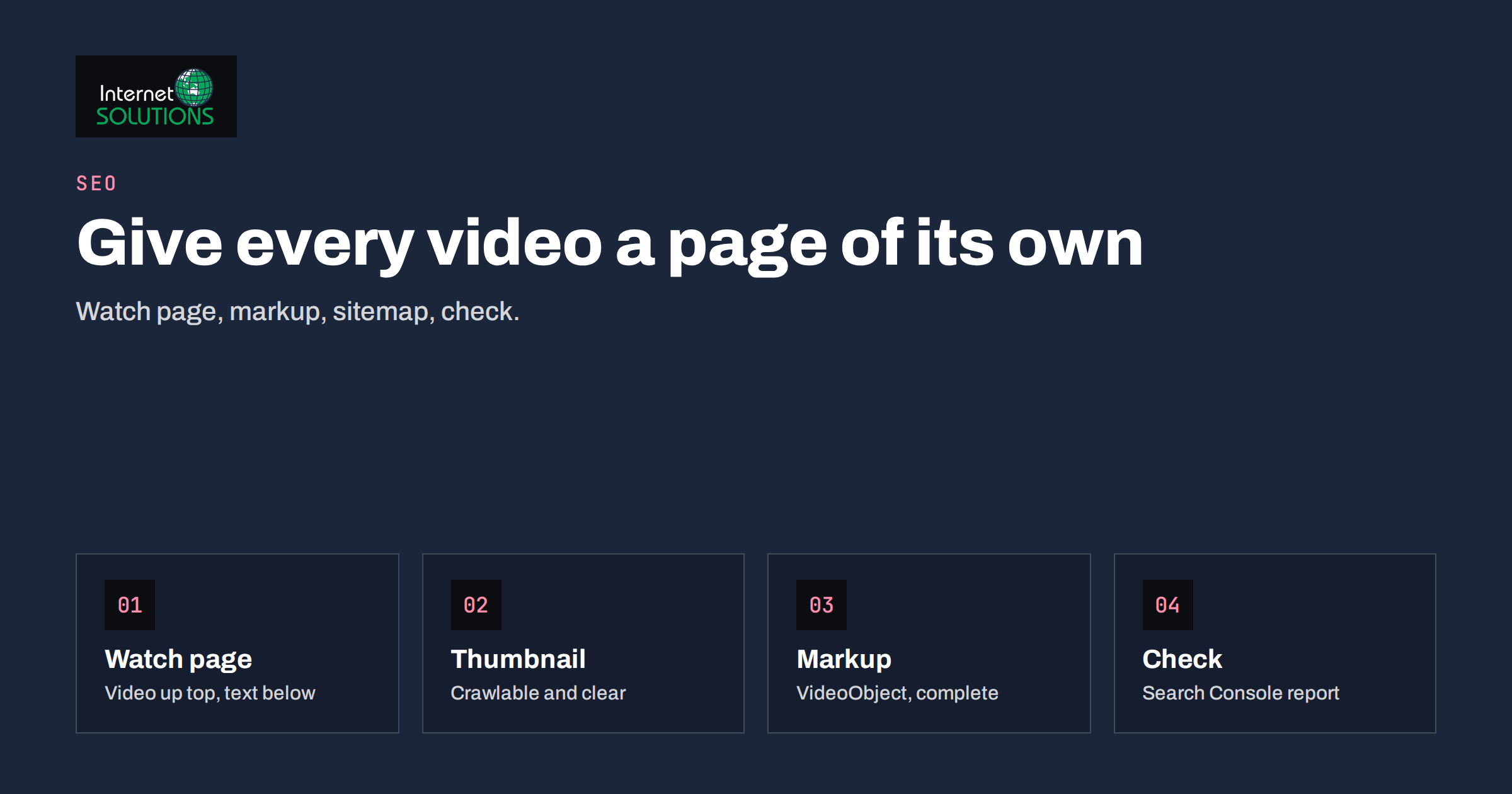
Video SEO is the work of making sure search engines can find, understand and display the videos on your website. Many businesses record a product demonstration, a how-to or a customer story, embed it on a page and then wonder why it never appears in search results. The video itself is rarely the problem. The usual causes are a page that does not make the video the main content, missing structured data, a thumbnail that cannot be crawled, or an embed that sends all the credit to a different website.
This guide explains how video appears in Google, where to host your videos, how to build a watch page that deserves to rank, which markup to add, how to use a video sitemap, and how to check that everything works. It is written for business owners and marketers rather than developers, but it includes the technical details your developer will need.
How Videos Appear in Search
Videos can show up in several places. A normal blue link may carry a video thumbnail next to it. A dedicated Videos tab collects video results. Some searches, especially “how to” and product demonstrations, show a carousel of videos within the main results. Longer videos may display “key moments”, a list of chapters that let a searcher jump to the relevant part.
To qualify, Google must discover a page that contains a video, fetch the video or its embed details, and decide that the page is a good destination for that video. Google’s own documentation on video best practices says the video should be on a publicly accessible page, and that Google needs to be able to see the thumbnail and understand what the video is about. If a page only mentions a video in passing, or hides it behind a login, it is unlikely to receive a video result.
It also helps to be realistic about competition. For many broad queries the video results are dominated by large video platforms. Your best opportunities are specific searches where you have genuine expertise: how to use your product, how to choose between two options in your field, how to carry out a task in your local area. Those are the searches where a well-prepared video on your own website can earn a visible result.
Where to Host Your Videos
The hosting decision affects who gets the traffic. There are four common choices, each with trade-offs.
| Option | Strengths | Weaknesses | Best for |
|---|---|---|---|
| Video platform embed | Free hosting, fast delivery, built-in audience, automatic quality switching | The platform’s own page may outrank your page; viewers can wander off to other videos | Businesses that value reach and want minimal technical work |
| Self-hosted file | Full control, no related videos, your page is the destination | Bandwidth cost, encoding work, you must handle speed and mobile playback | Short product clips and background videos |
| Specialist video hosting service | Professional player, analytics, privacy options, adaptive streaming | Subscription cost | Training libraries and sales videos where control matters |
| Both: platform and your own page | Reach from the platform plus a rich page on your site | Needs a clear plan so the two do not compete | Businesses that publish regularly |
Many businesses publish on a video platform for discovery and embed the same video on a carefully written page of their own. This works well, provided the page on your site adds real value: a transcript, a summary, related links and a clear next step. If the page is just an embed with a single sentence, Google has no reason to prefer it over the platform’s page.
Whichever route you take, avoid hosting the same video on many pages of your own site. One strong watch page per video is better than a dozen thin pages, a point that connects to the broader issue of duplicate content discussed in our guide to canonical tags and duplicate content.
Build a Watch Page Worth Ranking
A watch page is the page whose main purpose is to present one video. Think of it as a short article with a video at the top. Good watch pages share several features.
- A specific title and heading. Name the topic and the benefit: “How to measure a window for roller blinds” is better than “Video 14”.
- The video near the top. Do not bury it under a long introduction. Google’s guidance asks that the video be prominent, and visitors expect to see it quickly.
- A written summary. Two or three paragraphs describing what the video covers and who it is for.
- A transcript. A transcript gives search engines text to understand, helps people who cannot play sound, and makes the page useful for visitors who prefer to read. Edit automatic transcripts for errors, especially product names and technical terms.
- Chapters or timestamps. A list of sections with times helps viewers and supports key moments.
- Related content and a next step. Link to the product, service or guide that the video supports, and add one clear call to action.
- A single video per page. If a page has five videos, it is unclear which one the page is about. There are sensible exceptions, such as a gallery page, but those pages rarely win individual video results.
The written content also matters for ordinary search. A page with a thoughtful summary and transcript can rank for text queries as well as video queries, which is why video SEO belongs inside your wider SEO plan rather than apart from it.
Titles, Descriptions and Thumbnails
Treat the video title like a page title: put the main phrase near the beginning, keep it readable and make it match what the video delivers. The description should be a natural sentence or two, not a list of keywords. Whatever you write in the visible text of the page, use the same wording in the structured data so that search engines see consistent signals.
The thumbnail is the part people actually see in results, so it deserves attention. Use a clear still frame or a designed image with a readable title, avoid clutter, and keep the important subject in the centre where cropping will not remove it. Two technical rules matter: the thumbnail address must be reachable by search engines, and it must not be blocked by robots.txt or hidden behind a login. A thumbnail that returns an error is one of the most common reasons a video is not shown.
Keep thumbnails honest. A misleading image that promises something the video does not deliver may earn a click, but viewers leave quickly, and that pattern of behaviour does not help your reputation. The principles are similar to those in our article on image SEO: descriptive file names, sensible compression and modern formats.
Structured Data for Video
Structured data tells search engines in a standard format what a video is. The vocabulary is called VideoObject, and it is defined on schema.org. Google documents the properties it uses in its video structured data guide. The properties you should provide for a typical business video are:
- name: the video title.
- description: a short summary of the video.
- thumbnailUrl: the address of the thumbnail image.
- uploadDate: the date the video was first published, in a standard date format that includes the time zone.
- contentUrl: the address of the actual video file, when you host the file yourself.
- embedUrl: the address of the player, when the video is served through an embed.
- duration: the length, in the ISO 8601 duration format.
The markup is usually added as a block of JSON-LD in the page. Many content management systems and plugins can generate it, but check the output rather than assuming it is correct. Common mistakes include a missing upload date, a thumbnail that points to a page rather than an image, descriptions copied from other videos, and markup describing a video that is not actually on the page.
If your video has chapters, you can mark them up as clips so that Google can show key moments. Each clip needs a name, a start time and a link to the exact moment on your page. If you use a video platform that already provides chapters, Google may pick them up automatically from the platform’s description; in that case, make sure the chapters in the description are formatted in the way the platform expects.
Structured data does not guarantee a rich result. It is a clear statement of facts, and Google decides whether to use it. Always compare the markup with what visitors can see on the page; markup that describes content that is not there can lead to the enhancement being ignored. Our guide to structured data and schema markup explains how to test markup and what to avoid.
Video Sitemaps
A video sitemap is an XML file that lists the pages with videos and gives details of each one. It is not required, but it is useful when you have many videos, when videos are loaded in unusual ways, or when you want to supply information such as the duration and the expiry date. Google describes the format in its guide to video sitemaps.
Each entry points to the page that hosts the video and describes the video: a title, a description, the thumbnail address and either the content address or the player address. Keep the sitemap in step with the site. If a video is removed, remove it from the sitemap, and if a page address changes, update the entry. You can also include video details inside your ordinary sitemap, which suits small sites. For broader advice on crawl control and sitemaps, see our article on robots.txt and XML sitemaps.
Submit the sitemap in Google Search Console, and check the report for errors. If you host videos on another domain, such as a content delivery network, make sure the pages themselves can still be crawled and that the video and thumbnail addresses are not blocked.
Speed, Mobile and Consent
Video can slow a page badly. A heavy player loaded on every visit hurts loading speed, which affects both visitors and rankings. A few practical measures keep pages fast.
- Load the player on demand. Show the thumbnail first and load the player when someone clicks. Many platforms and plugins support this approach.
- Reserve the space. Give the video a fixed aspect ratio so the layout does not jump while it loads.
- Compress properly. If you host files yourself, encode them in a widely supported format at sensible bitrates, and offer a smaller version for phones.
- Avoid autoplay with sound. It annoys visitors and many browsers block it.
- Respect consent. Some video embeds set cookies or contact third-party servers. If you use them, make sure your consent setup handles them correctly, or use a privacy-friendly embed option.
Speed deserves its own attention, and our guide to website speed and Core Web Vitals shows how to measure the effect of a video on a page. Test on a real phone with an ordinary mobile connection, since that is where most viewers will be.
Checking That Google Sees Your Videos
After publishing, verify each step instead of waiting and hoping.
- Inspect the page. In Search Console, use the URL Inspection tool to see whether the page is indexed and how Google renders it.
- Test the markup. Use Google’s Rich Results Test or the Schema Markup Validator on the page and fix any errors and warnings.
- Read the video indexing report. Search Console includes a report on video pages. It shows how many pages have a video that Google found, and it lists reasons why videos were not indexed, such as the video not being on a watch page or the thumbnail being unavailable.
- Search for it. After a few weeks, search for the exact title and for a natural question that the video answers. Note whether a thumbnail appears.
- Track performance. Look at impressions and clicks for the page in the performance report, and use your analytics to see how long visitors watch and what they do next.
Indexing takes time, and not every video will earn a rich result. If a video is not shown after a reasonable period, review the page against the list above rather than making random changes.
Common Video SEO Mistakes
- Embedding a video on a page whose main topic is something else. Google may decide the video is not the main content.
- Using the same video on many pages. This dilutes signals and invites duplicate content problems.
- No transcript or summary. The page has little text to rank, and visitors who cannot listen are lost.
- Blocking resources. Robots rules that block the video file, the player script or the thumbnail prevent proper understanding.
- Missing or incorrect upload dates. This breaks the structured data and can prevent enhancements.
- Autoplay and heavy players. They slow the page and frustrate visitors.
- Videos that are too long for their purpose. A two-minute answer is often more useful than a twenty-minute lecture. If a long video is needed, add chapters.
- Ignoring the next step. A video that ends without a link, button or contact option wastes the attention it earned.
A Simple Plan for the First Month
You do not need a large production budget. Choose three questions your customers ask often, record a short, clear answer to each, and publish each on its own watch page. Write a title that matches the question, add a summary and a transcript, supply structured data with a good thumbnail, and add the pages to your sitemap. Link each watch page from the related service or product page, and from at least one relevant article. After a month, review impressions, clicks and watch time, keep what works and improve what does not.
If you would like help planning pages that work for both visitors and search engines, our website development team can build and test watch pages, markup and sitemaps for you.
Frequently Asked Questions
Do I need to host my videos on my own website to get video results?
No. You can embed a video from a platform on your page and still be eligible, provided the page is crawlable, the video is prominent and the markup is correct. Be aware that the platform’s own page may also compete for the same searches.
Is structured data required for video SEO?
It is not strictly required, because Google can find many videos without it, but it is strongly recommended. It removes guesswork about the title, description, thumbnail and upload date, and it is the basis for enhancements such as key moments.
Should I add a transcript?
Yes, where practical. A transcript helps accessibility, gives search engines text to understand and can bring visitors who search for phrases spoken in the video. Review automatic transcripts for mistakes before publishing.
How long does it take for a video to appear in search?
It varies. Some pages are indexed within days, others take weeks. Use Search Console to confirm that the page is indexed and that the video was detected, and be patient before changing things.
Can I have more than one video on a page?
You can, but a page built around one video is clearer for search engines and visitors. If you need several, make sure each has its own description and consider separate pages for the most important ones.
Does video slow my website down?
It can, if the player loads immediately and the files are large. Load the player when the visitor clicks, reserve space for it, compress files and test on a phone.
The Bottom Line
Video SEO is mostly careful housekeeping. Give each important video its own page, make the video prominent, surround it with a useful summary and transcript, provide complete structured data and a working thumbnail, add a sitemap entry, and keep the page fast. Then check Search Console to confirm that Google has seen it. Done consistently, a handful of well-prepared videos can bring visitors who are already close to a decision, which is exactly the audience a business wants.