

 English
 Lietuvių
 Latviešu
 Eesti
Eesti Русский
 Polski
 Українська
 Deutsch
 Italiano
 Español
 Français
 Português
 Čeština
 Magyar
 Română
 Ελληνικά
 Türkçe
 日本語
日本語 العربية
 हिन्दी
 Bahasa Indonesia
 Bahasa Melayu
 ไทย
ไทย Tiếng Việt
 বাংলা
বাংলাFact-Checking AI Answers at Work: A Routine With Ask Mio AI
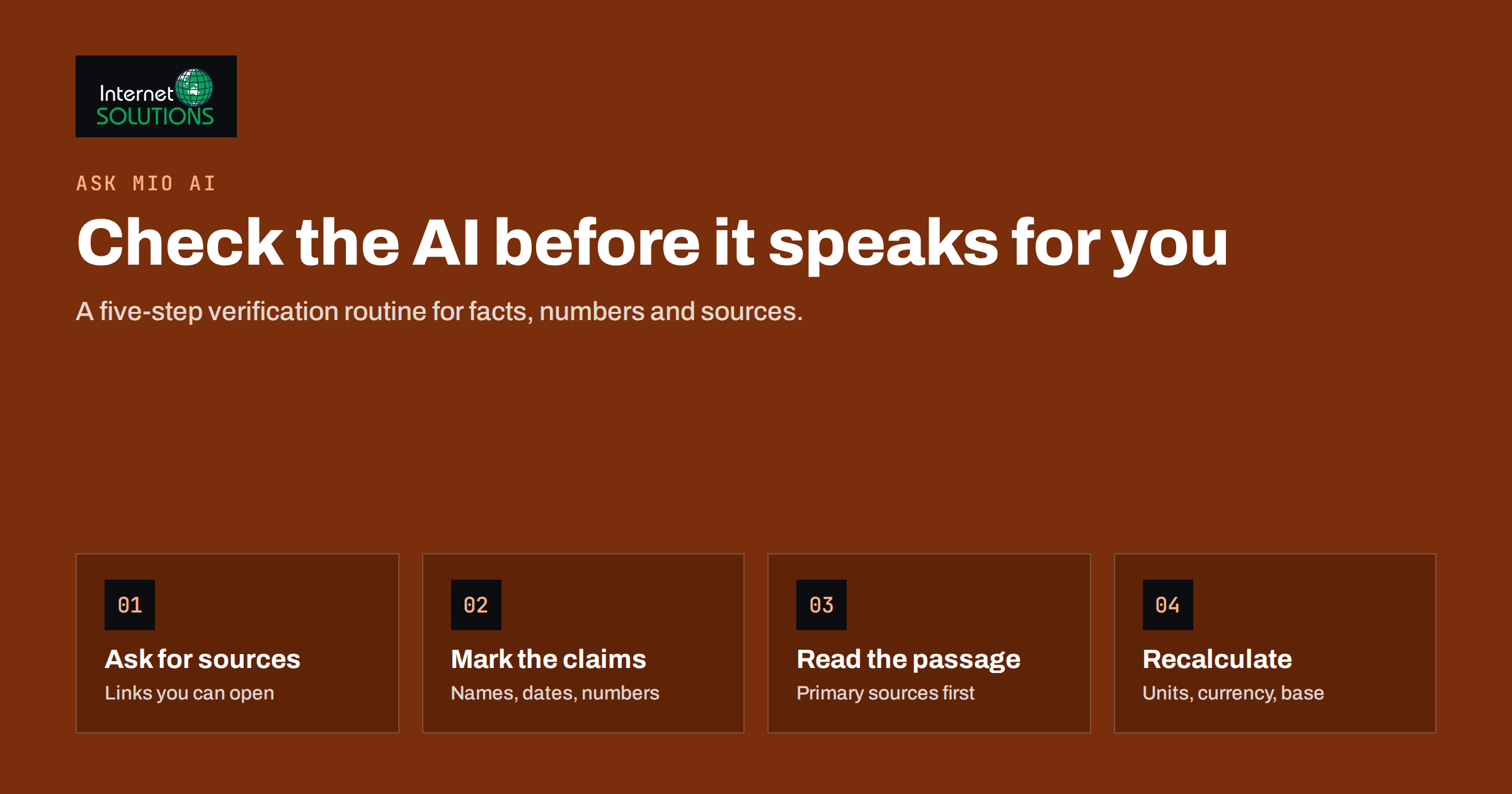
AI assistants are now part of ordinary office work. They draft emails, summarise reports, compare suppliers, explain regulations and produce first versions of articles and offers. Most of the time the answers are useful. Some of the time they are confidently wrong: a statistic that does not exist, a law quoted from the wrong country, a product feature invented to fill a gap, a calculation with one step missing. Fact-checking AI answers is the habit that keeps those errors out of your client emails, reports and decisions.
This guide sets out a practical verification routine for teams that use AI at work. It explains why AI answers go wrong, how to decide how much checking a task needs, a step-by-step routine for checking facts, numbers and sources, and how features of Ask Mio AI, the AI assistant built by Internet Solutions, make that routine faster. The routine works with any assistant; the point is to make checking a normal part of the work rather than an afterthought.
Why AI Answers Go Wrong
Language models generate text by predicting what is likely to come next, based on patterns learned from large amounts of data. They are very good at producing fluent, plausible text. Plausible is not the same as true. Understanding the typical failure modes tells you where to look.
- Invented details. When the model lacks information, it may fill the gap with something that sounds right: a study, a quote, a figure, a court case or a product specification that does not exist.
- Outdated information. A model’s built-in knowledge stops at a point in time. Prices, laws, software features and contact details change after that.
- Wrong context. An answer can be correct for another country, another industry or another version of a product.
- Calculation slips. Multi-step arithmetic, percentages and unit conversions are common sources of small but costly errors when done in the model’s text rather than with a proper tool.
- Misread sources. Even when a source is provided, a summary can overstate, drop a condition or attribute a claim to the wrong party.
- Agreeable answers. A leading question such as “Isn’t it true that…” invites the assistant to agree.
The security community lists overreliance on model output among the main risks of AI applications; the OWASP Top 10 for Large Language Model Applications describes misinformation and the damage done when people act on unverified output.
Match the Checking to the Stakes
Not every answer needs the same scrutiny. Checking an internal brainstorm as carefully as a contract clause wastes time; checking a contract clause as lightly as a brainstorm is dangerous. A simple risk scale helps teams decide quickly.
| Risk level | Typical tasks | Minimum check | Who signs off |
|---|---|---|---|
| Low | Brainstorming, internal notes, rewording your own text | Read it through; does it make sense? | The person using it |
| Medium | Blog drafts, internal reports, summaries of known documents | Verify every fact, number and name against a source | The author, with a second reader for published text |
| High | Client emails with commitments, offers, prices, product claims | Every claim traced to a primary source; numbers recalculated | The responsible manager |
| Critical | Legal, tax, financial, medical or safety matters | AI output used only as a starting point; checked by a qualified person | A qualified professional |
The US National Institute of Standards and Technology frames the same idea more formally in its AI Risk Management Framework: the level of oversight should match the potential impact of an error. For a small business, the table above is usually enough.
A Five-Step Verification Routine
This routine takes a few minutes for a typical medium-risk answer and becomes faster with practice.
1. Ask for sources up front
Phrase the request so that the assistant must show where information comes from: “List the current VAT rates for digital services in these five countries, with a link to the official source for each.” An answer with sources can be checked; an answer without them has to be researched from scratch. Good prompts save checking time later, and our guide to writing better AI prompts at work covers how to frame requests like this.
2. Separate claims from wording
Read the answer and mark every factual claim: names, dates, numbers, quotes, legal references, product features, prices and statements of cause and effect. The rest is wording and structure, which you judge on style rather than truth. Most answers contain fewer checkable claims than they appear to, which makes the task manageable.
3. Open the sources and read the relevant passage
For each claim, open the cited source and find the passage that supports it. Check that the source exists, that it actually says what the answer claims, that it is current and that it applies to your situation. Prefer primary sources: the law itself or the regulator’s guidance rather than a blog about it, the manufacturer’s specification rather than a reseller’s page, the original study rather than a news article about it.
4. Recalculate the numbers
Redo every calculation with a calculator or spreadsheet, or ask the assistant to use a calculation tool and show the steps. Check units, currencies, date ranges and whether percentages are of the right base. A price that is correct but in the wrong currency is still wrong.
5. Record what you checked
For anything above low risk, keep a short note: which claims were checked, against which sources, by whom and when. It takes seconds, protects the team when a question arises later and shows new colleagues what good checking looks like.
Red Flags That Need Extra Attention
Some patterns in AI answers should always trigger a closer look.
- Very precise figures without a source, such as “73.4 percent of small businesses”.
- Named studies, reports, court cases or experts that you cannot find with a quick search.
- Links that look plausible but lead nowhere, or lead to a page on a different topic.
- Statements about recent changes: new laws, price changes, product launches, platform policy updates.
- Answers that fit your expectations perfectly, especially after a leading question.
- Legal or tax statements without a jurisdiction. Rules differ by country and often by region.
How Ask Mio AI Supports Checking
A good assistant should make verification easier, not just produce more text to verify. Ask Mio AI includes several features that fit directly into the routine above.
Research mode with cited sources
Ask Mio’s Research mode searches the web and returns answers with cited sources, so step three starts with links rather than a blank search box. You still open and read them, but finding them is no longer the slow part.
Tools instead of guesses
Ask Mio can use a set of built-in tools while answering, including a live browser, a calculator, currency rates and the current date and time. Asking it to use the calculator and show the steps, or to open a specific page and quote the relevant passage, turns the most error-prone parts of an answer into something checkable.
Answers grounded in your own documents
When the facts live in your own files, such as a price list, a contract or a product manual, upload them and ask Mio to answer from them. Document memory keeps uploaded files searchable in later chats, and Mio finds the relevant paragraph by meaning and quotes it. Checking a quoted paragraph against your own document is much faster than checking a claim against the whole internet.
Experts and projects
Ask Mio includes expert modes, such as a legal assistant, accountant or SEO specialist, and projects that group chats with their own instructions and files. A project instruction such as “always cite a source for every factual claim and say clearly when you are not sure” applies the first step of the routine automatically to every conversation in that project. Expert modes help frame questions properly, but for legal, tax or financial matters the output remains a starting point for a qualified person, not a replacement.
Privacy while checking
Verification often involves business documents. Ask Mio runs on EU servers and chats are not used to train AI models, which matters when the files being checked contain client or commercial information. More about the product is on our Ask Mio page.
Building the Habit Across a Team
Individual carefulness is not enough; teams need shared rules so that checking does not depend on who happens to be working.
- Write a one-page AI use policy that includes the risk table, the five-step routine and the tasks where AI output must never be used without expert review.
- Make sources the default. Share prompt templates and project instructions that always ask for sources.
- Use a second reader for published content. Anything that goes to clients or onto the website is read by someone other than the person who generated it.
- Collect the errors you catch. A shared list of mistakes AI made in your work shows where to be most careful and makes the risk concrete for new staff.
- Review the policy every few months. Tools improve and new uses appear; the rules should keep up.
Teams that already use AI for marketing work will find the same principles in our article on using Ask Mio AI for SEO briefs, ad copy and research, which applies them to specific marketing tasks.
What Not to Do
- Do not ask the same assistant whether its answer is correct and treat the reply as verification. It can help find weak points, but it is not an independent source.
- Do not accept a source you have not opened. A citation is a pointer, not proof.
- Do not paste sensitive data into tools whose data handling you do not know.
- Do not let time pressure skip high-risk checks. If there is no time to verify a price or a legal statement, do not send it yet.
- Do not hide AI involvement where it matters. If a client report or recommendation was drafted with AI help, the person who signs it is still responsible for every claim in it, and colleagues reviewing it should know how it was produced so they can check the right things.
Frequently Asked Questions
Why do AI assistants make up facts?
Language models generate plausible text from patterns rather than looking facts up by default. When information is missing, outdated or ambiguous, they may produce a fluent answer that is wrong. Using tools, sources and your own documents reduces this.
How long should fact-checking AI answers take?
For low-risk tasks, a quick read is enough. A typical medium-risk answer with a handful of claims takes a few minutes when sources are provided. High-risk and critical content takes as long as it needs and involves a responsible or qualified person.
Does Ask Mio AI show its sources?
Yes. Ask Mio’s Research mode performs web searches and returns answers with cited sources, and when you work with uploaded documents it can quote the relevant paragraph so you can compare it with the original.
Can I trust an AI answer if it includes links?
Links make checking possible, but they are not proof. Open each source, confirm it exists, read the relevant passage and check that it supports the claim and applies to your situation.
Should AI be used for legal or tax questions?
AI can help you understand a topic and prepare questions, but legal, tax, financial and medical decisions should be checked by a qualified professional before anyone acts on them.
What is the most important habit for using AI safely at work?
Ask for sources up front and verify every fact, number and name before the output leaves your hands. Matching the depth of checking to the stakes keeps that habit practical.
The Bottom Line
AI assistants save real time, but only if their output is checked in proportion to what is at stake. Fact-checking AI answers comes down to a short routine: ask for sources, separate claims from wording, read the sources, recalculate the numbers and keep a note of what you checked. Tools such as Ask Mio AI’s Research mode, built-in calculator and browser, and answers grounded in your own documents make that routine faster, while clear team rules make it consistent. The result is AI that speeds up your work without putting your name on something that is not true.