

 English
 Lietuvių
 Latviešu
 Eesti
Eesti Русский
 Polski
 Українська
 Deutsch
 Italiano
 Español
 Français
 Português
 Čeština
 Magyar
 Română
 Ελληνικά
 Türkçe
 日本語
日本語 العربية
 हिन्दी
 Bahasa Indonesia
 Bahasa Melayu
 ไทย
ไทย Tiếng Việt
 বাংলা
বাংলাFacebook Lead Ads: Collecting Leads Without a Landing Page
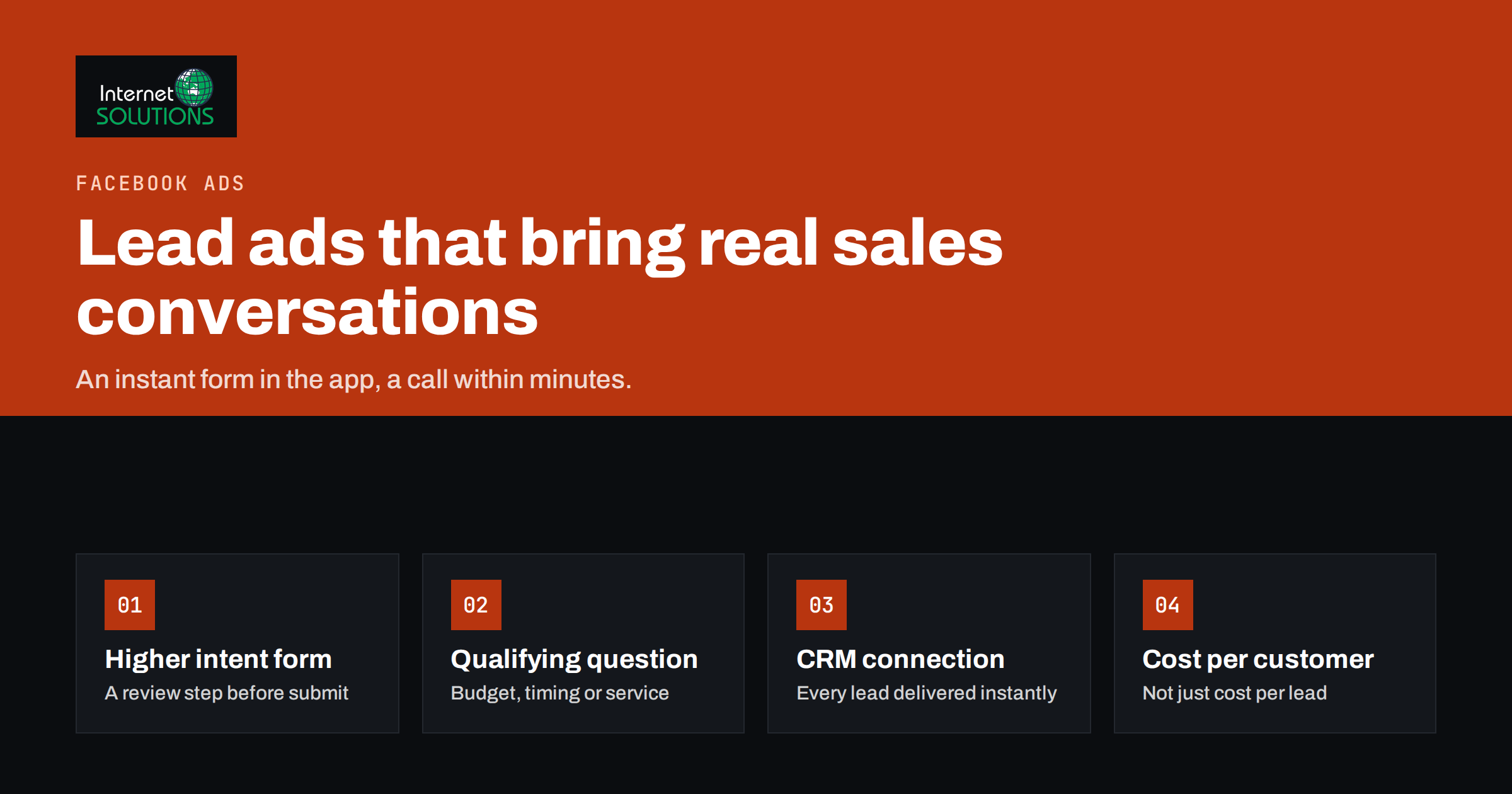
Every step between an ad and a submitted form loses people. A slow landing page on mobile data, a form that asks for too much, a visitor who gets distracted halfway through: each one costs leads you already paid for. Facebook lead ads remove most of those steps. The form opens inside Facebook or Instagram, many fields are filled in automatically from the person’s profile, and submitting takes a few taps. For service businesses, B2B companies and anyone who sells through a conversation rather than a checkout, that convenience can lower the cost per lead dramatically.
It also has a well-known downside: easy forms attract low-intent and accidental submissions. This guide explains how Facebook lead ads work, when they beat a landing page and when they do not, how to design forms that balance volume and quality, how to get leads to your sales team within minutes, and how to measure what they actually produce.
How Facebook Lead Ads Work
A lead ad looks like any other ad in the feed, stories or reels on Facebook and Instagram. When someone taps the call-to-action button, an instant form opens inside the app instead of a website. The form can include an introduction, questions, a privacy policy link and a thank-you screen with a button to your website or a phone number. Meta pre-fills standard fields such as name, email and phone number from the person’s account where it can, so the person often only needs to confirm and submit. Meta’s overview of lead ads shows the formats and placements.
What happens to the leads
Submitted leads are stored in Meta’s systems, where you can view and download them, and can be sent automatically to a CRM or email marketing tool through integrations or the Marketing API. Meta documents the technical side in its lead ads developer guide. Leads are only kept available for download for a limited time, so relying on manual downloads is risky; an automatic connection is the professional setup.
Lead Ads or a Landing Page?
Lead ads are not automatically better than sending traffic to your website. They solve a specific problem: friction. Whether that trade is worth it depends on your offer and your sales process.
| Factor | Facebook lead ads | Landing page with a form |
|---|---|---|
| Friction for the user | Very low; pre-filled fields, no page load | Higher; page load, manual typing |
| Typical cost per lead | Usually lower | Usually higher |
| Typical lead quality | Mixed; more accidental and low-intent leads | Often higher intent, as people chose to visit |
| Space to explain the offer | Limited to the ad and a short form intro | Unlimited: details, proof, FAQ, video |
| Tracking and retargeting | Measured inside Meta; website pixel not involved in the form | Full website analytics, pixel and remarketing audiences |
| Best for | Simple offers, quotes, callbacks, consultations, event sign-ups | Complex offers, higher prices, audiences that need convincing |
A practical rule: if a salesperson will call or email every lead anyway, lead ads usually work well, because the conversation does the convincing. If the offer needs a lot of explanation before someone should raise their hand, a landing page usually produces better customers, and our guide to landing pages for paid traffic covers how to make that page convert.
Designing Forms That Balance Volume and Quality
The form is where you control the trade-off between the number of leads and their quality. Every design choice pushes one way or the other.
Choose the form type deliberately
Meta offers a form optimised for volume, which is quick to submit, and a form optimised for higher intent, which adds a review step where the person confirms their details before submitting. The higher-intent option reduces accidental submissions and wrong details at the cost of some volume. For most businesses whose sales teams follow up personally, it is the better default.
Add one or two qualifying questions
Pre-filled contact fields tell you who the person is, not whether they are a potential customer. One or two short questions change that: budget range, timeframe, company size, the service they need or their location. Multiple-choice answers are faster than free text and easier to route. Conditional questions can show follow-up options based on earlier answers.
Consider one field they must type
If quality is a problem, making one field manual rather than pre-filled, for example a short description of the project, filters out people who submit without reading. Use this carefully; each typed field lowers volume.
Write a clear introduction
The form intro should state exactly what the person will receive and what happens next: “Get a fixed-price quote for your website within one working day. We’ll call you to discuss the details.” Clear expectations reduce leads who did not realise they were asking to be contacted.
Make the thank-you screen work
The final screen is not decoration. Tell people when to expect contact, and offer a useful next step: a link to a relevant page, a phone number for urgent cases, or a booking link so they can choose a call time immediately.
Privacy and consent
Every lead form must link to your privacy policy, and you are responsible for how you use the data under the laws that apply to you, including GDPR in the European Union. If you plan to add leads to marketing emails, include a clear, separate consent option rather than assuming it.
Speed to Lead: The Part Most Advertisers Get Wrong
A lead from a Facebook form is at its warmest in the minutes after submission. The person has just thought about your service and still remembers filling in the form. A day later, many will not recognise your company name when you call. Response speed is often the biggest single factor in how many lead ad contacts become customers.
- Connect the forms to your CRM or email tool so leads arrive automatically, with the form answers attached.
- Notify the right person instantly by email, chat message or mobile notification, routed by service type or region if you use qualifying questions.
- Send an automatic confirmation email immediately, with the name of the person who will contact them and what to expect.
- Call or reply within minutes during working hours, and first thing the next morning for leads that arrive at night.
- Plan follow-up attempts. Many leads are not reached on the first try. A short sequence of calls and emails over several days recovers a large share of them.
Automatic notifications and emails only help if they reach the inbox. Our article on contact forms, email deliverability and lead notifications covers the technical details that make sure they do.
A simple follow-up script
The first call should be short and helpful rather than a hard sell. Introduce yourself and the company, remind the person of the form they filled in and what they asked for, confirm one or two details from their answers, and agree a concrete next step: a quote, a meeting or a demo at a specific time. If nobody answers, leave a brief voicemail and send an email with the same information and a direct booking link. People who submitted by accident will say so quickly, which also saves the team time.
Targeting and Creative for Lead Ads
Lead ads follow the same rules as other Meta campaigns: the creative does most of the targeting work, and broad audiences often perform well when the ad clearly speaks to the right people. A few points are specific to lead generation.
- Say who the offer is for. “For restaurants in Vilnius” or “for companies with 10 to 50 staff” in the ad text filters out people the offer does not fit before they reach the form.
- Show the result, not the form. Images and videos of the finished work, a real customer or the person who will call perform better than generic stock photos.
- Test offers, not only images. A free consultation, a price estimate, a checklist or a demo attract different people with different intent. Our guide to Facebook ads creative testing on a small budget explains how to run those tests.
- Use lead lists for smarter audiences. Leads who became customers can be used, with appropriate consent, to build lookalike audiences, and leads who did not convert can be excluded from future campaigns.
Measuring What Lead Ads Really Deliver
Cost per lead is the number Meta shows by default, and it is the most misleading one. A campaign with leads at 5 EUR that never answer the phone is worse than one with leads at 25 EUR that often become customers. Measure further down the funnel.
Track lead status after the form
In your CRM, record what happens to each lead: contacted, qualified, proposal sent, won or lost. Tag leads with the campaign, ad set and ad they came from, which most integrations do automatically.
Calculate cost per qualified lead and cost per customer
Divide ad spend by qualified leads and by customers, not only by raw leads. Compare lead ads with landing page campaigns on these numbers.
Send results back to Meta
Meta can optimise toward leads that become qualified or converted if you share lead outcomes from your CRM back to it. This teaches the delivery system to look for people who resemble your real customers rather than people who submit forms most readily, and it is one of the most effective ways to improve lead quality over time.
Review the answers
Qualifying question answers are market research. If half the leads choose the smallest budget range, either the targeting or the offer attracts the wrong audience.
Common Mistakes With Facebook Lead Ads
- Downloading leads by hand once a week. By then they are cold, and some may no longer be downloadable.
- Using only pre-filled fields. Without any qualifying question, sales has no way to prioritise.
- Vague offers. “Contact us for more information” attracts curious people, not buyers.
- Judging by cost per lead alone. Cheap leads that never convert are expensive.
- No follow-up plan. One unanswered call is not a lost lead; no second attempt is.
If you would like help setting up lead campaigns, CRM connections and reporting, it is part of our Facebook ads management service.
Frequently Asked Questions
What are Facebook lead ads?
Facebook lead ads are ads on Facebook and Instagram that open an instant form inside the app. Contact details are often pre-filled from the person’s account, so they can submit an enquiry in a few taps without visiting a website.
Are Facebook lead ads better than sending traffic to a website?
They usually produce more leads at a lower cost, but often of mixed quality. They suit simple offers followed by a personal conversation. Complex or expensive offers often do better with a detailed landing page.
How can I improve the quality of leads from Facebook lead ads?
Use the higher-intent form type with a review step, add one or two qualifying questions, write a clear introduction about what happens next and share lead outcomes from your CRM back to Meta so it optimises for qualified leads.
How quickly should I contact a lead?
As quickly as possible, ideally within minutes during working hours. Leads cool down fast, and many people will not remember the form a day later.
Where are my Facebook leads stored?
Leads are stored by Meta and can be viewed or downloaded from your business tools for a limited time. The reliable approach is to connect lead forms to your CRM or email tool so every lead is delivered automatically.
Do lead ad forms need a privacy policy?
Yes. Every lead form must link to your privacy policy, and you must handle the data according to the laws that apply to your business, including GDPR in the European Union.
The Bottom Line
Facebook lead ads trade the space of a landing page for the speed of an in-app form. That trade pays off when the offer is simple, a person follows up, and the business is set up to respond within minutes. Choose the higher-intent form, add a qualifying question or two, write an honest introduction, connect the forms to your CRM with instant notifications, and judge the campaign by cost per customer rather than cost per lead. Done this way, lead ads become a steady source of real sales conversations rather than a spreadsheet of names nobody calls.