

 English
 Lietuvių
 Latviešu
 Eesti
Eesti Русский
 Polski
 Українська
 Deutsch
 Italiano
 Español
 Français
 Português
 Čeština
 Magyar
 Română
 Ελληνικά
 Türkçe
 日本語
日本語 العربية
 हिन्दी
 Bahasa Indonesia
 Bahasa Melayu
 ไทย
ไทย Tiếng Việt
 বাংলা
বাংলাDebug Code With AI: Using Ask Mio Code Mode From Error to Fix
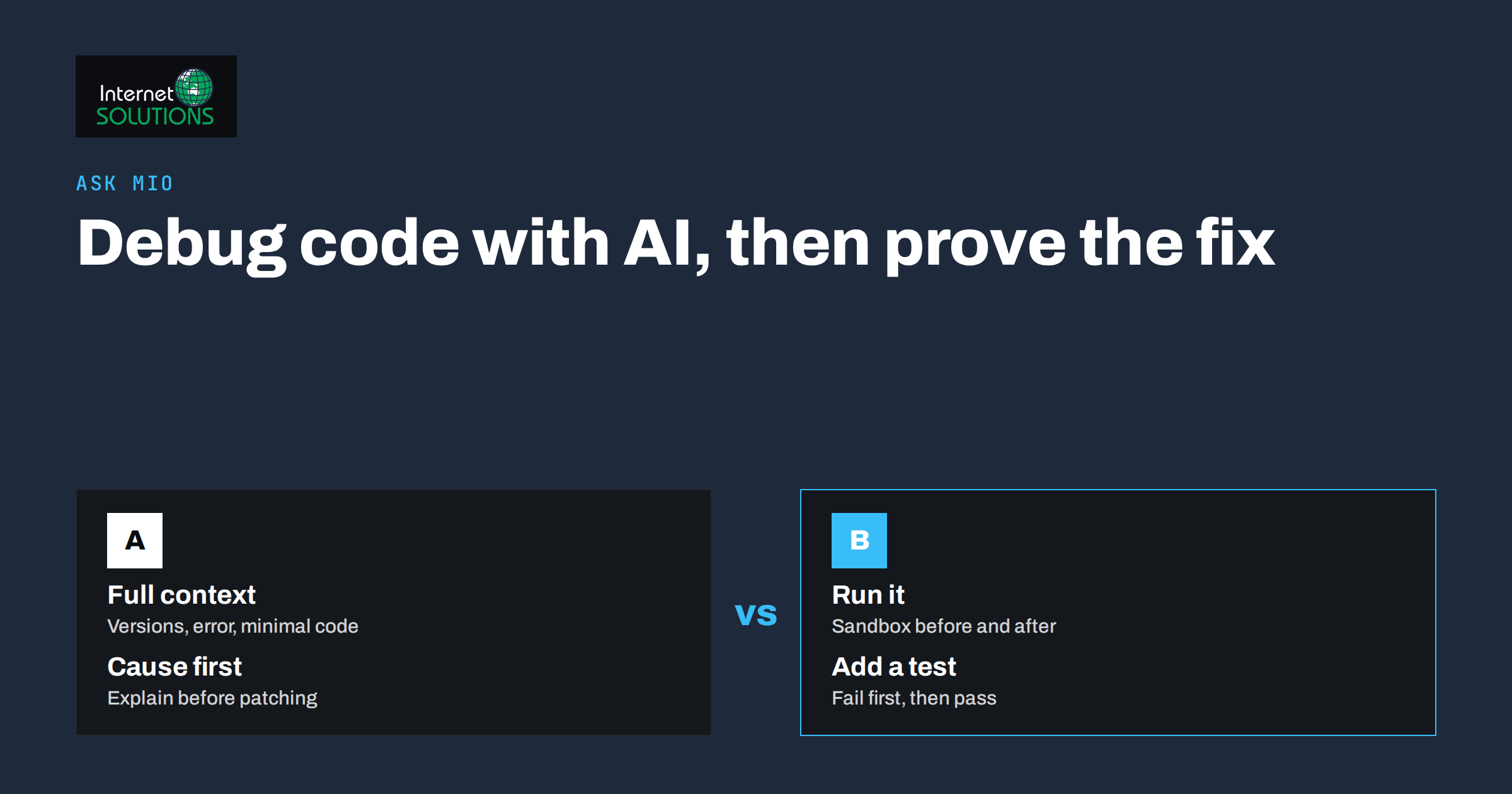
To debug code with AI well, you need more than a pasted error message and a hopeful question. An assistant can read a stack trace in seconds, suggest likely causes and propose a fix, but it can also invent a function that does not exist or fix the symptom while leaving the cause. The difference between a fast fix and a confident mistake is the process you wrap around the tool.
This guide shows a reliable workflow for debugging with Ask Mio, our AI assistant, using its Code mode, its sandbox for running code and its ready-made code review job. It explains what to include in a request, how to make the assistant prove its answer by running code, how to refactor without breaking behaviour, how to protect secrets and where human judgement still has to decide. The principles apply to any AI assistant, but the examples follow what Ask Mio offers today.
What Ask Mio Offers for Code
Ask Mio has five modes, and Code is the one built for programming work. According to the product description, it gives working code with explanations, bug fixes from a pasted error and refactoring, and it sends the request to the models best suited to coding, so you do not choose a model yourself. A few other parts of the product matter when you debug.
- Code runner: a tool that runs Python or Node code in a sandbox, for example to compute something exactly, analyse a table or reproduce a small problem.
- Experts: you can turn Mio into a senior developer that writes, reviews and debugs code in any language, or a DevOps engineer for servers, Docker, CI/CD, backups and monitoring.
- Code review and fix job: paste code or attach a ZIP and Mio looks for bugs and suggests fixes.
- Files and connectors: you can attach files, and the GitHub connector lets Mio read your repositories, issues, pull requests and file contents when you ask it to.
- Projects and memory: you can group chats into a project with its own instructions and files, so the assistant keeps context about a codebase.
Plans differ in which modes and tools they include, so check the pricing page for what your plan covers. The overview of tools and experts in how Ask Mio uses tools and experts explains how they fit together.
Step 1: Reproduce the Problem First
Before asking anyone, human or AI, make the bug reproducible. A bug you cannot trigger on demand is almost impossible to confirm as fixed.
- Write down the exact steps, input and environment that cause it.
- Note whether it happens every time or only sometimes. Intermittent bugs often point to timing, state, caching or data problems.
- Reduce it. Remove code and data until you have the smallest example that still fails. This step alone often reveals the cause.
- Save the full error text, including the stack trace, not just the last line.
The Mozilla guide on what went wrong in JavaScript is a good short primer on reading errors, and the Python documentation for the pdb debugger shows how to step through code when logging is not enough.
Step 2: Give the Assistant the Context a Colleague Would Need
The quality of the answer follows the quality of the question. A request such as “my code doesn’t work” forces the assistant to guess. A complete request looks like this:
| Include | Why it helps |
|---|---|
| Language, framework and versions | APIs change between versions; a fix for one may fail on another |
| The goal in one sentence | Prevents a fix that works technically but changes what the code is for |
| Expected result versus actual result | Defines what “fixed” means |
| The full error and stack trace | Shows where the failure starts, not only where it surfaces |
| The smallest code that reproduces it | Keeps attention on the relevant part |
| What you have already tried | Avoids repeated suggestions |
| Constraints | For example “no new dependencies”, “must stay compatible with Python 3.9” |
For longer sessions, put stable information into project instructions: the stack, coding style, test commands and what must never change. Our article on writing better AI prompts at work expands on how to structure requests.
An example request
“I use Python 3.11 and Flask 3. The /report endpoint returns a 500 error when the date filter is empty. Expected: return all rows. Here is the traceback and the handler function. I already checked that the database connection works. Please explain the cause first, then show the smallest change that fixes it, and tell me how to test it.”
Asking for the explanation before the fix is a useful habit. If the explanation is wrong, you notice before you apply a change.
Step 3: Ask for Causes, Not Only Patches
Good debugging separates symptom from cause. When the assistant answers, check that it does the same:
- It names a specific mechanism that explains the exact error, such as “the filter value is an empty string, which the date parser rejects”.
- It points to the line or condition where the problem arises.
- It offers more than one hypothesis if the evidence is ambiguous, and tells you how to tell them apart.
- It proposes a fix that addresses the cause, not a try-except block that silences the error.
If the answer is vague, ask a follow-up: “What evidence in the traceback supports that?” or “How could I confirm this cause with one print statement or a unit test?” Making the assistant commit to a testable claim turns a guess into an experiment.
Step 4: Make It Prove the Fix by Running Code
An answer that looks right is not the same as an answer that works. Where the problem can be isolated, ask Mio to run it. The code runner executes Python or Node code in a sandbox, so you can reproduce a small version of the bug, apply the proposed fix and see the result, instead of trusting the explanation.
- Ask for a minimal reproduction script that fails the same way as your real code.
- Ask it to run the script before and after the fix, and show both outputs.
- Ask for edge cases: empty input, very large input, null values, unusual characters, time zones and daylight saving changes.
- Ask for a unit test that fails before the fix and passes after it. That test stays in your project and protects against regressions.
Remember what a sandbox cannot do. It does not have your database, your credentials or your production environment, so a pass in the sandbox is evidence, not proof. Run the final fix in your own test environment too.
Step 5: Use Code Review for the Bigger Picture
When the bug could be one of many, or you want a second opinion on a whole module, use the code review and fix job. Paste the code or attach a ZIP, and describe what the code should do. Ask for findings in order of severity, with the reason for each, rather than a long list of style opinions.
Useful review questions include:
- Where could this crash on unexpected input?
- Where is state shared in a way that may cause race conditions?
- Where are errors swallowed or logged without handling?
- Which parts have security risks such as injection, unsafe deserialisation or exposed secrets? The OWASP Top Ten is a good checklist to name in the request.
- What would you test first?
For servers, containers and deployment problems, switch to the DevOps engineer expert and provide logs, configuration files (with secrets removed) and the commands that fail.
Refactoring Safely With AI
Refactoring changes structure without changing behaviour, which is exactly why it needs a safety net.
- Write or generate tests first that capture current behaviour, including its odd cases. Run them and make sure they pass before changing anything.
- Refactor in small steps. Ask for one change at a time, such as extracting a function, renaming a confusing variable or splitting a long method.
- Run the tests after each step. If one fails, undo the step instead of stacking fixes.
- Review the diff yourself. Look for removed checks, changed defaults and new dependencies.
- Keep commits small so that a bad change is easy to revert.
The assistant is also good at explaining unfamiliar or legacy code. Ask it to describe what a function does, list its inputs and side effects and flag anything surprising before you modify it.
Where AI Debugging Goes Wrong
- Invented functions and packages. The assistant may call a library method that does not exist or suggest a package name that is wrong or malicious. Check the official documentation and confirm that the package is real and maintained before installing it.
- Outdated advice. A fix may be correct for an older version. Always state your versions.
- Fixes that hide errors. Broad exception handlers and default values can mask the real problem.
- Overconfident explanations. A fluent answer is not evidence. Ask what would prove it wrong.
- Context drift in long chats. After many rounds, summarise the current state and start a clean request with the latest code.
- Missing environment details. Bugs that depend on configuration, permissions or data cannot be solved from the code alone.
The habit of verifying claims is the same one we describe in our verification routine for AI answers: check, test and compare against a primary source before relying on the result.
Protect Secrets and Private Data
Before pasting code, logs or configuration into any online tool, remove what should not leave your systems.
- API keys, passwords, tokens and private keys. Replace them with placeholders such as YOUR_API_KEY.
- Personal data in logs and test fixtures, such as names, email addresses and payment details.
- Internal hostnames and addresses that you do not want to expose.
- Proprietary code that your contracts or employer do not allow you to share.
If you ever pasted a real secret by mistake, treat it as exposed: rotate it. Also check your company policies before using any assistant with client code. Read the privacy policy of any tool you use, and remember that your obligations to clients remain yours whatever the tool promises.
A Short Debugging Checklist
- Reproduce the bug and reduce it to a small example.
- Collect the full error, versions and expected behaviour.
- Ask for the cause and the evidence before asking for the fix.
- Run a reproduction in the sandbox and compare before and after.
- Add a test that fails without the fix and passes with it.
- Review the change yourself and test it in your own environment.
- Remove secrets from anything you share and rotate any that leaked.
- Write a short note on the cause and the fix for the next person.
If a project needs more than an assistant, such as design, development or ongoing maintenance, you can contact our team.
Frequently Asked Questions
Can an AI assistant really find bugs in my code?
Often, yes, especially for common errors, misuse of APIs and logic slips visible in the code you provide. It cannot see your runtime environment or data, so treat its answer as a strong hypothesis and verify it with a test.
What should I paste when asking for help with an error?
The full error message and stack trace, the smallest code that reproduces the problem, your language and framework versions, what you expected and what happened, and what you have already tried.
Can Ask Mio run my code?
Mio has a code runner tool that executes Python or Node code in a sandbox. It is best for small, self-contained examples and calculations. It does not have access to your own servers or databases.
Is it safe to share code with an AI assistant?
Share only what you are allowed to share, and remove secrets and personal data first. Replace keys with placeholders, and rotate any secret that was pasted accidentally.
Should I trust the first fix the assistant suggests?
No. Ask for the cause, run a reproduction, add a test and review the change. A fix that passes a test and that you understand is a fix you can trust.
Can the assistant help with servers and deployment errors?
Yes. The DevOps engineer expert is meant for servers, Docker, CI/CD, backups and monitoring. Provide logs and configuration with secrets removed, and verify any command on a test system before running it in production.
The Bottom Line
To debug code with AI effectively, treat the assistant as a fast, well-read colleague who still needs good information and whose claims still need checking. Reproduce the bug, give complete context, ask for the cause before the patch, make the assistant demonstrate the fix by running code, add a test and review the change yourself. Use Code mode for fixes and refactoring, the code review job for the wider picture, and keep secrets out of what you share. Done this way, the time from error to verified fix drops without lowering the quality of your code.