

 English
 Lietuvių
 Latviešu
 Eesti
Eesti Русский
 Polski
 Українська
 Deutsch
 Italiano
 Español
 Français
 Português
 Čeština
 Magyar
 Română
 Ελληνικά
 Türkçe
 日本語
日本語 العربية
 हिन्दी
 Bahasa Indonesia
 Bahasa Melayu
 ไทย
ไทย Tiếng Việt
 বাংলা
বাংলাEmail Subject Lines and Preview Text: Writing Openers That Get Read
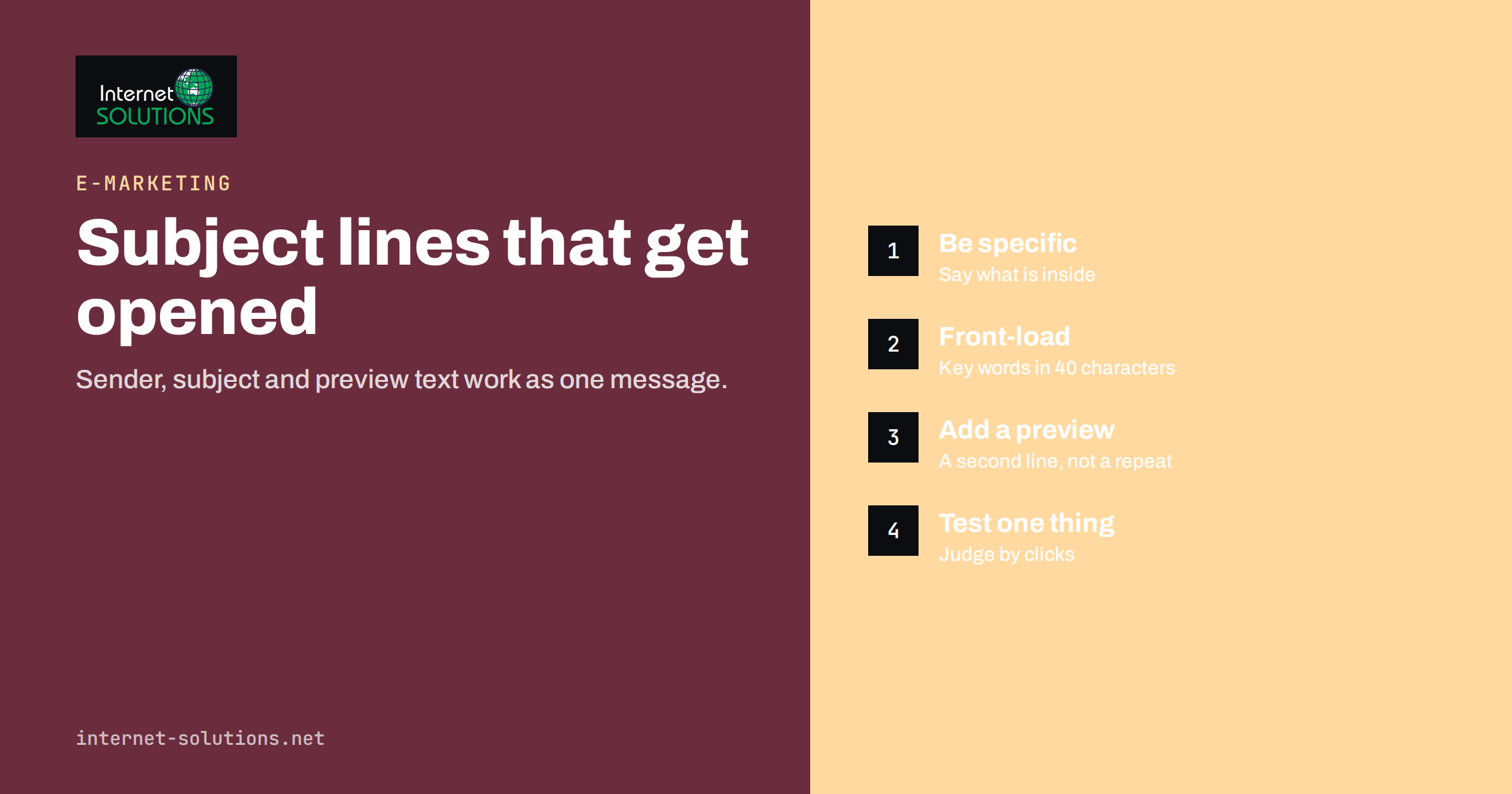
Email subject lines decide whether the rest of your message is ever seen. A subscriber looks at an inbox list for a second or two, and in that moment only three things are visible: who the email is from, the subject line and a short snippet of preview text. If those three do not earn the open, the best design, offer and copy inside the email are wasted. That is why experienced marketers spend as much time on the opener as on the body.
This guide explains how people read an inbox, how to write subject lines and preview text that work together, which techniques to use and avoid, and how to test improvements properly. It builds on our broader guide to email marketing fundamentals and fits into our e-marketing services.
How People Read an Inbox
An inbox is a list, and people process it quickly. They glance at the sender name first, because it answers the question “do I know this person or brand?”. The subject line answers “is this relevant to me right now?”. The preview text, which is the first line of the message or a hidden line you control, adds context or a reason to open.
Several practical facts follow from this.
- Mobile screens cut text early. Many phones show only about 30 to 40 characters of a subject line, so the first words must carry the point. Desktop clients show more, but you cannot assume that.
- The sender name is part of the message. A recognizable name, such as a person at a company, often builds more trust than a generic “noreply” or a campaign label.
- Preview text is shown in most modern clients. If you leave it empty, the client fills the space with whatever comes first in the body, such as “View this email in your browser”, which wastes valuable space.
- Relevance beats cleverness. An obvious, specific subject that matches what the subscriber signed up for usually beats a witty one that hides the content.
The Principles of a Good Subject Line
There is no magic formula, but the strongest subject lines share several qualities.
- Clarity. The reader should understand what the email is about. If a subject is confusing, the safe reaction is to ignore it.
- Specificity. “5 changes that cut our returns by a third” is stronger than “Improve your store”. Numbers, names and concrete outcomes make a subject credible.
- Relevance. Match the subject to the segment. A message about trade accounts should not go with a subject written for first-time buyers. See our article on segmenting your email list for how to target better.
- Honesty. The subject must reflect the content. Misleading subject lines may raise opens in the short term but they raise unsubscribes and complaints, and they damage sender reputation.
- Brevity. Put the most important words first and aim for roughly 30 to 50 characters in total, while accepting that some topics need more.
- Tone that fits the brand. A law firm and a surf shop should not sound alike.
Subject Line Patterns That Work
Patterns are a starting point, not a script. The table shows common types with examples and the situations where each one fits.
| Pattern | Example | Best used for | Watch out for |
|---|---|---|---|
| Direct benefit | Save 20% on annual plans until Friday | Offers, deadlines, product news | Overusing discounts teaches people to wait for them |
| Question | Is your checkout losing orders? | Educational content, problem-aware audiences | Vague questions feel like bait |
| Number or list | 7 checks before you launch a campaign | Guides and checklists | Do not promise seven items and deliver three |
| How-to | How to read your ad report in 10 minutes | Tutorials, newsletters | Be sure the email truly explains how |
| News or update | New: live visitor view in your inbox | Product and service changes | Be specific; “Our latest update” says nothing |
| Personal and plain | Quick question about your order | Transactional and relationship emails | Fake familiarity such as “Re:” when there was no conversation |
| Curiosity gap | The one setting most stores skip | Content that really contains a surprise | If the answer is trivial, trust drops |
Personalization with the recipient’s first name can lift attention when used sparingly, but it is not a trick that works forever, and a mistake such as a missing name field is worse than no personalization. Behavior-based relevance, such as mentioning a product they viewed, is usually more effective than adding a name.
Preview Text: The Second Subject Line
Preview text, sometimes called the preheader, is the short line shown after or below the subject. Think of it as a second subject line that continues the thought rather than repeating it.
- Complement, do not duplicate. If the subject says “Spring sale starts today”, the preview can say “Free delivery on every order over 40 euros, ends Sunday”.
- Keep the length reasonable. Clients show different amounts, commonly between 40 and 130 characters, so put the key information first.
- Control it deliberately. Most email tools let you set preview text. If you do not, the client will pick the first text in the body, which may be a navigation link or an image alt text.
- Avoid filler. Do not pad the preview with invisible characters or spacing tricks unless you know how they behave in each client. They can look like noise in some apps.
- Use it for a reason to act. A deadline, a benefit or a clear next step makes the opener complete.
Consider the three elements as a unit. The sender name sets context, the subject delivers the main point and the preview adds a detail or a call to action. Write them together and read them in a list, the way a subscriber will.
Words and Habits That Hurt Deliverability
Subject lines also influence whether the message reaches the inbox at all, although modern filters look at far more than a list of forbidden words. Authentication, sending reputation, complaint rates and engagement count heavily. See our article on SPF, DKIM and DMARC for the technical foundation and Gmail’s email sender guidelines for the requirements it expects from bulk senders.
Within that context, some subject line habits are best avoided.
- All capitals and excessive punctuation. “FREE!!! ACT NOW!!!” looks like spam to people and to filters.
- Deceptive prefixes. Fake “Re:” or “Fwd:” labels mislead recipients and may violate marketing rules in some countries.
- Too many emojis. One relevant symbol can help a subject stand out, but strings of them look cheap, and rendering varies between devices.
- Vague urgency. “Last chance” every week loses meaning. Use real deadlines.
- Misleading claims. Promising a gift, a guaranteed result or a discount that is not in the email creates complaints.
Choosing the Right Length
Length is a practical question about space, not a rule of style. Short subjects tend to display fully on phones and are easy to scan. Longer ones can work when the topic is specific and the first words already deliver the main point. A sensible approach is to write the subject so that it still makes sense if it is cut after about 40 characters, then use any extra space for detail.
Test different lengths with your own audience rather than adopting a universal number. A business newsletter read mostly on desktop may behave differently from a retail promotion opened on phones.
Testing Subject Lines the Right Way
Because the subject is easy to change and results arrive quickly, it is the most common thing to test. To get useful answers, follow a few rules, which are covered in more depth in our guide to email A/B testing.
- Change one thing at a time. Compare a question against a statement, or a short version against a long one, not both at once.
- Use a large enough sample. Small lists produce noisy results. If your list is small, repeat the test over several sends and look for a consistent pattern.
- Pick the right success measure. Open rate is easy to measure but less reliable than it used to be, because privacy features can trigger automatic opens. Clicks and conversions tell you more about real interest, as discussed in our article on email marketing metrics after Apple Mail Privacy Protection.
- Keep a log. Record each test, the hypothesis and the outcome so that you learn across campaigns instead of repeating experiments.
- Look at segments. A subject that works for new subscribers may fail for long-term customers.
Weak and Stronger Rewrites
The fastest way to improve is to rewrite real subject lines. The examples below show common weaknesses and how a small change makes the opener clearer and more specific.
- “Newsletter October” says nothing about the content. A stronger version names the main item, such as “Three tax deadlines to note before 31 October”.
- “Big news from our team!” hides the news. Try “We now deliver on Saturdays” and let the preview text add the postcode areas.
- “Don’t miss out” is generic urgency. Try “Your free shipping offer ends tonight at midnight”, which gives a reason and a real deadline.
- “A message for you” is vague and can look like spam. Try “Your invoice for order 4821 is ready”, for transactional mail that people want to find.
- “Our new product is here” could be about anything. Try “New: a waterproof jacket that packs into its own pocket”, which includes the item and a distinctive detail.
Usability researchers have studied subject lines for years. The Nielsen Norman Group summarizes the findings in its article on email subject lines, and the main lesson is consistent with the advice here: clear, front-loaded wording that tells readers exactly what they will get beats clever wording that makes them guess. Use that as a filter whenever you are tempted to write something mysterious.
A Simple Writing Routine
When you sit down to write a campaign, this routine keeps the opener sharp.
- Write one sentence that states what the email gives the reader.
- Turn it into five subject lines using different patterns from the table.
- Cut each one to its strongest first 40 characters and see which still works.
- Choose the clearest, not the cleverest. Ask a colleague who has not seen the email what they expect to find inside.
- Write preview text that adds one new fact or the next step.
- Check the sender name, subject and preview together in a test email on a phone.
- Make sure the email delivers exactly what the opener promised.
If you want help planning campaigns, building lists and measuring results, you can contact us.
Frequently Asked Questions
How long should an email subject line be?
There is no single best length, but about 30 to 50 characters keeps most of the line visible on phones. Put the key words first so that the message still works if it is cut off.
Do emojis in subject lines improve open rates?
Sometimes, but not reliably. One relevant emoji can help a message stand out, while many emojis can look spammy and display differently across devices. Test with your own audience and keep the tone consistent with your brand.
What is preview text and do I need it?
Preview text is the snippet shown beside or below the subject in the inbox. You do not need to set it, but if you do not, the client will show the first text in the body, which is often wasted on a link or a tracking line. Setting it deliberately usually helps.
Should I personalize subject lines with a name?
It can help in some cases, but it is not a guaranteed improvement and it fails badly if the data is missing. Relevance based on interests or behavior is generally stronger than inserting a first name.
Are open rates still a reliable way to compare subject lines?
They are less reliable than before because some mail apps load images automatically, which registers as an open. Use clicks, replies and conversions as the main measure, and treat open rate as a rough indicator.
Can subject lines cause emails to go to spam?
They can contribute, especially when they are deceptive or use aggressive formatting. However, authentication, sender reputation and complaint rates matter more. Fix those first and then keep your subject lines honest and clear.
The Bottom Line
Email subject lines and preview text work as one short message that must earn the open. Write for the sender name, subject and preview together, lead with the point in the first 40 characters and make the opener specific, relevant and true. Use patterns as starting points, avoid spam-like habits and measure success by clicks and conversions rather than opens alone. Test one change at a time, keep a record of what you learn and build a routine so that every campaign gets the same care. A reader who understands your promise in one glance is far more likely to open, click and trust the next email as well.