

 English
 Lietuvių
 Latviešu
 Eesti
Eesti Русский
 Polski
 Українська
 Deutsch
 Italiano
 Español
 Français
 Português
 Čeština
 Magyar
 Română
 Ελληνικά
 Türkçe
 日本語
日本語 العربية
 हिन्दी
 Bahasa Indonesia
 Bahasa Melayu
 ไทย
ไทย Tiếng Việt
 বাংলা
বাংলাEmail Marketing Metrics After Apple Mail Privacy Protection
Email marketing metrics used to be simple: send a campaign, look at the open rate, compare it with last month and adjust the subject line. That picture changed when Apple introduced Mail Privacy Protection. For a large share of recipients, an “open” no longer reliably means that a person looked at your email. Open rates jumped for many senders overnight, and reports that once guided decisions started telling a flattering but misleading story.
This does not mean email has become impossible to measure. It means the metrics that matter have shifted towards clicks, conversions, list health and deliverability signals. This guide explains what changed, which email marketing metrics are still reliable, how to adapt testing and automation, and how to build a simple report that leads to better decisions. It reflects the approach our e-marketing team uses with clients today.
What Mail Privacy Protection Changed
Open tracking has always relied on a tiny invisible image, often called a tracking pixel, embedded in each email. When the email client loads that image, the sending platform records an open, along with details such as time and approximate location.
With Mail Privacy Protection turned on, Apple’s Mail app loads remote content privately in the background, including tracking pixels, and hides the recipient’s IP address. The result for senders:
- Opens are recorded even if the person never reads the email. Many Apple Mail users appear as having opened every message.
- Open times become unreliable, because the load may happen when the device fetches mail, not when the person looks at it.
- Location data from opens becomes inaccurate, since the real IP address is hidden.
- Other mail providers also use image proxies or caching, which further blurs open data.
The share of affected recipients depends on your audience. Lists with many iPhone and Mac users are affected most, but almost every list is affected to some degree.
Which Metrics You Can Still Trust
The table below summarises how reliable the most common email metrics are today and how to use them.
| Metric | Reliability now | How to use it |
|---|---|---|
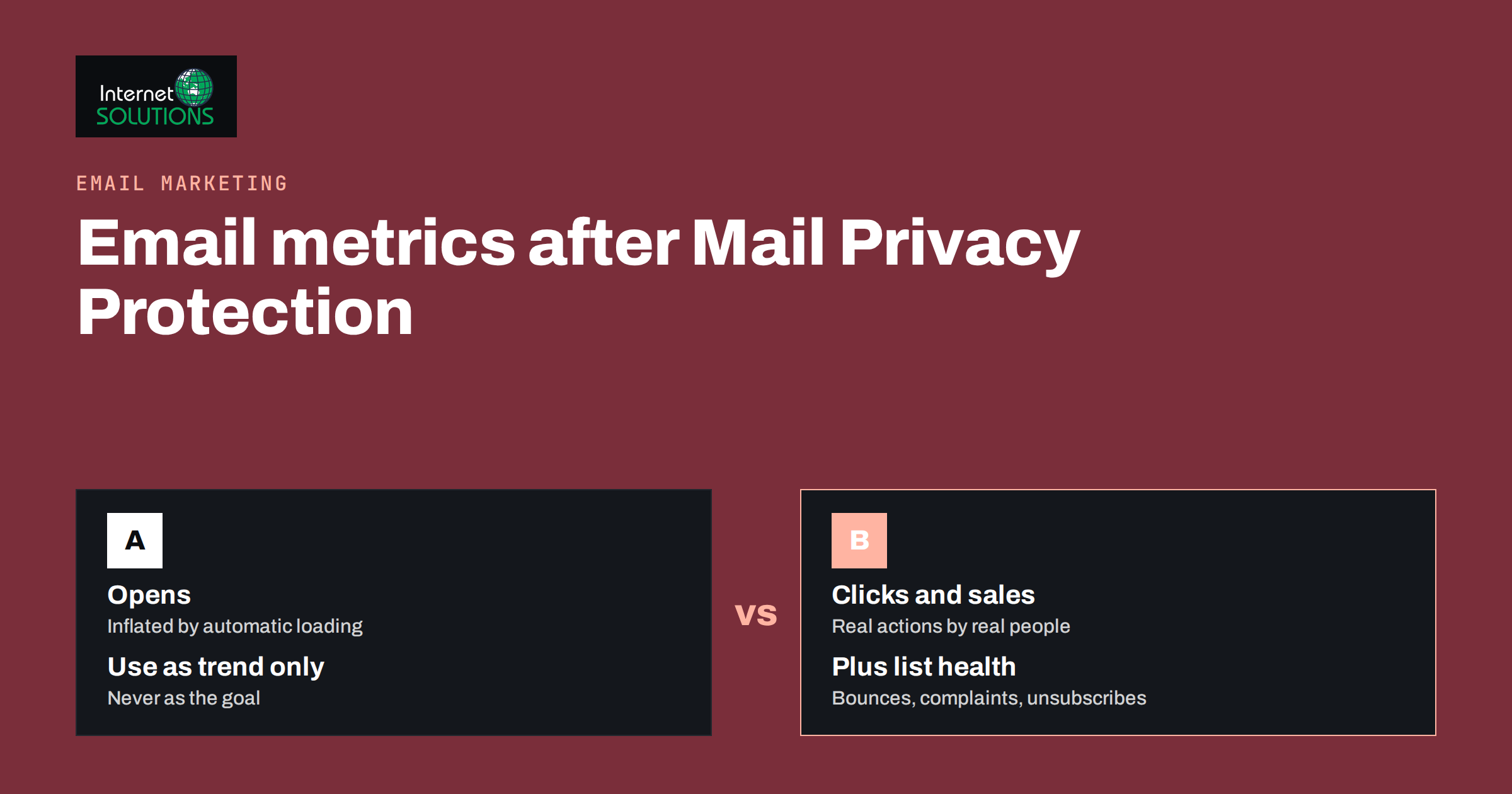
| Open rate | Low; inflated by automatic loading | Watch long-term trends only; never as a goal |
| Click rate | Good; requires a real action | Main measure of content engagement |
| Click-to-open rate | Distorted, because the open count is inflated | Use with caution, or replace with clicks per delivered |
| Conversions and revenue | High, with proper tracking | The main business outcome |
| Unsubscribe rate | High | Signal of relevance and frequency problems |
| Spam complaint rate | High where reported | Critical deliverability signal |
| Bounce rate | High | List quality and sending reputation |
| Replies | High | Strong engagement signal, especially in B2B |
Clicks: The New Core Engagement Metric
A click requires a deliberate action, so it remains a much better sign of real interest than an open. Some security systems in corporate mailboxes do scan links automatically, which can create a small number of false clicks, but these are usually far fewer than false opens and can often be filtered by your email platform.
Measure Clicks Against Delivered Emails
Click-to-open rate used to be popular because it isolated the effect of the content. With inflated opens, the denominator is no longer reliable. Clicks per delivered email, sometimes called click-through rate, is a steadier figure to compare across campaigns.
Look at What Was Clicked
Link-level reports show which offers, articles or buttons attracted attention. Over several campaigns, this tells you far more about your audience’s interests than open rates ever did. Group links by topic or type, for example product, article, event, so patterns are easier to see.
Design Emails That Invite Clicks
If clicks are the main measure, every campaign needs at least one clear reason to click: a specific offer, a useful article, a booking link. Newsletters that try to deliver all of their value inside the email will look weaker in click data even when readers enjoy them, so decide consciously which emails are meant to drive action.
Conversions and Revenue: Connecting Email to Results
Ultimately, email marketing exists to produce sales, bookings, sign-ups or retained customers. Measuring that requires linking email clicks to what happens on your website.
- Tag every link with UTM parameters, such as utm_source=newsletter and utm_campaign with the campaign name, so analytics can attribute visits and conversions.
- Define conversions in analytics that match your goals: purchases, quote requests, demo bookings, account registrations.
- Use the email platform’s revenue tracking for stores where it integrates with your e-commerce system.
- Compare revenue or conversions per delivered email rather than per open, for a fair comparison across campaigns.
Our article on conversion tracking with GA4 and Google Tag Manager covers the setup on the website side; the email side is mainly about consistent link tagging.
List Health and Deliverability Metrics
An email that never reaches the inbox cannot be clicked. Deliverability metrics deserve a permanent place in your reports.
Bounce Rate
Hard bounces, such as addresses that do not exist, should be removed immediately. A rising bounce rate usually points to old or poorly collected addresses.
Spam Complaints
Complaints are one of the strongest negative signals for mailbox providers. Google’s email sender guidelines ask senders to keep spam rates low and, for bulk senders, to offer easy one-click unsubscribing. Watch complaint rates in your platform and, for Gmail, in Google Postmaster Tools.
Unsubscribes
Unsubscribes are healthy in moderation: it is better that uninterested people leave than mark you as spam. A sudden spike after a campaign, however, says something about its content, audience or frequency.
Authentication
SPF, DKIM and DMARC are not metrics, but without them other metrics suffer. Our guide to SPF, DKIM and DMARC explains how to set them up correctly.
Rethinking Engagement Segments and Automation
Many email programmes rely on opens to decide who is “engaged”: sunset flows remove people who have not opened for six months, and re-engagement campaigns target those who stopped opening. With inflated opens, these rules can keep inactive contacts on the list indefinitely, because their devices keep “opening” everything.
- Define engagement with several signals: clicks, purchases, website visits, replies and form submissions over a set period.
- Treat Apple Mail opens with caution. Some platforms can identify machine opens; if yours can, exclude them from engagement rules.
- Base sunset rules on clicks and conversions, with a longer window than before, so occasional readers are not removed too quickly.
- Review automation triggers that depend on opens, such as “send follow-up if opened”, and switch them to clicks where possible.
A/B Testing Without Reliable Opens
Subject line tests have traditionally used open rate to pick a winner. When opens are inflated across both versions, the difference shrinks and random noise can decide the result.
- Use clicks or conversions to choose the winner, even for subject line tests. It takes more volume, but the result means something.
- Test bigger differences, such as offer versus no offer, or short versus long format, rather than minor wording changes.
- Run tests across several campaigns before drawing conclusions when your list is small.
Our article on email A/B testing describes how to plan tests and read results with appropriate caution.
Building a Simple Monthly Email Report
A useful report fits on one page and answers three questions: did emails reach people, did people act, and did that create business results?
- Delivery: emails sent, delivered, bounce rate, spam complaint rate.
- Engagement: click rate per delivered email, top clicked links, replies, unsubscribe rate.
- Results: conversions and revenue attributed to email, and per delivered email.
- List health: new subscribers, removed contacts and the size of the engaged segment based on clicks and purchases.
- Notes: what was tested, what was learned and what changes next month.
Open rate can stay in the report as a trend line, clearly labelled as indicative, but it should not drive decisions.
Metrics for Different Types of Emails
Not every email has the same job, so the same metrics do not carry the same weight for every send. Matching the main metric to the purpose of the email keeps reports honest.
Promotional Campaigns
Sales announcements, seasonal offers and product launches exist to drive purchases or bookings. Judge them primarily on conversions and revenue per delivered email, with clicks as a supporting signal. A promotional campaign with a modest click rate but strong revenue is a success; one with many clicks and no sales points to a problem on the landing page or in the offer itself.
Newsletters and Content Emails
Newsletters often aim to build familiarity and trust rather than immediate sales. Clicks on articles, replies and long-term retention of subscribers matter more here. Track how many subscribers remain active over six or twelve months, and which topics reliably attract clicks, rather than expecting each issue to produce revenue.
Automated Flows
Welcome series, abandoned cart reminders and post-purchase emails run continuously, so their performance should be reviewed as a whole rather than per send. Measure conversions per person who entered the flow, and look at where people stop engaging. Our guide to email automation flows covers how to structure them.
B2B and Sales Emails
In B2B, a single reply or meeting booking can be worth more than hundreds of clicks. Track replies, booked calls and opportunities created in your CRM, and connect email activity to the sales pipeline where possible.
Using Website Behaviour as an Engagement Signal
When open data weakens, behaviour after the click becomes more valuable. If your email platform and website analytics are connected, you can see whether subscribers who arrive from email browse several pages, return later, start a checkout or fill in a form. These signals are harder to fake than opens and say much more about intent.
- Identify returning subscribers through logged-in sessions or tagged links, within the limits of your privacy policy and consent settings.
- Use product or page views from email traffic to inform segmentation, for example by topic or product category of interest.
- Feed purchases back into the email platform so that customers are recognised and not sent offers for things they have already bought.
Always make sure such tracking is covered by your privacy notice and, where required, by consent.
Common Mistakes to Avoid
- Celebrating higher open rates that are caused by automatic loading rather than real reading.
- Keeping open-based sunset rules, which quietly fill the list with inactive contacts.
- Choosing subject line winners on opens when the difference is within noise.
- Forgetting UTM tagging, which leaves email results invisible in website analytics.
- Ignoring complaints and bounces until deliverability is already damaged.
Frequently Asked Questions
Are email open rates completely useless now?
Not completely, but they are no longer reliable as a measure of reading. Use them as a rough trend indicator and base decisions on clicks, conversions and list health metrics.
What is a good email click rate?
It varies widely by industry, list type and email purpose. The most useful benchmark is your own history: compare click rate per delivered email across similar campaigns over time.
How do I know who is really engaged on my list?
Combine signals such as clicks, purchases, website visits and replies over a defined period. Avoid relying on opens alone, because automatically loaded emails appear as opens.
Should I still test subject lines?
Yes, but judge the result on clicks or conversions rather than opens, and test clearly different ideas so the difference is large enough to measure.
Does Mail Privacy Protection affect deliverability?
It mainly affects measurement, not delivery. Deliverability still depends on authentication, list quality, complaint rates and sending consistency.
What should replace click-to-open rate?
Click rate per delivered email is the most common replacement. It is less precise about content alone, but it is not distorted by inflated opens.
The Bottom Line
Email marketing metrics have not disappeared; the reliable ones have simply moved further down the funnel. Treat opens as a rough trend, make clicks per delivered email the core engagement measure, connect email to conversions with consistent link tagging, and keep a close eye on bounces, complaints and unsubscribes. Update engagement rules, automations and tests so they no longer depend on opens. If you would like help reviewing your email reporting or automation, our email marketing specialists can audit your setup and build a report that supports real decisions.