

 English
 Lietuvių
 Latviešu
 Eesti
Eesti Русский
 Polski
 Українська
 Deutsch
 Italiano
 Español
 Français
 Português
 Čeština
 Magyar
 Română
 Ελληνικά
 Türkçe
 日本語
日本語 العربية
 हिन्दी
 Bahasa Indonesia
 Bahasa Melayu
 ไทย
ไทย Tiếng Việt
 বাংলা
বাংলাFacebook Ads Attribution: Windows, Breakdowns and Fair Comparisons
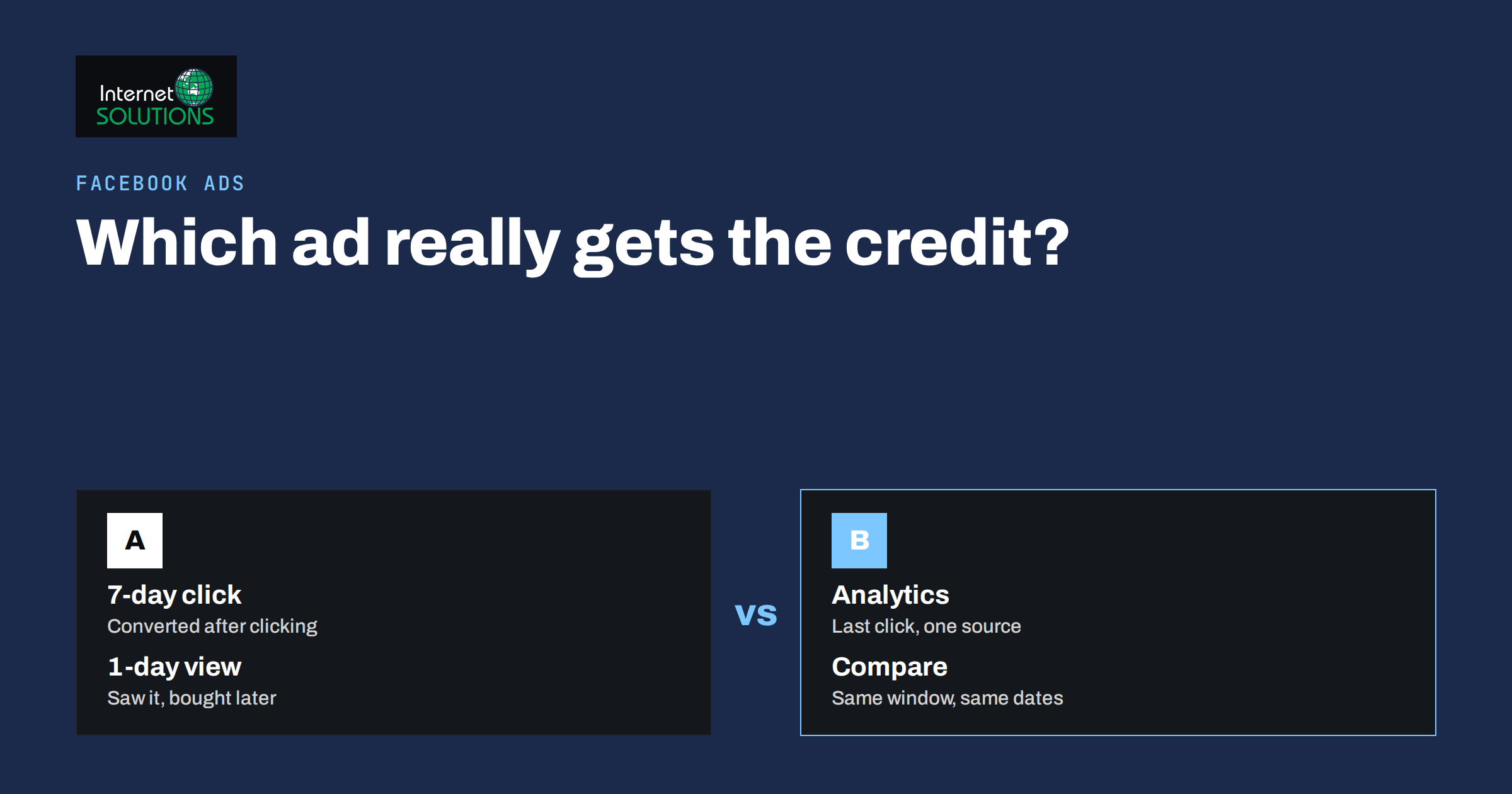
Facebook Ads attribution is the set of rules that decide which ad gets credit for a sale, a lead or a sign-up. Those rules explain most of the arguments between an ads manager who says a campaign produced forty purchases and an analytics report that shows twelve. Neither number is a lie; they count different things over different windows. Until you understand what each report counts, you cannot compare ads fairly, and you will keep turning off the ads that work and scaling the ones that only look good.
This guide explains attribution windows, the difference between click and view attribution, why Ads Manager and web analytics disagree, how breakdowns can mislead and how to set up comparisons that hold up. It applies to Facebook and Instagram campaigns run through Meta Ads Manager, and it reflects how we read reports in our Facebook Ads management work.
What an Attribution Window Is
An attribution window is the period after someone interacts with an ad during which a conversion is still credited to that ad. Meta’s default setting counts a conversion if it happens within seven days of a click or within one day of a view. “7-day click” means the person clicked the ad and converted within a week. “1-day view” means the person saw the ad, did not click, and converted within a day. Both are added together in the default results column.
The windows can be changed at the ad set level and in reporting. Shorter windows, such as 1-day click, are stricter and show fewer conversions. Longer windows show more. Meta documents the available settings in its attribution settings help page, and it is worth reading once, because the setting you choose also affects what the delivery system optimises for.
The key consequence is simple: the same campaign, the same week, reported under 1-day click and under 7-day click plus 1-day view, will show different numbers of conversions. Any comparison between two ads or two periods is only valid when the window is the same on both sides.
Click Versus View Attribution
Click attribution has a clear causal story: the person clicked, arrived, and bought. View attribution is harder to defend. Someone scrolled past your ad on Tuesday and bought from a Google search on Wednesday; view-through attribution gives your Facebook ad credit for that purchase. Sometimes that is fair, because the ad reminded them. Often it is not, especially for existing customers and retargeting audiences who were going to buy anyway.
A practical approach for small advertisers is to report on click attribution for decisions about budget and creative, and to look at view attribution only as a secondary signal for awareness campaigns. If view conversions make up most of a campaign’s results, treat the campaign as an awareness campaign, not a direct response one, and judge it accordingly. Retargeting campaigns are the most likely to be inflated by view-through credit, as we discuss in the article on retargeting funnels.
Why Ads Manager and Analytics Disagree
Business owners regularly send us two screenshots: Ads Manager reporting many conversions and a web analytics tool reporting far fewer from the same campaign. The gap has several causes, and most of them are expected rather than errors.
- Different attribution models. Ads Manager uses its own windows and counts view-through conversions. Most analytics tools use last click by default and only credit the source the visitor actually came from.
- Cross-device journeys. Someone sees the ad on a phone and buys on a laptop. Meta can connect those if the person is logged in on both; web analytics usually cannot.
- Consent and blocking. Visitors who decline cookies or use tracking protection are invisible to analytics but may still be counted by Meta through server-side events.
- Time of counting. Ads Manager reports the conversion on the day of the ad interaction; analytics reports it on the day of the purchase. The same sale can appear in different weeks.
- Missing UTM parameters. Without tagged links, analytics may file Facebook traffic under direct or referral and under-count it.
The right response is not to pick one tool as the truth. Use Ads Manager, with a consistent click window, to compare ads with each other. Use analytics to compare channels with each other. Use actual sales or lead counts from your own system as the final check on both. If a campaign reports fifty purchases and your shop only had forty orders in total, the campaign number is inflated, however it was calculated.
Breakdowns: Useful and Dangerous
Breakdowns split results by age, gender, placement, device, region, time of day and more. They are useful for finding that one placement is eating budget without results, or that one region converts at twice the rate of another. They are dangerous in two ways.
First, small numbers. A breakdown by age and placement can turn a campaign with sixty conversions into thirty cells with two conversions each. Differences between cells of that size are noise. Only act on a breakdown when the cell has enough conversions, as a rule of thumb at least a few dozen, to make the difference believable.
Second, some metrics cannot be broken down. Since the privacy changes on iOS, certain conversion metrics are modelled and are not available by demographic breakdowns at all; the cells show as empty or the totals do not add up. This is expected. Use delivery metrics such as reach, clicks and click-through rate for fine-grained breakdowns and conversion metrics only at campaign or ad set level.
Setting Up Fair Comparisons
A comparison is fair when everything but the thing you are testing is the same. In practice this means:
- Same attribution window. Set the reporting window once, write it down, and use it for every report. If you change it, re-run older reports under the new window before comparing.
- Same date range and enough time. Conversions arrive after the click, so the last few days of any range are incomplete. Compare full weeks that ended at least a week ago.
- Same conversion event. Compare purchases with purchases, not purchases with add-to-cart. Check that the event is deduplicated between the browser pixel and server events, otherwise one sale counts twice.
- Same audience stage. A retargeting ad will always beat a cold audience ad on cost per result. Compare ads within the same stage of the funnel.
- Enough conversions. Differences based on a handful of results are not decisions; they are hypotheses to test with more budget or more time.
When a decision really matters, Meta’s experiments tool lets you run a controlled test with a holdout group, which measures the lift your ads caused rather than the conversions they were credited for. It needs more budget and time than a small campaign usually has, but it is the only report that answers the question “would these sales have happened anyway”.
Attribution Settings Compared
| Setting | What it counts | Best for | Risk |
|---|---|---|---|
| 1-day click | Conversions within 24 hours of a click | Strict direct response, low-price products | Under-counts considered purchases |
| 7-day click | Conversions within 7 days of a click | Most e-commerce and lead generation | Credits some sales the ad only partly caused |
| 7-day click, 1-day view (default) | Adds conversions within a day of seeing the ad | Awareness and retargeting reporting | Inflated by people who would have bought anyway |
| Analytics last click | Only the source the visitor arrived from | Comparing channels | Misses cross-device and view-through effects |
| Own sales data | Real orders or leads in your system | Final check on any report | No channel detail unless you ask customers |
Making the Numbers More Reliable
Attribution can only work with the events it receives. Three steps improve the quality of what Ads Manager has to work with. First, send conversion events from both the browser pixel and the server through the Conversions API, with a shared event ID so each sale is counted once. Second, tag every ad link with UTM parameters so your analytics tool files the traffic correctly; Ads Manager can add them automatically at the ad level. Third, verify your domain and configure the events you care about in order of priority, which matters for conversions from devices that limit tracking.
For lead generation businesses, the most reliable attribution is often the simplest: ask. A “how did you hear about us” field on the form or a question in the first chat message costs nothing and catches the cases every tracking tool misses. If your site uses live chat, the chat tool’s visitor data usually shows the page and source the conversation started from, which is another independent check on paid traffic. Our Talkmio live chat shows the source of each visitor alongside the conversation, which has settled more than one argument about where a lead came from.
A Worked Example
Consider a small online store running two ad sets in the same campaign: one to a cold interest audience and one retargeting recent site visitors. Under the default window, the retargeting ad set shows thirty purchases at a cost per purchase of eight euros, and the cold ad set shows ten purchases at thirty euros each. The obvious decision is to move budget to retargeting. Switch the reporting window to 7-day click only and the picture changes: retargeting drops to twelve purchases, because eighteen of its results were view-through conversions from people who were already coming back, while the cold ad set keeps nine of its ten. The retargeting ad set is still cheaper per purchase, but the gap is far smaller, and the cold ad set is the one actually creating new customers who later appear in the retargeting pool. Cutting it would shrink the retargeting audience within weeks. The attribution window did not change what happened; it changed which story the report told, and only the click-only view supported a sensible budget decision.
The same exercise is worth running on every account once. Pull the last full month under the default window and under 7-day click, side by side, and look at which ad sets lose the most results when view-through credit is removed. Those are the ad sets whose reported performance depends most on assumptions, and they deserve the most scepticism when they ask for more budget.
A Monthly Reporting Routine
Once windows and events are consistent, a monthly review becomes short. Pull the campaign report under your chosen click window for the complete previous month. Compare cost per result against the previous month and against your target. Check that the total conversions reported are plausible against real sales. Look at placement and region breakdowns for any cell with enough data to act on. Note what you changed and why. Then, separately, compare channels in analytics and in your own sales records, and resist the urge to make the Facebook number match the analytics number: they are answering different questions. If you would like a second pair of eyes on the setup, our online advertising team reviews accounts regularly and the attribution settings are the first thing we check.
Frequently Asked Questions
What is the default Facebook Ads attribution window?
The default is 7-day click and 1-day view. A conversion is credited to an ad if it happens within seven days of a click or within one day of a view without a click. You can change this at the ad set level and in reporting.
Why does Ads Manager show more conversions than my analytics?
Ads Manager counts view-through conversions, uses longer windows, connects cross-device journeys and reports on the day of the ad interaction. Analytics usually counts last click only and misses visitors who block tracking. The gap is expected; use your own sales data as the final check.
Should I use view-through attribution?
Use it as a secondary signal for awareness campaigns. For budget decisions, compare ads under a click-only window. Retargeting campaigns are the most likely to be inflated by view-through credit.
Why are some breakdowns empty or not adding up?
Some conversion metrics are modelled since the iOS privacy changes and are not available by demographic breakdowns. Use reach, clicks and click-through rate for fine breakdowns, and conversion metrics at campaign or ad set level.
How many conversions do I need before comparing two ads?
Enough that the difference is unlikely to be chance. As a rule of thumb, dozens of conversions per ad rather than a handful. With fewer, treat the result as a hypothesis and give the test more time or budget.
What is the most reliable way to attribute leads?
Combine consistent click attribution in Ads Manager, tagged links in analytics, and a simple “how did you hear about us” question on forms or in chat. Each catches cases the others miss.
The Bottom Line
Facebook Ads attribution is a set of rules, and reports are only comparable when the rules are the same on both sides. Choose a click window, use it everywhere, compare ads within the same funnel stage, give conversions time to arrive and check totals against real sales. Treat view-through results as a signal rather than a score, be sceptical of breakdowns with small numbers, and improve the data you send through server events and tagged links. The goal is not to make Ads Manager agree with analytics; it is to know what each number means so your next budget decision is based on evidence.