

 English
 Lietuvių
 Latviešu
 Eesti
Eesti Русский
 Polski
 Українська
 Deutsch
 Italiano
 Español
 Français
 Português
 Čeština
 Magyar
 Română
 Ελληνικά
 Türkçe
 日本語
日本語 العربية
 हिन्दी
 Bahasa Indonesia
 Bahasa Melayu
 ไทย
ไทย Tiếng Việt
 বাংলা
বাংলাPrivacy-Friendly Analytics: Measuring Traffic With Fewer Cookies
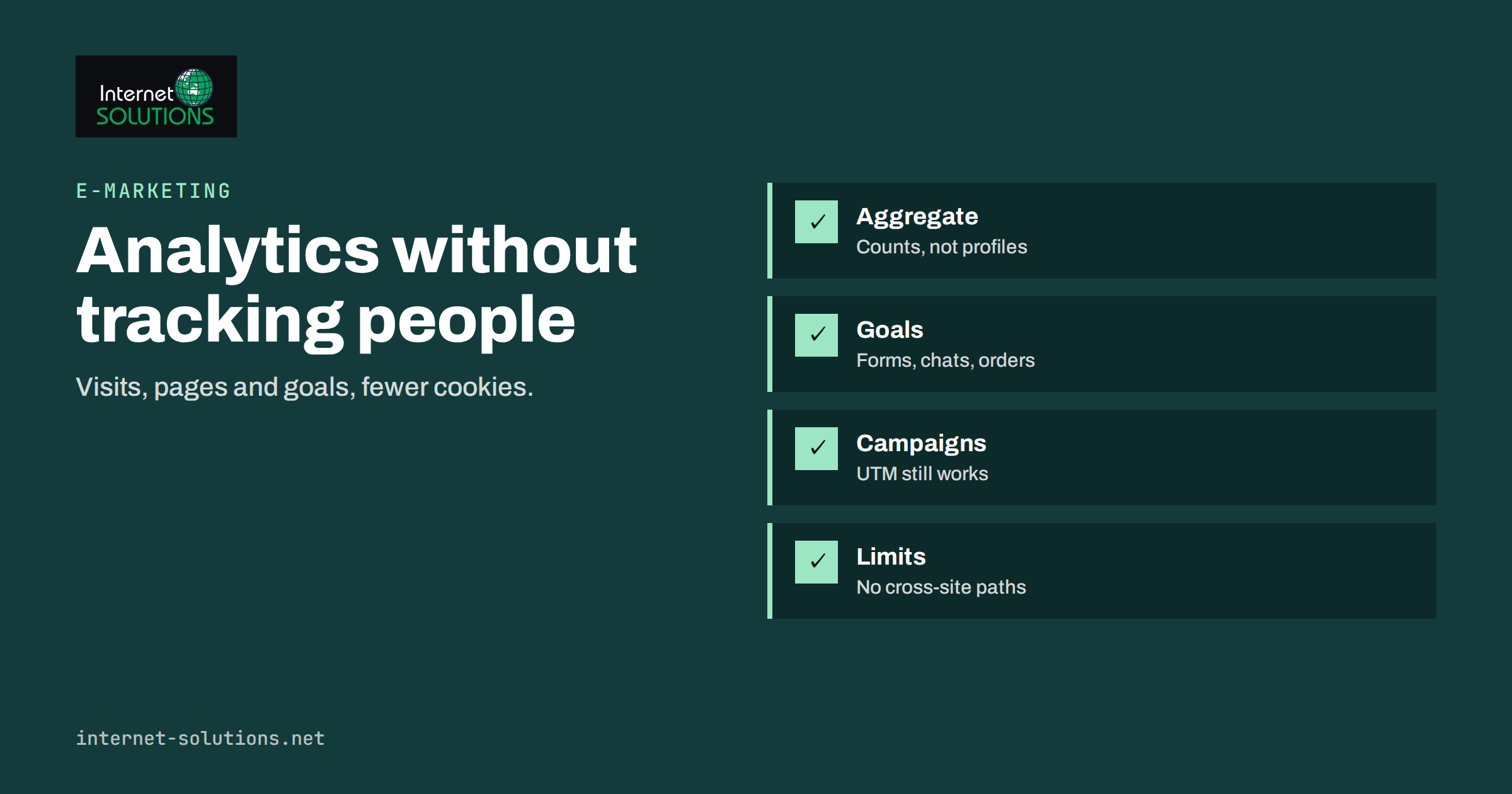
Privacy-friendly analytics is the practice of measuring how a website is used without building profiles of the individuals who use it. It answers the questions most businesses actually ask of their analytics, such as how many people visited, which pages they read, where they came from and whether they filled in the form, while collecting far less personal data and, in many setups, no tracking cookies at all. For a small business that mainly wants to know whether its marketing works, it is often enough, and it removes a large part of the consent and compliance burden that comes with full-featured analytics suites.
This guide explains what privacy-friendly analytics measures and what it cannot, how the main approaches differ, what the consent rules mean for each, how to set up goals and campaign tracking without cookies, and how to decide whether it fits your business or whether you need more. It is part of our e-marketing practice, where measurement is the first thing we set up on any new site.
What “Privacy-Friendly” Actually Means
The term covers a range of tools and configurations with a few shared properties. They do not set cookies for identifying visitors, or they set only a short-lived one. They do not share data with advertising networks. They store data in aggregate, as counts per page, per source and per day, rather than as a timeline per person. They typically do not record IP addresses in full. The result is a report that shows you how the site performs without a record of what any one person did.
The trade-off is visibility of the individual journey. You will not see that one visitor came back five times over three weeks before buying, and you will not be able to retarget them with ads based on that visit. For many businesses this is a fair trade. For an online store running paid campaigns at scale, it may not be, and the right answer is often a privacy-friendly tool for everyday reporting alongside carefully consented tracking for advertising.
What You Can Still Measure
A well-set-up privacy-friendly analytics tool reports:
- Visits and page views by day, with reasonable estimates of unique visitors over short periods.
- Top pages and entry pages, which show what people actually read and where search and campaigns land them.
- Referral sources: search engines, social networks, other sites, and campaign parameters such as UTM tags.
- Device, browser and country, in aggregate, derived from the request itself rather than a stored identifier.
- Goals and events: form submissions, button clicks, chat starts, file downloads and purchases, counted when they happen.
- Outbound link clicks and 404 errors, which are useful for maintenance as well as marketing.
Campaign measurement works because UTM parameters live in the URL, not in a cookie. If you tag your email, social and paid links consistently, you will see which campaigns bring visits and which lead to goals. Our guide to UTM parameters for auto-posted social traffic explains a tagging scheme that works for both privacy-friendly and conventional analytics.
What You Give Up
Be honest with yourself about the gaps before switching. Without a persistent identifier, you lose multi-session attribution: the ability to say that a visitor first arrived from a Facebook ad, came back from a Google search and converted from an email. You lose accurate returning-visitor counts beyond a day. You lose audience building for remarketing, and you lose the detailed funnel reports that follow one person through many steps. Demographic estimates and interest categories, which depend on cross-site profiles, are gone too.
Whether these matter depends on the business. A local service company that wants to know if its website produces calls and form submissions loses little. A subscription business with a long consideration cycle and a large paid budget loses more and should think carefully about a hybrid setup.
Consent Rules and Why They Differ by Approach
In the EU, storing or reading information on a visitor’s device, which includes cookies and similar identifiers, requires consent unless it is strictly necessary for a service the visitor asked for. Analytics is generally not considered strictly necessary, so cookie-based analytics needs consent before the cookie is set. That is why most sites show a banner before analytics loads, and why a large share of visits are never measured at all when people decline.
Privacy-friendly tools that set no cookies and store no device identifier avoid the cookie consent requirement, though personal data rules still apply to anything they do process, such as IP addresses used briefly to derive a country. The underlying rules come from the ePrivacy rules on device storage and from the General Data Protection Regulation for any personal data processed. Some national regulators have published guidance on analytics configurations they consider exempt from consent; the UK regulator’s guidance on cookies and similar technologies is one widely read example. Rules and interpretations vary between countries and change over time, so check the position for the markets you serve, and keep your privacy policy accurate about what is collected. Our overview of cookie consent and website privacy compliance covers the wider picture.
Approaches Compared
| Approach | How it identifies visits | Consent for analytics | What you get | What you lose |
|---|---|---|---|---|
| Cookieless script-based tool | Short-lived, non-persistent hash of request data | Often not required for the cookie itself; check local guidance | Visits, pages, sources, goals, campaigns | Multi-session journeys, remarketing |
| Server-log analytics | Server request records, no script | No cookie set; still personal data handling | All requests including bots, very robust | Bot noise, no on-page events, limited goals |
| Self-hosted full analytics in cookieless mode | Configurable; can run without cookies | Depends on configuration | Rich reports, data stays on your server | Maintenance, hosting cost |
| Conventional analytics with consent | Persistent cookie after consent | Required before loading | Full journeys, audiences, ad integration | Unmeasured share of visitors who decline |
| Hybrid: privacy-friendly always on, full analytics after consent | Both | Required for the full tool only | Complete baseline plus detail for consenting visitors | Two tools to maintain and reconcile |
Setting It Up Well
Choose what to count as a goal
Start with the actions that mean money: a submitted contact form, a started chat, a phone number click on mobile, a completed order, a booked appointment. Give each a clear name and count it once per occurrence. Resist adding dozens of events at first; a handful that you check weekly is worth more than a long list nobody reads.
Tag your campaigns
Decide a UTM convention and write it down: source is the platform, medium is the channel type, campaign is the named effort. Apply it to email links, social posts, paid ads and QR codes. Automated posting tools can add the parameters for you so that every social post is tagged the same way.
Exclude your own traffic
Office visits and your own testing distort small sites badly. Most tools let you exclude by IP range or by a browser setting. Do it on the first day.
Keep the script light and self-hosted where possible
A privacy-friendly analytics script is usually tiny, which helps page speed. If the tool supports serving the script from your own domain, use it, both for performance and because fewer third-party requests means fewer things to explain in the privacy policy. If your site is on WordPress, add the script through the theme or a small plugin rather than a tag manager that loads other things too; our note on choosing WordPress plugins safely applies here.
Check the numbers against reality
In the first month, compare counted goals with the real number of enquiries, chats and orders in your inbox or shop system. If analytics shows twenty form submissions and you received twelve emails, something is double-counting or spam is being counted. Reconcile once, then trust the tool.
Reading the Reports Without Individual Data
Aggregate data rewards a different habit. Instead of following individual journeys, you compare periods and segments: this month’s visits from search against last month’s, goal rate on the pricing page before and after a change, campaign A against campaign B over the same week. Entry page reports show what search engines are sending people to; exit and 404 reports show where the site loses them. Combined with Search Console for queries and your own sales records for outcomes, this gives most businesses a complete enough picture to make decisions on content, campaigns and site changes.
For businesses that use live chat, chat data fills part of the gap that individual tracking used to cover. A chat tool shows the page a conversation started on, the visitor’s country and the pages they viewed in that session, with the visitor’s knowledge, because they chose to write to you. That is a more defensible basis for understanding a journey than a silent cookie.
A Simple Weekly Review
Aggregate reports are quick to read, which is their second advantage. A weekly review for a small business website takes about ten minutes: visits compared with the previous week and the same week last year, the top five entry pages and whether any of them is new or has dropped out, the goal count against real enquiries in the inbox, the campaigns that brought visits and the ones that brought goals, and the 404 report for any broken link that needs a redirect. Write down one observation and one action. Over a few months this short habit produces a clear record of what moved the numbers, which is more than most businesses get from a far more complex tool that nobody opens.
Once a quarter, go one level deeper: compare goal rates by entry page to find pages that attract visitors but never convert, check which referral sources have grown or disappeared, and look at country and device shares to confirm the site still serves the audience you think it does. These are the questions privacy-friendly data answers well, because they are about pages and sources rather than people.
When You Need More
If you run paid campaigns on platforms that rely on conversion feedback to optimise, you will still need their conversion tracking, with consent, to get good results from the platforms themselves. If your sales cycle spans weeks and many touchpoints, a consented full analytics setup alongside the privacy-friendly baseline makes sense. The hybrid approach in the table above is common: the privacy-friendly tool measures everyone, and the full tool measures the consenting share in detail. Our guide to Google Analytics 4 reports covers what to look at in the full tool if you run both.
Frequently Asked Questions
Does privacy-friendly analytics need a cookie banner?
If the tool sets no cookies and stores no identifier on the device, the cookie consent requirement usually does not apply to it, although personal data rules still cover what it processes. Interpretations vary by country; check guidance for your markets and keep the privacy policy accurate.
Can I track conversions and campaigns without cookies?
Yes. Goals such as form submissions and purchases are counted when they happen, and campaigns are identified from UTM parameters in the URL. What you cannot do is connect a conversion to a visit from an earlier day.
How accurate are visitor counts without cookies?
Daily unique visitor estimates are reasonably accurate because tools use a short-lived, non-persistent identifier. Counts over longer periods overstate uniques, since the same person is counted again on another day. Compare trends rather than absolute numbers.
Will switching lose my historical data?
The new tool starts from zero. Keep access to the old reports for comparison, or run both tools in parallel for a few months to understand how the numbers relate before you rely on the new one alone.
Is privacy-friendly analytics enough for an online store?
For understanding traffic, content and campaign performance, usually yes. For optimising paid advertising and remarketing, you will still need the platforms’ own consented tracking. A hybrid setup is common for stores.
Does a lighter analytics script improve page speed?
Typically yes. Privacy-friendly scripts are small and make few requests, and serving them from your own domain removes a third-party connection. The gain is modest but real, especially on mobile.
The Bottom Line
Privacy-friendly analytics gives a business the numbers it uses most, visits, pages, sources, campaigns and goals, with far less personal data and far less compliance work. It gives up individual journeys and remarketing, which matter for some businesses and not for others. Set it up with a short list of real goals, a consistent campaign tagging scheme, your own traffic excluded and a first-month reconciliation against real enquiries. If you need more for paid advertising, run it alongside a consented full tool rather than instead of one. Measuring less, deliberately, is often the most reliable analytics decision a small business can make.