

 English
 Lietuvių
 Latviešu
 Eesti
Eesti Русский
 Polski
 Українська
 Deutsch
 Italiano
 Español
 Français
 Português
 Čeština
 Magyar
 Română
 Ελληνικά
 Türkçe
 日本語
日本語 العربية
 हिन्दी
 Bahasa Indonesia
 Bahasa Melayu
 ไทย
ไทย Tiếng Việt
 বাংলা
বাংলাSEO Content Briefs: How to Brief Writers So Articles Rank
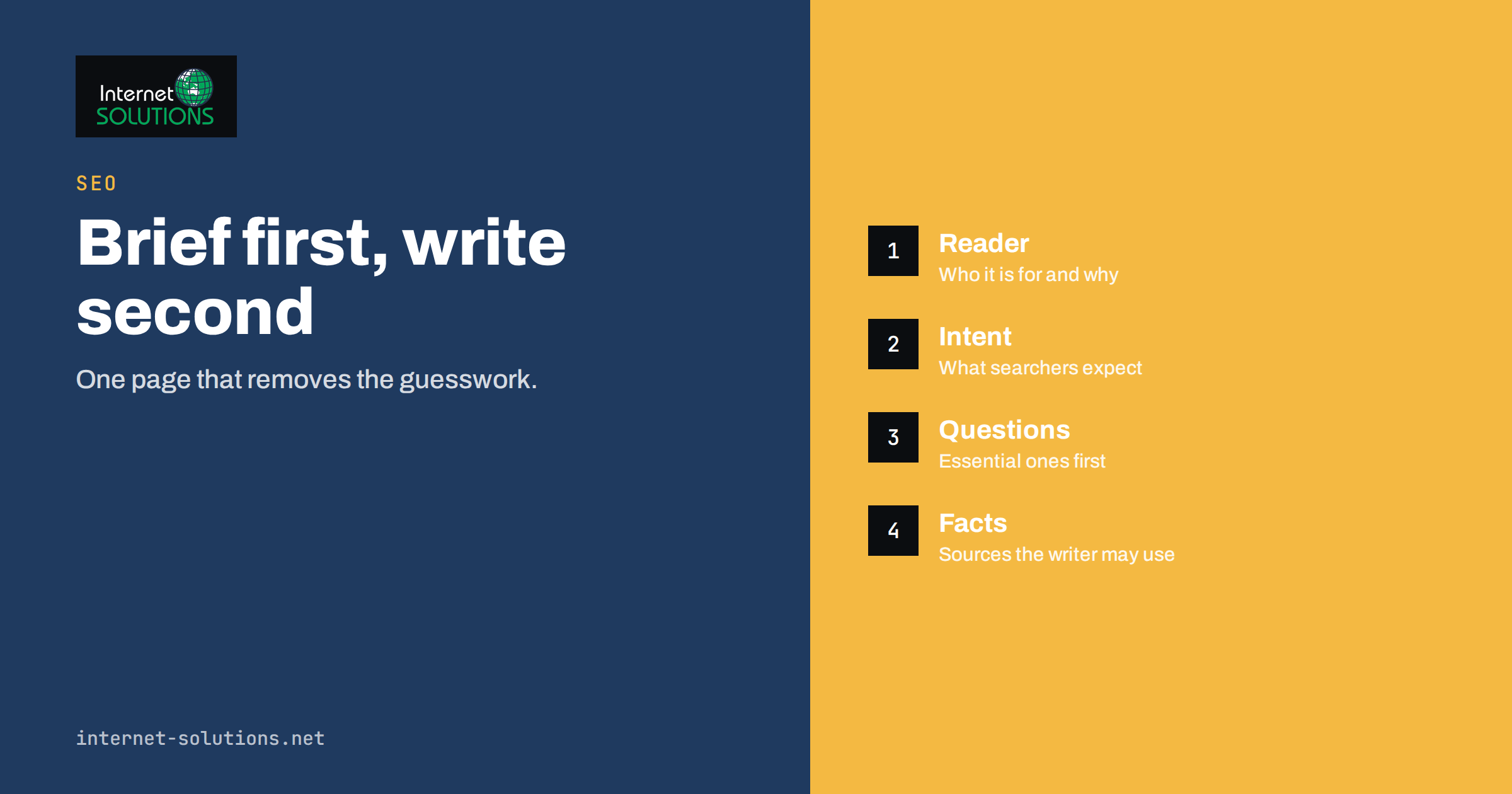
SEO content briefs are the single cheapest way to improve the articles your business publishes. A writer who receives only a topic and a word count has to guess who the article is for, what the reader already knows, which questions must be answered and how the piece fits into the rest of the site. Those guesses are where most weak articles come from: a pleasant text that covers the subject in general terms, repeats what ten other pages already say and never quite matches what a searcher wanted.
A good brief removes the guesswork. It is a short document, usually one or two pages, that tells the writer the goal of the article, the audience, the search intent, the questions to answer, the structure to follow, the pages to link to and the facts that must be checked. This guide explains what to put in a brief, how to build one in about thirty minutes, how to adapt it for in-house writers, freelancers and AI-assisted drafts, and how to review the finished article against it.
Why a Brief Beats a Topic and a Word Count
Search engines try to show the page that best satisfies a query. That means an article ranks, or fails to rank, mostly on whether it is the most useful answer for a specific need. Usefulness is not an accident of good writing. It comes from decisions made before the first sentence: which question is being answered, for whom, in what depth and with what evidence. A brief records those decisions so that they are made once, deliberately, by the person who knows the business, rather than improvised by whoever happens to write the draft.
Briefs also protect the site from internal competition. When two articles are written for the same query, they split attention and links, and neither performs as well as one stronger page would. Our guide to keyword cannibalization explains the damage. A brief forces the question “do we already have a page for this?” before anything is written, which is far cheaper than merging pages afterwards.
Finally, a brief makes quality measurable. Without one, an editor can only say whether an article feels right. With one, the editor can check whether the article answers the questions that were listed, follows the agreed structure and uses the sources that were provided. Feedback becomes specific, revisions become shorter and writers improve faster because they know what good looks like.
The Parts of a Good Content Brief
Different teams use different templates, but the useful ones share the same core. The table below lists the sections that matter and what each one prevents.
| Section | What it contains | What it prevents |
|---|---|---|
| Goal and audience | One sentence on what the article should achieve and who reads it | Generic text written for nobody in particular |
| Primary query and intent | The main search phrase and what the searcher wants to do | An article that answers a different question than the one asked |
| Questions to answer | A list of specific questions, including follow-up questions | Thin coverage and missing basics |
| Outline | Suggested headings in order, with notes on each | Rambling structure and buried answers |
| Facts and sources | Figures, product facts, quotes and links the writer may use | Invented statistics and outdated claims |
| Internal links | Pages to link to and the wording to use | Orphaned articles and weak site structure |
| Tone and format | Voice, length range, table or checklist requirements | Inconsistent style and rewrites |
| Conversion step | What the reader should do next | Traffic that never turns into enquiries |
Step 1: Decide the Goal and the Reader
Start with a sentence that a stranger could understand: “This article helps small business owners decide whether to move their website to a new host.” Then add the reader’s situation. Are they a beginner or a specialist? Do they already have a website? Are they comparing options, solving an urgent problem or learning in advance? The same subject calls for a completely different article depending on the answer.
Also state the business goal. Not every article exists to sell. Some build trust, some answer support questions so staff do not have to, some support a product page by explaining a concept. Knowing the goal tells the writer how far to go toward a product and how much to simply teach. A tutorial that suddenly turns into an advertisement loses the reader; a tutorial that never mentions the relevant service wastes the visit.
Step 2: Define the Search Intent
Intent is the reason behind a search. Someone typing a how-to phrase wants steps. Someone typing a comparison phrase wants help choosing. Someone typing a problem phrase wants a fix. Our article on search intent covers the types in detail. For the brief, do the practical version: search for the main phrase yourself and look at the first page of results.
Note what kind of pages appear. If every result is a step-by-step guide, a sales page will struggle. If most results are comparison articles, a pure definition will not match. Write down the pattern in one line, for example “guides with a checklist, 1,500 to 2,500 words, most include a comparison table”. That line is not a template to copy; it is evidence of what searchers are being shown and, by extension, what they appear to accept.
Then look for what the existing results fail to do. Perhaps they ignore a common situation, skip the cost, assume expert knowledge or bury the answer under background. The gap you find is the angle your article can own. A brief that names a clear angle produces an article with a reason to exist.
Step 3: Build the List of Questions
The most valuable part of a brief is a list of questions the article must answer. Collect them from several places rather than from one:
- The search results page. Related questions and related searches show how people extend the topic.
- Your own customers. Support tickets, sales calls, chat transcripts and email enquiries contain the exact wording people use. Our piece on chat transcripts shows how much material that is.
- Search Console. If a similar page already exists, the queries it appears for show which questions it half-answers.
- Competing pages. Read their headings. Note questions they answer well and questions they skip.
- Your own experts. A technician or consultant will know the mistakes beginners make, which rarely appear in generic articles.
Group the questions into a logical order: first the basics, then the decision, then the how, then the pitfalls. Mark which are essential and which are optional extras. The essential group should be small enough that the writer can cover every question properly within the length range.
Step 4: Propose an Outline
An outline does not need to be rigid, but it should be specific. Give the writer the proposed headings and a note under each: what to cover, what example to use, which figure to include. Put the direct answer near the top. Readers and search engines both reward articles that answer the main question early and then explain.
Include format instructions that serve the reader. If the topic involves comparing options, ask for a table. If it involves a process, ask for numbered steps. If it involves a decision, ask for a short “how to choose” section. Request a frequently asked questions section only when the questions are real; padding the end with invented questions adds length without value.
Specify the heading structure too. One main heading, descriptive subheadings that contain the language of the topic, and no skipped levels. Headings are how many readers scan and how search engines understand the shape of a page, so they deserve the same care as the text beneath them.
Step 5: Supply Facts, Sources and Examples
Most factual errors in business articles come from writers filling gaps with plausible-sounding statements. Prevent that by supplying the material. List the facts the writer may state: product features, prices, limits, dates and policies, each with where to verify it. List the sources that are acceptable for outside claims: official documentation, standards bodies, regulators and recognised publications.
Also say what must not be claimed. If the company cannot promise a result, the brief should say so. If a feature is changing, say which statements to avoid. This protects the business and spares the editor from catching problems at the last moment.
Examples make articles memorable. Ask for at least one worked example, a short scenario, or a before-and-after. If real customer examples are available and can be shared, name them in the brief with the permitted level of detail. If not, ask the writer to use clearly generic scenarios rather than invented case studies presented as real.
Step 6: Plan Internal Links and the Next Step
Internal links decide how well a new article joins the rest of the site. In the brief, list two to five pages the article should link to and suggest natural anchor text. Include the relevant service or product page and one or two related articles. Check that each address returns a normal page rather than a redirect, so that visitors and crawlers arrive in one step. Our guide to internal linking goes into the structure behind these choices.
Also list existing articles that should link to the new one once it is published. That reverse step is often forgotten, which leaves a good article hard to find. Finally, name the next step for the reader. It might be a related guide, a checklist download or a contact page. One clear step is better than a crowd of options.
Briefing Different Kinds of Writers
In-house colleagues
Colleagues know the business but often lack writing practice and time. Keep the brief short, put the questions first and provide the facts they would otherwise have to look up. Offer an outline they can fill in rather than a blank page.
Freelancers and agencies
External writers need more context: the audience, the brand voice, the products and what the company never says. Give them access to two or three existing articles that represent the standard you want, and agree how revisions are handled. A good brief reduces the number of revision rounds more than any other single measure.
AI-assisted drafts
The brief matters even more when a draft is produced with an AI assistant. A tool given only a topic will produce confident, average text. A tool given the intent, the questions, the outline, the verified facts and the voice produces something far closer to usable. The responsibility does not change: a person must check every claim, remove padding and make sure the article reflects real knowledge. Our article on writing better AI prompts at work describes how to turn a brief into a prompt that gets useful output.
Reviewing the Draft Against the Brief
When the draft arrives, review it against the brief, not against your mood. A short checklist keeps the review consistent:
- Does the opening state who the article is for and what it will answer?
- Is every essential question answered clearly, in the order that helps the reader?
- Does the article match the intent, or has it drifted into a different topic?
- Are all facts traceable to the supplied material or to an acceptable source?
- Does it add something the top results lack, such as a worked example or a practical checklist?
- Are the internal links present, relevant and pointing to working pages?
- Is the title accurate, the meta description useful and the heading structure clean?
- Does it end with a useful next step rather than a vague summary?
Give feedback as references to the brief: “the second question is only half answered” is easier to act on than “this feels thin”. Over time, update the brief template with whatever the reviews reveal. If the same problem appears in three drafts, a line in the template will prevent it in the fourth.
Common Mistakes in Content Briefs
- Keyword stuffing instructions. A list of phrases to repeat produces unnatural text. Give a main phrase, a few related terms and the instruction to write for the reader.
- Copying competitors. A brief that says “match the top three results” yields a fourth copy. Ask for the same coverage plus a distinct angle.
- Fixed word counts as the goal. Length should follow the needs of the question. Give a range and let the content decide.
- No owner for facts. If nobody is responsible for checking claims, errors reach the page. Name the reviewer.
- Briefs that are too long. A five-page brief is rarely read. Aim for the shortest document that removes the guesswork.
- Skipping the update step. Briefs for refreshing old articles are as valuable as briefs for new ones. They should list what changed, what is outdated and what to keep.
A Simple Brief Template You Can Reuse
Copy this outline into a shared document and fill it in for each article:
- Working title and primary query.
- Goal. What the article should achieve for the reader and for the business.
- Audience. Who they are and what they already know.
- Intent and angle. The type of result searchers expect and the gap you will fill.
- Questions to answer. Essential first, optional second.
- Outline. Headings with one-line notes.
- Facts and sources. What may be stated and where to verify it.
- Must not say. Claims and promises to avoid.
- Internal links. Pages to link to and pages that should link back.
- Format and length. Table, steps, range of words, tone.
- Next step for the reader.
- Deadline and reviewer.
Google publishes guidance on creating helpful, people-first content that is worth reading alongside your template; its helpful content guidance is a good basis for the review questions above, and its SEO starter guide covers the technical basics a writer should know.
Frequently Asked Questions
How long should a content brief be?
One to two pages is enough for most articles. Long enough to remove guesswork about audience, intent, questions, structure and facts, and short enough that the writer actually reads it. Complex or technical subjects may justify more, but the extra length should consist of facts and sources, not instructions.
Do I need special software to create briefs?
No. A shared document with a fixed template works well. Software can help with collecting related questions and comparing headings, but the valuable decisions about angle, audience and facts come from people who know the business.
How many keywords should a brief include?
Give one primary phrase and a handful of related terms that describe the topic. They help the writer stay on subject, but they are not a quota. Natural language that answers the questions will usually cover related terms without being told to.
Should the brief set the word count?
Offer a range based on how thoroughly the questions need to be answered, not a target to hit. If the essential questions need 1,200 words, padding to 2,000 does not help. If they need 2,500, a limit of 1,500 will leave gaps.
How do I brief a refresh of an old article?
List what is outdated, what is still correct, which queries the page already earns visits for, what the page currently fails to answer and what must stay unchanged, such as the address. Our guide to content audits helps decide which pages deserve a refresh.
Can an AI tool write the brief?
It can help gather questions, suggest outlines and format the document, but a person should decide the angle and supply the facts. A brief built only from other pages’ headings tends to produce a copy of what already exists.
The Bottom Line
SEO content briefs turn writing from guesswork into a repeatable process. By deciding the goal, the reader, the search intent, the questions, the outline, the facts and the internal links before drafting, you give writers what they need to produce articles that deserve to rank and make editing faster and more objective. Start with a simple template, apply it to your next three articles, and refine it with every review. If you would like help planning content that supports your website and your business goals, our SEO services team is available to discuss it.