

 English
 Lietuvių
 Latviešu
 Eesti
Eesti Русский
 Polski
 Українська
 Deutsch
 Italiano
 Español
 Français
 Português
 Čeština
 Magyar
 Română
 Ελληνικά
 Türkçe
 日本語
日本語 العربية
 हिन्दी
 Bahasa Indonesia
 Bahasa Melayu
 ไทย
ไทย Tiếng Việt
 বাংলা
বাংলাRSS Feed Full Text or Excerpt: What to Publish and Why It Matters
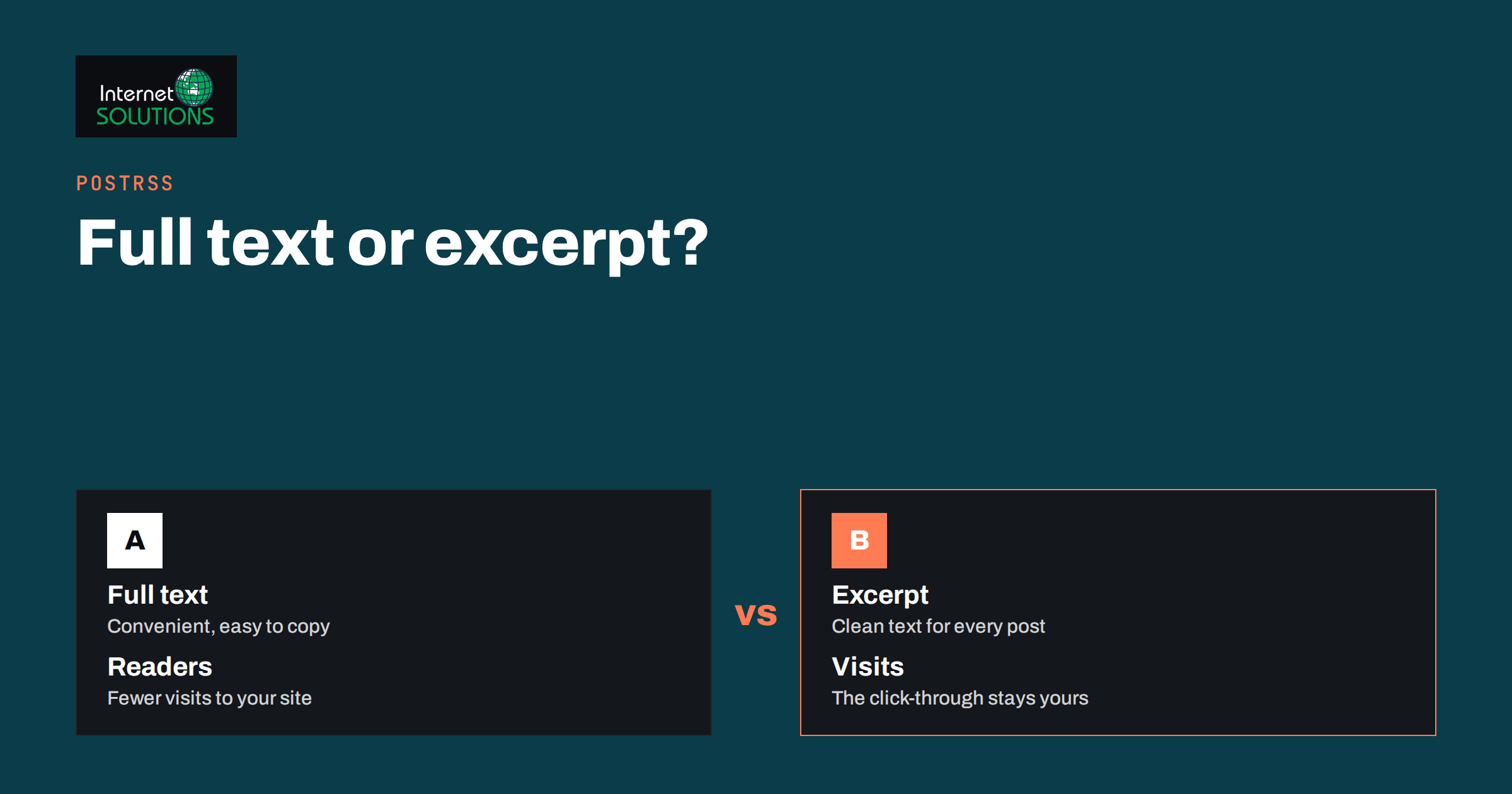
An RSS feed full text or excerpt decision looks like a minor setting, but it shapes three things at once: how readers consume your content, how easily other sites can copy it, and how well your feed works as a source for automatic social media posting. Most content systems let you choose between publishing the entire article in each feed item and publishing only a short summary. WordPress, for example, has a reading setting that says whether each post in a feed includes the full text or an excerpt. Many site owners never look at it, and then wonder why their auto-posted updates look odd, why scrapers copy their articles within minutes, or why feed readers send no visitors.
This guide explains the difference between the two choices, what each one means for readers, search and security, and how the choice interacts with an auto-posting service such as PostRSS. It ends with a practical recommendation and a short checklist for testing your own feed.
What Is Inside an RSS Item
An RSS feed is an XML file that lists your latest content. Each entry, called an item, usually carries a title, a link to the page, a publication date, a short description and often the full content, an author, categories and an image. The format is defined in the RSS 2.0 specification. The description element is meant to hold a summary or, in many feeds, the whole article, while a separate content element is often used by systems that want to supply the full text alongside a short description.
What you choose to put into those fields determines what any program that reads the feed can do. A newsreader can show a summary and a link. A social media tool can build a post from the title and description. A search engine, an aggregator or a scraper can read whatever you publish. Because each tool uses the fields differently, it is worth knowing precisely what your feed contains.
Full Text and Excerpt Compared
| Aspect | Full text in the feed | Excerpt in the feed |
|---|---|---|
| Reader experience | Readers can read the whole article inside their reader | Readers see a summary and click through to your site |
| Visits to your website | Fewer, since many readers never click | More, as the page is the only place to read the rest |
| Advertising and calls to action | Often lost in the reader | Shown on your own page |
| Copying by scrapers | Easy; the whole article can be republished automatically | Harder; only a summary is exposed |
| Feed size | Larger files, slower to download | Small and quick |
| Auto-posting to social networks | Long descriptions may need trimming; risk of clutter | Short, predictable text that suits most networks |
| Accessibility for subscribers | Convenient for people who prefer reading in a reader | Requires an extra click |
Neither option is correct for every site. A personal blog whose readers use feed readers heavily may reasonably publish full text. A business whose goal is to bring visitors to product pages and forms usually benefits from excerpts.
What It Means for Readers
Feed readers are still used by a loyal group of people who like to follow many sources in one place. Many of them prefer full text, and some will unsubscribe from feeds that force a click for every item. If your audience includes such readers, such as researchers, journalists and enthusiasts, think about offering both: a full-text feed and an excerpt feed on different addresses, or a full feed with a prominent link back and a short note about related content at the end.
If your goal is traffic, however, remember that every reader who can finish an article inside a reader is one fewer visitor who sees your offers, your newsletter box or your related articles. Excerpts make the site visit part of the journey. A good excerpt does not tease with a cliffhanger; it states what the article covers in a sentence or two, and invites the reader to continue.
What It Means for Search and Scrapers
Feeds are public. Anyone can read them, including programs that republish content on other sites. Full-text feeds make it trivial to copy every article seconds after publication. Search engines generally work out which copy is the original, but not always instantly, and a copy on a stronger site can occasionally outrank the original in the short term. You can reduce the risk in several ways.
- Use excerpts in the public feed.
- Add a link and attribution at the end of each item, such as “This article first appeared on our site”, so copies at least link back.
- Delay the feed for a short period after publication, if your system supports it, so that search engines discover the original first. A delay of a few minutes to an hour is a common choice, but think about whether delay conflicts with your posting plans.
- Set canonical tags on your pages, which help search engines understand which page is the original.
- Monitor copies by searching for unique sentences from your articles and by checking referrals to your site.
None of these stops a determined copier, but they make life harder and protect your position in search. For a broader look at duplicates and originals, see our guide to canonical tags and duplicate content.
How Auto-Posting Tools Use Your Feed
An auto-posting service checks your feed and turns each new item into a post on one or more networks. PostRSS, for example, checks a feed as often as every minute, picks up each new item and publishes it to the networks you have connected, using the settings of each target. Its features page describes how a post can be built: from the item title, the item description, the page title or your own static text, in nine combinations. The picture normally comes from the feed item or from the page’s Open Graph tags. Keyword filters, which include or exclude items, are matched against the item title and description.
Several consequences follow for your choice between full text and excerpt.
- The description feeds the post text. If you build posts from the description and your description contains an entire article, the text may be long and messy. If it contains a clean, two-sentence summary, it makes a neat post on most networks. Check how your feed fills the description before you choose a message format. Our guide to PostRSS message formats explains the options.
- Filters read the title and description. If a keyword filter looks for a topic word that appears only deep in an article, an excerpt that does not mention it will not match. Make sure summaries include the words that matter to your filters.
- Images need a source. Whether you publish full text or an excerpt, make sure each item carries an image or that your pages have a proper Open Graph image, since posts with real images perform better. See our article on social media images for RSS auto-posting.
- Network limits differ. Some networks allow only short text, others allow long posts. A short, tidy description is easier to adapt to every network than a long one.
- Timing matters. A feed delay to discourage scrapers also delays auto-posting, so decide which matters more and set expectations.
Writing Excerpts That Work Everywhere
Whether the excerpt feeds a reader, a search snippet or a social post, the same principles apply.
- Write it by hand for important articles. Automatic excerpts that take the first fifty words often start with a greeting or a menu item. A custom excerpt is a better summary.
- Keep it between one and three sentences. Short enough for a post, long enough to say something.
- Lead with the point. State the topic or the benefit in the first words.
- Avoid markup and shortcodes. Stray tags and page-builder code can leak into feed text, so test it.
- Do not end with a cut-off sentence. Trim at a sentence boundary, not at a character count.
- Include the key topic words naturally, so that filters and readers see the subject at once.
How to Check and Change the Setting
If you do not know what your feed contains, look at it. Open the feed address in a browser, view the source and read one item. You will see whether the description holds a summary or the entire article, whether there is a separate full-content element, and whether images and categories are present. If you are not sure where your feed lives, our guide to finding your RSS feed URL lists the usual addresses for common platforms.
In WordPress, the setting is under the reading options: it lets you choose how many items appear and whether each item shows full text or a summary. Themes and plugins can override it, and some SEO plugins add their own feed options such as a footer with a link back. Other platforms have similar settings in their feed or RSS options. After changing the setting, clear any caching that serves feeds, wait for the next update and read the feed again.
Also validate the feed. The W3C offers a feed validation service that reports errors that could stop other programs from reading it. A feed with invalid characters or broken markup is a common reason why posts fail to appear in tools that read it. If new articles are not reaching your networks, our troubleshooting guide on why new posts do not reach social media walks through the checks.
Which Should You Choose?
A simple rule of thumb works for most business sites:
- If your aim is visits, leads or sales: publish excerpts, with a hand-written summary for important articles, and make sure each item has an image and a link.
- If your audience reads in feed readers and values convenience: consider a full-text feed, with a link back and a call to action at the end, or provide both feeds.
- If you auto-post to social networks: make the description a clean summary, whatever else the feed contains, so posts read well on every network.
- If copying is a concern: use excerpts, attribution and a canonical setup.
If you run PostRSS or plan to, see the PostRSS page for what it can do with a feed, and test one item end to end before connecting every network.
A Short Testing Checklist
- Open your feed in a browser and read the newest item.
- Check that the description is a clean summary, without stray markup.
- Confirm that the link points to the correct page and that the image is present.
- Validate the feed with a validator and fix errors.
- Add a test article and see what the auto-posted text looks like on each network.
- Check that your keyword filters, if you use them, match the summary text.
- Review the setting again after theme or plugin changes.
Frequently Asked Questions
Is a full-text or an excerpt feed better for SEO?
Excerpts are generally safer, because they make copying harder and bring readers to your site. The feed itself does not rank, but copies of your articles on other sites can compete with the original in search.
Will an excerpt feed reduce my number of subscribers?
It may disappoint people who prefer to read in a feed reader, though most visitors from social networks and search arrive by links anyway. If you value those readers, offer a separate full-text feed.
What does an auto-posting tool use from the feed?
That depends on the tool. PostRSS, according to its features page, can build a post from the item title, the description, the page title or static text, takes the picture from the item or the page’s Open Graph tags, and matches keyword filters against the title and description.
Can I use different feeds for readers and for auto-posting?
Yes. Many sites offer a general feed and a dedicated feed, for example one per category, so that each use gets the right content. This also helps send the right articles to the right network.
How do I stop my feed being copied?
You cannot fully prevent it, but excerpts, attribution links, canonical tags and monitoring reduce the damage. Report serious copying to the offending site or its host.
How often should I check my feed?
Check it after every theme, plugin or platform change, and review it quarterly. Validation takes a minute and prevents silent failures.
The Bottom Line
The choice between full text and excerpt decides who benefits from your feed: readers, scrapers or your own website. For most businesses, a clean excerpt with a clear link and a good image serves visitors, protects the original article and gives auto-posting tools tidy text to work with. Look at your feed, validate it, decide deliberately and test one article from feed to social post before you rely on it.