

 English
 Lietuvių
 Latviešu
 Eesti
Eesti Русский
 Polski
 Українська
 Deutsch
 Italiano
 Español
 Français
 Português
 Čeština
 Magyar
 Română
 Ελληνικά
 Türkçe
 日本語
日本語 العربية
 हिन्दी
 Bahasa Indonesia
 Bahasa Melayu
 ไทย
ไทย Tiếng Việt
 বাংলা
বাংলাShadow IT: Finding and Managing Unapproved Apps in Small Business
Shadow IT is any software, service or device that employees use for work without the knowledge or approval of whoever looks after the company’s technology. It is the free file-sharing account a salesperson opened to send a large presentation, the personal messaging app a team uses to coordinate a project, the browser extension that promises to summarise pages and the spreadsheet add-on someone installed on a Friday afternoon. Almost nobody does it to cause harm. They do it because a tool solves a problem faster than the approved route.
For a small business the risk is real but manageable, and the answer is rarely a ban. This guide explains why shadow IT appears, what can go wrong, how to find out what is actually in use, how to decide what to approve, replace or block, and how to write a lightweight policy that people follow. It is aimed at owners and office managers who do not have a security team and want a practical routine rather than a framework.
Why Shadow IT Happens
Understanding the motive is the key to dealing with it. People use unapproved tools for predictable reasons.
- The approved tool is missing, slow or awkward. If getting access takes a week, a free alternative takes five minutes.
- Convenience on personal devices. Staff already use their own phones and accounts, so work drifts into them.
- Easy sign-up. Software-as-a-service tools need only an email address and a card, or nothing at all on a free plan.
- Departments solve their own problems. Marketing, sales and operations pick tools that fit their work without telling anyone.
- No one said not to. Without a clear and simple rule, people assume that choosing a tool is part of their job.
The UK National Cyber Security Centre treats shadow IT as a normal organisational phenomenon and recommends understanding why it occurs rather than simply punishing it, in its guidance on shadow IT. The Wikipedia article on shadow IT gives a general definition and background.
What Can Go Wrong
Most unapproved tools never cause a problem. The risk lies in the few that do, and in not knowing which they are.
- Data leaves your control. Customer lists, contracts and files end up in accounts you do not own, with sharing settings nobody reviewed.
- Accounts outlive employees. If a tool is tied to a personal email address, access cannot be removed when the person leaves, and the data stays with them.
- Weak security. Reused passwords, no two-step verification and unknown vendors create easy entry points.
- Legal and contractual exposure. Personal data processed in a tool without a proper agreement can breach data protection obligations and customer contracts.
- Hidden costs and duplication. Several teams pay for overlapping subscriptions, and nobody sees the total.
- Support and continuity gaps. When a tool breaks, is acquired or shuts down, work stops and nobody knows how to export the data.
- Inconsistent records. Information is spread across places, so it cannot be found, backed up or audited.
Each of these has a simple counterpart in an approved setup: a company-owned account, a known administrator, a defined retention period and a way to remove access. Shadow IT is the absence of those basics.
Step One: Find Out What Is Actually in Use
You cannot manage what you cannot see, and the first discovery exercise is usually surprising. Combine several sources, because each reveals something different.
Ask people, without blame
The most effective method is a short, friendly survey or a conversation in each team. Ask which tools they use to communicate, share files, manage tasks, store passwords, schedule posts, analyse data and use artificial intelligence. Explain that the goal is to support their work and that nobody is in trouble. If people expect punishment, they will hide the tools that matter most.
Check finance records
Look at bank, card and expense reports for software subscriptions and small recurring charges. Ask accounting for a list of suppliers whose names suggest online services. This finds paid tools quickly, though it misses free ones.
Review identity and email records
- If you use a company email system or identity provider, look for third-party apps that have been granted access to accounts. Both major workspace suites provide reports of connected apps and permissions.
- Search for sign-up and billing emails from software vendors in shared mailboxes.
- Check which browser extensions are installed on company computers.
Look at the network and devices
Your firewall, router or DNS filter may log the domains visited most often, and endpoint management tools list installed software. Frequent traffic to a file-sharing or messaging service that nobody mentioned deserves a conversation. Keep privacy in mind: record tool names and not what individuals read, and tell staff what you collect.
Record everything in one inventory
Every discovery goes into a single list. Our guide to the IT asset inventory and software licences describes a simple format. For each tool, note the name, who uses it, what data it holds, whether the account is a company account, the cost, the renewal date and the owner inside the business.
Step Two: Classify by Risk, Not by Fear
Not every unapproved tool deserves the same response. Score each one on two questions: what data does it touch, and who controls the account? A scheduling tool that holds only your public opening hours is a different matter from a free converter that processes customer contracts.
| Data touched | Account controlled by company | Account personal or unknown |
|---|---|---|
| Public or low-value information | Low risk: record it and move on | Low to medium: move the account to the company when convenient |
| Internal business information | Medium risk: review settings and sharing | High: move to company account or replace |
| Personal data, finance or credentials | Medium to high: check the vendor, agreement and security | Highest: stop, then migrate to an approved tool quickly |
Start with the bottom-right cell. Anything that holds sensitive data in a personal account is the priority, and everything else can follow in order.
Step Three: Decide Approve, Replace or Retire
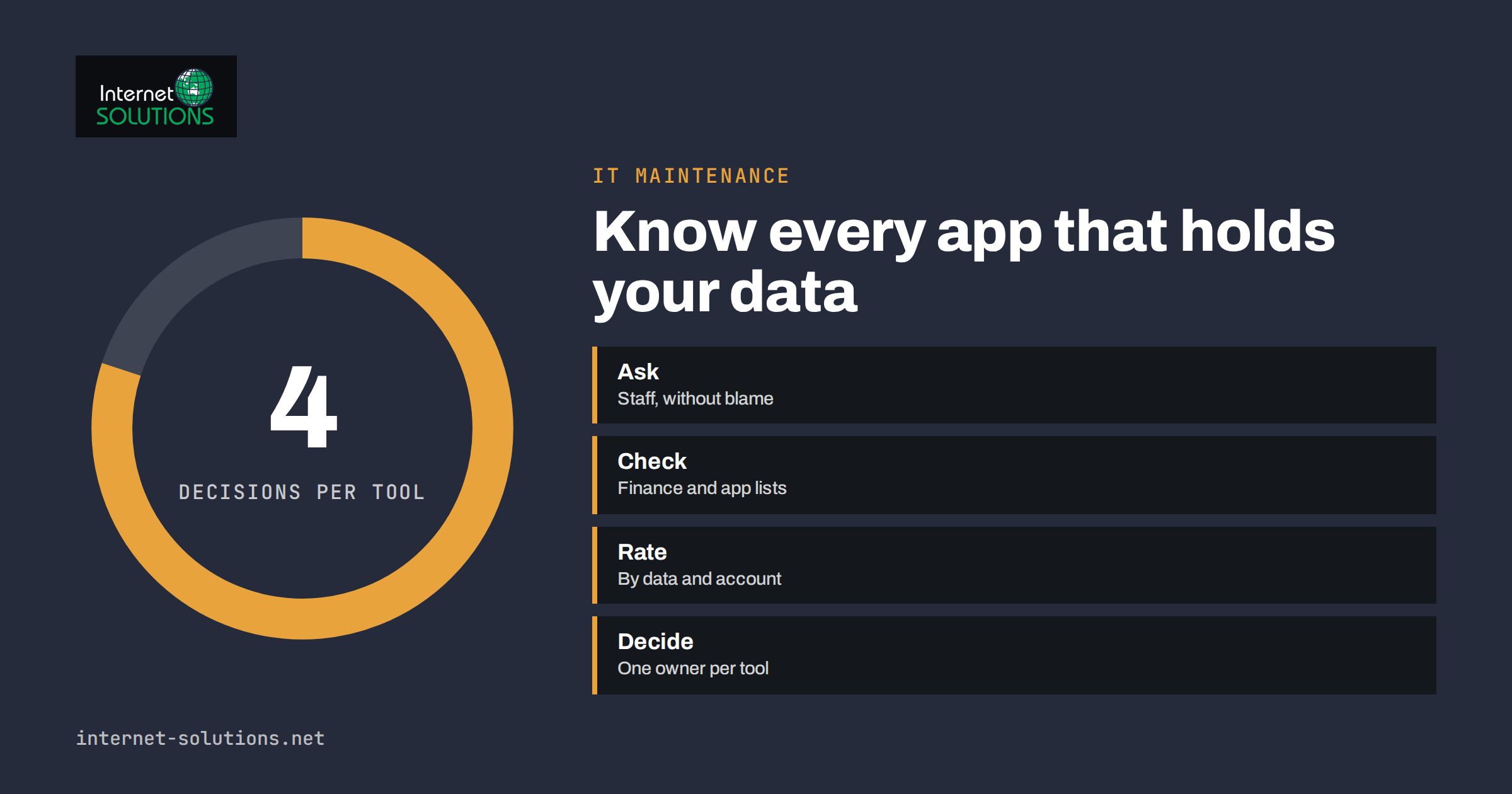
For each tool, make one of four decisions.
- Approve it. The tool is useful and acceptable. Move the account to a company login, add an owner, enable two-step verification and add it to the inventory and the budget.
- Replace it. The need is real, but the tool is not suitable. Offer an approved alternative that is at least as easy, and give people time to switch.
- Restrict it. The tool may be used for certain data only, for example public marketing material but not customer files.
- Retire it. The tool is unnecessary or too risky. Export the data, close the account and make sure nothing important is lost.
Before you approve a tool, ask a short list of questions. Where is the data stored and who can access it? Can you export it? Does the vendor offer two-step verification and an administrator console? What happens to the data if you cancel? Is there a data processing agreement where personal data is involved? Our article on multi-factor authentication and password managers shows how to protect the accounts you keep.
Step Four: Make the Approved Path the Easy Path
Shadow IT shrinks when the official route is quicker than the unofficial one. A policy that only lists prohibitions will fail. Work on the experience as well.
- A request route that answers in days, not weeks. A shared mailbox or a short form is enough. Commit to a quick decision, even if the answer is no with a reason.
- A short list of approved tools for the common needs: messaging, files, video calls, task management, passwords and AI assistance.
- Company accounts by default. Create the account for the person rather than letting them use a personal address.
- Clear data rules. Say which kinds of data may go into which tools, using plain categories such as public, internal and confidential.
- Training that fits in ten minutes. Show real examples and explain the reasons, not only the rules.
Artificial intelligence tools are a current example. Staff will use them whether or not the company has a policy, and pasting customer data into an unapproved assistant is a classic shadow IT problem. Providing an approved assistant and a clear rule on what to keep out of prompts is better than a ban nobody follows.
Step Five: Write a One-Page Policy
A policy that fits on one page will be read. Include these points:
- The purpose: protecting customers’ data and the company’s work, not controlling people.
- Who decides which tools are approved and how to ask.
- That work data belongs in company accounts and approved tools.
- The data categories and which tools may hold each.
- What to do if you have already used an unapproved tool: tell the owner of the policy, with no blame for past use.
- What happens when someone leaves: accounts are transferred or closed, and data is returned.
Tie the policy to your joining and leaving routine. Our employee onboarding and offboarding checklist includes the steps that prevent orphaned accounts. For small businesses without a dedicated person, the NIST small business cybersecurity resources offer plain-language guidance that can support the policy.
Keeping It Under Control
Discovery is not a one-time project, because new tools appear every month. Build a routine that takes little time.
- Quarterly: review the inventory, compare it with finance records and connected app reports, and update the owners.
- When someone joins or leaves: create, transfer or remove accounts as part of the checklist.
- When a team requests a new tool: record the decision and the owner.
- When a vendor changes terms or has an incident: check whether you use it and what data is affected.
- Once a year: test your exit plan for the most important tools by exporting data and verifying that it opens.
Our IT maintenance service includes inventory, account clean-up and policy support if you prefer to hand the routine to specialists.
Common Mistakes
- Starting with a ban. People simply stop telling you what they use.
- Relying on technology alone. Blocking tools without offering alternatives only moves the problem to personal phones.
- Ignoring free tools. The absence of an invoice does not mean the absence of risk.
- Forgetting browser extensions and add-ons. They can read page content and sometimes more.
- Not budgeting for the replacements. If you remove a free tool, someone has to pay for the alternative.
- Treating it as an IT-only problem. Shadow IT is a business issue, and owners of each department must take part.
Frequently Asked Questions
Is shadow IT always a security problem?
No. Many unapproved tools are harmless. The risk comes from tools that hold sensitive data, run on personal accounts, lack basic security or cannot be removed when someone leaves. Classify by data and account control rather than treating all of them as equal.
Should I ban unapproved apps?
A blanket ban rarely works without an easy approval route and alternatives. Combine clear rules for sensitive data with a quick way to request tools, and block only what is truly unacceptable.
How do I find tools nobody has told me about?
Combine conversations with staff, finance and expense records, connected-app reports in your email or identity system, browser extension lists and network or DNS logs. No single source is complete.
Can employees use personal devices for work?
That is a decision for your policy. If you allow it, require screen locks, updates and the separation of work data into company accounts, and explain how access is removed when employment ends.
What about free tools?
Free tools still store your data. Apply the same questions: who owns the account, what data it holds, whether you can export it and what happens when the vendor changes the terms.
Who should own the process in a very small company?
One named person, usually the owner or office manager, with a simple list and a quarterly reminder. If you have an external IT partner, agree who maintains the inventory and who approves requests.
The Bottom Line
Shadow IT is a sign that people are trying to get work done, not a sign of bad intent. Discover what is in use by asking openly and checking records, classify tools by the data they touch and who controls the account, then approve, replace, restrict or retire each one. Make the approved route fast, write a one-page policy and repeat the review every quarter. The goal is not zero unapproved tools but no surprises where your customers’ data is concerned.