

 English
 Lietuvių
 Latviešu
 Eesti
Eesti Русский
 Polski
 Українська
 Deutsch
 Italiano
 Español
 Français
 Português
 Čeština
 Magyar
 Română
 Ελληνικά
 Türkçe
 日本語
日本語 العربية
 हिन्दी
 Bahasa Indonesia
 Bahasa Melayu
 ไทย
ไทย Tiếng Việt
 বাংলা
বাংলাAsk Mio Points Explained: Spending Your Monthly Points Wisely
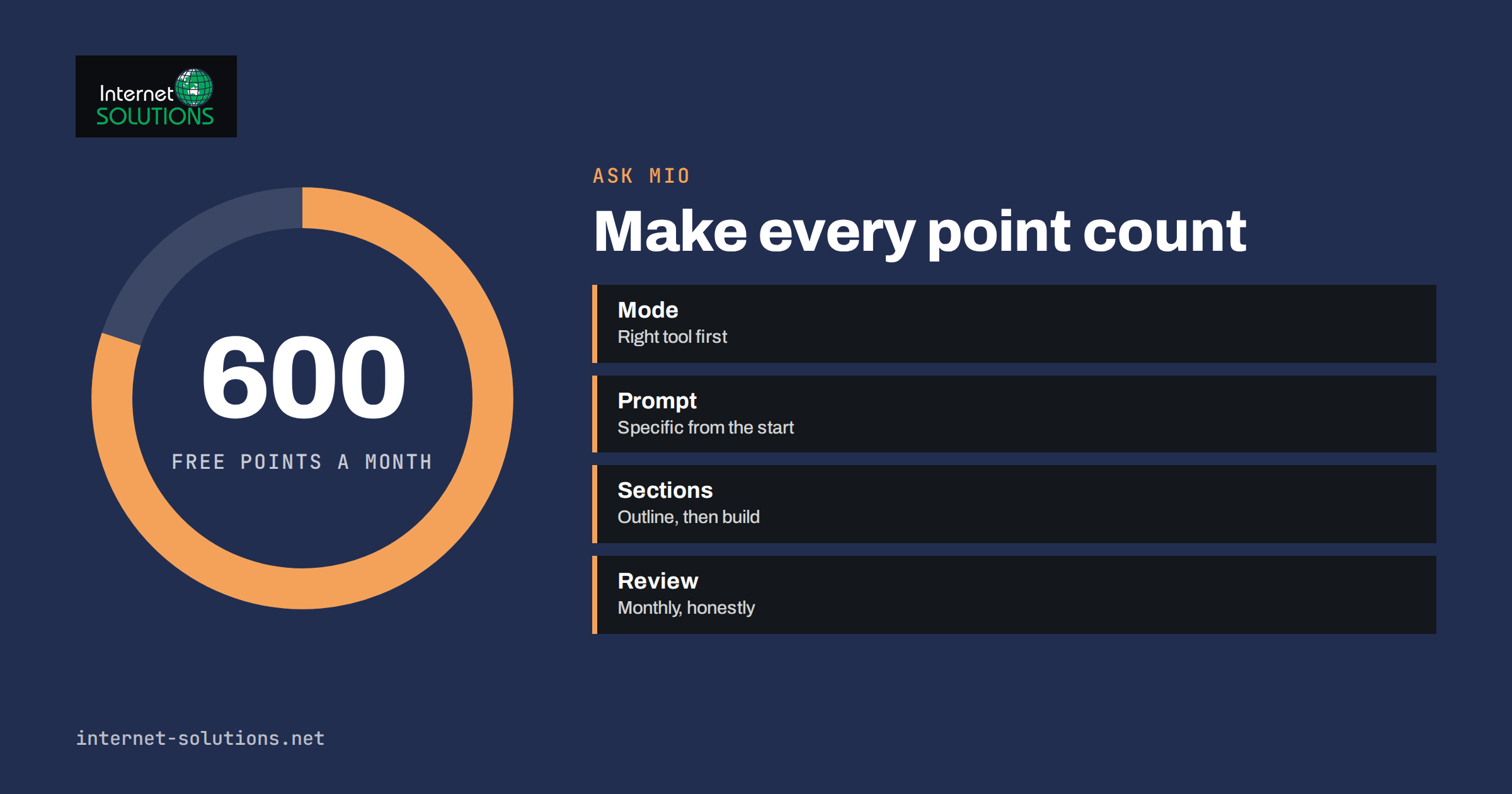
Ask Mio points are the way the assistant measures how much work an answer takes. Instead of charging per message or asking you to understand technical units, Ask Mio gives each plan a monthly amount of points, and every answer costs a few of them depending on the task. The free plan includes 600 points a month, and when you run out you can top up and keep going. That simple idea raises practical questions: what does a point actually buy, which tasks use more, how can you make the allowance last, and how should a team share it? This guide answers them in plain language.
It does not quote exact prices or point costs, because plans and costs can change and the current figures are always shown on askmioai.com and in the app. Instead it explains the logic behind the system and gives habits that make any allowance go further, without giving up quality.
What Points Are and Why They Exist
Behind every answer, Ask Mio does real work. A short factual reply is cheap to produce. A long article, an analysis of a PDF, a web search with cited sources or an image costs more, because it takes more processing. Mio also chooses the underlying model for each task: faster ones for ordinary chat and stronger ones for code and research. Points are a single, readable currency for all of that. You do not choose models or watch technical meters; you see that a task cost a few points.
The system has three practical advantages. First, you can use every mode with the same allowance. Second, light tasks leave plenty of room, so the allowance is not wasted on small questions. Third, running out is not a dead end: when the points are used up, you decide whether to top up. The Ask Mio page describes the three steps simply: create an account, choose a mode and ask, and note that every answer costs a few points while your plan provides a monthly amount.
What Affects the Cost of an Answer
Exact costs depend on the task, and the app shows them. In general, several factors push an answer toward the higher end.
- Length of the output. A three-line answer costs less than a two-thousand-word article.
- Amount of input. A long pasted text, a large file or a long conversation history gives the assistant more to read.
- Mode and task type. Research with web search and reading of pages, document analysis, code work and design generally need more than quick chat.
- Complexity. Multi-step reasoning, comparing several sources or building a spreadsheet takes more effort than rewording a sentence.
- Attachments and images. Reading a document or an image adds to the work.
- Tools used. Mio can use tools such as a calculator, a live browser or currency rates while answering, and tool use is part of the work done.
Because tasks differ so much, the useful habit is not to memorise numbers but to notice which kinds of requests use the most points in your own account, and decide whether the result was worth it.
Matching the Task to the Mode
Using the right mode avoids wasted effort. A quick factual question belongs in Chat. A finished piece of writing in a set tone and length belongs in Write. A question that needs sources, checking and reading pages belongs in Research, and it is worth the extra points because the answer comes with references you can verify. Code mode is for working code and bug fixes, and Design mode for logos, banners and illustrations. If you are unsure, our guide on which Ask Mio mode to use explains the differences.
Do not use a heavy mode for a light job. Asking Research mode what the capital of a country is wastes effort, and asking Chat mode to produce a sourced market analysis wastes your time on a poor answer that you will need to redo.
Ten Habits That Make Points Last
- Be specific in the first message. A vague request leads to back-and-forth, and each round costs points. State the goal, audience, length and format at once. Our guide to writing better AI prompts at work shows how.
- Ask for an outline before a long piece. Correcting a short outline is cheaper than rewriting a long draft.
- Work in sections. Generate and approve one part at a time instead of requesting the whole of a large document and discarding most of it.
- Start a new chat for a new topic. Long, mixed conversations carry a lot of context. Ask Mio squeezes conversations before they go to the model so that long chats stay cheaper, but a clean start is still tidier.
- Use projects for recurring work. Put standing instructions and files into a project instead of repeating them in every message.
- Upload a document once. Files you upload stay searchable in later chats through document memory, so you do not need to paste the same text again.
- Choose the right mode first time. This avoids repeating the same request somewhere else.
- Set a length limit. “Answer in five bullet points” or “no more than 150 words” prevents long, unwanted replies.
- Reuse good results. Save useful answers and templates rather than regenerating them.
- Review your own use. If a task repeatedly uses many points for little value, change the way you ask or do it differently.
For long conversations in particular, see our article on long chats with Ask Mio, which explains how document memory and headroom keep them accurate and economical.
Comparing Task Types and Their Typical Point Use
| Task type | Typical point use | Why | How to save |
|---|---|---|---|
| Quick question or rewrite | Low | Short input, short output | Ask once, clearly |
| Translation of a short text | Low | Little to read and write | Paste only what needs translating |
| Email or product description | Low to medium | Moderate output | State tone and length up front |
| Long article or report | Medium to high | Large output | Outline first, build in sections |
| Web research with sources | Medium to high | Searching and reading pages | Define the question precisely |
| Document or PDF analysis | Medium to high | Large input to read | Upload once and ask focused questions |
| Code generation and debugging | Medium to high | Complex reasoning and long output | Paste the exact error and relevant code only |
| Image or design generation | Varies | Creative generation takes effort | Describe the result clearly before generating |
Treat this table as a guide to relative effort, not as a price list. The app and the plan pages show how many points each action costs in practice.
Sharing Points in a Team
If several people use Ask Mio for work, agree on a few rules. Decide who needs which plan and whether a small number of people should handle heavy tasks such as long document analysis. Share good prompts so that colleagues do not each spend points discovering the same thing. Keep a shared note of the best projects and instructions. Agree what to do when someone runs out mid-month: top up, pause or ask a colleague. Finally, review use every month and compare it with the value delivered, such as hours saved on drafting, summarising or research.
One Ask Mio account also works in Talkmio, the AI live chat and inbox for websites, so a person can use a single sign-in for both. If you are comparing tools, our article on Talkmio plans explained shows how a different product measures its allowance, and the Ask Mio page shows current options for the assistant.
Quality Matters More Than Quantity
Saving points should never come at the expense of accuracy. A cheap answer that is wrong costs more than a thorough one that is right. Use Research mode when you need sources, verify important claims against the original, and spend the extra points on tasks where the decision matters: a contract summary, a financial calculation, a medical or legal question that you will take to a professional. Use the cheapest approach for low-stakes tasks, such as a draft of an internal note. Remember also that large language models can produce confident mistakes; the background is summarised in the article on large language models, and the habit of checking is the same whatever the cost of the answer.
A Simple Monthly Review
Once a month, spend ten minutes looking at how the allowance was used. List the five jobs that gave you the most value, such as a proposal that saved an afternoon or a summary of a long contract. Then list the jobs that used a lot and gave little back, such as repeated regeneration of the same text or long chats that wandered. Write one change for each: a clearer first message, a smaller output, a better mode or a saved template. This review turns points from a limit into a feedback signal about your own working habits.
For businesses, add a rough value estimate. If a task that used a modest share of the allowance saved an hour of skilled time, it was well spent. If a team keeps running out of points on tasks of low value, the fix is usually training and shared prompts, not a bigger allowance. Organisations that adopt AI tools at scale also benefit from a light governance routine; the NIST AI Risk Management Framework is a general reference for thinking about how to use such tools responsibly.
Examples: Making the Same Job Cheaper
Consider a consultant who needs a two-page summary of a long report. The expensive way is to paste the full text three times in different chats, ask for a summary, dislike it, ask again with different instructions and then paste it again to ask follow-up questions. The efficient way is to upload the report once, ask for an outline of the key sections, request a summary of only the sections that matter for the client and then ask two or three focused questions in the same chat. The result is the same, with fewer points and a clearer record.
Or take a shop owner who wants fifty product descriptions. Instead of generating each from scratch with a long instruction, write one clear template with the tone, length and structure, test it on three products, correct it and then run the rest. The upfront care costs a few points and saves many.
Common Mistakes
- Using heavy modes for trivial questions.
- Sending a vague first message and paying for several corrections.
- Pasting the same long document into each new chat.
- Asking for a very long output when a short one would do.
- Keeping one endless conversation for unrelated topics.
- Skipping verification to save a few points on important work.
- Never reviewing which tasks used the most points.
Frequently Asked Questions
How many points does the free plan include?
The free plan includes 600 points a month. Current plans and allowances are shown on askmioai.com.
What happens when I run out of points?
You can top up and keep going. You decide when to top up, and the plan page describes the options.
Do all answers cost the same?
No. Each answer costs a few points depending on the task. Short chat is cheaper than long writing, research or document analysis.
Does a longer conversation cost more?
It can, because more context must be processed. Ask Mio compresses long conversations before they go to the model to keep them cheaper, and starting a fresh chat for a new topic also helps.
Can I see how many points I have left?
Check your account for current usage and allowance rather than relying on estimates.
Are my chats used to train AI models?
No. The Ask Mio site states that chats are never used to train AI models.
The Bottom Line
Ask Mio points are a simple way to pay for different kinds of work with one allowance. The free plan gives you 600 points a month, each answer costs a few points depending on the task, and you can top up when you need more. Make the allowance last by choosing the right mode, writing precise first messages, working in sections, uploading documents once and starting new chats for new topics. Spend more where accuracy matters and less where it does not, and review your own use each month so the points go toward work that really saves you time.