

 English
 Lietuvių
 Latviešu
 Eesti
Eesti Русский
 Polski
 Українська
 Deutsch
 Italiano
 Español
 Français
 Português
 Čeština
 Magyar
 Română
 Ελληνικά
 Türkçe
 日本語
日本語 العربية
 हिन्दी
 Bahasa Indonesia
 Bahasa Melayu
 ไทย
ไทย Tiếng Việt
 বাংলা
বাংলাPostRSS for Real Estate: Turning Property Listings Into Social Posts
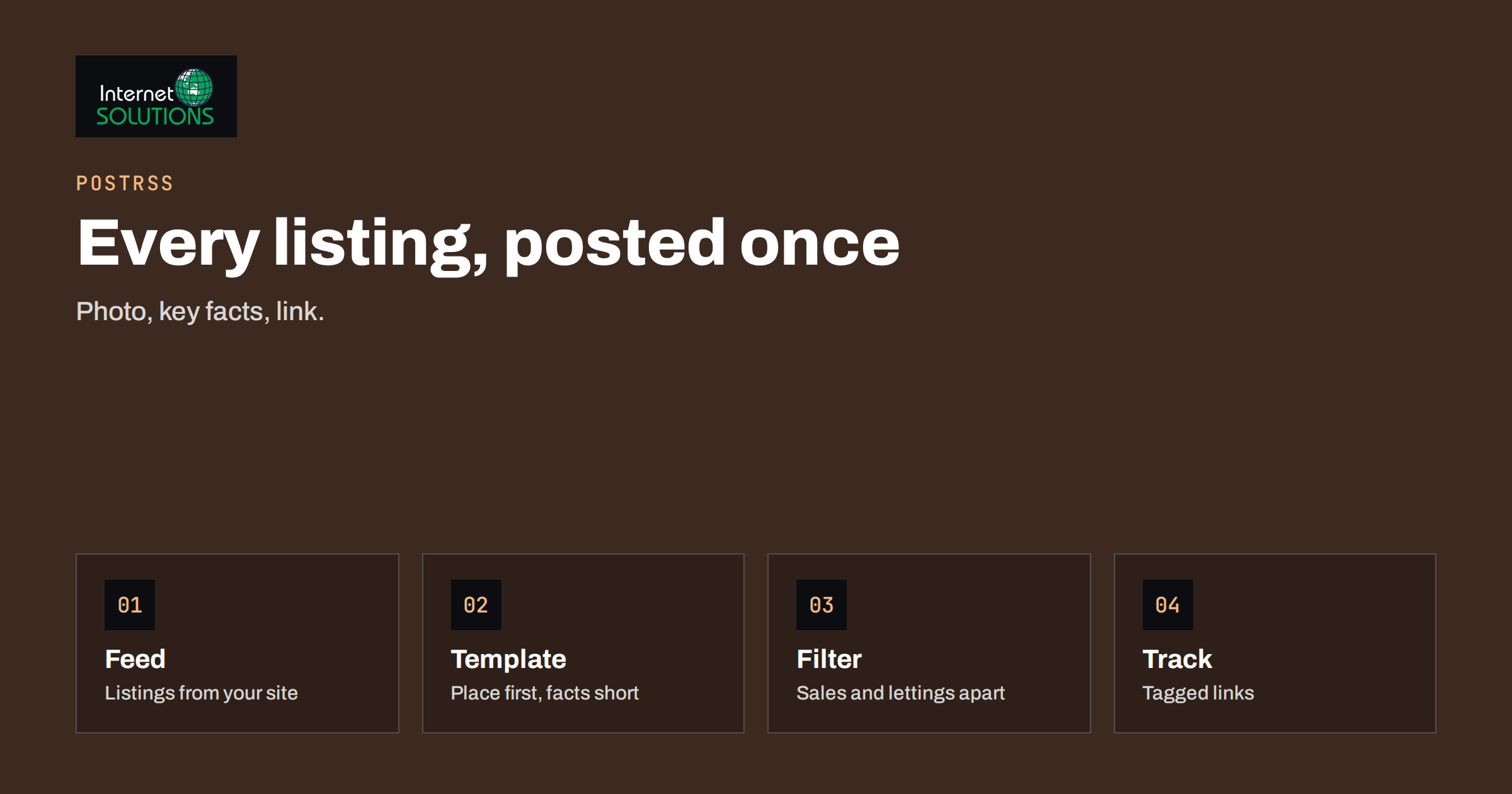
PostRSS for real estate solves a problem that every agency knows well: listings change constantly, and social media only works when it keeps up. A new property goes live on the website, a price is reduced, an open day is announced, and someone has to write a post, find the best photo, add the link and publish it on three networks before the moment has passed. When the person doing that is also the agent showing flats, it is the first task to be skipped. PostRSS removes the copy-and-paste step by reading the feed your website or listing system already produces and turning each new item into a post.
This article explains how to set that up for an estate agency, a property manager or a developer. It covers where the feed comes from, how to design the post, which filters keep the stream relevant, how to schedule and track posts, and which accuracy and compliance habits protect your reputation. Everything here relies on features PostRSS describes on its own website: feeds, templates, images, filters, schedules and tracked links.
Where the Feed Comes From
PostRSS needs a feed address, either RSS or Atom, or a CSV file. Many property websites already have one without anyone noticing. A WordPress site with a property plugin or custom post type usually has a feed for it, and many listing systems and website builders offer one. If your listing platform has no feed, ask your web developer whether the website can expose one, or use a CSV export for a simple weekly batch. Our article on finding your RSS feed URL shows how to look for it on common platforms, and the tool then reads it from outside, so nothing needs to be installed on your site.
Before connecting anything, open the feed in a browser and read it as a customer would. Check that each item has a clear title, a short description, a canonical link to the listing page and a good main image. Whatever is missing from the feed will be missing from the post. If you want to understand what a feed can contain, the RSS 2.0 specification lists the standard fields.
Designing a Post That Sells
A property post has less than a second to earn attention. The picture does most of the work, so the main image should be a bright, well-composed photograph and not a floor plan or a logo. PostRSS carries the image from the feed with the post, so the discipline starts on your website: choose a strong featured image for each listing, and keep the size and shape consistent. The guidance in our article on social media images for RSS auto-posting lists the checks that prevent cropped or missing pictures.
The text template decides what accompanies the picture. A reliable structure for a sale listing is the headline with the property type and area, one line with the key facts, the call to action and the link. For example: “New in Old Town: two-bedroom flat with balcony. Viewings this week. Details and photos:” followed by the link. You can use the title and summary fields from the feed and add fixed text of your own. Keep the price in the post only if it is in the feed in a consistent format and you are sure it will be correct when the post goes out.
- Lead with the place. Location is the first filter for buyers and renters.
- Use two or three facts, not ten. Rooms, size and one standout feature are plenty.
- Add one clear action. “Book a viewing” or “See photos and floor plan.”
- Vary the wording across property types by using separate feeds or templates, so the page does not look like a stream of clones.
Filters: Posting the Right Listings
PostRSS can post only items that match certain conditions, or skip those that do not. For a property business this is the difference between a useful stream and a noisy one. If one feed contains sales, lettings, commercial units and news, separate them. You might post new sale listings to the agency’s main page, lettings to a dedicated page and commercial properties to a business-focused network such as a company page. Where the feed carries a category or a keyword in the title, filters can route accordingly. The article on keyword filters and hashtags explains how to set them up and how to test them with a few items before the first live run.
Networks Worth Considering
PostRSS supports a long list of networks, and the available ones depend on your plan, so check the current plan details on the PostRSS site. For property, a few are consistently useful. A Facebook page is the natural home for local buyers and tenants. A LinkedIn company page works for commercial property, developers and investors. Pinterest boards suit staged interiors and renovation inspiration, and a Telegram channel can serve an audience that wants instant alerts about new lettings. Choose two or three networks that your customers actually use and do them well, rather than connecting everything at once. Some networks may be marked as being tested or temporarily unavailable on the PostRSS website, so check the status of each one before you build a plan around it.
Schedule and Volume
Property feeds come in bursts. An agency may add ten listings on Monday morning and nothing for three days. Posting all ten within minutes looks like spam and wastes the attention of followers. PostRSS lets you post immediately, at chosen hours or spread through the day, so you can turn a burst into an even trickle. A sensible default is a maximum of two or three listing posts per network per day, in the morning and early evening when people browse. Our guide to the auto-posting schedule explains windows, exact times and limits.
Tracking What Works
PostRSS can add campaign tags to links automatically, so your analytics show which network brought each visitor. Use a consistent pattern, with the network as the source and a campaign name such as “new-listings”. After a month, compare visits, enquiries and viewings by network, and drop the channels that bring only noise. Our article on UTM parameters for auto-posted social traffic shows a naming scheme that keeps reports tidy. Also record how enquirers heard about you in your CRM, because social media often influences a decision that is completed by phone.
Accuracy and Compliance
Automation makes publication faster, which also makes mistakes faster. Property advertising is regulated in most countries, and listings that are wrong, outdated or misleading can create real problems for an agency. These habits reduce the risk:
- Treat the feed as the single source of truth. Correct errors on the website first, and the next posts will be right.
- Remove sold and let properties from the feed promptly. A post already published stays published, so keep the window between a status change and a feed update short, and review older posts when status changes. Remove outdated posts by hand on the network if necessary.
- Do not auto-publish prices unless they are reliable. If the price is often missing or formatted differently, leave it out of the template and keep it on the listing page.
- Follow local advertising rules for required information, energy performance data and fair-treatment wording. Check your national regulator or professional body for the current requirements, because they differ by country.
- Respect photo rights. Use only images you are entitled to publish, and consider the privacy of occupants and neighbours.
Template Ideas for Different Listing Types
One template rarely fits every kind of property. If your feed lets you separate them, write a short template for each and test it with a few real items before going live.
- Sale listing: “New for sale in [area]: [title]. [Short summary]. See photos and book a viewing:” followed by the link.
- Letting: “Available to rent in [area]: [title]. Move-in dates and requirements on the listing page:” followed by the link.
- Commercial unit: “Commercial space in [area]: [title]. Size, access and terms:” with the link, sent to a company page rather than a personal-style audience.
- Open day or event: “Open house this weekend: [title]. Time and address inside:” with the link, which makes sense when your events are published as feed items.
- News or market note: the article title and its first sentence, which keeps a human voice in the stream between listings.
Write the fixed words of each template in the tone your agency uses on the phone. Buyers notice when a post sounds like a machine, and they notice more when it sounds like every other agency in town.
A Short Photo Checklist for Listing Pages
Since the picture travels with the post, improve it at the source. Use the brightest, widest shot as the featured image, avoid pictures with large text overlays, and keep a consistent orientation so networks do not crop away the best part. Check that the file is large enough for the networks you use but not so large that your pages load slowly. Where listings are in an occupied home, make sure personal items, documents and number plates are not visible. A few minutes of attention to the first photo of every listing usually improves results more than any change to the text.
How the Pieces Fit
| Step | What you decide | Where it is set | Common mistake |
|---|---|---|---|
| Feed | Which listings and fields are available | Your website or listing system | Posts missing images because the feed has none |
| Template | Headline, facts, call to action, link | PostRSS template for each target | Too many details in one post |
| Filters | Sale, letting or commercial routing | PostRSS filters | Everything posted everywhere |
| Schedule | Hours and daily limits | PostRSS schedule | Ten posts in ten minutes |
| Tracking | Source and campaign tags | Link tagging and your analytics | No way to compare networks |
| Review | History, errors and removals | PostRSS history and each network | Never checking old posts |
A Realistic Weekly Rhythm
- Monday: publish new listings on the website with good photos. The feed updates and PostRSS spreads the posts through the week.
- Midweek: glance at the history for errors, and answer comments and messages from the networks yourself. Automated posting does not replace conversation.
- Friday: check which listings are sold or let and make sure the website, feed and any old posts agree.
- Monthly: compare tagged traffic and enquiries, then adjust templates, filters and times.
You can add human posts alongside the automated ones: a neighbourhood guide, a market note or a short video from an open day. A feed-driven stream gives you a reliable baseline, and your own voice supplies the personality. If you want a wider view of the tool, the PostRSS page explains the product and links to the free plan.
Frequently Asked Questions
Do I need a special plugin on my property website?
No. PostRSS reads the feed from outside the site. You only need a feed address, or a CSV file if you have no feed. If your site is built on WordPress, a plugin from PostRSS is also available, but it is optional.
Can I post only new listings and not every update?
By default PostRSS posts new items in the feed. Whether a changed listing counts as a new item depends on how your feed identifies items, so test with an edited listing before relying on it.
Can I use different text for sales and lettings?
Yes, by using filters and separate targets or feeds with their own templates, so each type of listing gets its own wording and destination.
What happens when a property is sold?
The post that has already been published stays on the network until you remove or edit it there. Keep your feed accurate and review old posts when listing status changes.
Which networks should an agency start with?
Start with the one or two where your buyers and tenants already are, usually a Facebook page, plus a LinkedIn page for commercial property. Add more only when the first ones are running well.
Is there a free way to try this?
PostRSS has a free plan with a limited number of posts and networks. Check the current limits on the PostRSS website and test with one feed before you scale.
The Bottom Line
For an agency, the best use of PostRSS is to automate the repeatable part, which is turning a new listing into a good-looking post with a link, and to keep people for the parts that need them. Make sure the feed has strong images and accurate facts, design one clean template per listing type, filter and schedule carefully, tag links for measurement, and keep a weekly habit of checking sold and let properties. That gives you a steady presence without the daily scramble. For the product details and the free plan, see the PostRSS page. To make sure shared links show the right title and picture, read our guide to Open Graph tags and apply them to your listing pages.