

 English
 Lietuvių
 Latviešu
 Eesti
 Русский
 Polski
 Українська
 Deutsch
 Italiano
 Español
 Français
 Português
 Čeština
 Magyar
 Română
 Ελληνικά
 Türkçe
 日本語
 العربية
 हिन्दी
 Bahasa Indonesia
 Bahasa Melayu
 ไทย
 Tiếng Việt
 বাংলা
Crawl Budget: What It Means and When Small Sites Should Care
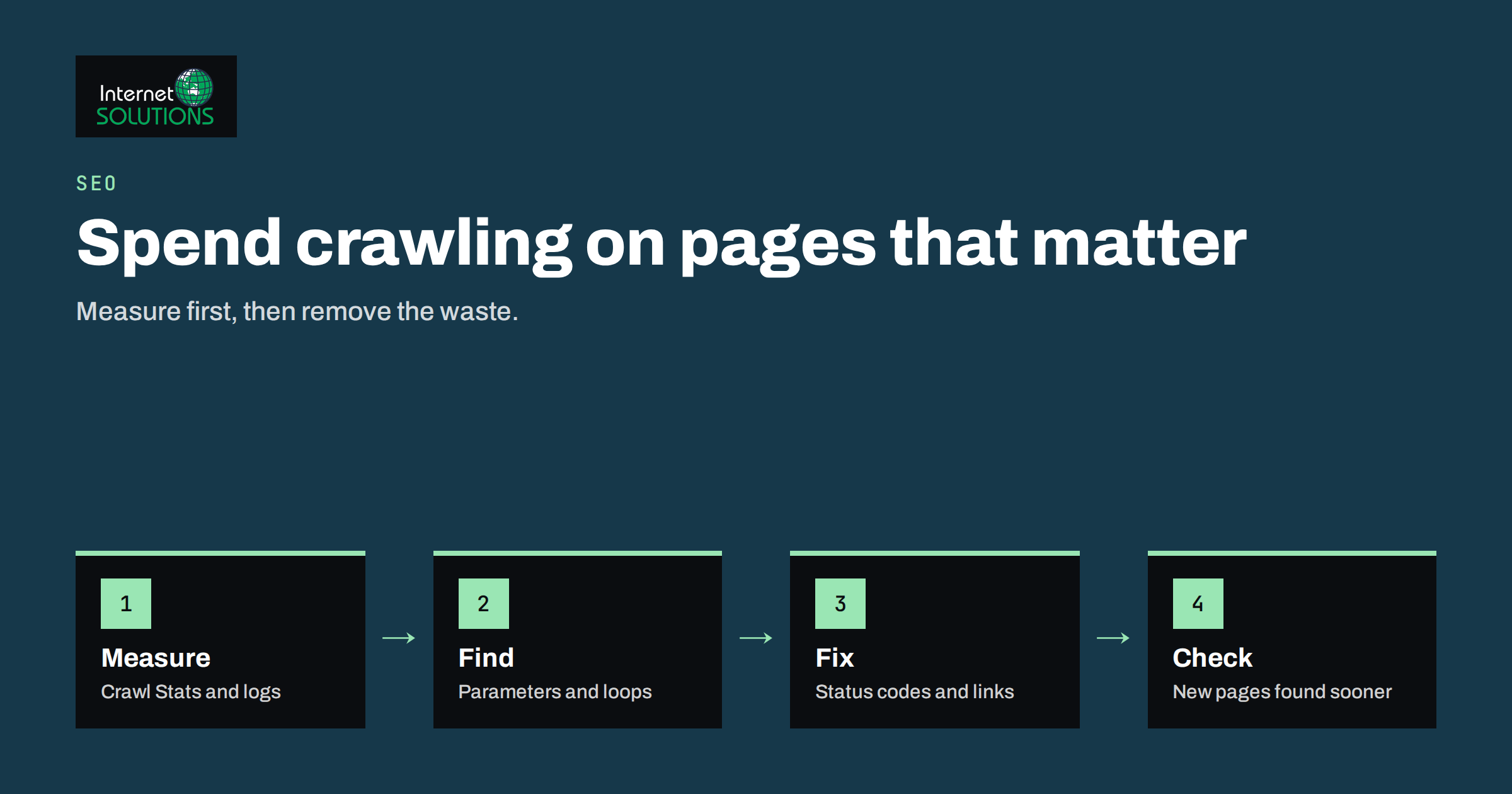
Crawl budget is one of the most quoted and least understood ideas in technical SEO. Many site owners hear that Google has a limited budget for their website and conclude that every unnecessary URL is quietly costing them rankings. For the large majority of business websites, that is not true. Google can crawl a site with a few hundred or a few thousand pages without any trouble, and the real reasons a page is missing from search results are almost always quality, duplication or technical blocks rather than a shortage of crawling. Still, crawl budget is a real mechanism, and for larger sites, shops with filters, publishers with archives and sites that generate URLs automatically, it can decide how quickly new content is found.
This guide explains what crawl budget means, the two forces behind it, which kinds of websites should care, how to measure crawling with tools you already have, and how to remove waste without breaking anything. It is written for business owners, marketers and developers who want a practical answer to one question: is this something we need to act on, or something we can ignore?
What Crawl Budget Actually Means
Search engines send automated programs, called crawlers or bots, to fetch pages so they can be understood and added to the index. Googlebot cannot fetch everything on the internet all the time, so it decides how many pages to request from each site and how often. Google describes crawl budget as the combination of two things: the crawl capacity limit and the crawl demand.
The crawl capacity limit is how much Googlebot can fetch without overloading your server. If your site responds quickly and reliably, the limit rises. If responses slow down or return server errors, Googlebot backs off to avoid causing harm. The crawl demand is how much Google wants to crawl, which depends on how popular the URLs are, how often they change and how stale the stored copies are. A busy news page that changes hourly attracts more demand than an old terms page that never changes.
Crawl budget is the result: the set of URLs Googlebot can and wants to fetch on your site in a given period. It is not a number you can buy, set or request directly, and it is not a ranking factor. Being crawled more often does not make a page rank higher. Crawling is only the first stage, and a page that is crawled still has to be judged good enough to be indexed and shown. If you want to confirm that pages are being indexed at all, our guide on why Google is not indexing your pages covers the more common causes.
Who Needs to Worry and Who Does Not
Google’s own guide for large site owners says that crawl budget management matters mainly for very large sites and for sites whose content changes very quickly. The usual thresholds mentioned are sites with more than about a million unique pages that change moderately often, or sites with roughly ten thousand or more pages that change daily. A typical company website, local service business, small blog or brochure site is far below those levels.
| Type of site | Typical size | Should you manage crawl budget? |
|---|---|---|
| Brochure or service website | 10 to 200 pages | No. Focus on content and links. |
| Small blog or company news site | 100 to 2,000 pages | No, unless it generates many tag or date archives. |
| Online shop with filters | 1,000 to 100,000 URLs | Often yes, because filters and sorting create many URL variations. |
| Publisher or marketplace | 10,000 to millions of URLs | Yes. New items must be found quickly. |
| Site with user-generated or calendar pages | Unbounded | Yes. Infinite spaces can swallow crawling. |
There is one more category: any site where a technical mistake multiplies URLs. A faulty search function, a calendar that links forever into the future, session identifiers in links or a filter system that allows every combination can turn a small site into millions of crawlable URLs. In those cases the problem is not the size of the content but the shape of the site.
What Wastes Crawling
Crawling is wasted when Googlebot spends requests on URLs that will never be useful in search. The common sources are well known, and most of them are about duplication.
- Faceted navigation and filters. A shop with colour, size, price and brand filters can create thousands of combinations of the same product list. Our article on faceted navigation and pagination explains how to decide which combinations deserve a crawlable URL.
- Tracking and session parameters. Addresses that differ only by a campaign tag, a session identifier or a sort order are the same page to a visitor, and different pages to a crawler.
- Soft errors. Pages that show an empty message but return a normal success status look like real content to the crawler, which keeps returning to check them.
- Redirect chains. Each hop in a chain of redirects costs a request. Long chains and loops waste crawling and delay discovery.
- Long lists of low-value archives. Date, author and tag archives with thin content, internal search results and printer-friendly duplicates add URLs without adding value.
- Broken and removed pages that are still linked. Links to deleted pages keep sending bots to dead ends.
- Slow or unreliable servers. If a server answers slowly, the capacity limit falls and fewer pages are fetched per visit.
How to Measure Crawling
You do not need to guess. Two sources show how bots actually treat your site, and both are free.
The Crawl Stats Report in Search Console
Google Search Console includes a Crawl Stats report under Settings. It shows the total number of crawl requests over the past months, the total download size, the average response time, the breakdown by response code, by file type, by purpose (discovery or refresh) and by Googlebot type. Google documents the report in its Crawl Stats help page. Look for four signals. A rising share of 404 or redirect responses suggests waste. A high average response time suggests a server limit. A very high share of refreshes of the same URLs suggests the bot keeps rechecking pages that rarely change. A sudden drop in requests may point to server problems or accidental blocking.
Your Own Server Logs
Server logs record every request, including those from bots, and they show which URLs are visited and how often. They are more precise than any report, because they show the real behaviour rather than a summary. Filtering by the Googlebot user agent, and verifying the visits against Google’s published methods, gives you a list of the most crawled URLs. If the top of that list is full of parameter URLs or old redirects, you have found the waste. The article on server log analysis walks through the process.
The Indexing Reports
The Pages report in Search Console lists URLs that are discovered but not indexed, crawled but not indexed, or excluded by a tag. A large group labelled discovered but currently not indexed on a large site can mean Google found the URLs but has not yet crawled them, which is a crawl capacity or demand signal. On a small site it usually means the pages are considered low value or duplicate.
How to Reduce Crawl Waste Safely
The goal is to guide bots toward the pages you want in search and away from the rest. Work in order, from the safest and most effective changes to the most delicate.
- Fix the server first. Faster responses and fewer errors raise the capacity limit. Caching, a lighter theme and a properly sized hosting plan matter more than any directive. Caching, covered in our guide to website caching, is one of the main ways to gain speed.
- Return the right status codes. A removed page should return 404 or 410, and a moved page a single 301 redirect. Avoid soft 404s.
- Shorten redirect chains. Update internal links so they point straight to the final address.
- Remove links to useless URLs. If your own navigation links to endless filter combinations, the bot will follow. Add the links only for combinations that are useful, and keep others out of the HTML where possible.
- Use canonical tags for duplicates that must exist. A canonical tag helps consolidate signals, although it does not stop crawling, since the bot must still fetch the page to see it.
- Block crawling with robots.txt only when you mean it. A disallow rule stops bots from fetching a path, which saves crawling, but it also prevents them from seeing noindex tags or canonicals on those pages. It is suited to clearly useless areas such as internal search results and cart steps. Read our guide to robots.txt and XML sitemaps before editing the file, because a mistaken rule can hide an entire site.
- Keep XML sitemaps clean. List only canonical, indexable, 200-status URLs, and keep the last-modified dates honest. A sitemap full of redirects and errors teaches the bot to distrust it.
- Improve internal linking. Important pages should be reachable within a few clicks, and orphan pages should be linked or removed.
Do not use the retired crawl rate limiter in Search Console or ask Google to crawl more as a first step. If your server is struggling, reduce the load. If your pages are valuable but rarely crawled, improve the site structure and quality, because demand follows value.
A Worked Example
Consider an online shop with about eight thousand products and a filter system for brand, colour, size and price range. The owner notices that new products take two or three weeks to appear in search. The Crawl Stats report shows around forty thousand requests a day, and a log check reveals that more than half of them go to filtered category URLs with multiple parameters, and that a further share hits old product URLs that redirect twice before reaching the current page.
The team makes five changes over two weeks. They update internal links and sitemaps so redirected URLs point directly to the final product pages. They stop linking to filter combinations with more than two active filters, and they add a disallow rule for the sort parameter and the internal search path. They set canonical tags for the remaining filter pages to point to the main category. They remove noindex pages from the sitemap, and they correct a plugin that was returning a normal status for empty categories. Finally, they cache category pages to reduce response times.
Within a month, the share of requests going to product and category pages that matter increases markedly, the average response time falls, and new products appear within a few days. Nothing in this story involved asking Google for more budget. The improvement came from removing waste and making the useful pages easier to reach.
Common Mistakes
- Treating crawl budget as a problem for a fifty-page website.
- Blocking pages in robots.txt that also carry a noindex tag, so the tag can never be read.
- Adding a noindex tag and expecting crawling to stop. Noindex keeps pages out of the index but the bot still has to fetch them.
- Putting thousands of redirects or error pages in the sitemap.
- Ignoring slow server responses while editing directives.
- Blocking CSS and JavaScript files that Google needs to render pages, which harms understanding of the page.
- Leaving a calendar, search or filter feature that generates unlimited URLs.
Frequently Asked Questions
Is crawl budget a ranking factor?
No. Crawl budget affects how many pages Google fetches and how quickly, not how well they rank. A page must be crawled to be indexed, but being crawled more often does not improve its position.
How do I know if my site has a crawl budget problem?
Look for new or updated pages that take unusually long to appear in search, a large share of crawl requests spent on parameter URLs or errors in the Crawl Stats report, and many pages listed as discovered but not indexed on a large site. On a small site, these signs usually point to quality or duplication instead.
Does a noindex tag save crawl budget?
Not directly. The bot has to fetch the page to read the tag. Over time, Google may crawl noindex pages less often, but the reliable ways to save crawling are to stop linking to the URLs, remove them or block them in robots.txt when appropriate.
Should I submit a sitemap?
Yes, for most sites. A clean sitemap helps discovery, especially for new pages and deep content. It does not guarantee crawling or indexing, but it provides a reliable list of the URLs you consider important.
Can I ask Google to crawl my site more?
You can request indexing of individual URLs in Search Console, but there is no setting that raises the overall budget. The effective actions are making the server faster and more reliable, and publishing content that deserves attention.
Do slow pages reduce my crawl budget?
Slow responses lower the capacity limit, because Googlebot slows down to protect your server. Faster responses allow more requests in the same time.
The Bottom Line
For most business websites, crawl budget is not something to worry about, and time is better spent on content, links and a fast, error-free site. For large shops, publishers and sites that generate URLs automatically, it is worth measuring with the Crawl Stats report and server logs, then removing waste: duplicate parameters, redirect chains, soft errors and endless filter combinations. Fix the server, return correct status codes, keep sitemaps clean and guide bots with sensible internal links. If you want help auditing how bots see your site, our SEO team can review your logs, sitemaps and structure.