

 English
 Lietuvių
 Latviešu
 Eesti
 Русский
 Polski
 Українська
 Deutsch
 Italiano
 Español
 Français
 Português
 Čeština
 Magyar
 Română
 Ελληνικά
 Türkçe
 日本語
 العربية
 हिन्दी
 Bahasa Indonesia
 Bahasa Melayu
 ไทย
 Tiếng Việt
 বাংলা
AI Features for Business Systems: Chat, Content and Document Search
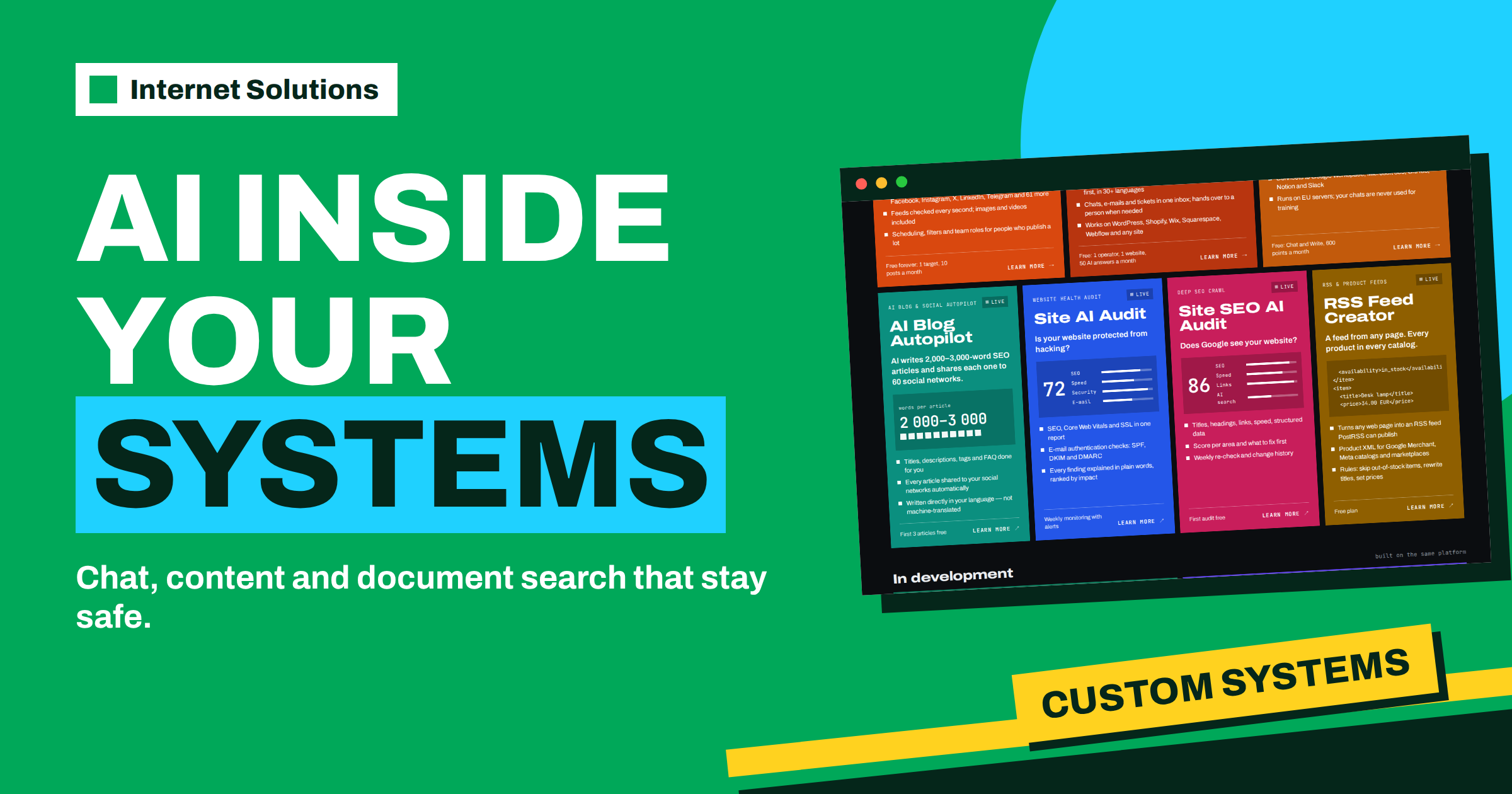
Almost every company now asks the same question: where could AI help in our own systems, and where would it only add risk? The honest answer is “in a few narrow places, if it is built with care”. AI features for business systems fall into three groups that we build for clients: chat assistants that answer questions, content generation that drafts texts, and document search that finds the right paragraph in a pile of files. They are listed on our website development page among the systems and projects we take on, next to web applications, client portals, integrations, APIs, automation and mobile apps. This guide explains what each feature does, which problems it suits, what must be in place for it to be safe, and how to start with a project small enough to finish and useful enough to keep.
We speak from experience. The same team that builds client systems also built and runs its own products, such as Talkmio, a live chat that answers visitors from your own content, and AI Blog Autopilot, which writes and publishes articles. The lessons below come from running those, not only from theory.
The three building blocks
| Feature | What it does | Typical place in a business system | Main risk |
|---|---|---|---|
| Chat assistant | Answers questions in natural language, from your own content | Website, customer portal, internal help desk | Confident but wrong answers |
| Content generation | Drafts texts, descriptions, replies and summaries | Shop back office, CRM, publishing tools | Invented facts and inconsistent tone |
| Document search | Finds the right passage in manuals, contracts and records, by meaning | Intranet, support tools, project archives | Showing documents to people who should not see them |
Each block can work alone or together with the others. A support portal, for instance, can use document search to find the relevant manual paragraph, a chat assistant to explain it in plain words, and content generation to draft the reply that an agent reviews before sending.
Chat assistants: answers grounded in your content
A chat assistant is useful when customers or colleagues ask the same questions again and again. The key design rule is that answers must come from your own material. Talkmio, for example, reads your website, your FAQ and the documents you upload, and every answer comes from that content: it is designed never to invent prices or policies, and when it is not sure, it hands the conversation to your team, with the full history. That pattern is the model for any assistant we build into a system.
- Grounding. The assistant answers from approved sources only, such as product pages, policies and manuals.
- Handover. When confidence is low, the question goes to a person, with the conversation attached.
- Language. The assistant replies in the language the visitor writes in, which is useful for companies with customers in several countries.
- Review. Someone reads real conversations regularly and fixes the sources when answers are weak.
If you want to see this pattern in a finished product, read our guide on what to teach Mio and how to test answers, and the overview on the Talkmio page.
Content generation: drafts, not decisions
Generating text is where AI saves the most visible time, and also where careless use causes the most visible embarrassment. In a business system the safest uses are those where a human reads the result before it matters.
- Product descriptions from structured data, reviewed before publication.
- Reply drafts for support agents, who edit and send.
- Summaries of long threads, documents or meeting notes.
- Translations and tone adjustments of existing texts.
- Articles and social posts for blogs, with automatic quality checks and, where needed, approval before anything goes live.
The more consequences a text has, the more human review it needs. A draft for an internal note can go through quickly. A statement about prices, guarantees or legal terms should never be published without a person reading it.
Document search: finding meaning, not just words
Classic search finds exact words. Document search by meaning finds the passage that answers the question even when the words differ. That is valuable for companies with years of manuals, contracts, offers and procedures that nobody can find when they need them. A typical build indexes the documents, splits them into passages, and returns the best passages with a link to the source, so that the user can check the original instead of trusting a summary.
Permissions are the central issue. A search that finds everything for everyone is a data leak. The system must respect the same access rules as the original documents: a salesperson should not retrieve an employee’s file just because the search found it. Our guide to summarizing PDFs and contracts with Ask Mio shows how document analysis works from the user’s side.
What must be in place before you start
- A specific problem. “Reduce the time to answer routine support questions” is a project. “Use AI” is not.
- Good source material. Assistants are only as good as the content behind them. Clean, current documents are the best investment.
- An owner. Someone in the company must own the quality of answers and the sources.
- A privacy decision. Decide which data may be processed, where, and for how long. Rules on personal data, such as the General Data Protection Regulation, apply to AI features as to any other system.
- A fallback. What happens when the feature is wrong or unavailable? A person must always be able to take over.
- A way to measure. Time saved, questions resolved, corrections needed and user satisfaction are simple measures that show whether the feature earns its place.
Risks and how to manage them
| Risk | What it looks like | Control |
|---|---|---|
| Wrong answers | A confident reply that is false or out of date | Answer from approved sources only; hand over to a person when unsure; review conversations |
| Invented facts | Numbers, quotes or sources that do not exist | Instruct the system never to make them up, and have a person check statements that matter |
| Data exposure | Private documents shown to the wrong user | Apply the same permissions as the source; log access |
| Prompt manipulation | A user or a document tries to steer the assistant to ignore its rules | Limit what the assistant can do, separate instructions from content, test with hostile inputs |
| Over-reliance | Staff stop checking results | Keep review steps in the workflow for important outputs |
The OWASP list of risks for applications built on large language models is a good checklist for developers, and the European regulatory framework for AI sets out how the European Union approaches the subject. For some use cases, particularly where personal data or sensitive decisions are involved, it is wise to plan a legal review before the feature goes live.
Starting small: a project plan that works
The projects that succeed are narrow at the start. A practical plan has four stages.
- Audit. Look at the process, the questions or documents involved, and the volume. Decide which of the three building blocks fits.
- Prototype. Build a small version for one department or one question type, with real content.
- Test. Let a few users try it, read the results, fix the sources and rules.
- Extend. Add more content, more users and more features once the first version proves itself.
Often the second step reveals that the content is not ready. That is a useful discovery, not a failure, because tidy content improves every system. If you are weighing whether you need a custom system at all, our article on client portals and custom business systems helps with that decision.
Set a clear success measure before the prototype starts. For a support assistant it might be the share of routine questions answered without a person; for document search, the time a colleague needs to find a procedure; for content drafts, the minutes saved per text after review. A measure agreed in advance prevents the common situation in which a project is declared a success or a failure by impression alone, and it gives you the evidence to decide whether to extend, adjust or stop.
Build, buy or configure?
Not every need requires custom code. Often the right answer is to use a ready product and configure it. A live chat that answers from your own content can be used as it is, a blog automation tool can write and publish articles, and an AI assistant can help your team with everyday writing, research and analysis. Custom work makes sense when your process is unusual, when the feature must live inside your own application, when data must stay under your own control, or when you need to connect several systems. Tell us what you need and we will propose the right plan.
Two examples of how the pieces fit together
A customer portal for a service company
A company that maintains equipment for business customers has a portal where clients see contracts, tickets and invoices. Clients often ask where to find a manual or how a procedure works. A chat assistant in the portal answers from the company’s own manuals and policies and shows which document the answer came from. When the question concerns a specific contract or a fault, the assistant passes it to a human agent with the conversation attached. Behind the scenes, document search indexes the manuals, and agents use content generation to draft replies that they read and edit before sending. Each of the three blocks does a job that it is good at, and a person keeps the final say.
An internal knowledge assistant for a small team
A team of twenty has years of proposals, procedures and project notes spread across folders. New colleagues spend hours asking where things are. A document search that works by meaning lets them type a question and see the best passages with links to the originals. Permissions follow the folders, so confidential material stays hidden from people who should not see it. A chat view on top of the search explains the passages in plain words, and the team measures a few simple numbers: how often a search answered the question, how often a person had to be asked anyway, and how many documents were found to be outdated. That last number is often the unexpected benefit, because the project makes visible which documents nobody maintains.
Both examples follow the same principle: start from a real daily annoyance, ground the feature in your own material, keep people in the loop and measure the result. They are illustrations of a way of working, not promises of specific outcomes for any particular company.
Frequently Asked Questions
Which AI features can Internet Solutions build into business systems?
Our website development page lists AI features such as chat assistants, content generation and document search among the systems and projects we take on, along with web applications, client portals, integrations, APIs, automation and mobile apps.
Can a chat assistant answer only from our own content?
That is the recommended design. Answers come from approved sources such as your website, FAQ and documents, and when the assistant is not sure, the conversation goes to a person. Talkmio works this way.
Is it safe to let AI write texts for customers?
It is safe when a human reviews what matters. Use AI for drafts and summaries, and read statements about prices, guarantees and legal terms before they are published.
How do you keep document search from showing the wrong files?
By applying the same access rules as the original documents, so that each user finds only what they are allowed to open, and by logging access.
Where should we start?
With one specific problem, a small set of good documents and an owner for the quality of answers. Tell us what you need and we will propose the right plan.
Do we have to build something custom?
Not always. A ready product, configured well, often solves the problem faster. Describe your case and we will propose the right plan.
The Bottom Line
Chat assistants, content generation and document search are the three AI features that most often earn their place in business systems. They work when they are grounded in your own content, when a person can take over, when permissions follow the data and when someone owns the quality. Start with one narrow problem, test with real users and extend step by step. If you would like to explore what fits your company, from a single integration to a complete platform, describe your idea on the website development page or write to our team, and we will propose the right plan.