

 English
 Lietuvių
 Latviešu
 Eesti
Eesti Русский
 Polski
 Українська
 Deutsch
 Italiano
 Español
 Français
 Português
 Čeština
 Magyar
 Română
 Ελληνικά
 Türkçe
 日本語
日本語 العربية
 हिन्दी
 Bahasa Indonesia
 Bahasa Melayu
 ไทย
ไทย Tiếng Việt
 বাংলা
বাংলাCDN and Web Application Firewall for Small Business Websites
A CDN and a web application firewall are two services that sit in front of your website and change how it handles visitors. A content delivery network (CDN) stores copies of your files on servers around the world, so pages load faster and your own server does less work. A web application firewall (WAF) inspects incoming requests and blocks the ones that look like attacks before they reach your application. Together, a CDN and web application firewall used to be something only large companies bothered with. Today many providers bundle them into one service with a free or inexpensive entry plan, and the question for a small business is no longer “can we afford it?” but “do we need it, and how do we set it up without breaking anything?”
This guide explains what each layer does, when it helps and when it does not, how the two work together, what to configure first, and the mistakes that cause more problems than they solve.
What a CDN Actually Does
Without a CDN, every visitor downloads every file from your origin server, the machine where your website lives. If that server is in Germany and the visitor is in Canada, every image, stylesheet and script travels across the Atlantic, and every request uses your server’s CPU and bandwidth.
A CDN puts a network of edge servers between visitors and your origin. When a visitor requests a file, the nearest edge server answers if it already has a cached copy. If not, it fetches the file from your origin once, stores it, and serves it to the next visitors in that region. The MDN glossary entry on CDNs gives a concise technical definition.
The practical benefits for a business website:
- Faster loading for visitors far from your server, especially for images, fonts, scripts and stylesheets.
- Lower server load, because most static requests never reach the origin. This can postpone an expensive hosting upgrade.
- Better resilience during traffic spikes, such as a newsletter send, a sale or a mention in the press.
- Modern protocols and compression such as HTTP/2, HTTP/3 and Brotli, often enabled at the edge without changing your server.
- Free or simple TLS certificates at the edge, although the connection from the CDN to your origin must still be secured.
What a Web Application Firewall Does
A traditional network firewall decides which ports and IP addresses may connect. A web application firewall works one level higher: it reads HTTP requests and looks for patterns that indicate attacks on the application itself, such as SQL injection, cross-site scripting, path traversal or attempts to exploit known vulnerabilities in popular software.
Most WAFs combine several types of protection:
- Managed rule sets that block common attack patterns. Many are based on or inspired by the open-source OWASP Core Rule Set.
- Virtual patches for newly published vulnerabilities in popular platforms and plugins, which can block exploitation before you have installed the real update.
- Rate limiting to slow down brute-force login attempts, form spam and aggressive scrapers.
- Bot management to challenge or block automated traffic that behaves suspiciously.
- Custom rules that you write yourself, for example blocking access to the admin area from outside your country or allowing it only from your office IP addresses.
- DDoS mitigation at the network and application layers, absorbing floods of traffic that would overwhelm a single server.
The attacks a WAF is designed to stop map closely to the risks described in the OWASP Top Ten, the most widely used reference for web application security.
How the CDN and WAF Work Together
In most modern services, the CDN and the WAF run on the same edge network. Your domain’s DNS points to the provider; every request passes through the edge, where the WAF inspects it, and then the CDN serves it from cache or forwards it to your origin. One change in DNS gives you both layers.
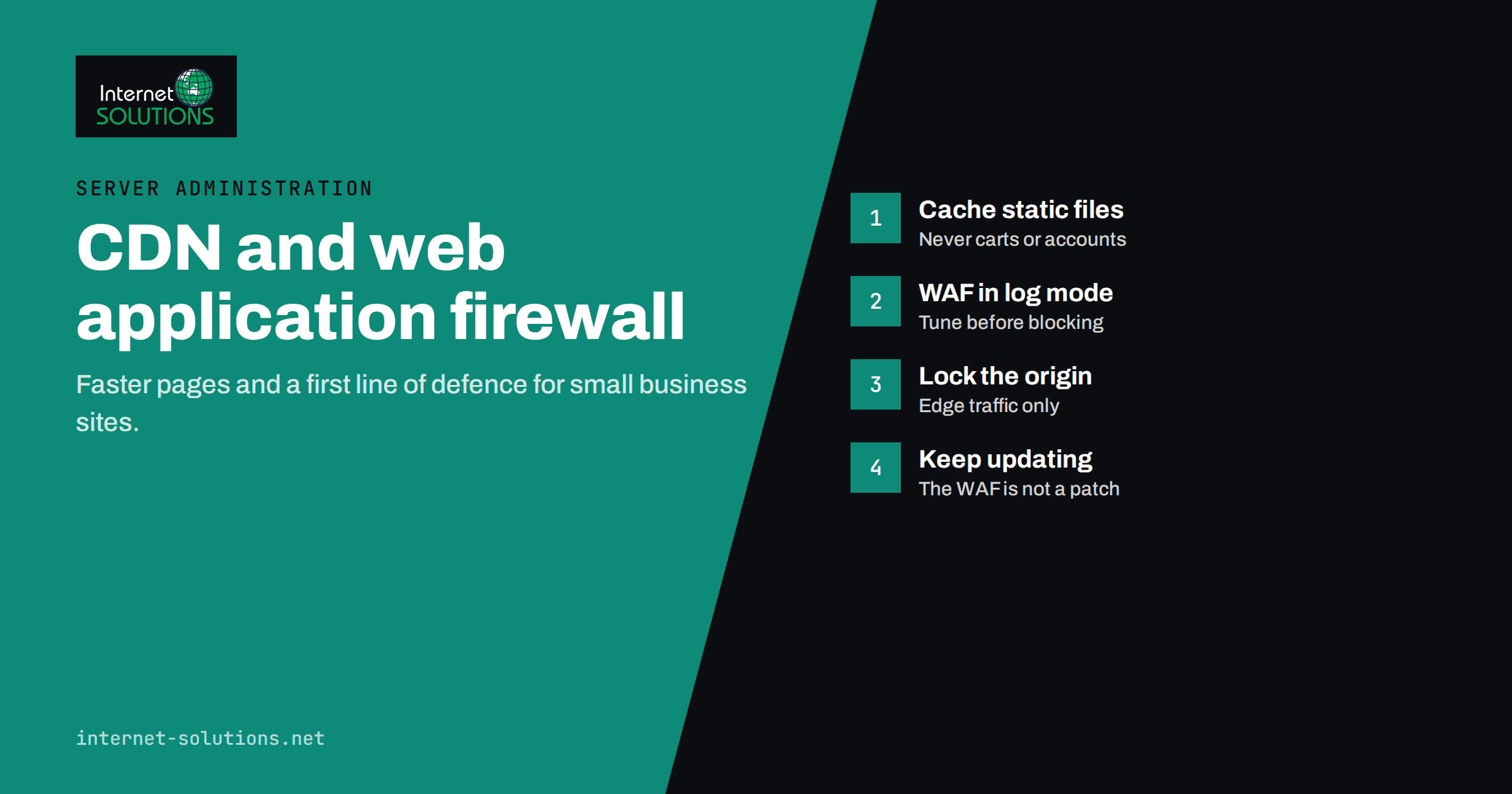
This architecture has an important consequence: your origin server should accept web traffic only from the provider’s edge network. If attackers can still reach the origin directly by its IP address, they can bypass both the WAF and the CDN. Locking the origin down, either with firewall rules that allow only the provider’s IP ranges or with an authenticated tunnel, is the step most often forgotten.
Do You Actually Need One? A Comparison
Not every website gains the same from these services. The table below summarises typical situations.
| Website situation | CDN benefit | WAF benefit | Recommendation |
|---|---|---|---|
| Small brochure site, local visitors, good hosting | Low to moderate | Moderate if built on a popular CMS | Optional; a free plan is reasonable |
| WordPress site with plugins and a login page | Moderate | High: blocks plugin exploits and brute force | Recommended |
| E-shop with international customers | High: faster pages in every market | High: checkout, accounts, bots | Strongly recommended |
| Media-heavy site or blog with traffic spikes | High: bandwidth and spike protection | Moderate | Strongly recommended |
| Web application or customer portal | Moderate: mostly dynamic content | High, but rules need careful tuning | Recommended, with testing |
| Internal tool used only from the office | Low | Low if access is restricted another way | Usually not needed |
Setting Up a CDN Without Breaking Your Site
Most problems after enabling a CDN come from caching the wrong things. A careful rollout looks like this.
1. Start with static files only
Cache images, CSS, JavaScript and fonts at the edge first. These files are the same for every visitor and benefit most from caching. Leave HTML pages uncached until you understand how your site behaves.
2. Never cache personalised pages
Shopping carts, checkout, account pages, admin areas and anything that depends on a login cookie must bypass the cache. Caching them can show one customer’s cart or account details to another. Most CMS-specific settings handle this, but verify it yourself by logging in from two different browsers.
3. Set sensible cache headers at the origin
The CDN follows the cache instructions your server sends. Versioned static files can be cached for a long time; HTML should have short lifetimes or none. MDN’s guide to HTTP caching explains the headers involved.
4. Plan cache purging
When you publish a change, visitors should see it. Configure your CMS or deployment process to purge changed files automatically, or use versioned file names so new files never collide with cached ones.
5. Measure before and after
Record load times and Core Web Vitals before switching on the CDN, then compare after a week. If nothing improves, the bottleneck is probably elsewhere: slow database queries, heavy plugins or unoptimised images.
Configuring a WAF: Start in Log Mode
A WAF that blocks legitimate customers is worse than no WAF. The safe approach is gradual:
- Enable managed rules in logging or simulation mode for one to two weeks. Review what would have been blocked.
- Look for false positives: contact forms with unusual text, page builders saving complex content, payment callbacks, API calls from your own integrations.
- Create exceptions narrowly, for a specific path and rule, rather than switching off whole rule groups.
- Switch to blocking mode once the logs are clean.
- Add rate limits to login pages, password reset and contact forms.
- Restrict admin areas by country, IP or an additional authentication step where your team’s working pattern allows it.
- Review the logs monthly. Attack patterns change, and so does your website.
Remember that payment providers, shipping services and other integrations send requests to your site automatically. Allow their callbacks explicitly, or orders and payments may silently fail.
What a CDN and WAF Do Not Replace
An edge layer is a strong addition, but it is not a complete security or performance strategy. It does not replace:
- Updates. A WAF can block known exploit patterns, but an unpatched plugin remains vulnerable to anything the rules miss.
- Server hardening. SSH access, file permissions, database exposure and other basics still matter; see our guide to server security hardening.
- Backups. If an attacker gets in through a stolen password, the WAF will not restore your data.
- Strong authentication. Multi-factor authentication on admin accounts stops attacks that look like normal logins.
- Efficient code and hosting. A CDN hides some slowness in static files, but pages generated slowly by the server remain slow for every uncached request.
Costs and Privacy Considerations
Many providers offer a free tier that includes a CDN, basic DDoS protection and limited WAF rules. Paid plans add managed rule sets, more custom rules, advanced bot management and better support. For most small business websites, an entry-level paid plan offers a good balance; large e-shops and applications may need more.
Because all traffic passes through the provider, consider privacy as well. Check where the provider processes data, whether it offers a data processing agreement, and mention the service in your privacy policy. For businesses in the European Union, these questions are part of normal GDPR due diligence.
Finally, keep control of your DNS and account credentials. The CDN account becomes a critical part of your infrastructure: protect it with multi-factor authentication and make sure more than one trusted person can access it.
Choosing a Provider
The market is crowded, and the differences between providers matter less than how well you configure the one you choose. Still, a few criteria help narrow the list:
- Edge locations near your customers. A network with many locations in your main markets delivers the biggest speed gain.
- Managed WAF rules for your platform. Ready-made rule sets for WordPress, WooCommerce or other systems you run save a lot of tuning.
- Clear logs. You should be able to see why a request was blocked, filter by path and export the data.
- Easy cache control. Page rules, bypass by cookie and one-click or API purging make day-to-day work simple.
- Origin protection options, such as published IP ranges or an authenticated tunnel.
- Support and contracts that match how critical the website is to your business, including a data processing agreement.
Run a short trial on a staging copy or a less critical domain first. An afternoon of testing reveals more than any feature comparison page.
A Practical Rollout Plan
- Measure current speed and server load, and list all integrations that call your website.
- Move DNS to the provider, or add the domain, keeping existing records unchanged.
- Enable caching for static files only; bypass cache for carts, accounts and admin.
- Enable WAF managed rules in log mode and review them for one to two weeks.
- Lock down the origin so it accepts web traffic only from the edge network.
- Switch the WAF to blocking mode, add rate limits and admin restrictions.
- Measure again and document the configuration for whoever maintains the site.
Edge services fit naturally into ongoing server administration: someone should watch the logs, adjust rules after website changes and check that the origin remains protected.
Frequently Asked Questions
Will a CDN improve my SEO?
Indirectly. A CDN can make pages load faster and more reliably, which improves user experience and Core Web Vitals. It does not change rankings by itself.
Can a WAF block real customers?
Yes, if rules are too strict. Start in log mode, review what would be blocked, add narrow exceptions and only then switch to blocking.
Do I still need security plugins if I use a WAF?
An edge WAF covers most request filtering, but server-side tools such as malware scanning, login protection and integrity checks still add value behind it.
Is a free CDN plan enough for a small business?
For many brochure sites, yes. E-shops and sites built on popular CMS platforms usually benefit from paid WAF rules and better bot protection.
Why does my site still show old content after an update?
The CDN is serving a cached copy. Purge the cache for the changed URLs, or configure automatic purging and versioned file names.
Can attackers bypass a CDN and WAF?
Yes, if your origin server accepts traffic from anywhere. Restrict the origin so it only accepts web traffic from the provider’s edge network.
The Bottom Line
A CDN and web application firewall give a small business website faster loading, better resilience and a strong first line of defence for very little cost. The value comes from careful setup: cache only what is safe to cache, run the WAF in log mode before blocking, lock down the origin and keep updating the website behind it. Treat the edge layer as part of regular IT maintenance, not a one-time switch. If you would like help choosing and configuring the right setup for your site, contact our team.