

 English
 Lietuvių
 Latviešu
 Eesti
 Русский
 Polski
 Українська
 Deutsch
 Italiano
 Español
 Français
 Português
 Čeština
 Magyar
 Română
 Ελληνικά
 Türkçe
 日本語
 العربية
 हिन्दी
 Bahasa Indonesia
 Bahasa Melayu
 ไทย
 Tiếng Việt
 বাংলা
Custom 404 and Error Pages: Helping Visitors Who Land on a Dead End
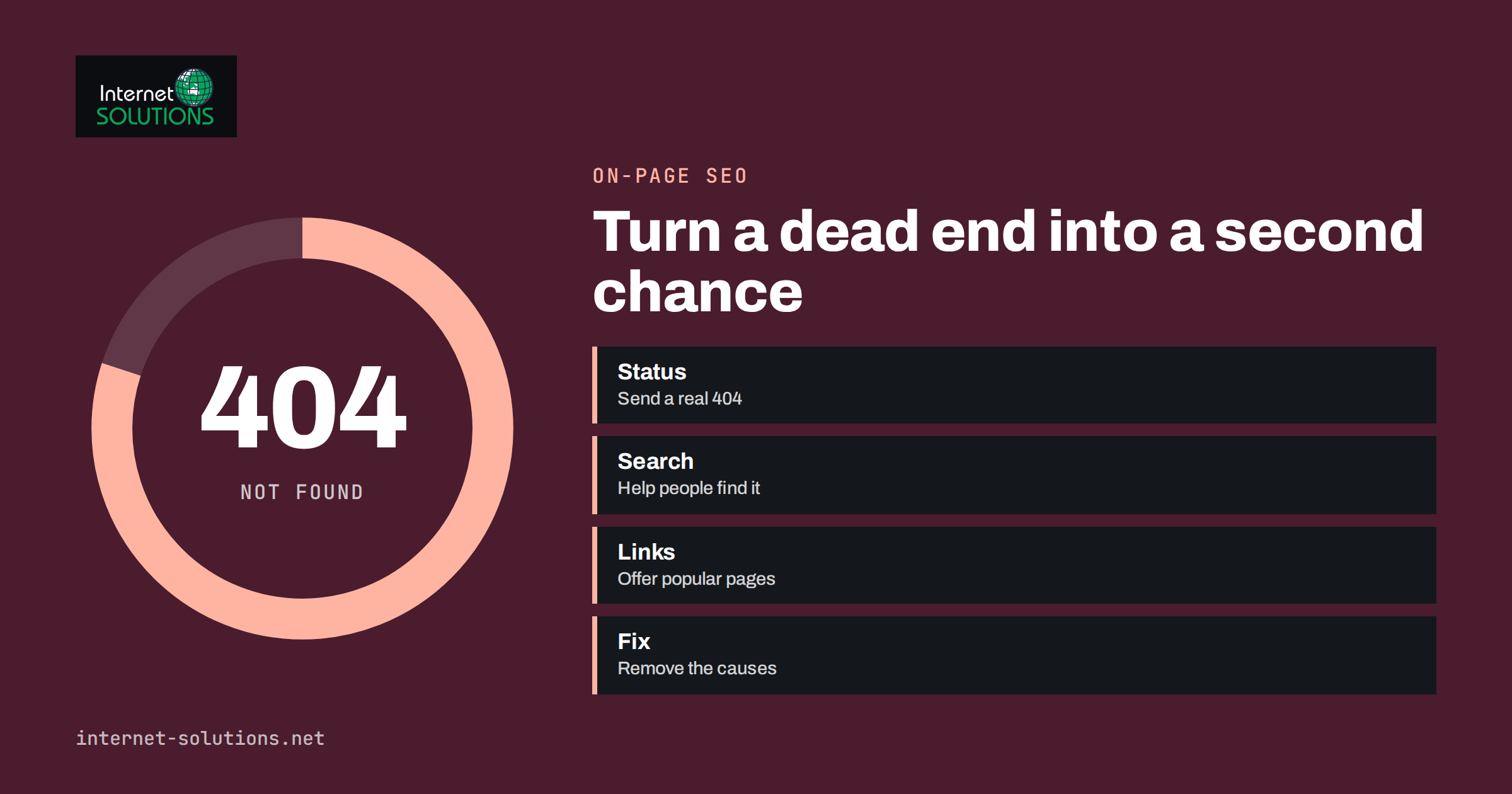
A custom 404 page is the page a visitor sees when they follow a link to an address that does not exist on your website. Every site has such visitors: someone mistyped a web address, an old link in an email points to a page you removed, or another site linked to you incorrectly. What they see next decides whether they leave or carry on. A bare “Not Found” message wastes the moment; a helpful page turns a dead end into a second chance.
This guide explains how 404 and other error pages work, what a good custom page contains, how to avoid the technical mistakes that harm search visibility, and how to design pages for related errors such as 403, 410 and 500. It also covers testing and monitoring. The advice applies to any website, from a simple WordPress site to an online shop, and most of it takes only a few hours to implement.
What a 404 Really Is
When a browser requests an address, the server answers with a status code that tells browsers and search engines what happened. The code 404 means that the server could not find the requested page. It is the web’s standard way of saying “nothing here”. The MDN explanation of the 404 status describes the details, and it is worth remembering that the code is separate from the text the visitor sees. A server can show a friendly page while still sending the correct 404 code, and that is exactly what a good custom page does.
A few related codes appear in the same family and need their own thought.
| Status | Meaning | What the visitor should see |
|---|---|---|
| 404 Not Found | The address does not exist, or the server will not say | A helpful page with search, navigation and popular links |
| 410 Gone | The page existed but was deliberately removed and will not return | A short explanation and suggestions for alternatives |
| 403 Forbidden | The page exists but access is not allowed | An explanation and a way to sign in or contact you |
| 500 Internal Server Error | Something broke on the server | An apology, a simple message and a way to contact you; no technical details |
| 503 Service Unavailable | Temporary downtime, such as maintenance | A clear notice with the expected return time |
Sending the right status matters for search engines as much as the visible text matters for people. Removed pages should not appear to work, and temporary outages should not look permanent.
The Soft 404 Mistake
The most damaging error is the soft 404: a page that tells the visitor “page not found” but sends a normal success code. Search engines then see a valid page with thin content, and they may crawl and index thousands of worthless URLs. Google’s documentation on HTTP status codes and network errors explains how soft errors are treated and why a correct status is important.
Soft 404s often arise in three ways. A content management system may display a custom message but return a success code. A site may redirect every missing address to the home page, which confuses visitors and search engines. Or an empty search or category page may show “no results” with a normal status and thousands of address variations. The fix is to configure the server or the CMS so that missing pages return a real 404, to redirect only when a close replacement exists, and to avoid generating endless empty pages.
- Test the status code, not just the look of the page, using browser developer tools or an online header checker.
- Do not redirect every missing page to the home page. Redirect to a relevant replacement or show a 404.
- Return 410 for pages you removed on purpose if you want them dropped from search results quickly, though 404 also works.
- Keep error pages out of the sitemap and make sure internal links never lead to them.
What a Good Custom 404 Page Contains
Think about the visitor’s state of mind: they wanted something, did not get it and are one click from leaving. The page should acknowledge the problem briefly, help them find what they wanted and keep your brand intact.
- A clear message. “We could not find that page” is better than technical text. Avoid blame; do not say “you typed it wrong”.
- The normal header and navigation, so the visitor can move around as on any other page.
- A search box, which lets people look for what they wanted. See our guide to site search for business websites.
- Links to popular destinations, such as main services, products, the blog and contact details.
- A way to report the problem, such as a contact link, which also helps you to find broken links.
- A light touch of personality. A little humour can be welcome, but the page must stay useful and appropriate for your business.
For online shops, add links to categories, bestsellers and the cart. For service businesses, link to the main services and the contact page. For publishers, show recent or popular articles. For all, keep the design simple and fast, because an error page that loads slowly makes the situation worse. Make sure it is accessible: readable contrast, a clear heading, working keyboard navigation and descriptive links.
Be Smart: Suggestions Based on the Address
If you can do a little more, make the page smarter. Many missing addresses are close to real ones: a typo, a changed word in the slug or a removed date. A site can look at the requested address, find the nearest matching pages and suggest them, for example “Did you mean one of these pages?”. Content management systems and plugins offer this, and you can also create a rule for known patterns.
Use redirects for pages that have moved. If you replaced “/services/web-design” with “/website-development”, a permanent redirect saves visitors and keeps the value of links that point to the old address. Our guide to 301 redirects explains how to set them up without creating chains. Reserve the 404 page for addresses with no sensible replacement.
Writing the Words
The text on the page deserves as much care as the layout. A good headline states the situation plainly: “That page is not here”. A single supporting sentence explains what may have happened: the address may have changed, or the page may have been removed. Then offer an action: search, go to the home page, or contact you. Avoid jargon such as “error 404” in the headline, though a small mention of the code at the bottom can help support staff when a visitor reports the problem.
Keep the tone consistent with your business. A law firm or a clinic should stay calm and practical; a creative studio or a game shop can be playful. Whatever the tone, never blame the visitor, never hide the navigation and never use text that sounds like a security warning, because people may think the site was hacked. Translate the page if your site has several languages, so that a visitor on the Polish version does not land on an English dead end. Review the wording once a year and update links to your most popular pages, because a list of favourites that points to removed content defeats the purpose.
Find and Fix the Causes
A custom page softens the problem, but the best result is fewer 404s. Collect data to see which missing addresses are requested most often, and fix the causes.
- Server logs and analytics. List the most requested missing addresses and where the visitors came from.
- Search Console. It reports pages that Google could not find, which may reveal broken links on other sites or old addresses still in search results.
- Internal links. Crawl your own site to find links that lead to missing pages, and correct them.
- External links. If a valuable site links to a wrong address, ask them to correct it or redirect the address.
- Migrations. After a redesign or move, compare old and new address lists and redirect everything that matters.
Our article on broken links and 404 errors describes a complete routine for finding and fixing them. Ignore harmless noise: bots probe for common administrative paths all day, and those requests should return 404 without further attention.
Other Error Pages: 403, 500 and Maintenance
Do not stop at 404. A server error page that shows technical details is unprofessional and can reveal information that attackers use. Create simple custom pages for the main errors. A 500 page should apologise, say that the problem has been recorded, and give a phone number or contact form. A maintenance page, sent with a 503 status and a header that says when to retry, tells search engines that the downtime is temporary. A 403 page should explain that access is restricted and how to request it.
Static pages are safest for server errors, since the application that generates dynamic pages may be the thing that is broken. Store the files so that the web server can serve them even when the application or database is down. Include no scripts or resources that depend on the failed system.
Implementation Notes
On most platforms the setup is straightforward. In WordPress, the theme usually has a template for the 404 page, and it can be edited by a developer. On other systems, the web server configuration names the page to serve for each error code. Whatever the platform, check that the status code is correct and that the page does not trigger heavy processing. For high-traffic sites, serve the page from cache, because a flood of requests for missing addresses should not strain the server.
Add the page to your regular checks, as part of your maintenance routine or your launch checklist. If you would like us to design and implement error pages as part of an on-page SEO and usability review, we can audit your current status codes, soft errors and redirects at the same time.
Testing and Monitoring
Test the page like any other. Request a nonsense address on your domain and verify the visible content and the status code. Test on a phone and in a narrow window. Click each link on the page. Try the search box. Then test the other error pages if you can safely do so, perhaps on a staging site. After launch, monitor the number of 404 responses over time. A sudden jump after a deployment points to a broken link or a missing redirect, and an alert on that jump can save a lot of lost traffic. Our guide to website navigation also helps you to reduce the chance that visitors take wrong turns in the first place.
Frequently Asked Questions
Should my 404 page redirect to the home page?
No. A real 404 status with a helpful page is better for visitors and search engines. Redirect only when a close replacement for the missing page exists.
Do 404 errors hurt my SEO?
Occasional 404s are normal and harmless. Problems arise when important pages are missing, when many internal links lead to errors or when soft 404s fill the index.
What is the difference between 404 and 410?
A 404 says the page was not found, while a 410 says it is gone for good. Both lead to removal from search results, and 410 may be slightly faster.
Can I make the 404 page funny?
Yes, if it fits your brand and still helps people. Include search and links so that humour does not replace usefulness.
How can I check that my page sends the right status?
Open your browser’s developer tools, request a missing address and read the status in the network panel, or use an online header checker.
How often should I review 404 reports?
Monthly for most sites, and after any redesign, migration or large content change.
The Bottom Line
A custom 404 page is a small piece of design with a big effect on lost visitors. Send the correct status code, avoid soft 404s, give people a clear message, search, navigation and popular links, and redirect only when a real replacement exists. Add simple pages for server errors and maintenance, then monitor missing addresses and fix their causes. A few hours of work turn dead ends into a path back to your content.