

 English
 Lietuvių
 Latviešu
 Eesti
Eesti Русский
 Polski
 Українська
 Deutsch
 Italiano
 Español
 Français
 Português
 Čeština
 Magyar
 Română
 Ελληνικά
 Türkçe
 日本語
日本語 العربية
 हिन्दी
 Bahasa Indonesia
 Bahasa Melayu
 ไทย
ไทย Tiếng Việt
 বাংলা
বাংলাEmail List Hygiene: Removing Bounces, Inactive Contacts and Traps
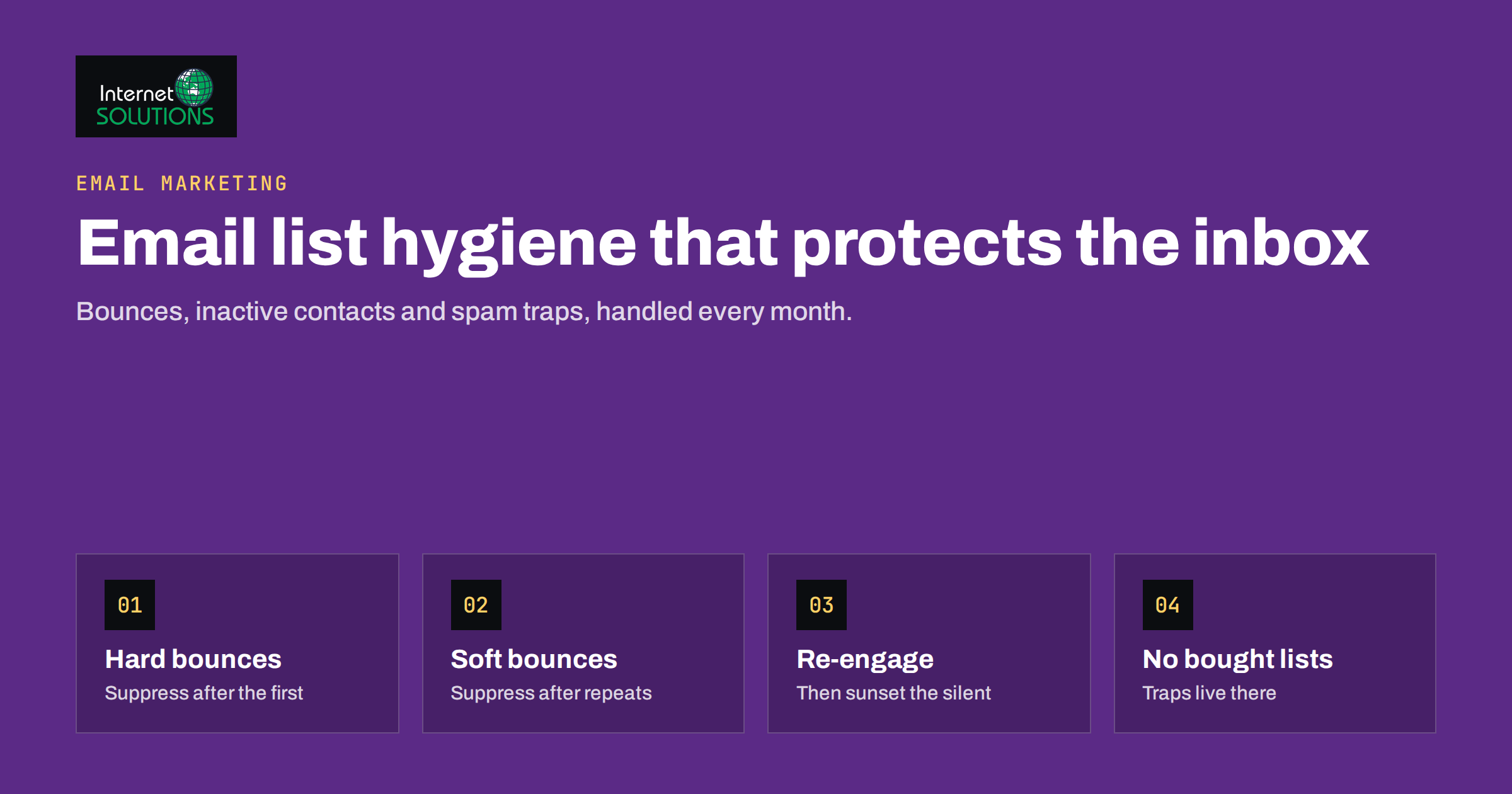
Email list hygiene is the unglamorous work that decides whether your campaigns reach the inbox at all. A list that has grown for years without cleaning contains addresses that no longer exist, people who stopped reading long ago and, sometimes, addresses that were planted specifically to catch careless senders. Every campaign sent to those contacts tells mailbox providers that you are not paying attention, and the providers respond by moving more of your messages to spam, including those sent to your best customers.
This guide explains what list hygiene actually involves, how to handle bounces and inactive subscribers, how spam traps end up on lists and how to keep them off, and a simple monthly routine that protects your sender reputation. It applies whether you send a weekly newsletter, product announcements or automated flows.
Why List Quality Matters More Than List Size
Mailbox providers such as Gmail, Outlook and Yahoo decide where to place each message based largely on how recipients react to your emails. Opens, replies, moving messages out of spam and adding you to contacts are positive signals. Deleting without reading, ignoring for months and marking as spam are negative signals. Messages sent to addresses that do not exist are another strong negative signal, because legitimate senders who maintain their lists rarely hit many of them.
That means a smaller list of engaged contacts usually delivers more revenue than a large list full of dead weight. Since 2024, the largest providers have also published explicit requirements for bulk senders. Google’s email sender guidelines and Yahoo’s sender best practices both ask senders to authenticate their mail, offer easy unsubscription and keep spam complaint rates low. Google recommends keeping the user-reported spam rate below 0.1% and warns that rates of 0.3% or higher harm delivery. Sending to uninterested people is the fastest way to exceed those thresholds.
Authentication is the technical foundation; if SPF, DKIM and DMARC are not yet in place, start with our guide to SPF, DKIM and DMARC. List hygiene is the behavioural part that builds on it.
Handling Bounces Correctly
A bounce is a message returned by the receiving server because it could not be delivered. Your email platform records bounces automatically, but the way it treats them depends on settings you should check.
Hard Bounces
A hard bounce is a permanent failure. The address does not exist, the domain does not exist or the receiving server permanently refuses mail. Hard-bounced addresses should be suppressed immediately after the first bounce and never mailed again. Most platforms do this by default; make sure the setting is on and that suppressed addresses are not reimported from another system later.
Soft Bounces
A soft bounce is a temporary failure: a full mailbox, a server that is briefly unavailable or a message that is too large. These can resolve on their own. A common rule is to suppress an address after several consecutive soft bounces across separate campaigns. An address that has soft-bounced for weeks is effectively dead.
Blocks and Policy Rejections
Some bounces are not about the recipient at all. If many addresses at one provider bounce with messages about reputation, policy or authentication, the problem is your sending setup, not your list. Suppressing those contacts would hide the symptom. Investigate authentication, content and complaint rates instead.
Dealing With Inactive Subscribers
Inactive subscribers are people who have not opened or clicked for a long time. They do not bounce, so they look harmless, but they drag down engagement and some of their addresses may have been abandoned and later turned into spam traps.
Open data has become less reliable because some email apps load images automatically, which records an open even when nobody looked at the message. Use clicks, website visits, purchases and replies as stronger engagement signals, and treat opens as a supporting indicator rather than proof.
Define “Inactive” for Your Business
There is no universal number. A weekly newsletter can reasonably consider someone inactive after three to six months without engagement. A store that sends seasonal offers may wait longer, because customers buy once or twice a year. Write down your definition and apply it consistently.
Run a Re-Engagement Campaign
Before removing inactive contacts, give them a chance to stay. A short re-engagement sequence of two or three emails over a couple of weeks works well:
- A friendly message asking whether they still want to hear from you, with a clear button to stay subscribed.
- A reminder that highlights what they would miss: your best content, an offer or a change in how often you send.
- A final notice that they will be removed unless they click.
Those who click return to the active list. Those who do not are suppressed. Our article on email automation flows shows how to build re-engagement into an automated sequence so it runs continuously rather than as an annual clean-up.
Adopt a Sunset Policy
A sunset policy is a standing rule that reduces mailing frequency for contacts as they become less engaged and eventually stops mailing them. For example, contacts with no engagement for 90 days receive only the monthly highlights email, and after 180 days they enter the re-engagement flow. This keeps your active audience healthy without dramatic one-off purges.
Spam Traps: What They Are and How to Avoid Them
Spam traps are addresses used by mailbox providers and blocklist operators to identify senders with poor list practices. They never sign up for anything, so any message they receive proves that the sender collected or kept addresses improperly. Hitting traps can lead to blocklisting and widespread delivery problems.
| Trap type | How it gets on your list | How to prevent it |
|---|---|---|
| Pristine trap | Bought or scraped lists, addresses harvested from websites | Never buy, rent or scrape addresses |
| Recycled trap | An old abandoned address reactivated by the provider after a long period of bounces | Suppress hard bounces and remove long-term inactive contacts |
| Typo trap | Misspelled domains such as common typos of major providers | Validate addresses at signup and use confirmed opt-in |
| Role or seeded address | Generic addresses added without consent | Only add people who signed up themselves |
You cannot identify traps by looking at them; that is the point. The only reliable protection is clean collection and regular removal of contacts who do not engage.
Keeping the List Clean at the Point of Signup
Most hygiene problems start with how addresses enter the list. A few measures prevent the majority of them:
- Confirmed opt-in. Sending a confirmation email that the subscriber must click proves the address exists and belongs to the person. It also documents consent, which helps with data protection requirements.
- Real-time validation. Check the address format and the domain at signup, and suggest corrections for obvious typos.
- Bot protection. Signup forms without protection attract bots that submit random or malicious addresses. A lightweight challenge or a hidden field stops most of them.
- Clear expectations. Tell people what they will receive and how often. Subscribers who know what to expect complain less.
- No purchased lists. Bought lists are full of traps and people who never agreed to hear from you, and in many jurisdictions sending to them is unlawful.
Unsubscribes and Complaints
An unsubscribe is not a failure; it is a contact removing themselves before they mark you as spam. Make it easy. Google and Yahoo require large senders to support one-click unsubscription using the list-unsubscribe header standard described in RFC 8058, and to process requests within two days. Most reputable email platforms add this header automatically; confirm that yours does.
Also make sure that unsubscribes and complaints sync across every system that sends email. A contact who unsubscribed from the newsletter but still receives promotions from a separate tool will complain, and the complaint affects your whole domain.
A Monthly List Hygiene Routine
Hygiene works best as a routine rather than an emergency. A monthly checklist takes less than an hour for most businesses:
- Review bounce rates for recent campaigns. A hard bounce rate that climbs above your usual level points to a collection problem.
- Check complaint rates in your platform and, if you send to Gmail in volume, in Google Postmaster Tools.
- Confirm that hard bounces and repeated soft bounces are suppressed automatically.
- Move newly inactive contacts into the re-engagement flow according to your sunset policy.
- Check that unsubscribes are synchronised across every sending tool.
- Look at new signups for patterns of fake or mistyped addresses, which may indicate a bot problem on a form.
- Record the size of your engaged audience, not just the total list, and track it over time.
Combine this with good targeting. Sending fewer, more relevant campaigns to the right segments reduces fatigue and complaints; our guide to segmenting your email list explains how to start.
Hygiene for Different Types of Lists
The principles are the same everywhere, but the details change with the kind of list you run.
- Online stores should look at purchases as well as email engagement. A customer who never clicks but buys regularly through other channels is not inactive in any useful sense. Exclude recent buyers from sunset rules, and send them transactional and post-purchase messages normally.
- B2B companies lose contacts when people change jobs. Corporate addresses that suddenly bounce after years of activity usually mean the person has left the company. Remove the address, and if the account matters, ask your sales team for the new contact rather than guessing.
- Publishers with daily or weekly newsletters see engagement fluctuate with the news cycle. Use a longer window before declaring someone inactive, and offer a lower-frequency digest as an alternative to unsubscribing.
- Event and seasonal senders who mail only a few times a year should confirm interest before the main season starts, because many addresses can go stale between campaigns.
Whatever the list type, keep suppression lists separate from your active contacts and make sure they are applied in every tool that sends email on behalf of your domain.
What to Do if Deliverability Has Already Dropped
If open and click rates have fallen sharply or many messages are landing in spam, act in this order:
- Verify that authentication passes for every sending service.
- Temporarily send only to your most engaged contacts, for example those who clicked in the last 30 to 60 days.
- Pause campaigns to old or inactive segments completely.
- Check whether your domain or sending IP appears on major blocklists.
- Gradually widen the audience again as engagement recovers.
Recovery usually takes weeks, not days, which is why prevention is far cheaper. Our e-marketing service works only with confirmed opt-in lists and includes list management such as grouping, filtering and removing duplicates, plus automatic unsubscribes.
Frequently Asked Questions
How often should I clean my email list?
Bounce handling should be automatic and continuous. Review inactive contacts and complaint rates monthly, and run re-engagement through an automated flow rather than an occasional purge.
Will removing subscribers hurt my business?
Usually the opposite. Contacts who never engage rarely buy, and removing them improves inbox placement for everyone else on the list.
Are email verification services worth using?
They are useful for validating addresses at signup and for checking an old list before reactivating it. They cannot detect spam traps reliably, so they do not replace good collection practices.
What is a good bounce rate?
For a well-maintained, confirmed opt-in list, hard bounces should be rare. A sudden increase signals a problem with how addresses are being collected or imported.
Should I delete unsubscribed contacts?
Keep them on a suppression list so they are never mailed again, even if the address is imported from another source later. Delete other personal data according to your retention rules.
Does list hygiene matter for small lists?
Yes. Mailbox providers judge every sender by recipient reactions. Even a list of a few hundred contacts can damage a domain’s reputation if many addresses bounce or complain.
The Bottom Line
Email list hygiene protects the one thing that makes email marketing work: reaching the inbox. Suppress hard bounces at once and repeated soft bounces soon after, define what inactive means for your business, run a re-engagement flow and apply a sunset policy. Collect addresses only with consent, ideally with confirmed opt-in, and never buy lists. Make unsubscribing easy and synchronised across tools, and review bounces, complaints and engagement every month. A smaller, engaged list will outperform a large neglected one. If you need help auditing your list or recovering deliverability, contact our team.