

 English
 Lietuvių
 Latviešu
 Eesti
Eesti Русский
 Polski
 Українська
 Deutsch
 Italiano
 Español
 Français
 Português
 Čeština
 Magyar
 Română
 Ελληνικά
 Türkçe
 日本語
日本語 العربية
 हिन्दी
 Bahasa Indonesia
 Bahasa Melayu
 ไทย
ไทย Tiếng Việt
 বাংলা
বাংলাForm Spam Protection: Honeypots, CAPTCHAs and Rate Limits
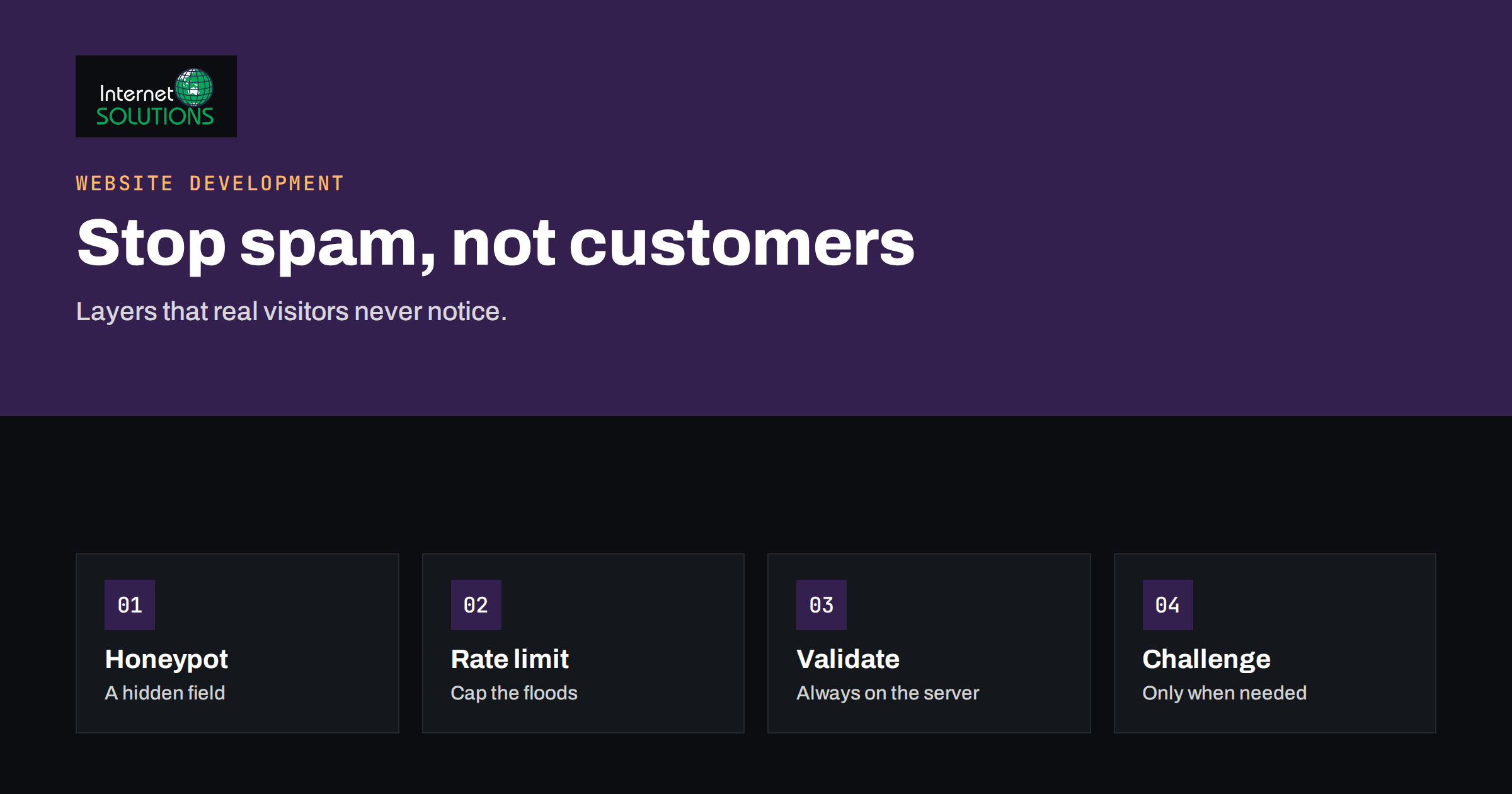
Form spam protection is a balancing act. Every public form on a website, whether it is a contact form, a quote request, a newsletter signup or a comment box, attracts automated submissions sooner or later. Bots post advertising links, fake enquiries, test stolen card numbers, flood a mailbox or probe the site for weaknesses. The obvious reaction is to put a puzzle in front of every form, but puzzles cost real customers. A visitor who cannot read a distorted word or who has to click through nine pictures of traffic lights at eleven at night may simply leave, and you will never know that the enquiry was lost.
This guide shows how to stop most spam while keeping forms easy for people. It explains the main types of abuse, compares honeypots, CAPTCHAs, invisible challenges, rate limits and server-side checks, shows how to combine them in layers, and covers the accessibility and privacy points that are often forgotten. It is written for business owners and developers who manage forms on WordPress or other platforms.
What Kind of Abuse Are You Facing?
Different attacks need different defences, so identify what you see before choosing a tool.
- Link spam and advertising. Submissions full of web addresses, pills, loans or search-engine promotions. These are usually sent by mass bots and are the easiest to filter.
- Fake enquiries and sales leads. Messages that look plausible, often with a real-looking name and a vague request, aimed at getting a reply to which a malicious attachment or link can be added later.
- Mail flooding. Thousands of submissions that fill your inbox, exhaust sending limits or hurt your email reputation. Our article on contact forms and email deliverability explains why this damages legitimate delivery too.
- Signup abuse. Bots registering with disposable addresses or other people’s addresses, so that your confirmation emails become a harassment tool.
- Card testing. Criminals use payment or donation forms to check which stolen card numbers work. This costs you fees and can lead to your payment account being restricted.
- Injection and probing. Attempts to push code or odd characters through form fields in order to break something. This is a security problem rather than annoyance and is handled by validating and escaping input on the server.
- Human spam. Real people paid to submit links manually. Simple bot tricks do not stop them, but content filters and moderation do.
Look at your submissions and server logs for a few days. Note the timing, the number of requests from one address, the content patterns and whether the submissions come with or without a page visit first. This evidence guides the choice of defence.
The Main Tools Compared
| Method | How it works | Effect on real users | Strength against bots | Notes |
|---|---|---|---|---|
| Honeypot field | A hidden field that humans never fill; bots do | None | Good against simple bots, weak against targeted ones | Must be hidden properly and ignored by password managers |
| Time check | Rejects forms submitted in less than a few seconds | None for normal users | Good against fast scripts | Needs a sensible minimum, since autofill is fast |
| Visible CAPTCHA | User solves a puzzle | Friction, accessibility problems | Good, but solving services and AI weaken it | Use only when abuse is severe |
| Invisible or risk-based challenge | Service scores the visit; challenges only suspicious ones | Usually none | Good | Raises privacy and consent questions; depends on a third party |
| Rate limiting | Limits requests per address, per form, per time | None unless limit is hit | Excellent against floods and card testing | Applied at the server, firewall or application |
| Content filters | Rejects links, blocked words or suspicious patterns | Can block genuine messages | Good against link spam | Needs tuning to avoid false positives |
| Email confirmation | Requires clicking a link to confirm | One extra step | Excellent for signups | Standard for newsletters |
| Web application firewall | Blocks known bad sources and patterns | None | Good against known bots | See our guide to CDN and WAF |
Honeypots: Free, Invisible and Surprisingly Effective
A honeypot is an extra field that real visitors never see. Most automated programs fill in every field they find, so if the hidden one contains anything, the submission is discarded. It costs the user nothing and works against a large share of mass spam.
Good implementation details matter.
- Hide it with CSS or by positioning it off-screen, not with a type that advanced bots recognise as hidden. Also set it so that screen readers skip it and keyboard users cannot tab into it.
- Give it a plausible name, such as “website” or “company”, rather than “honeypot”. Prevent browsers and password managers from autofilling it by using the right autocomplete setting.
- Check on the server. A check in the browser script is useless against bots that never run scripts.
- Rotate occasionally. If a particular bot learns your field name, change it.
- Combine with a time check. Record when the form was loaded in a signed token and reject submissions that arrive in under two or three seconds. Do not set the limit too high, because people using autofill can legitimately complete a form quickly.
Honeypots will not stop a determined attacker who targets your form specifically, but they remove the bulk of noise, and that is often all a small site needs.
CAPTCHAs and Challenges: Use With Care
A classic CAPTCHA asks the user to prove they are human. Over time, these challenges became harder for people and easier for machines, because image recognition and cheap human solving services defeat many of them. Newer systems analyse behaviour and browser signals and only show a challenge when something looks suspicious. Examples include Cloudflare Turnstile and similar services from other providers.
When considering a challenge service, ask these questions.
- Accessibility. Does it offer an alternative for users who cannot see or solve the challenge? Standards such as WCAG 2.2 accessible authentication discourage tests that rely on memory or puzzle solving without an alternative.
- Privacy. What data does the service collect, and is it covered in your privacy notice? Some services set cookies or process personal data, which may require consent under the rules that apply to you. Our guide to cookie consent and GDPR helps you decide.
- Dependency. What happens to your forms if the service is down or blocked in a visitor’s country?
- Performance. Does the script slow the page? Load it only on pages with forms.
- Cost. Some services are free for modest use, others charge by volume.
A practical approach is to start with invisible measures and add a visible challenge only to the forms that are still abused, or only for visitors whose requests look suspicious.
Rate Limiting: The Defence Against Floods and Card Testing
Rate limiting caps how often someone can use a function. It does not care whether the sender is a bot or human, only that the behaviour is excessive. This makes it the most reliable defence against floods and payment testing.
- Per address. Allow, for example, five submissions per hour from one IP address for a contact form. Adjust for offices where many people share one address.
- Per form and per target. Limit signups to a given email address, and limit the number of payment attempts per session.
- Global. Set a ceiling on total submissions per minute, so that a distributed attack cannot overwhelm your mail sending.
- Escalation. After repeated failures, slow responses, add a challenge or block the source for a period.
Rate limits can be applied in the web server, in a firewall service or in the application. The same ideas protect login pages from guessing attacks, which we cover in our guide to brute-force protection. For payment forms, also use the fraud tools of your payment provider and require basic checks such as address verification where available.
Server-Side Validation and Content Filtering
No browser-side trick replaces validation on the server. Treat every submitted value as untrusted.
- Validate formats. Check that an email address looks like one, a phone number has digits, and a name does not contain a web address.
- Limit length and number of links. A message with five links in a form for general enquiries is suspicious. Reject or hold it for review.
- Block obvious patterns. Known spam phrases, repeated characters and script tags. Be careful with word lists, because they can reject a real customer whose message mentions a legitimate product.
- Protect headers. Make sure that fields such as name and subject cannot inject new email headers, and always send notifications from your own domain with a fixed from-address.
- Escape output. When you display or email submitted content, escape it so scripts cannot run.
- Use a spam filtering service where appropriate. WordPress sites often use well-known anti-spam plugins that check content against shared databases. Choose plugins carefully; our guide to choosing WordPress plugins safely lists the checks to make.
Keep a quarantine folder for rejected submissions for a week or two. If a real customer complains that their message never arrived, you can find and restore it. Review the folder regularly to catch false positives.
A Layered Setup for a Typical Small Business Site
You do not need everything at once. A sensible, balanced setup might look like this.
- A honeypot field and a minimum submission time on every form.
- Server-side validation, a limit on links per message and a safe email sending configuration.
- Rate limits by address on contact, quote and signup forms.
- Double opt-in confirmation for newsletter signups.
- An invisible challenge service on forms that still receive spam, with a visible fallback only when the risk score is high.
- A web application firewall in front of the site to filter known bad sources.
- Monitoring: a weekly glance at rejected and accepted submissions, and an alert if volume jumps suddenly.
Test the result as a user would: use a phone, a keyboard only, a screen reader if possible, a slow connection and a privacy-focused browser. A defence that blocks people is worse than a little spam. For the design side of forms, our article on web form design shows how to keep forms short and clear. If you prefer to leave implementation to specialists, our website development team builds and maintains forms with these protections.
Measuring Whether It Works
- Spam rate. The share of submissions rejected or flagged, tracked weekly.
- False positives. Genuine messages found in quarantine, or customers who report that a message never arrived.
- Conversion rate. The share of visitors who complete the form. If it drops after you add a defence, the defence may be too strong.
- Mail reputation. Bounce and complaint figures from your email system.
- Cost. Time spent clearing spam and any fees from payment tests.
Make one change at a time and observe for at least a week. If you change several protections together, you will not know which one helped or which one hurt.
Frequently Asked Questions
Is a honeypot enough to stop form spam?
It stops many simple bots and costs users nothing, so it is a good first layer. Combine it with a time check, server-side validation and rate limits for better coverage.
Do I need a CAPTCHA on every form?
No. Start with invisible measures and add a challenge only to forms that remain abused. Visible puzzles reduce conversions and can create accessibility problems.
Are invisible challenge services private?
That depends on the provider. Read what data is collected and whether cookies are set, mention the service in your privacy notice and obtain consent where your rules require it.
How can I stop card testing on a donation or payment form?
Combine strict rate limits, challenge for suspicious sessions, the fraud controls of your payment provider and monitoring for bursts of small failed payments. Act quickly when you see a pattern.
Why do I still get spam that looks like real enquiries?
Some of it is written by humans or by advanced tools. Content checks, link limits, email verification and a short moderation step help, because bot-only tricks cannot catch it.
Could my spam filter block genuine customers?
Yes, which is why you should keep a quarantine, review it regularly and avoid blunt word lists. Offer an alternative contact method, such as an email address or phone number, on the page.
The Bottom Line
The best spam protection is layered and mostly invisible. Use honeypots and time checks to remove the easy bots, validate and filter everything on the server, apply rate limits to stop floods and card testing, and confirm signups by email. Add a modern challenge service only where it is needed, with attention to accessibility and privacy. Keep a quarantine, measure false positives and conversions, and change one thing at a time. A well-protected form feels effortless to a customer and a nuisance only to the people who should be stopped.