

 English
 Lietuvių
 Latviešu
 Eesti
 Русский
 Polski
 Українська
 Deutsch
 Italiano
 Español
 Français
 Português
 Čeština
 Magyar
 Română
 Ελληνικά
 Türkçe
 日本語
 العربية
 हिन्दी
 Bahasa Indonesia
 Bahasa Melayu
 ไทย
 Tiếng Việt
 বাংলা
Getting Website Content From Clients on Time: A Practical Process
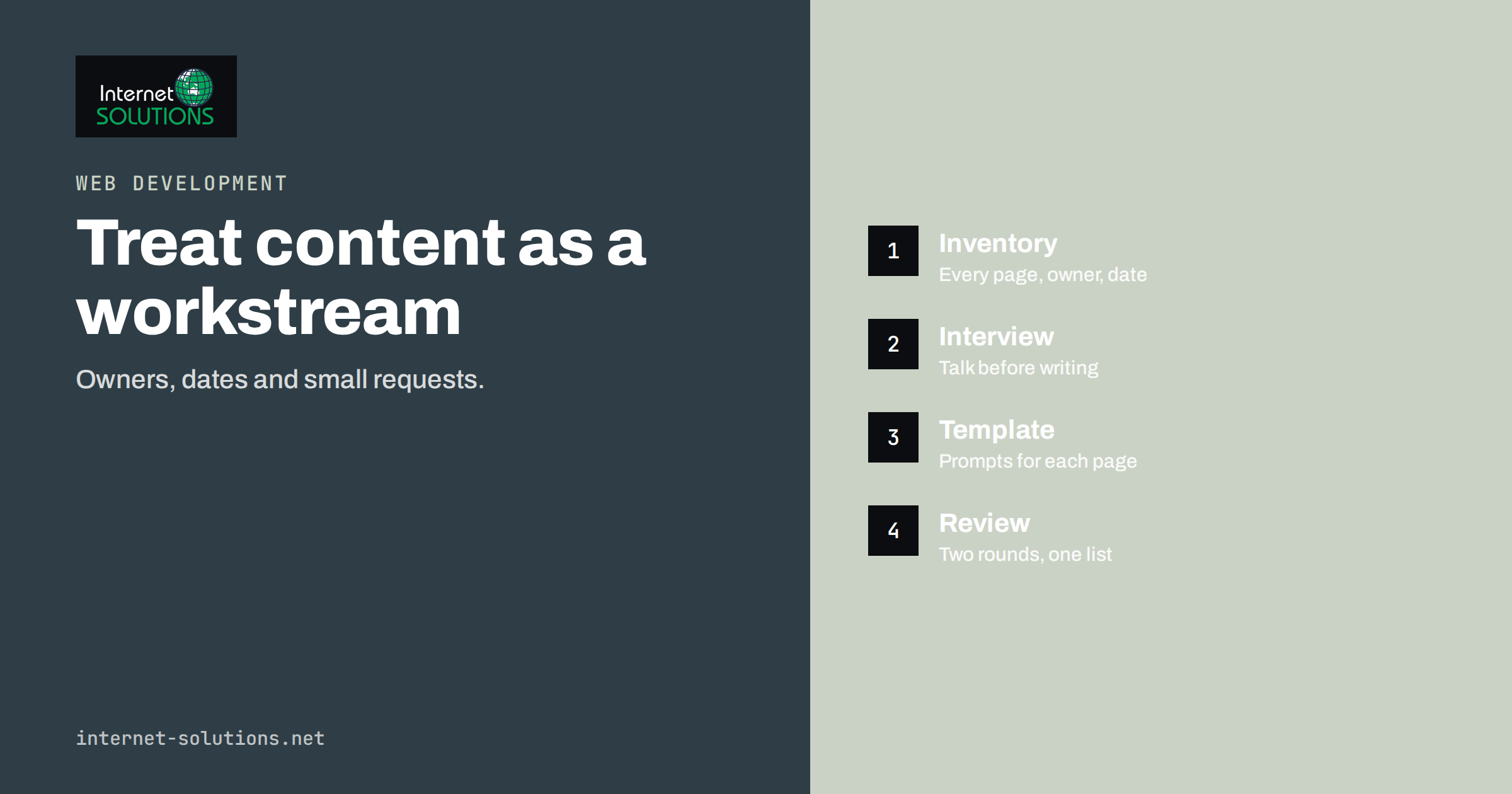
Getting website content from clients on time is the most common reason that website projects miss their launch date. The design is approved, the code is ready, and then the project stalls for weeks because the texts, photographs, product data and legal pages have not arrived. Everyone is busy, nobody is sure who is supposed to write the About page, and the files that do arrive are in six different formats.
This guide offers a practical process for developers, agencies and business owners who are on either side of that problem. It explains why content is late, how to plan and request it, how to make writing easier for non-writers, how to handle files and approvals, and what to do when the deadline passes anyway. The aim is not to blame anyone but to turn content into a managed workstream with owners, dates and clear standards.
Why Content Is Always Late
Understanding the causes makes the cure obvious. Content is late for reasons that are rarely laziness. The first is that writing is hard and takes uninterrupted time, which business owners do not have. A page that a developer can build in an hour may need a day of thinking from the client. The second is uncertainty: people do not know what to say, how long it should be or who will read it. The third is that nobody owns the task. The project manager assumes the client will deliver; the client assumes the agency will write it; the person who knows the facts is on holiday.
The fourth cause is timing. Clients often believe content can wait until the design is finished, while developers need real text to test layouts. Placeholder copy hides problems that appear later, such as a heading that wraps to three lines or a product name that breaks the grid. The fifth is perfectionism. When a client sees a draft sentence on the screen, they start revising it again and again, and the work never feels finished.
Each of these causes can be addressed by process. The sections below describe how, beginning before the contract is signed.
Agree Who Delivers What, and When
Settle content responsibilities in the contract or project plan. The most useful document is a content inventory: a table listing every page, who writes it, who approves it, what format it arrives in and the due date. Our guide to website project contracts explains how to describe such responsibilities and what happens when dates slip.
| Page or asset | Writer | Approver | Format | Due |
|---|---|---|---|---|
| Home page headline and intro | Agency drafts from interview | Owner | Document | Week 2 |
| About page | Client | Owner | Document | Week 3 |
| Service pages | Agency drafts, client corrects | Service lead | Document | Week 3 |
| Product data | Client | Shop manager | Spreadsheet | Week 4 |
| Photographs | Client or photographer | Owner | Full-size image files | Week 4 |
| Legal pages | Client with advisor | Owner | Document | Week 5 |
Name a single person at the client who is accountable for content and has the authority to decide. A committee that must agree on every sentence guarantees delay. Also state what happens if material is late: the launch moves by the same number of days, or the site launches with agreed placeholder pages. Both outcomes are acceptable, provided they are chosen in advance rather than argued about at the end.
Start With Interviews, Not Blank Pages
Most people can talk about their business far more easily than they can write about it. Use that. Hold a short interview, in person or by video call, and record it with permission. Ask the questions a customer would ask: What do you do? Who is it for? How does it work, step by step? What does it cost, roughly? What makes you different? What do customers worry about before they buy? What happens after they contact you?
Transcribe the recording and shape the answers into a first draft. The client then edits a draft instead of staring at an empty page, which is a much smaller task. This is also the best way to catch the details that make a page credible, such as real examples, numbers and the way staff describe their work.
- Keep interviews short. Thirty to forty-five minutes per topic is enough.
- Ask for examples. A story about a recent customer is worth more than a paragraph of claims.
- Collect questions customers ask. They become FAQ entries and headings.
- Confirm facts afterwards. Prices, opening hours and legal wording must be checked by the client.
Give Writers a Template and a Style Guide
People write faster when they know what is expected. Provide a short template for each page type, with headings and prompts. A service page template might ask for a one-sentence summary, who the service is for, what is included, the steps of the process, typical results, frequently asked questions and a call to action. A product template might list name, description, specifications, sizes, care instructions and shipping notes.
Add a one-page style guide: the tone of voice, words to use and avoid, how to write prices and dates, and how long a paragraph should be. People read on screens by scanning, so favour short paragraphs, clear headings and lists where they help. The research of the Nielsen Norman Group on how users read on the web remains a useful reminder of this. For plain language guidance, the UK government’s advice on writing for GOV.UK is practical and free.
Make Requests Small, Specific and Dated
A request such as “please send the content” will be postponed indefinitely. Break it into small tasks that can be completed in one sitting, each with a date. “Please write three sentences about each of your four services by Thursday” is far easier to start than “write the services pages”. Send the list in a shared document or task board, so that everyone sees progress.
- Send a single request list at the beginning, with all items, owners and dates.
- Send a short reminder two days before each due date, with the specific item.
- Offer help on the day the item is due: a call, a draft or a template.
- Escalate politely to the accountable person when a date passes, with the effect on the launch date stated plainly.
- Record changes to the schedule so that everyone sees the cause and effect.
Tone matters. A friendly, factual message such as “We are waiting for the product photographs; each week of delay moves the launch by a week” keeps relationships healthy while keeping accountability clear.
Handle Files and Formats Before They Pile Up
Chaos in files costs time. Tell clients exactly how to deliver material. Ask for text in a shared document, one document per page, rather than in the body of emails or in photographs of printed pages. Request photographs as original files, not screenshots or images pasted into documents, with sensible names. Ask for logos as vector files, along with the colours and fonts used in printed materials.
- One shared folder with clear subfolders for text, images, documents and brand files.
- File naming rules such as page name, version and date.
- A single place for feedback, so comments do not scatter between emails, messages and calls.
- Rights and permissions for images and text that were not created by the client; ask where each came from.
Check images before accepting them. Photographs should be large enough for the layouts, in focus and free of personal data that the subjects have not agreed to publish. Our article on image SEO covers file names, alt text and compression, which you can apply when preparing the files.
Use Real Content Early, and Placeholders Sparingly
Designers and developers should receive real headings and a few real paragraphs as early as possible. This is why the interview stage comes first. Where full content is not ready, agree on realistic placeholders that match the expected length, rather than a few lines of nonsense text. Mark placeholders clearly so that none reaches the live site by mistake; a launch checklist should include a search for placeholder phrases. Our website launch checklist lists what to verify before you go live.
If content cannot be completed in time, consider launching in phases. A site can launch with its core pages and add secondary sections, such as a blog or a full product catalogue, in a second stage. This keeps the project moving and gives the business something live, provided the first release looks finished and nothing important is missing.
Review and Approval Without Endless Loops
Define the approval method early. Send drafts for review in a format that allows comments, set a deadline for feedback, and say how many rounds are included. Ask reviewers to separate factual corrections from preference, because facts must be fixed, while preferences can be weighed. Consolidate feedback from several people into one list before it reaches the writer, so that contradictions are resolved by the client and not by the agency.
When a page is approved, mark it as final in the content inventory and avoid reopening it unless something factual changes. A short sign-off, by email or in the task board, is enough. If you work with partners on a regular basis, our guide to website development for agencies describes delivery steps that include content stages.
When the Content Still Does Not Arrive
Sometimes all the effort fails. If a deadline passes, do not wait quietly. Meet or call the accountable person and ask what is blocking them. Often it is a decision, a missing fact or fear of publishing something imperfect. Offer options: simplify the page, publish a shorter version, hire a writer, or let the agency draft from the information available. Document the choice and the new date.
If delays continue, activate the schedule rules in your contract. Moving the launch date, charging for waiting time or pausing the project are all legitimate responses when agreed beforehand. The goal is to keep the relationship constructive while making the cost of delay visible. Our website development team uses this content workflow on client projects, because a clear process protects the launch date for everyone.
Learn From Each Project
After launch, spend fifteen minutes reviewing how content went. Which items were late, and why? Which templates worked? Where did feedback loop? Update your inventory template, your request messages and your style guide with the answers. Over several projects, this small habit shortens the content phase noticeably, because both sides know what to expect and the same traps are removed from the plan before they appear.
Frequently Asked Questions
Who should write the website content, the client or the agency?
It depends on the budget and the topic. Clients know the facts, while agencies know structure and search needs. A common split is that the agency drafts from interviews and the client corrects and approves.
How early should content be requested?
At the start of the project. Content has the longest lead time of all the workstreams, and it influences design, structure and development.
Is it acceptable to use placeholder text?
Briefly, for testing layouts, if the length is realistic and the text is clearly marked. Never launch with placeholders, and replace them with real content as soon as possible.
How many revision rounds should be allowed?
Two rounds for each page is a typical agreement. Further rounds can be priced separately, so that the process remains focused.
What if the client has no photographs?
Plan for photography early, hire a photographer, or use licensed stock images carefully. Real photographs of the team, premises and work build far more trust than generic pictures.
Can we launch without all the content?
Yes, in phases, if the first release covers the core journey and looks complete. Agree the second phase date and content owners before launch.
The Bottom Line
Content is a workstream, not a favour. Agree owners and dates in a content inventory, begin with interviews instead of blank pages, give writers templates and a style guide, and send small, dated requests. Keep files in one place, use real text early and settle approval rules at the start. When the process is visible and friendly, content arrives, and the site launches on the date you promised.