

 English
 Lietuvių
 Latviešu
 Eesti
Eesti Русский
 Polski
 Українська
 Deutsch
 Italiano
 Español
 Français
 Português
 Čeština
 Magyar
 Română
 Ελληνικά
 Türkçe
 日本語
日本語 العربية
 हिन्दी
 Bahasa Indonesia
 Bahasa Melayu
 ไทย
ไทย Tiếng Việt
 বাংলা
বাংলাGoogle Core Updates and Ranking Drops: How to Diagnose and Respond
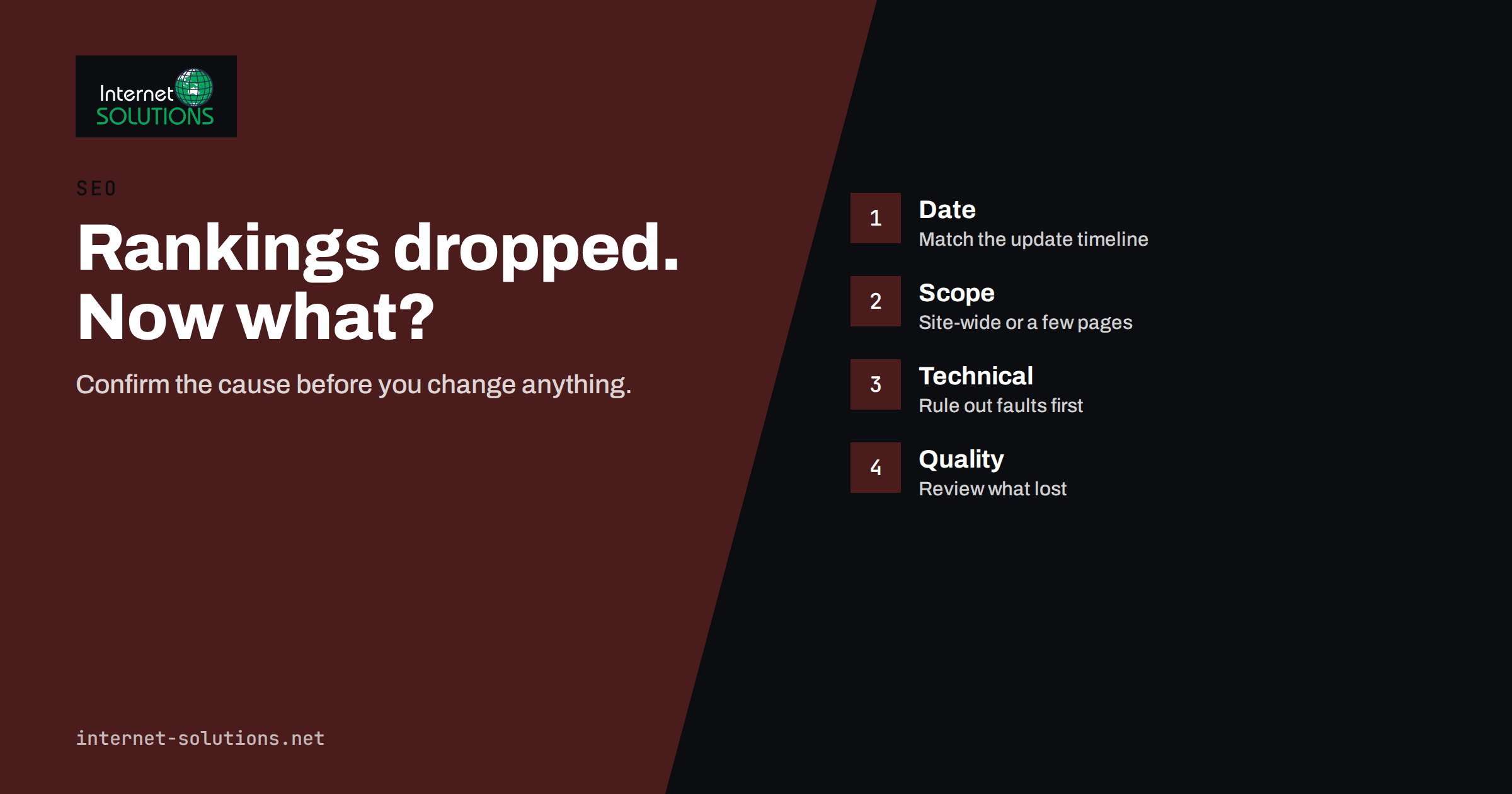
Ranking drops are frightening because they arrive without an explanation. One week the site brings in enquiries from search, the next week traffic is down by a third and nobody changed anything. Google rolls out several core updates a year, plus spam updates and smaller changes, and each one re-evaluates how sites compare to each other. Some sites gain, some lose, and the losing side rarely gets a notification. What it gets is a quiet decline in Search Console and a worried message to whoever looks after the website.
This guide is about what to do in that moment. It covers how to confirm that a drop is real and when it started, how to tell an update from a technical fault, how to read the pattern of which pages lost, what Google says it is looking for, which responses help and which make things worse, and how long recovery realistically takes. It is written for business owners and marketing managers, and it follows the process we use in our SEO service when a client reports a sudden loss.
Step One: Confirm the Drop and Its Date
Before diagnosing anything, establish the facts. Open Google Search Console, go to the Performance report, set the range to the last six months and compare clicks and impressions week by week. A real ranking drop shows as a fall in both clicks and average position across many queries, starting on an identifiable day. A fall in clicks with stable impressions and position usually means something else: a change in how your result looks, a new feature above your result, or seasonal demand.
Then check whether the start date matches an announced update. Google publishes its Search status dashboard with the start and end of each core and spam update, and its core updates documentation explains what site owners should and should not do. Core updates roll out over one to two weeks, so a drop that begins a few days after the announced start is still consistent with the update. If the date does not match any update, look for a change on your side: a redesign, a migration, a plugin update, a new robots rule, a hosting change or expired certificate. Our article on Core Web Vitals covers the performance side if speed was changed around the same time.
Also compare against your analytics. If Search Console shows stable clicks but analytics shows fewer sessions, the problem may be measurement, not rankings. If both show the same decline on the same day, you have a confirmed drop and a date to work from.
Step Two: Rule Out Technical Causes
Technical problems produce drops that look like penalties but are far easier to fix. Spend an hour on this before touching content. Check, in this order:
- Indexing. In Search Console, is the number of indexed pages stable? Did a noindex tag, a robots.txt change or a canonical error remove pages? Use the URL inspection tool on three of the pages that lost the most.
- Availability. Were there server errors, timeouts or a certificate problem around the start date? Server logs and uptime monitoring answer this; our server administration team checks these first on any client site.
- Redirects and URLs. Did URLs change without redirects? Did a redirect chain or loop appear? Did a staging site get indexed?
- Manual actions and security. The Manual actions and Security issues reports in Search Console are empty for most sites, but a hacked page or a spam injection shows up here and explains a lot.
- Structured data and rendering. Did a theme update break rendering so that content is no longer visible to the crawler? Did structured data errors appear?
If any of these turned up around the drop date, fix it, request re-indexing of the affected pages and wait for recrawl before concluding anything about the update. Many “core update losses” we investigate turn out to be a plugin that added noindex to a whole category.
Step Three: Read the Pattern of What Lost
With technical causes ruled out and the date matching an update, the next question is what lost and what did not. In Search Console, compare the period after the drop with the same length of time before it, and look at pages and queries sorted by the change in clicks.
The pattern tells you a great deal. If every page lost roughly the same share, the site as a whole was re-evaluated, which points to site-wide factors: overall quality, trust signals, intrusive advertising, thin sections. If a specific type of page lost, such as blog posts written to a template, product category pages with no text, or location pages that repeat each other, the update targeted that type of content. If specific queries lost while the pages still rank for others, Google may have changed what it considers the best answer for those queries, and the pages that now rank above you show what that is.
Look at the winners too. Search the main queries you lost and read the top results honestly. Are they more specific, more recent, written by someone with evident experience, or simply better organised? This comparison is uncomfortable but it is the most useful diagnostic you have.
What Google Says Core Updates Reward
Google’s guidance on core updates has been consistent for years: there is nothing to “fix”, the update rewards content that is helpful, reliable and made for people, and sites that lost should assess their content against a list of self-assessment questions. The guidance is published in the helpful content documentation, and the questions are worth reading in full. They ask whether content shows first-hand experience, whether it would be trusted by someone looking for a professional, whether it was written to serve visitors or to attract search traffic, and whether the site has a primary purpose or focus.
For a business website this translates into concrete checks. Do your service pages describe what you actually do, with evidence, or are they generic? Are author and company details clear? Are there pages that exist only because a keyword tool suggested them? Is the site padded with articles on topics unrelated to the business? Our article on E-E-A-T for business websites goes through the trust and experience signals in detail.
Responses That Help and Responses That Hurt
| Response | Effect | Notes |
|---|---|---|
| Fixing confirmed technical faults | Helps quickly | Indexing and availability problems recover within weeks of a fix |
| Improving or consolidating weak pages | Helps, slowly | Usually recognised at the next core update rather than immediately |
| Removing content that exists only for search | Helps, slowly | Redirect or delete; do not just noindex hundreds of pages at once without a plan |
| Rewriting titles and meta descriptions across the site | Neutral to harmful | Changes click-through, not quality assessment; large changes add noise |
| Buying links or bulk disavowing | Harmful or useless | Core updates are not link penalties; disavow only clear spam |
| Deleting large sections in panic | Harmful | Destroys pages that were still earning; audit first |
| Doing nothing and waiting | Depends | Reasonable if the drop is small and content is genuinely strong; otherwise lost time |
The pattern in the table is that useful responses are specific and slow, while harmful ones are broad and fast. A content audit that identifies the weakest pages and either improves, merges or removes them is the standard response, and our guide to content audits describes how to run one without destroying pages that still work.
How Long Recovery Takes
Set expectations early, because this is where most frustration comes from. Technical fixes show results within days to a few weeks once pages are recrawled. Improvements to content quality after a core update are usually only reflected when Google runs the next core update, which can be months away, although smaller improvements can appear between updates. Google has said this explicitly: sites that improve may not see recovery until the next update.
This has two practical consequences. First, do the work promptly, because you want it in place before the next update, not after. Second, measure by the right thing. Track the number of pages improved, the technical issues closed and the leads the site produces, rather than refreshing a rank tracker daily. A site that lost rankings on information articles but still converts well on service pages has a smaller problem than the traffic graph suggests.
Protecting the Business While Rankings Recover
A ranking drop is a traffic problem, and traffic has other sources. During recovery, many businesses temporarily increase paid search for the queries that lost, which keeps leads flowing while content work continues; the search terms data from those campaigns also shows which queries still produce customers. Email to existing contacts, social distribution of the content you are improving, and making sure every visitor who does arrive can reach you through a prominent contact route all reduce the damage. Live chat on the pages that still rank often lifts conversion enough to offset part of the loss. If you need help balancing paid and organic during a recovery, that is a conversation worth having early rather than after months of waiting.
One more protective habit: keep a change log for the website. Every theme update, plugin change, redirect, new section and content clean-up goes in with a date. The next time traffic moves, up or down, you will be able to say within minutes whether anything changed on your side, and you will not waste a week diagnosing an update when the real cause was a setting someone changed on a Friday afternoon. The log also makes the comparison with Google’s update dates far more reliable, because you are comparing two dated records rather than one record and a memory.
Finally, remember that core updates cut both ways. A site that was quietly improving its service pages, adding genuine case studies and removing thin articles is often the site that gains when an update rolls out, because the same re-evaluation that pushed a competitor down lifts the better answer up. Treating the work above as routine maintenance, rather than emergency surgery after a drop, is the most reliable way to be on the winning side next time.
Frequently Asked Questions
How do I know if a ranking drop was caused by a Google core update?
Match the start date of the drop in Search Console with the dates on Google’s Search status dashboard, and rule out technical causes first. A drop that begins during an announced rollout, affects many queries and has no technical explanation is most likely the update.
Is a core update a penalty?
No. A core update re-evaluates how all sites compare; nothing is “wrong” in the sense of a manual action. Sites that lost are being outranked by pages Google now considers more helpful. Manual actions appear separately in Search Console.
Should I change my content immediately after a drop?
Fix technical faults immediately. For content, first analyse which pages and queries lost, compare with the pages that now rank, then improve, merge or remove the weakest pages deliberately. Panic rewrites and mass deletions usually make things worse.
How long does recovery from a core update take?
Improvements are often recognised only at the next core update, which may be months later, although some gains can appear sooner. Technical fixes recover faster, within days to weeks of a recrawl.
Can disavowing links help after a core update?
Rarely. Core updates assess helpfulness and quality, not links. Disavow only clear spam you have evidence of; bulk disavows can remove links that were helping.
What should I do if only my blog lost traffic but service pages are fine?
That pattern suggests the blog content was judged less helpful. Audit the posts, improve or consolidate the weak ones, remove off-topic articles, and make sure the blog serves your customers rather than only search traffic. The business impact is usually smaller than the traffic graph suggests.
The Bottom Line
Ranking drops after a Google core update are diagnosable. Confirm the date, rule out technical faults, read the pattern of which pages and queries lost, compare honestly with what now ranks and respond with specific improvements rather than broad panic. Expect the recognition of content work to take until the next update and protect the business with other channels in the meantime. The sites that recover are the ones that treated the drop as an audit they did not ask for, and used it to become clearly more useful than the pages that overtook them.