

 English
 Lietuvių
 Latviešu
 Eesti
 Русский
 Polski
 Українська
 Deutsch
 Italiano
 Español
 Français
 Português
 Čeština
 Magyar
 Română
 Ελληνικά
 Türkçe
 日本語
 العربية
 हिन्दी
 Bahasa Indonesia
 Bahasa Melayu
 ไทย
 Tiếng Việt
 বাংলা
Google Discover: How Your Content Can Appear and What to Expect
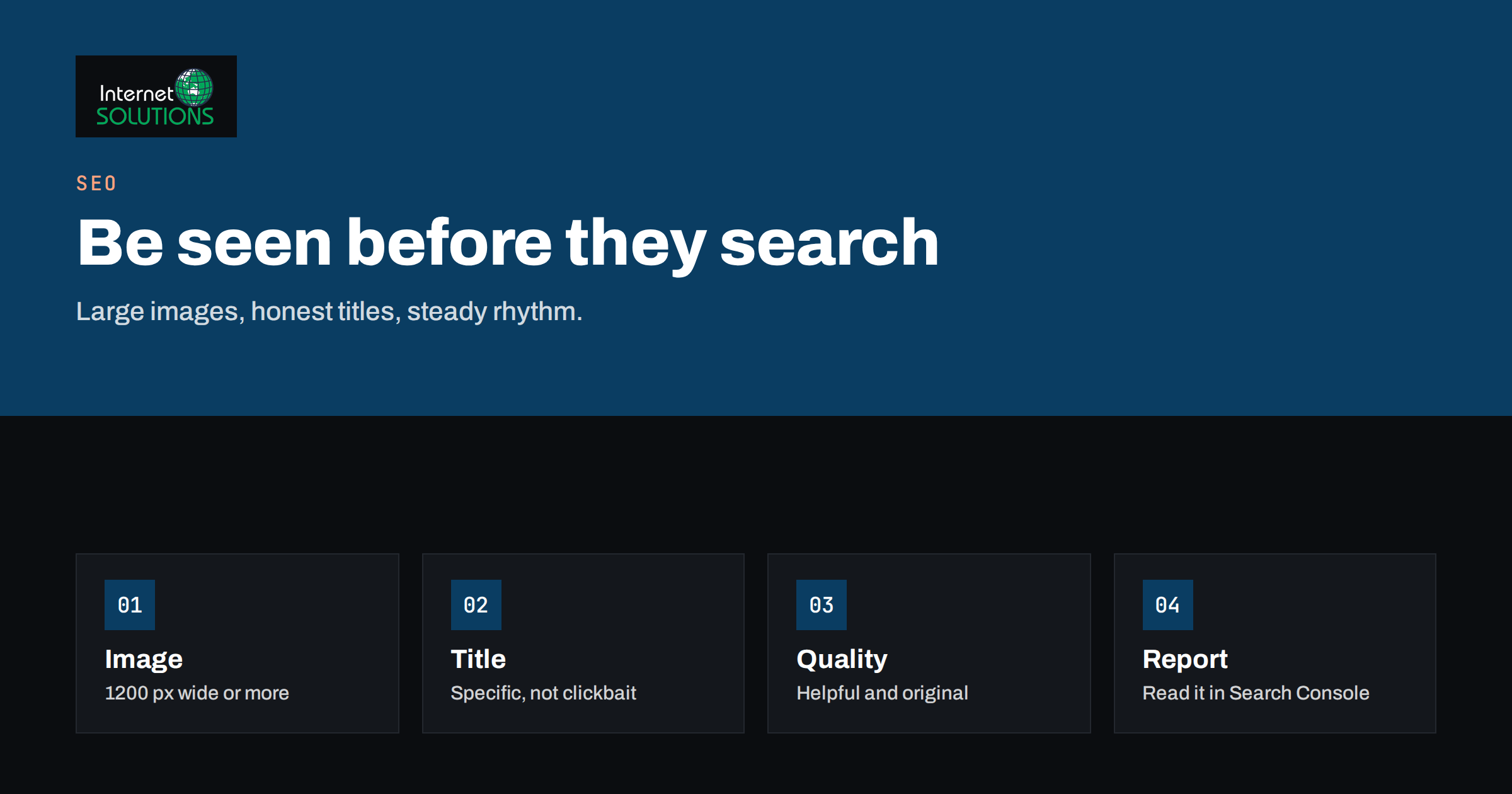
Google Discover is the personalised stream of articles, videos and web stories that appears on the home screen of the Google app and in some mobile browsers, before the user has typed a single search. For publishers, blogs and businesses with a steady stream of useful content, it can send bursts of traffic that dwarf normal search visits for a day or two. For others, it never appears at all, and many site owners first learn that Discover exists when a spike shows up in their analytics. Because the feed is not driven by queries, the rules that govern ranking in Google Search do not apply in the same way, and the traffic can feel unpredictable: generous one week, almost absent the next.
This guide explains how Google Discover works, what Google says about eligibility, how images, titles and content quality influence your chances, how to find and read your own Discover data, and how to build a content approach that does not depend on luck. It also sets honest expectations, because a business that treats Discover as a channel it controls will be disappointed. The goal is to know what you can influence and to avoid the shortcuts that put visibility at risk.
What Discover Is and How It Differs From Search
In Search, a person types a query and Google ranks pages that answer it. In Discover, there is no query. Google predicts what the user may find interesting from signals such as their past searches, the topics and publishers they follow, their location and the type of content they engage with, and then fills a feed with matching items. Users can follow topics, tap to see fewer stories on a subject and choose publishers they like, which means the feed reflects both Google’s predictions and the user’s own choices.
This difference changes how you think about content. For search, you target a need that people express. For Discover, you create something that interests people who had no intention of looking for it, often a timely, visual and engaging article. Evergreen guides and helpful pages can appear too, but the feed rewards freshness, a strong image and a topic that matches an audience’s interests. Google describes the system and its requirements in its documentation on how to get on Discover.
What Google Says About Eligibility
According to Google’s documentation, there is no special markup that makes a page eligible for Discover. Content is automatically considered if it is indexed by Google and meets Discover’s content policies. Those policies exclude content that is dangerous, deceptive, hateful, sexually explicit or violent, content that misrepresents the page, and material that tries to manipulate the feed. Because eligibility is automatic, the work is in quality, not in tagging.
| Factor | What Google recommends | Practical meaning |
|---|---|---|
| Indexing | Pages must be indexed in Search | Fix crawling and indexing problems first |
| Content policies | No policy-violating content | Avoid clickbait, deception and sensational claims |
| Titles | Titles that capture the content without being misleading or exaggerated | Write honest, specific headlines |
| Images | High-quality, large images, at least 1200 pixels wide, with large image previews enabled | Use original, sharp pictures and allow large previews |
| Quality | Helpful, reliable, people-first content | Show experience, expertise and clear authorship |
| Timeliness | Fresh content that is relevant now tends to fare well | Publish on a rhythm and react to events in your field |
Images: The Single Biggest Lever You Control
Discover is a visual feed, and the picture decides whether anyone taps. Google recommends large images at least 1200 pixels wide and tells publishers to enable large image previews, either with the robots meta tag “max-image-preview:large” or by using accessible, high-resolution images in the page. Without that setting, Google may show only a small thumbnail or skip the item. Pictures should be sharp, relevant and attractive. Avoid logos or generic stock images as the main visual, and do not put a long line of text into the picture, because it may be cropped or unreadable on a phone.
- Use original images when possible. A photograph or illustration made for the article performs better than an overused stock image.
- Make the subject clear. The key element should stay visible when the image is cropped to a wide card.
- Specify the image in the page. Make it the main image through the markup that your CMS or SEO plugin generates, and include it in the structured data of the article.
- Respect licensing and privacy. Use pictures you own or have the right to use, and remove location and camera metadata where it is not needed.
- Compress properly. Large images still need to load quickly.
Our guide to image SEO, file names, compression and modern formats covers the technical side, and the same article explains how to provide sharp images without slowing your pages.
Titles, Content and Trust
Discover items often show the page title as the headline, so write it for people, not for algorithms. A good Discover title is accurate, specific and interesting, without exaggeration. Google’s guidelines warn against clickbait and against titles that withhold the essential information to force a click. A title such as “How we cut our server costs by 40 percent in three steps” tells the reader what they will find, while “You will never believe what happened to our hosting bill” is the kind of wording that policies discourage and readers distrust.
The content behind the title has to deliver. Pages that are helpful, accurate, well written and clearly attributed do better in all Google systems, and Google has said that its ranking systems reward content made for people. Show who wrote the article, what experience they have and when it was last updated. Our article on E-E-A-T for business websites explains how to show experience and trust. Thin, repetitive or purely promotional articles seldom appear in Discover, and when they do, the audience does not stay.
Finding Your Discover Data
Search Console has a separate Discover performance report. It appears under Performance once your site has had enough Discover impressions, which means many small sites do not see it at all, and that is normal. The report shows clicks, impressions and click-through rate for Discover, along with the pages and countries involved, over the previous period. If you cannot see the report, your site has not reached the threshold, or the content is not appearing. Our guide to Google Search Console explains how to use the other reports for related insights, and Google documents the Performance report in its help pages.
When you can see the data, look for three things:
- Which pages appear. Check their topics, images and titles, and look for patterns. You may find that practical how-to articles do well while product announcements do not, or the reverse.
- How traffic behaves over time. Discover traffic typically peaks within a day or two of publishing and then falls away, so judge performance by peaks per article, not by steady daily averages.
- Engagement on the visits. Compare bounce, time on page and conversions with those from search. Discover visitors are browsing, not searching, and they often convert less immediately.
Why It Is Unpredictable
Discover depends on personal interest signals and on Google’s models, and Google does not guarantee any amount of traffic. Appearing one week says little about the next. Core updates, changes in how Google rates content quality and shifts in users’ interests can all change what a site receives. Sites sometimes lose most of their Discover visits after an update, and then regain them months later. For that reason, do not build a business model, or a hosting plan, on Discover traffic. Treat it as a bonus. Our article on Google core updates and ranking drops explains how to respond when visibility changes, and the same principles apply: improve quality, do not chase tricks.
Building a Content Approach That Suits Discover
- Know your audience’s interests. Write about topics your readers care about before they search for them: trends in your field, practical lessons, case studies and clear explanations of changes that affect them.
- Publish consistently. A regular rhythm gives Google more chances to see that your site is active and relevant. Our guide to planning a content calendar shows how to keep that rhythm without burning out.
- Invest in the visual layer. A good picture, a clean layout and a readable mobile page matter more here than in most channels.
- Keep pages fast and mobile-friendly. Discover visitors are on phones.
- Build a following. Users who follow your site or your topic area see more of your content, and a loyal audience helps in every channel.
- Encourage sharing and return visits. Newsletter subscribers and social followers are less dependent on Google’s decisions.
- Keep ethical standards. Policies protect users, and violations can remove a site from the feed.
Things to Avoid
- Clickbait headlines that exaggerate or hide the point.
- Misleading images that do not match the content.
- Scraped or spun content, which weakens trust and quality signals.
- Heavy pop-ups and interstitials that block the content on mobile.
- Disallowing large image previews in your robots settings or through an SEO plugin.
- Chasing every trending topic that has nothing to do with your expertise. Relevance and authority matter.
A Worked Example
A company that sells garden tools runs a blog with two articles a week. Most posts are seasonal guides with ordinary stock photographs. The owner notices that one article, about repairing a snapped spade handle, brought thousands of visits in two days from a source labelled Discover in analytics. Search Console confirms it in the Discover report. The article had an original photograph of the repair, a precise title and a clear step list, and it was published just before the first weekend of spring.
The owner looks for what made it different. The image was a close-up of hands and tools, the title promised a specific result and the article credited the workshop that made the repair. She adopts those three habits for the next dozen posts: an original photo at 1600 pixels wide with large previews enabled, a title that says what the reader will be able to do, and an author box. Two other articles appear in Discover over the next quarter, with smaller peaks. She adds a newsletter sign-up under each article to turn short visits into returning readers, and she stops expecting a steady flow.
Common Mistakes
- Expecting Discover to be a reliable channel.
- Using small or low-quality images.
- Writing sensational headlines, and then watching the page drop out of the feed.
- Ignoring indexing problems, so new articles never become eligible.
- Failing to measure the quality of Discover visits.
- Changing a successful template without understanding why it worked.
Frequently Asked Questions
Can I apply to be included in Discover?
No. There is no application or special markup. Eligible, indexed content that meets Google’s policies can be shown automatically.
Why do I not see a Discover report in Search Console?
The report appears only when your site has received enough Discover impressions. If you do not see it, your content has not appeared often enough, which is common for new or small sites.
Does Discover traffic convert?
It can, but visitors are browsing rather than searching, so direct sales are often lower than from search. Use it for awareness, newsletter sign-ups and return visits.
Do I need AMP or special formats?
No. Standard mobile-friendly pages can appear. Web stories, if you create them, can also be shown, but they are optional.
Why did my Discover traffic disappear?
Possible reasons include a core update, a drop in content quality signals, a change in your publishing rhythm, a technical change that affects images or indexing, or a shift in user interest. Review the quality of your content and technical settings, and avoid sudden tricks.
How can I increase my chances?
Publish helpful, original content on topics your audience cares about, use large, sharp images with large previews enabled, write honest titles and keep a regular rhythm. There is no guarantee, but those steps match Google’s guidance.
The Bottom Line
Google Discover can bring bursts of visits from people who were not searching, but it cannot be switched on, bought or promised. Make sure your pages are indexed, write honest and specific titles, use large original images with large previews enabled, publish helpful content on a steady rhythm and read the Discover report if Search Console shows one. Treat the traffic as a welcome extra and put your main effort into content and channels you control, such as search and your own audience. For help with the technical side and a content plan, our SEO team can review your site.