

 English
 Lietuvių
 Latviešu
 Eesti
Eesti Русский
 Polski
 Українська
 Deutsch
 Italiano
 Español
 Français
 Português
 Čeština
 Magyar
 Română
 Ελληνικά
 Türkçe
 日本語
日本語 العربية
 हिन्दी
 Bahasa Indonesia
 Bahasa Melayu
 ไทย
ไทย Tiếng Việt
 বাংলা
বাংলাImage SEO: Alt Text, File Names, Compression and Modern Formats
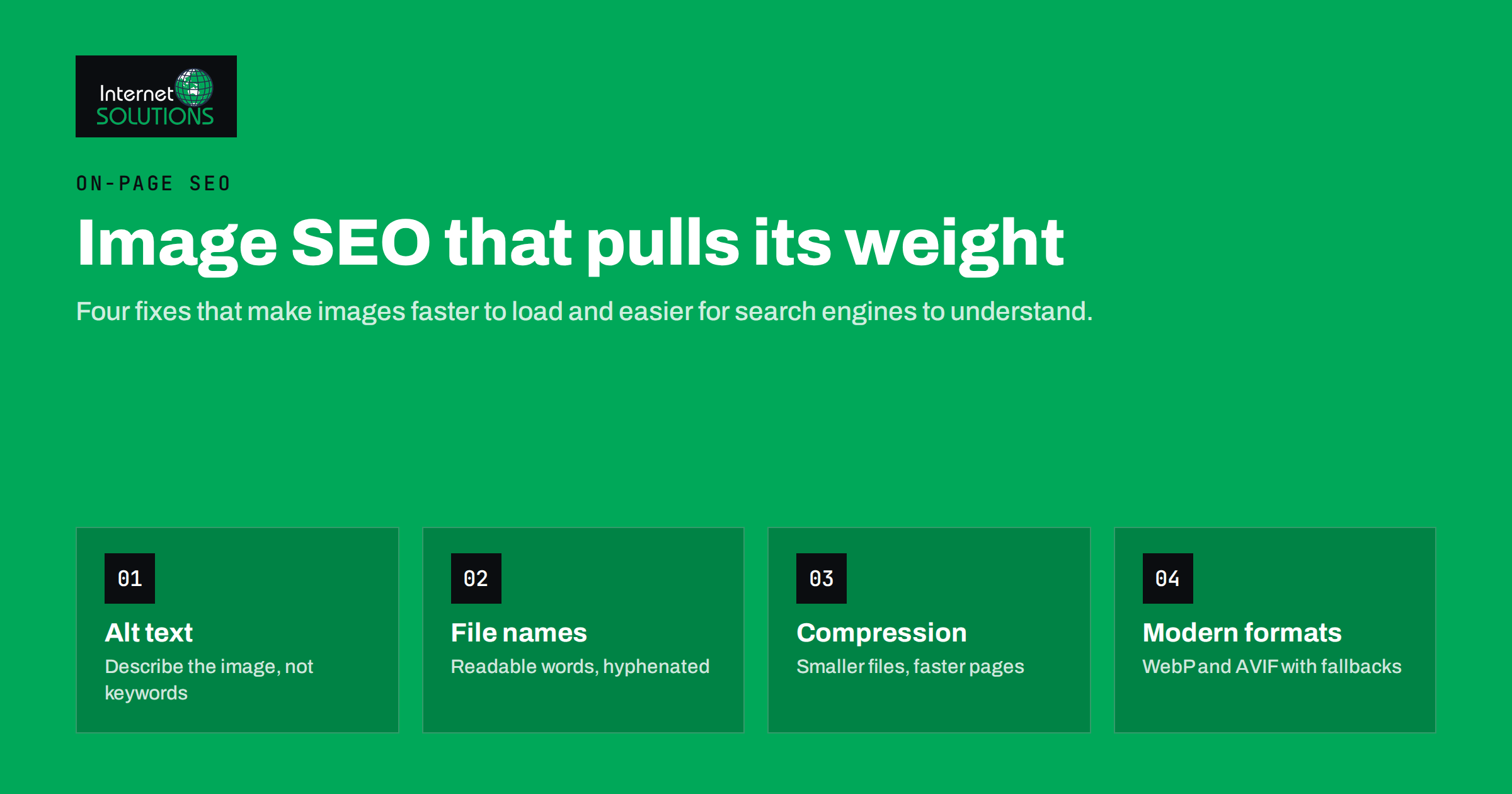
Images are usually the heaviest part of a web page and the part search engines understand least. That combination makes image SEO one of the most rewarding clean-up jobs on a business website. Done well, it makes pages load faster, helps them rank in regular and image search, and makes content accessible to people who use screen readers. Done badly, it produces slow pages full of files named IMG_4821.jpg with alt text stuffed with keywords.
This guide covers the four areas that matter most: alt text, file names, compression and modern formats, plus the technical details around them such as dimensions, lazy loading, sitemaps and structured data. Each section ends with something you can check on your own site today.
Why Image SEO Matters for Business Websites
There are three separate benefits, and they reinforce each other.
- Visibility. Google Images and image results inside regular search send real traffic, especially for products, places, recipes, designs and anything people want to see before buying.
- Speed. Oversized images are the most common reason for slow pages. Page experience affects both rankings and conversion rates, and the largest image on a page is often the element that decides how quickly it appears to load.
- Accessibility and understanding. Alt text lets screen reader users understand images, and it gives search engines context that pixels alone do not provide.
Google’s own guidance on image SEO best practices covers the same themes: use real HTML image elements, place images near relevant text, write descriptive alt text and file names, and serve fast, high-quality files.
Alt Text: Describe the Image, Not the Keyword List
Alt text is the text alternative in the alt attribute of an image. Screen readers read it aloud, browsers show it when the image fails to load, and search engines use it to understand what the image shows.
What good alt text looks like
Good alt text describes what is in the image in the context of the page, in plain language, usually in one short sentence. Compare these examples for a photo on a plumbing company’s service page:
- Poor:
alt="image1" - Stuffed:
alt="plumber plumbing services emergency plumber best plumber city" - Good:
alt="Plumber replacing a leaking pipe under a kitchen sink"
The good version helps a blind visitor, tells Google what the image shows and naturally contains relevant words without forcing them.
When alt text should be empty
Purely decorative images, such as background patterns, dividers or icons next to text that already says the same thing, should have an empty alt attribute (alt="") so screen readers skip them. Do not remove the attribute entirely: a missing alt is not the same as an empty one. The W3C images tutorial has a helpful decision tree for informative, functional and decorative images.
Special cases
- Linked images and buttons: describe the destination or action, such as “Download the price list”, not the picture.
- Images of text: repeat the text in the alt attribute, or better, use real text instead of an image.
- Charts and diagrams: give a short summary in the alt text and the full data in the surrounding text or a table.
- Product photos: include the distinguishing details: model, colour, angle or feature shown.
Alt text is also a legal accessibility requirement for many organisations. Our practical guide to website accessibility and WCAG compliance explains where images fit into the bigger picture.
File Names and Surrounding Context
File names are a small signal, but they are free and they make your media library easier to manage.
- Use short, descriptive words separated by hyphens:
kitchen-sink-pipe-repair.jpg, notDSC_0042.JPGorkitchen_sink_pipe_repair_final_v2.jpg. - Use lowercase letters and avoid spaces and special characters, which turn into encoded symbols in URLs.
- Rename before uploading. Renaming later in a CMS often changes the URL and can break embedded links.
Context matters more than the file name. Search engines look at the text around an image, the page title, headings and captions. An image placed next to a paragraph that explains it is far easier to understand than the same image in a generic gallery. Captions are read by many visitors, so use them when they add information.
Compression: Smaller Files, Faster Pages
A photo straight from a modern phone can be several megabytes and thousands of pixels wide. Displayed in an 800-pixel column, most of that data is wasted, and visitors on mobile connections pay for it in waiting time.
Resize to the size you actually display
Start by resizing images to the largest size they are shown at, allowing for high-density screens. For a content column 800 pixels wide, a source image around 1600 pixels wide covers most sharp displays. There is rarely a reason to upload a 6000-pixel original.
Compress with sensible quality
Lossy compression removes detail that the eye barely notices. For photos, a quality setting in the range most tools call medium to high usually cuts file size dramatically with no visible difference. Check the result at 100 percent zoom on the important parts of the image, such as faces and product edges, rather than trusting a number.
Serve responsive sizes
The srcset and sizes attributes let the browser choose a smaller file on phones and a larger one on wide screens. WordPress generates several sizes automatically and adds srcset to content images, which is one reason to upload images through the media library instead of hotlinking them.
Image weight is closely tied to Core Web Vitals, especially Largest Contentful Paint. Our article on website speed and Core Web Vitals shows how to find which image is slowing a page down.
Modern Formats: WebP, AVIF and When to Use Each
Image format has a big effect on file size. The table compares the formats you are most likely to use. For a full technical reference, see the MDN guide to image file types.
| Format | Best for | Transparency | Typical size vs JPEG | Notes |
|---|---|---|---|---|
| JPEG | Photos | No | Baseline | Universal support; good fallback |
| PNG | Screenshots, logos, graphics with sharp edges | Yes | Much larger for photos | Lossless; avoid for large photos |
| WebP | Photos and graphics | Yes | Usually noticeably smaller | Supported by all current major browsers |
| AVIF | Photos where size matters most | Yes | Often smaller than WebP | Slower to encode; supported by current major browsers |
| SVG | Logos, icons, simple illustrations | Yes | Tiny for simple shapes | Vector, scales perfectly; sanitise uploaded SVG files |
A practical approach
For most business sites the simplest reliable setup is: SVG for logos and icons, WebP for photos and complex graphics, and JPEG or PNG only as a fallback where needed. If your CMS or image plugin can generate AVIF, test it on your largest images. Use the picture element or your platform’s built-in conversion to serve modern formats with a fallback, so older software still gets an image.
One caution: converting a badly sized image to WebP does not fix it. Resize first, then compress, then convert.
Technical Details That Search Engines Notice
Use real image elements
Search engines index images in img elements. Images added only as CSS backgrounds are generally not indexed as images, so use CSS backgrounds for decoration and real image elements for content.
Set width and height
Width and height attributes let the browser reserve space before the image loads. Without them, text jumps as images appear, which harms Cumulative Layout Shift and annoys readers.
Lazy-load below the fold, not above it
Native lazy loading (loading="lazy") delays off-screen images until the visitor scrolls near them. The guide to browser-level lazy loading explains the details. Do not lazy-load the main image at the top of the page: it delays the most important visual element.
Image sitemaps and structured data
If you depend on image search, for example as a photographer or a shop, make sure important images are discoverable. Most SEO plugins include images in the XML sitemap. Product, recipe and article structured data can reference images, which helps them appear in rich results. Social sharing images are set through Open Graph tags, which is a separate step worth checking on every article template.
Image SEO for Online Shops and Local Businesses
Some sites depend on images more than others, and they benefit from a few extra steps.
Online shops
Product images are often the first thing a buyer sees, in search results as well as on the product page. Show each product from several angles, include a photo in use and keep a consistent background so category pages look tidy. Write alt text that separates variants: “Blue waterproof hiking jacket, front view” and “Blue waterproof hiking jacket, hood detail” tell both shoppers and search engines more than the product name repeated five times. Make sure the main product image is referenced in the product structured data and in the Open Graph image, so the same picture appears in rich results and when the page is shared.
Local and service businesses
Real photos of your premises, your team and finished work build trust and help pages stand out from competitors who use the same stock images. Add them to service pages next to the text they illustrate, and keep file sizes small, because many local searches happen on phones outside the office. The same photos, uploaded to your business profile on maps services, help people recognise the place when they arrive.
An Image SEO Audit You Can Run in an Afternoon
- Run a crawler or an SEO analysis tool and export every image with its alt text, file size and dimensions.
- Filter images over roughly 200 KB and list the pages they appear on. Start with the templates that carry the most traffic.
- Find images without an alt attribute, and images with alt text that is just a file name or a keyword list.
- Check that the main image on key pages is not lazy-loaded and has width and height set.
- Confirm that your platform serves WebP or AVIF, or install a trusted plugin that does.
- Spot-check ten pages on a phone over a mobile connection. Real experience catches problems that reports miss.
- Write a short upload guideline for everyone who publishes content: maximum dimensions, naming, alt text rules.
The last step prevents the problem from coming back. Image SEO is mostly a publishing habit, and it belongs in the same routine as the on-page checks described in our SEO services.
Common Image SEO Mistakes
- Keyword-stuffed alt text. It reads badly for screen reader users and can look manipulative.
- Uploading originals. Multi-megabyte photos in blog posts are the most common speed problem we see.
- Text inside images. Headings and prices baked into images are invisible to search engines and hard to translate.
- Stock photos everywhere. Generic images add weight without adding meaning. Original photos of your work, team and products are more useful to readers and more distinctive in search.
- Blocking image folders in robots.txt. If image files cannot be crawled, they cannot appear in image search.
Frequently Asked Questions
Does alt text help SEO?
Yes. Alt text helps search engines understand what an image shows and how it relates to the page, which matters for image search. Its main purpose is accessibility, so write it for people first.
How long should alt text be?
Usually one short sentence, often under about 125 characters, is enough. Describe what matters in the context of the page and avoid starting with “image of”.
Should I convert all my images to WebP?
For photos and complex graphics, WebP is a good default because it is widely supported and usually smaller than JPEG. Keep SVG for logos and icons, and make sure a fallback exists where needed.
Is AVIF better than WebP?
AVIF often produces smaller files at similar quality, but it is slower to encode and not every tool supports it. Test both on your largest images and choose what your platform handles reliably.
Do image file names affect rankings?
They are a small signal. Descriptive, hyphenated names help search engines a little and make your media library much easier to manage, so rename files before uploading.
Should every image be lazy-loaded?
No. Lazy-load images below the fold, but load the main image at the top of the page normally, because delaying it slows down how quickly the page appears to load.
The Bottom Line
Image SEO comes down to four habits: describe images honestly in alt text, name files with readable words, resize and compress before uploading, and serve modern formats such as WebP with sensible fallbacks. Add width and height, lazy-load only what sits below the fold, and keep important images crawlable. None of this is complicated, but it has to be done consistently. Put the rules into your publishing checklist and every new page will be faster, more accessible and easier for search engines to understand.